
PandasDatasetHandler
PandasDatasetHandler is a Python package that provides utility functions for loading, saving, and processing datasets using Pandas DataFrames. It supports multiple file formats for reading and writing, as well as partitioning datasets into smaller chunks.
Features
- Load datasets from multiple file formats (CSV, JSON, Parquet, ORC, XML, HTML, HDF5, XLSX and Markdown).
- Save datasets in various formats including CSV, JSON, Parquet, ORC, XML, HTML, HDF5, XLSX and Markdown.
- Partition a DataFrame into smaller datasets for efficient processing.
- Custom error handling for incompatible actions, formats, and processing.
Installation
To install the package, you can use pip:
pip install pandas-dataset-handler
Usage Example
This table provides a quick reference for mapping common file types to their corresponding argument names used in functions or libraries that require specifying the file format.
| File Type | Function Argument Name |
|---|---|
| CSV | 'csv' |
| JSON | 'json' |
| Parquet | 'parquet' |
| ORC | 'orc' |
| XML | 'xml' |
| HTML | 'html' |
| HDF5 | 'hdf5' |
| XLSX | 'xlsx' |
| Markdown | 'md' |
1. Importing the package
import pandas as pd
from pandas_dataset_handler import PandasDatasetHandler
2. Loading a dataset
You can load a dataset using the load_dataset method. It will automatically detect the file format based on the extension.
dataset = PandasDatasetHandler.load_dataset('path/to/your/file.csv')
3. Saving a dataset
To save a DataFrame in a specific file format, use the save_dataset method. You can specify the directory, base filename, and the format (e.g., CSV, JSON, Parquet, etc.).
PandasDatasetHandler.save_dataset(
    dataset=dataset,
    action_type='write',  # action type should be 'write' for saving
    file_format='csv',    # file format such as 'csv', 'json', 'parquet', etc.
    path='./output',      # path where the file will be saved
    base_filename='output_file'  # base filename for the saved file
)
4. Partitioning a dataset
You can partition a dataset into smaller DataFrames for distributed processing or other use cases:
partitions = PandasDatasetHandler.generate_partitioned_datasets(dataset, num_parts=5)
Example Code
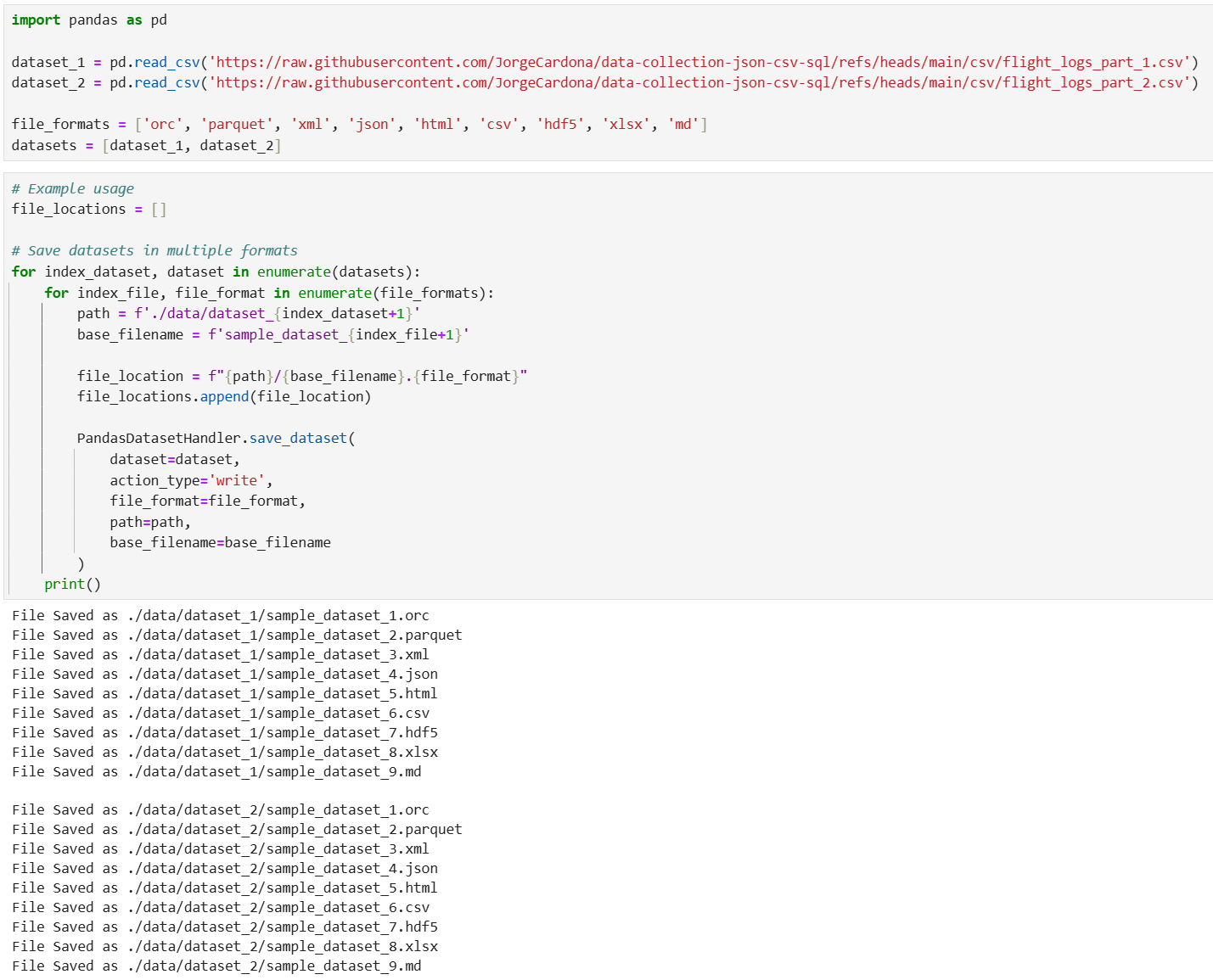
import pandas as pd
from pandas_dataset_handler import PandasDatasetHandler

dataset_1 = pd.read_csv('https://raw.githubusercontent.com/JorgeCardona/data-collection-json-csv-sql/refs/heads/main/csv/flight_logs_part_1.csv')
dataset_2 = pd.read_csv('https://raw.githubusercontent.com/JorgeCardona/data-collection-json-csv-sql/refs/heads/main/csv/flight_logs_part_2.csv')

file_formats = ['orc', 'parquet', 'xml', 'json', 'html', 'csv', 'hdf5', 'xlsx', 'md']
datasets = [dataset_1, dataset_2]
# Example usage
file_locations = []

# Save datasets in multiple formats
for index_dataset, dataset in enumerate(datasets):
    for index_file, file_format in enumerate(file_formats):
        path = f'./data/dataset_{index_dataset+1}'
        base_filename = f'sample_dataset_{index_file+1}'

        file_location = f"{path}/{base_filename}.{file_format}"
        file_locations.append(file_location)

        PandasDatasetHandler.save_dataset(
            dataset=dataset,
            action_type='write',
            file_format=file_format,
            path=path,
            base_filename=base_filename
        )
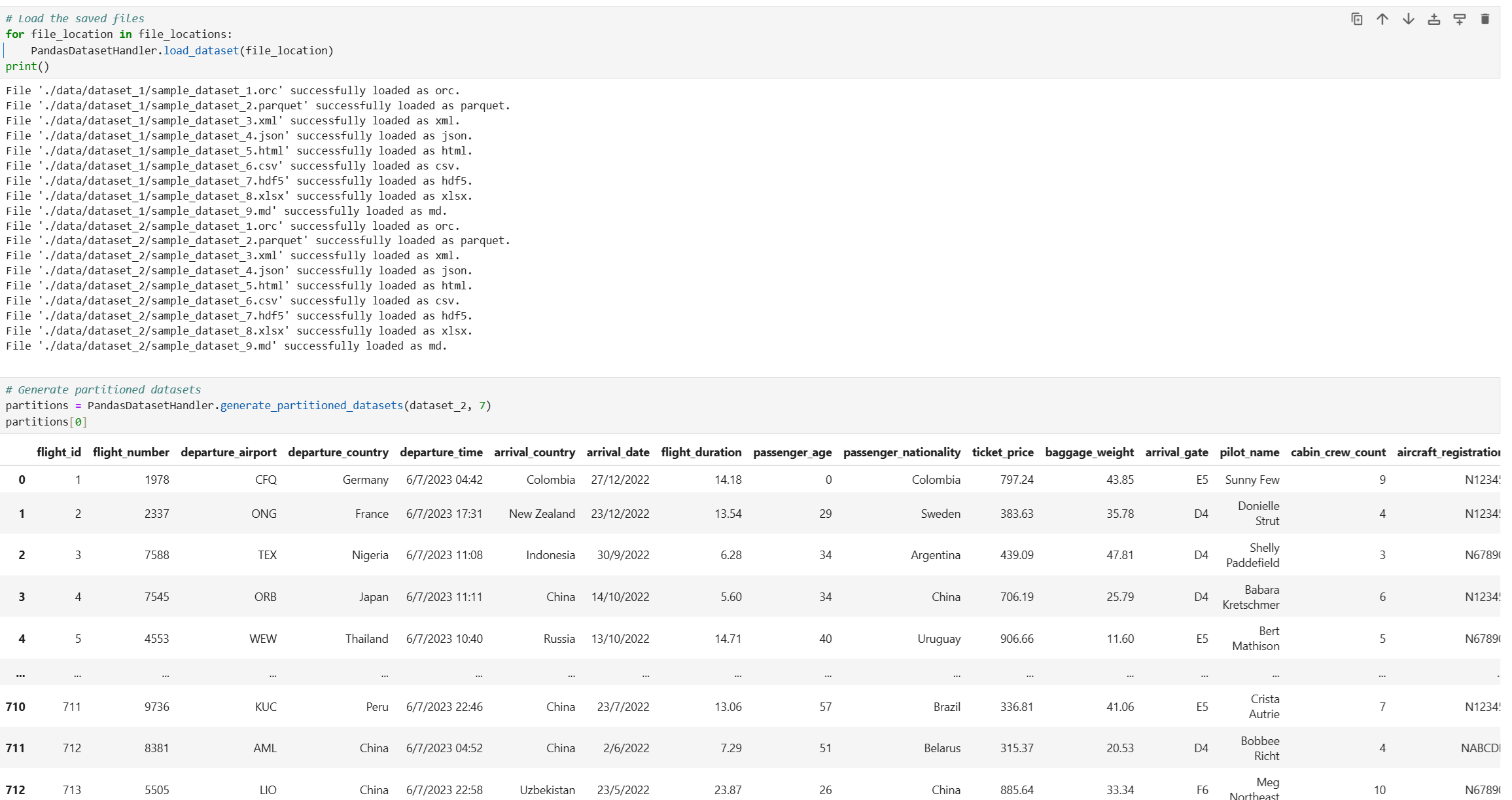
# Load the saved files
for file_location in file_locations:
    PandasDatasetHandler.load_dataset(file_location)
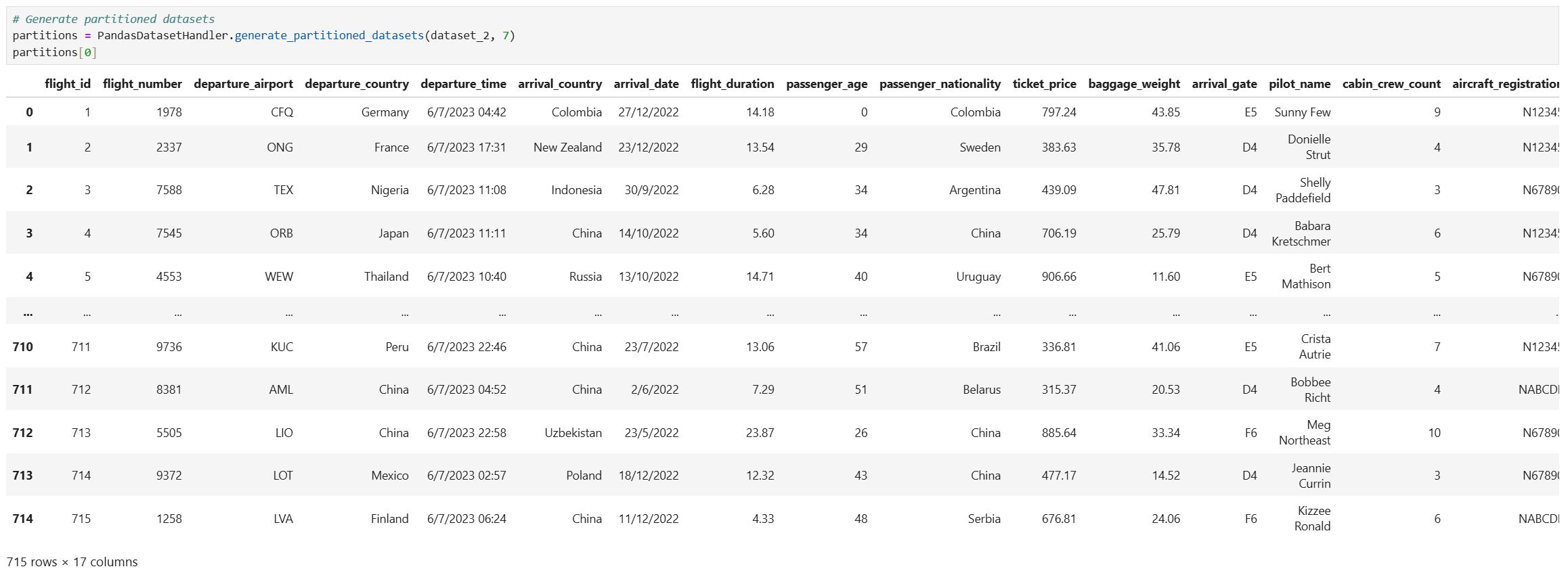
# Generate partitioned datasets
partitions = PandasDatasetHandler.generate_partitioned_datasets(dataset_2, 7)
partitions[0]
Error Handling
The package raises custom exceptions for handling different error scenarios:
read_orc()is not compatible with Windows OS.IncompatibleActionError: Raised when the specified action is not supported (e.g., trying to read a dataset when an action to write is expected).IncompatibleFormatError: Raised when the file format is not supported.IncompatibleProcessingError: Raised when neither the action nor the format is supported for processing.SaveDatasetError: Raised when an error occurs while saving a dataset in a specific format.LoadDatasetError: Raised when an error occurs while loading a file in a specific format.
Exception Handling Example
try:
    PandasDatasetHandler.save_dataset(dataset, 'write', 'xml', './output', 'example')
except SaveDatasetError as e:
    print(f"Error saving the dataset: {e}")
except IncompatibleFormatError as e:
    print(f"Unsupported format: {e}")
except IncompatibleActionError as e:
    print(f"Unsupported action: {e}")
except IncompatibleProcessingError as e:
    print(f"Processing not supported: {e}")
License
This package is licensed under the MIT License. See the LICENSE file for more details.
1 maintainer

Release files for pandas-dataset-handler 0.2.13.22
For a detailed explanation of source distributions (sdists) and built distributions (wheels), please see the package formats documentation.
Source distribution (sdist)
| File | Size | Uploaded | |
|---|---|---|---|
| pandas-dataset-handler-0.2.13.22.tar.gz | 6.2 kB | Details |
Built distribution (wheel)
| File | Interpreter | ABI | Platform | Reset |
|---|---|---|---|---|
| pandas_dataset_handler-0.2.13.22-py3-none-any.whl | Python 3 | none | any | Details |
Total release size: 12.8 kB
Release files / pandas-dataset-handler-0.2.13.22.tar.gz
| Download URL | pandas-dataset-handler-0.2.13.22.tar.gz |
|---|---|
| Size | 6.2 kB |
| Tags | Source |
|
SHA-256 checksum How to use checksums |
42c2a0ff9ba60a085e3b3109d9abecd21c78955f69d2de5d44562e3194942334
|
|
BLAKE2b-256 checksum How to use checksums |
0056602ec840dfb1d7123dadafd74aae431033ec429d483f28fbd6f874309e31
|
| Upload date | |
|
Uploaded using Trusted Publishing? What is trusted publishing? |
No |
| Uploaded via |
twine/5.1.1 CPython/3.9.20
|
Release files / pandas_dataset_handler-0.2.13.22-py3-none-any.whl
| Download URL | pandas_dataset_handler-0.2.13.22-py3-none-any.whl |
|---|---|
| Size | 6.7 kB |
| Tags | Python 3 |
|
SHA-256 checksum How to use checksums |
874d0e8c789c1f9f69e39553120f351b682d96baf6c065a26f2974a56c64f24e
|
|
BLAKE2b-256 checksum How to use checksums |
ce6304834baa2610fe05f03f2141db2b168f96063ffbb4e9b84a3fc8708124c2
|
| Upload date | |
|
Uploaded using Trusted Publishing? What is trusted publishing? |
No |
| Uploaded via |
twine/5.1.1 CPython/3.9.20
|














