

Installation and First Usage
Prerequisites
- Python 3.10, 3.11, or 3.12
- pip (for package management)
Installation Methods
Create a new environment with Python 3.10+ and install the project in development mode:
# Create and activate a virtual environment
python3.12 -m venv .venv
source .venv/bin/activate  # On macOS/Linux
# .venv\Scripts\activate   # On Windows

# Install the project and dependencies
pip install -e .
Running the Application
After installation, you can start the application using the entry point:
# Using the installed entry point
parallax-maker

# Or run the module directly
python -m parallax_maker.webui
You can then reach the web ui via http://127.0.0.1:8050/. Be prepared that the first time, any new functionality is used, the corresponding models need to be downloaded first. This can take a few minutes based on your connection speed. If you want to prefetch the default models, you can start the application with:
parallax-maker --prefetch-models=default
[!NOTE] If you want to make changes to the styles, you need to set up
nodeand runnpm run buildto rebuild the tailwind css file. This requires installingtailwindcssvianpm install -D tailwindcss.
[!IMPORTANT]
To use Stable Diffusion 3 Medium, you will need to install the current versio of diffusers from github.
Parallax-Maker
Provides a workflow for turning images into 2.5D animation like the one seen above.
Features
- Segmentation of images
- Using depth models like Midas or ZeoDepth
- Using instance segmentatio via Segment Anything with multiple positive and negative point selection
- Adding and removing of cards, direct manipulation of depth values
- Inpainting
- Inpainting of masks that can be padded and blurred
- Replacing the masked regions with new images via image generation models like Stable Diffusion 1.0 XL, Stable Diffusion 3 Medium, Automatic1111 or ComyfUI endpoints as well as the StabilityAI API.
- 3D Export
- Generation of glTF scenes that can be imported into Blender or Unreal Engine
- Support for depth displacement of cards to generate more realistic 3D geometry
- In browser 3D preview of the generated glTF scene.
Basic Examples
Using an input image, the tool runs a depth model like Midas or DINOv2 to generate a depth map
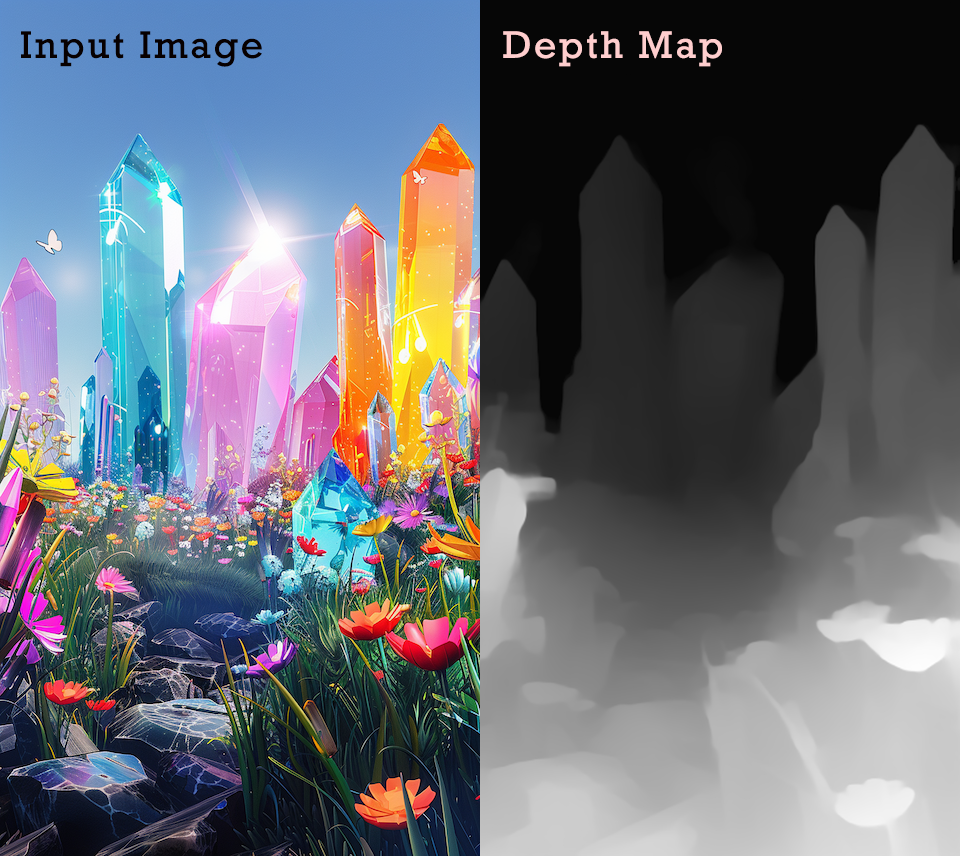
and then creates cards that can be used for 2.5 parallax animation.

This animation was created using the following command:
ffmpeg -framerate 24 -i rendered_image_%03d.png -filter_complex "fps=5,scale=480:-1:flags=lanczos,split[s0][s1];[s0]palettegen=max_colors=32[p];[s1][p]paletteuse=dither=bayer" output.gif
3D Export
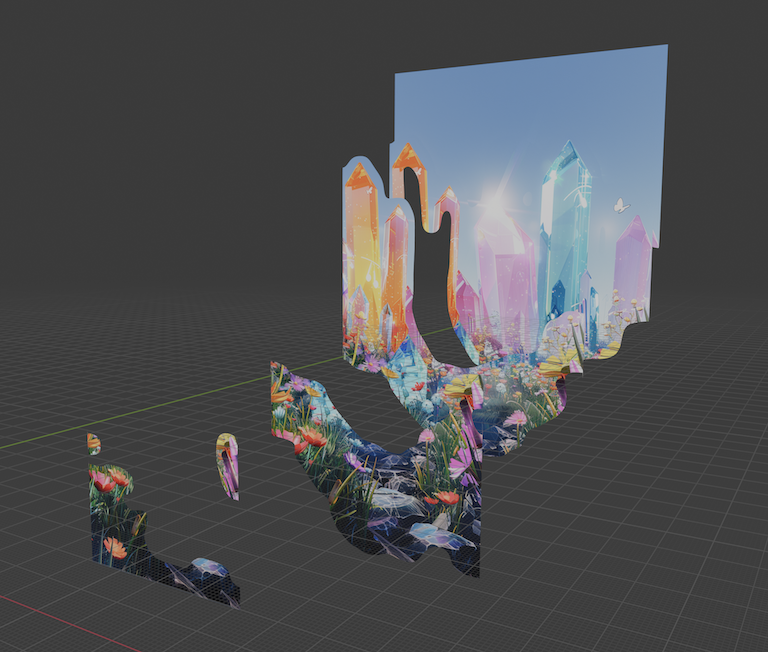
The tool also supports generating a glTF2.0 scene file that an be easily imported into 3D apps like Blender or Unreal Engine.
[!TIP] To utilize depth of field camera effects for the Blender scene, the material needs to be changed to ALPHA HASHED.
[!TIP] To utilize depth of field camera effects for Unreal Engine, the material needs to be changed to Translucent Masked.
Web UI
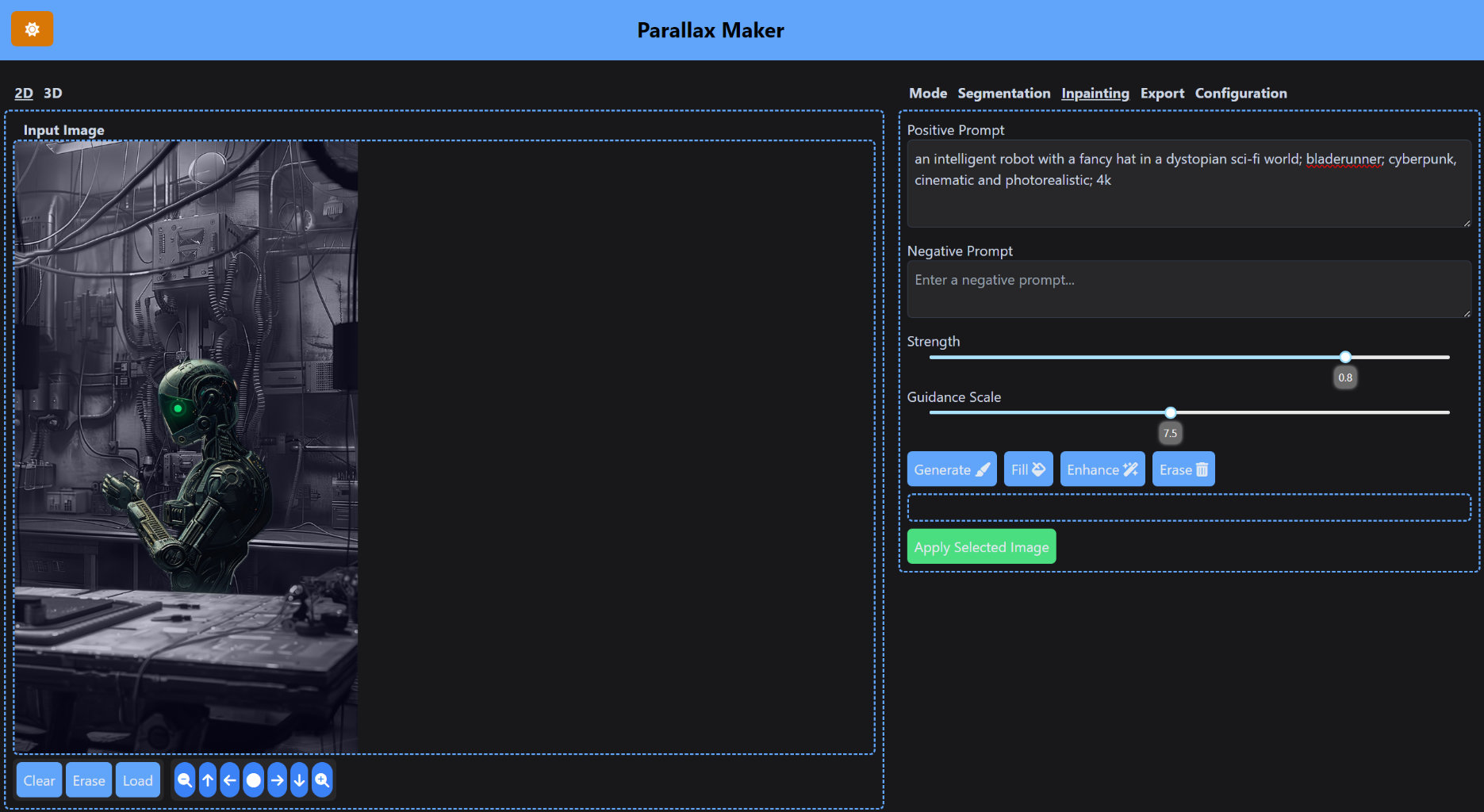
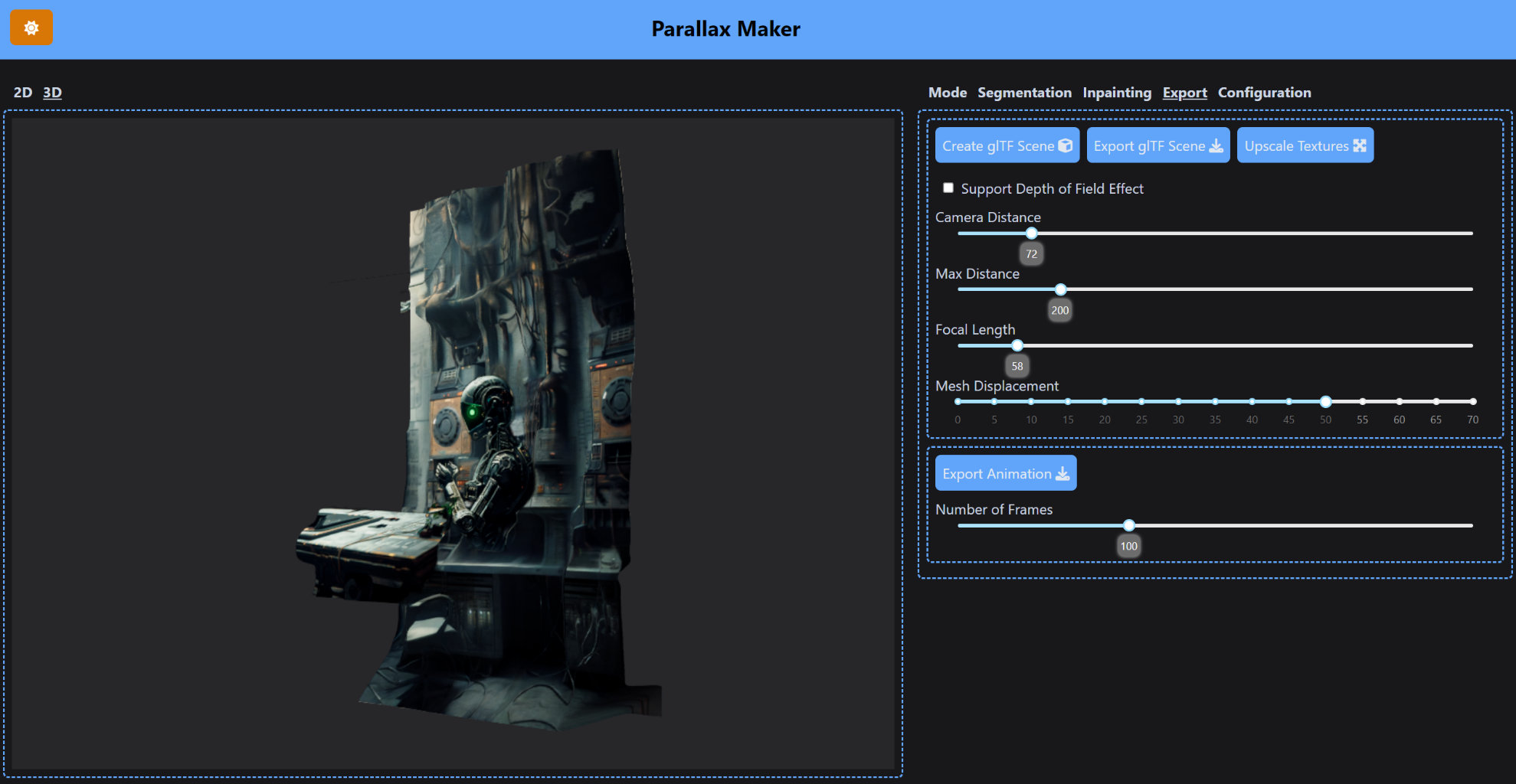
A Dash based Web UI provides a browser assisted workflow to generated slices from images, inpaint the slices and then export them as a glTF scene to Blender or Unreal Engine. The resulting glTF scene can also be visualized within the app or manipulated via a command line tool and the state file saved by the app.
Docker Usage
The Docker image is available for both ARM64 (Apple Silicon) and AMD64 (Intel/AMD) architectures.
# Pull and run the container
docker pull nielsprovos/parallax-maker:v1.0.1
docker run -it -p 8050:8050 \
    -v $(pwd)/.cache:/root/.cache/ \
    -v $(pwd)/workdir:/app/workdir \
    nielsprovos/parallax-maker:v1.0.1
Advanced Use Cases
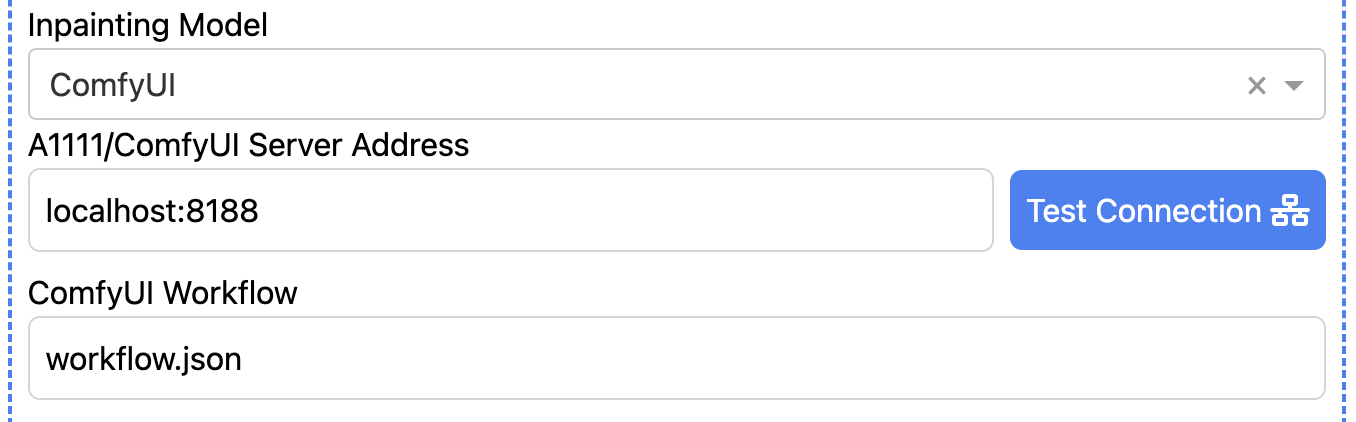
Parallax Maker also supports the Automatic1111 and ComfyUI API endpoints. This allows the tool to utilize GPUs remotely and potentially achieve much higher performance compared to the local GPU. It also means that it's possible to use more specialzied inpainting models and workflows. Here is an example ComfyUI inpainting workflow that makes use the offset lora published by Stability AI.
Watch the Video

Tutorials
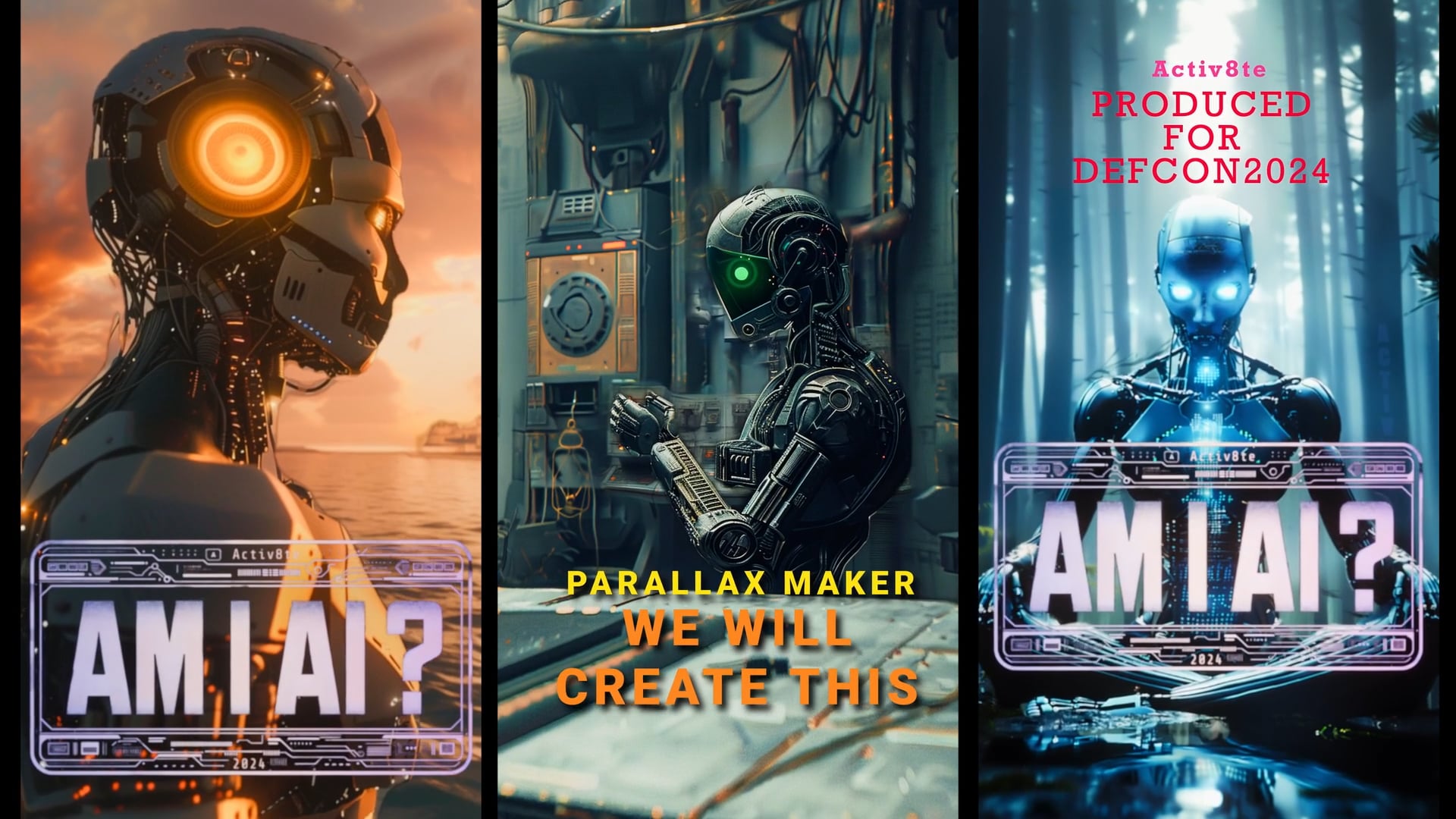
Segmentation and Inpainting Tutorial
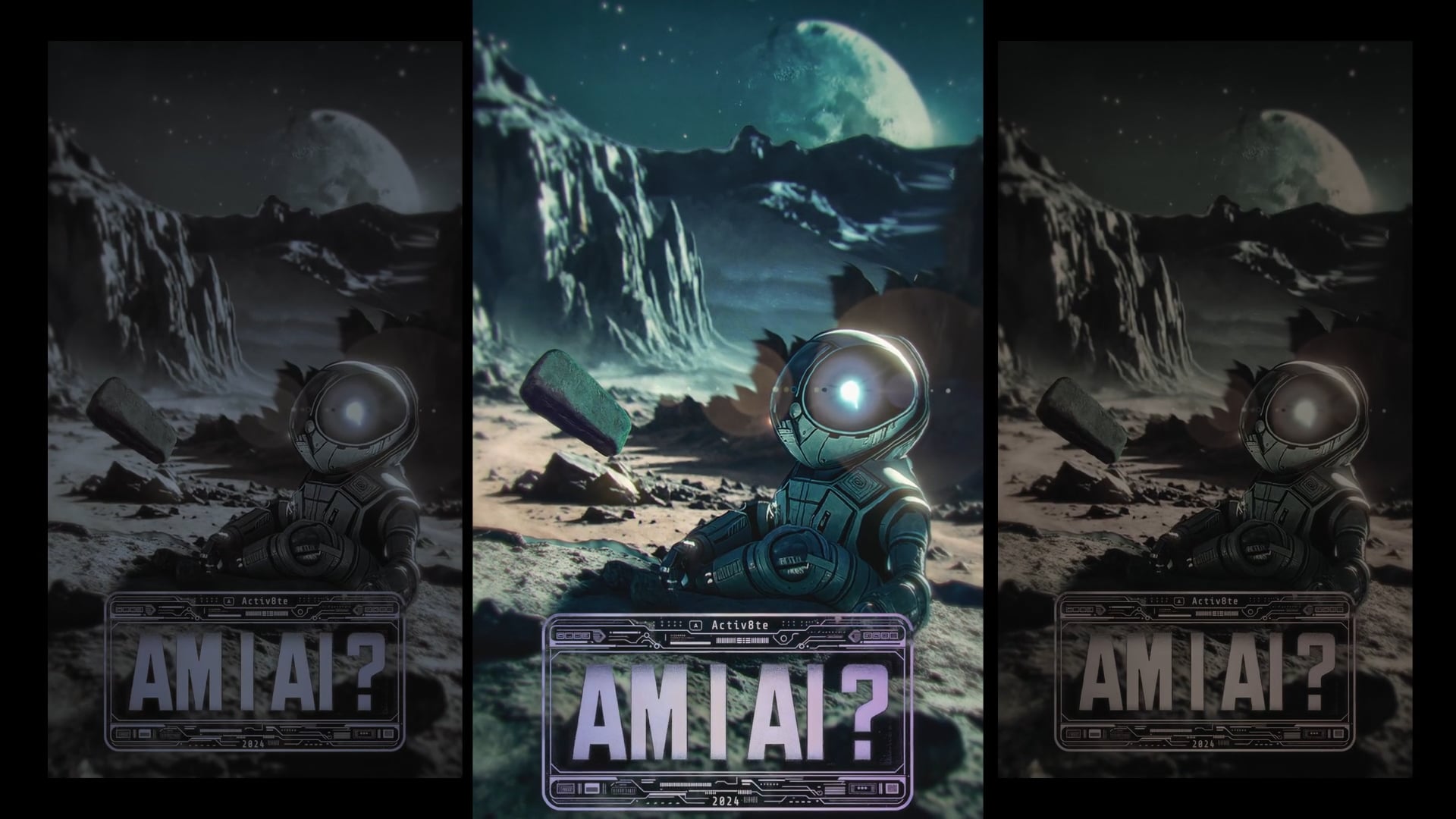
Unreal Engine Import and Rendering Tutorial
1 maintainer

Metadata
1 maintainer
Release files for parallax-maker 1.0.3
For a detailed explanation of source distributions (sdists) and built distributions (wheels), please see the package formats documentation.
Source distribution (sdist)
| File | Size | Uploaded | |
|---|---|---|---|
| parallax_maker-1.0.3.tar.gz | 110.7 kB | Details |
Built distribution (wheel)
| File | Interpreter | ABI | Platform | Reset |
|---|---|---|---|---|
| parallax_maker-1.0.3-py3-none-any.whl | Python 3 | none | any | Details |
Total release size: 230.2 kB
Release files / parallax_maker-1.0.3.tar.gz
| Download URL | parallax_maker-1.0.3.tar.gz |
|---|---|
| Size | 110.7 kB |
| Tags | Source |
|
SHA-256 checksum How to use checksums |
42138c7cccb0d718e3ef72ef198fe2b5ffac000fc317c635be50cefaa3dc45a3
|
|
BLAKE2b-256 checksum How to use checksums |
cea87b88d08498dd26515caa03ebc51cbb47cbe0c411706cb96a07bd2c1ea73f
|
| Upload date | |
|
Uploaded using Trusted Publishing? What is trusted publishing? |
No |
| Uploaded via |
twine/6.1.0 CPython/3.10.17
|
Release files / parallax_maker-1.0.3-py3-none-any.whl
| Download URL | parallax_maker-1.0.3-py3-none-any.whl |
|---|---|
| Size | 119.4 kB |
| Tags | Python 3 |
|
SHA-256 checksum How to use checksums |
09468c659732eb53d3e415cf468a17f7bc48b77eba54e8df879bef4a4fe79fc0
|
|
BLAKE2b-256 checksum How to use checksums |
ec248477389b38e2122935ed46cc8caf7b818b7053bd2653084d86ec365960ad
|
| Upload date | |
|
Uploaded using Trusted Publishing? What is trusted publishing? |
No |
| Uploaded via |
twine/6.1.0 CPython/3.10.17
|














