
pcra - Python Create React App
CLI for template-based project scaffolding based on the React to Python book
This highly opinionated but configurable script will create the initial structure for a React/Material-UI application that is programmed in Python (not JavaScript!) and uses Transcrypt to transpile the code into JavaScript.
The script performs the following actions:
- Creates a source code folder structure in the specified project folder
- Adds a set of core Python source code modules for creating the React application
- Optionally stubs out a Flask back-end application with basic user session management
- Creates virtual environments for front-end and back-end applications
- PIP installs Transcrypt and Flask into the virtual environments
- NPM installs Parcel and the Transcrypt plug-in for Parcel
- Adds a middleware script for serving the Flask application in development
- NPM installs react, material-ui, and other supporting JavaScript libraries
- Creates a local git repository and does an initial commit
- Initializes npm semver versioning for the front-end application
By default, the sample React application that is installed with py-create-react-app is just a placeholder for you to start building your application from. It is similar to the one you get when using the JavaScript create-react-app command.
If you would like to use the framework outlined in the React to Python book, you can use the --full-stack command-line option, which will create the scaffolding for a full-stack application with a Flask back-end.
If you only need the client side of that framework, you can use the --client-only option.
There are also options to bypass the setup for the virtual environment, installing JavaScript dependencies, and creating a Git repository, if you prefer to set any of those up manually.
If you have your own framework template that follows the same folder structure as PCRA, you can specify that on the command line as well and take advantage of the automated setup features.
After installing the pcra package with pip, you can verify that it works by running it with:
py-create-react-app my_project
This will set up the structure of a project in a new my_project folder in the current directory. After it finishes the setup process, you can build and run the application using the following commands:
cd my_project
source ./venv/bin/activate or venv\Scripts\activate for Windows
npm start -- --open
| Default React Project | React to Python Project |
|---|---|
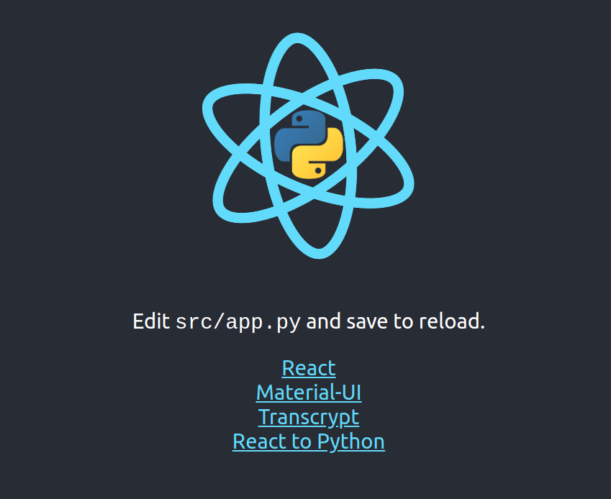 |
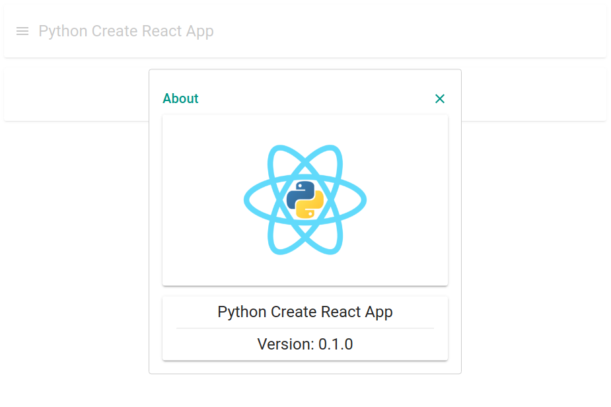 |
Installation
Install using Python 3.7 with:
python3.7 -m pip install pcra
or to get the latest version from GitHub:
python3.7 -m pip install git+https://github.com/JennaSys/pcra
On Windows you can also use:
py -3.7 -m pip install pcra
Usage:
py-create-react-app [-h] [-co | -fs] [-nv] [-njs] [-ng] [-t TEMPLATE] FOLDER_NAME
Python Create React App: Template-based Python React project scaffolding creator
positional arguments:
FOLDER_NAME name of the project folder (must not already exist)
optional arguments:
  -h,          --help               show this help message and exit
  -co,         --client-only        only create client project (not full stack)
  -fs,         --full-stack         create full-stack project (with Flask back-end)
  -nv,         --no-virtualenv      DO NOT create virtual environments
  -njs,        --no-javascript      DO NOT install JavaScript libraries
  -ng,         --no-git             DO NOT create Git repository
  -t TEMPLATE, --template TEMPLATE  alternate template folder to use
NOTE: Transcrypt requires that this must be run with Python version 3.7
1 maintainer

Metadata
1 maintainer
Release files for pcra 0.1.1
For a detailed explanation of source distributions (sdists) and built distributions (wheels), please see the package formats documentation.
Source distribution (sdist)
| File | Size | Uploaded | |
|---|---|---|---|
| pcra-0.1.1.tar.gz | 201.6 kB | Details |
Built distribution (wheel)
| File | Interpreter | ABI | Platform | Reset |
|---|---|---|---|---|
| pcra-0.1.1-py3-none-any.whl | Python 3 | none | any | Details |
Total release size: 412.1 kB
Release files / pcra-0.1.1.tar.gz
| Download URL | pcra-0.1.1.tar.gz |
|---|---|
| Size | 201.6 kB |
| Tags | Source |
|
SHA-256 checksum How to use checksums |
097173dec32b97a0bcfc7ff3e630bfa74e337985d532ef1dafca7748f497af43
|
|
BLAKE2b-256 checksum How to use checksums |
50c1de9a7fceac89d15297eb04bee05f99862511dcffdffe6db583df5417c20d
|
| Upload date | |
|
Uploaded using Trusted Publishing? What is trusted publishing? |
No |
| Uploaded via |
twine/3.3.0 pkginfo/1.7.0 requests/2.25.1 setuptools/53.0.0 requests-toolbelt/0.9.1 tqdm/4.56.2 CPython/3.7.9
|
Release files / pcra-0.1.1-py3-none-any.whl
| Download URL | pcra-0.1.1-py3-none-any.whl |
|---|---|
| Size | 210.5 kB |
| Tags | Python 3 |
|
SHA-256 checksum How to use checksums |
42a406316c9a1b5948cead66d45e0ff598e625565665a0fde4bcf7315e1eecfb
|
|
BLAKE2b-256 checksum How to use checksums |
e23e76ed72e9d0054be14f030dff7f113aa4c2b5478813e3accbcff2aea7723a
|
| Upload date | |
|
Uploaded using Trusted Publishing? What is trusted publishing? |
No |
| Uploaded via |
twine/3.3.0 pkginfo/1.7.0 requests/2.25.1 setuptools/53.0.0 requests-toolbelt/0.9.1 tqdm/4.56.2 CPython/3.7.9
|














