

Show off your terminal, in style.







A nice relaxing double pendulum simulation using ASCII, able to simulate multiple pendulums at once, and provide tracing of pendulums as well as providing some system information. If you spot any bugs or features that need adding (especially with the specs), just open an issue :)
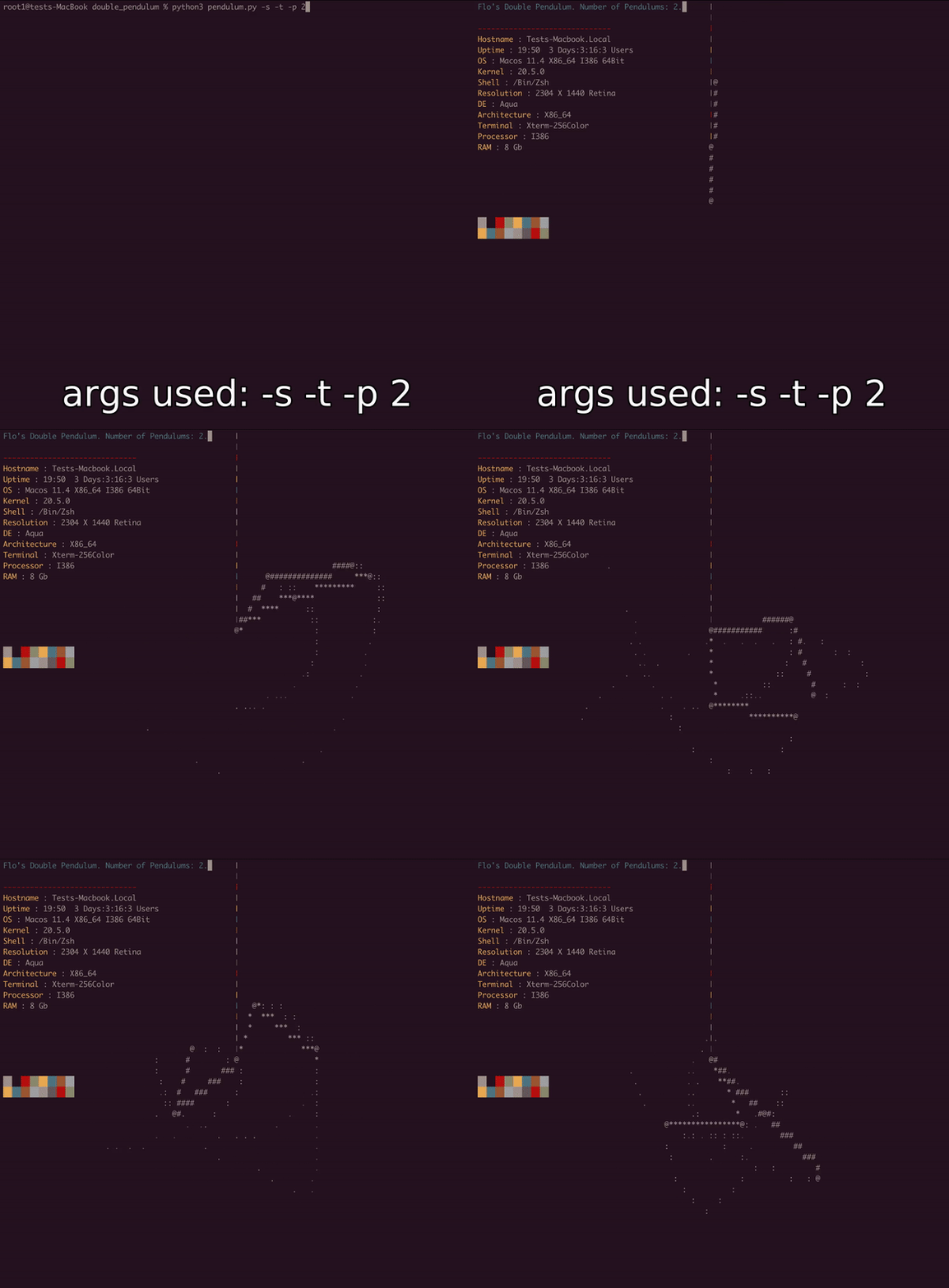
Features
- As mentioned, able to simulate multiple pendulums at once.
- Able to specify the weight and mass of pendulums to create different butterfly effects.
- Uses equations from here.
- If -s is used, it grabs system specs and displays them.(hi r/unixporn)
- Obviously a lot could be done to it (see below the Args), Any contributions are appreciated)
Quickstart:
Dependencies: Python 3.2+,curses (standard on UNIX) or relevent windows port, psutils if you want to use -s
Github
- Clone using
https://github.com/Nekurone/pendfetch.gitor download the zip. - Extract if necessary and head inside the folder.
python3 pendulum.py [args]
Pip
python3 -m pip install pendfetch(orpip install pendfetch)pendfetch [args]
Don't forget to include -s for neofetch feature :)
Args
Visuals
Maths and Pendulum settings
Window settings
Visuals
--help (-h)
Spits out a fairly standard argparse help message. Note this is printed out when the program is run anyway. 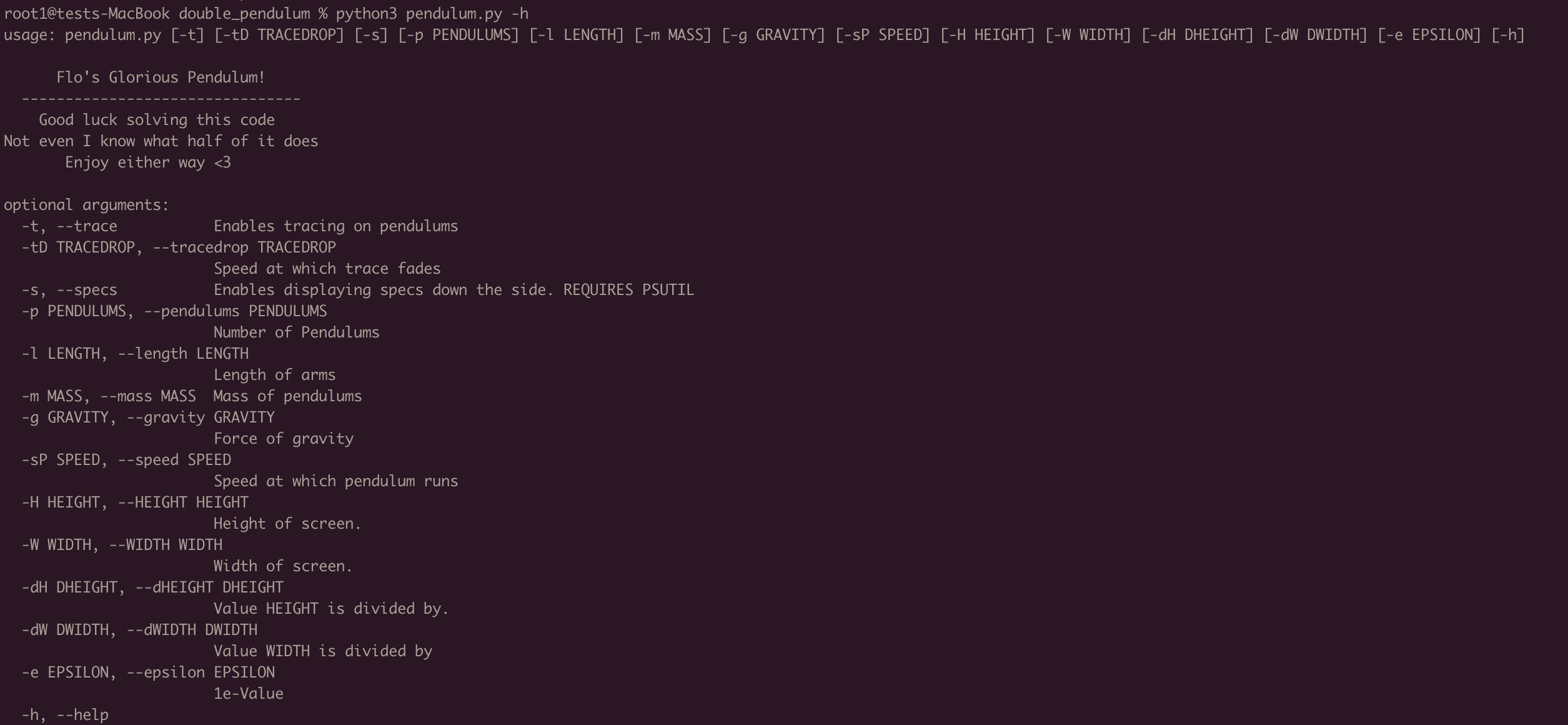
type: None, default: None setting in example: -h
--trace (-t)
Enables 'tracing', a faint line behind the pendulums that fades. 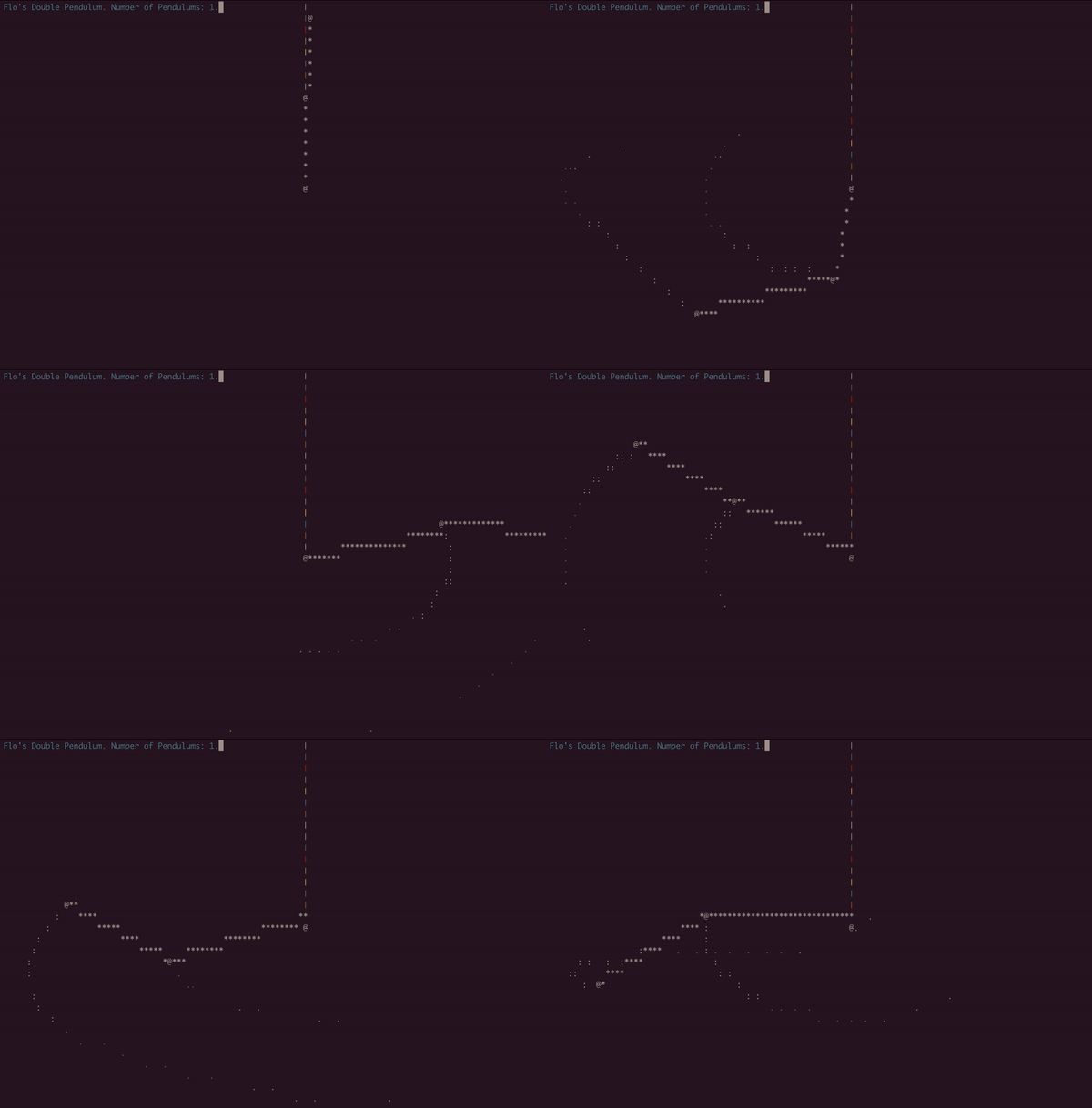
type: bool, default: off, setting in example: -t
--traceDrop (-tD)
Controls the rate at which the trace from -t fades. Higher is faster fading. 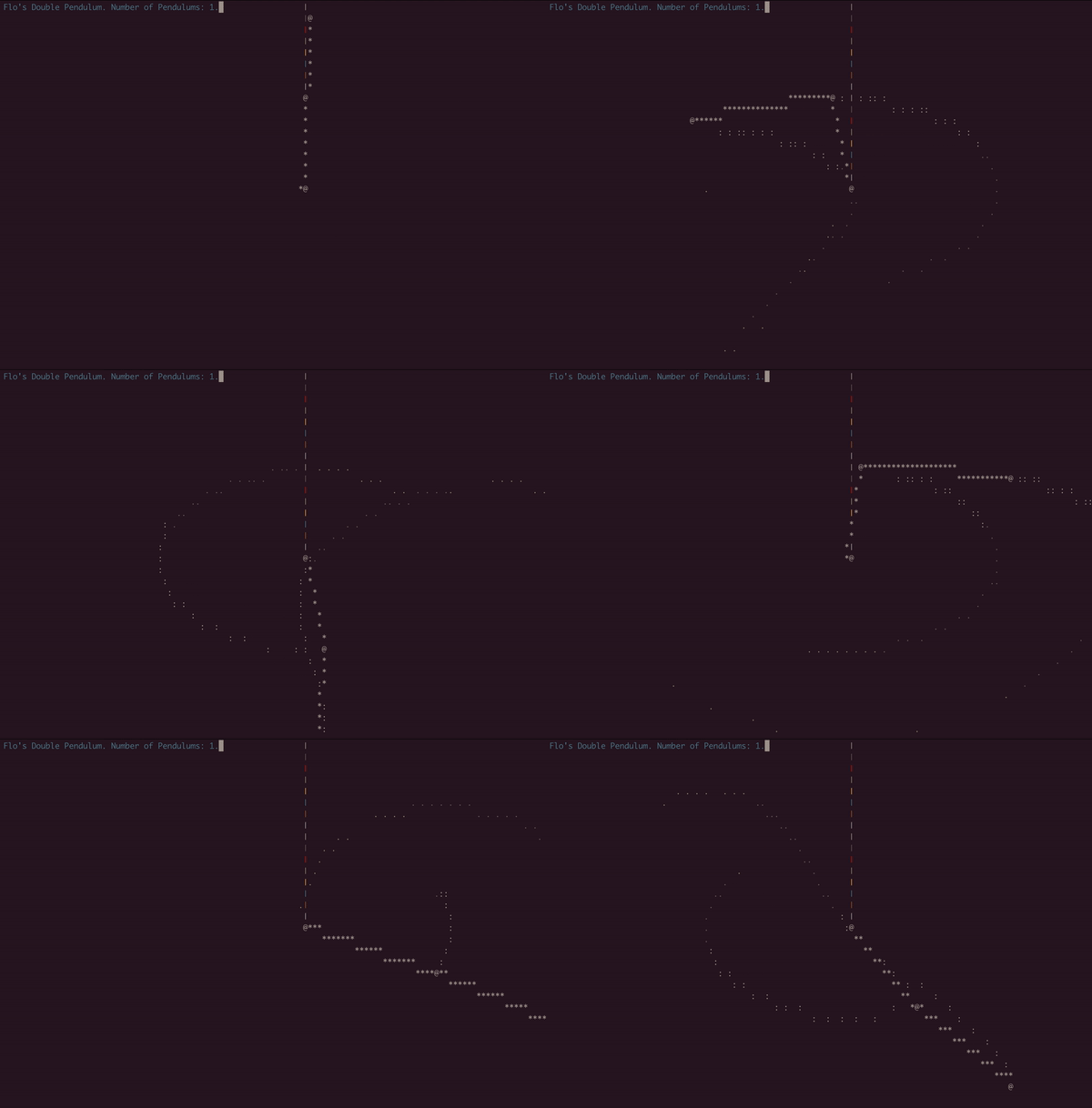
type: float, default: 1.0, setting in example: -t -tD 0.5
--specs (-t)
Enables showing system info, note this feature is still a WIP, any bugs or issues just let me know. 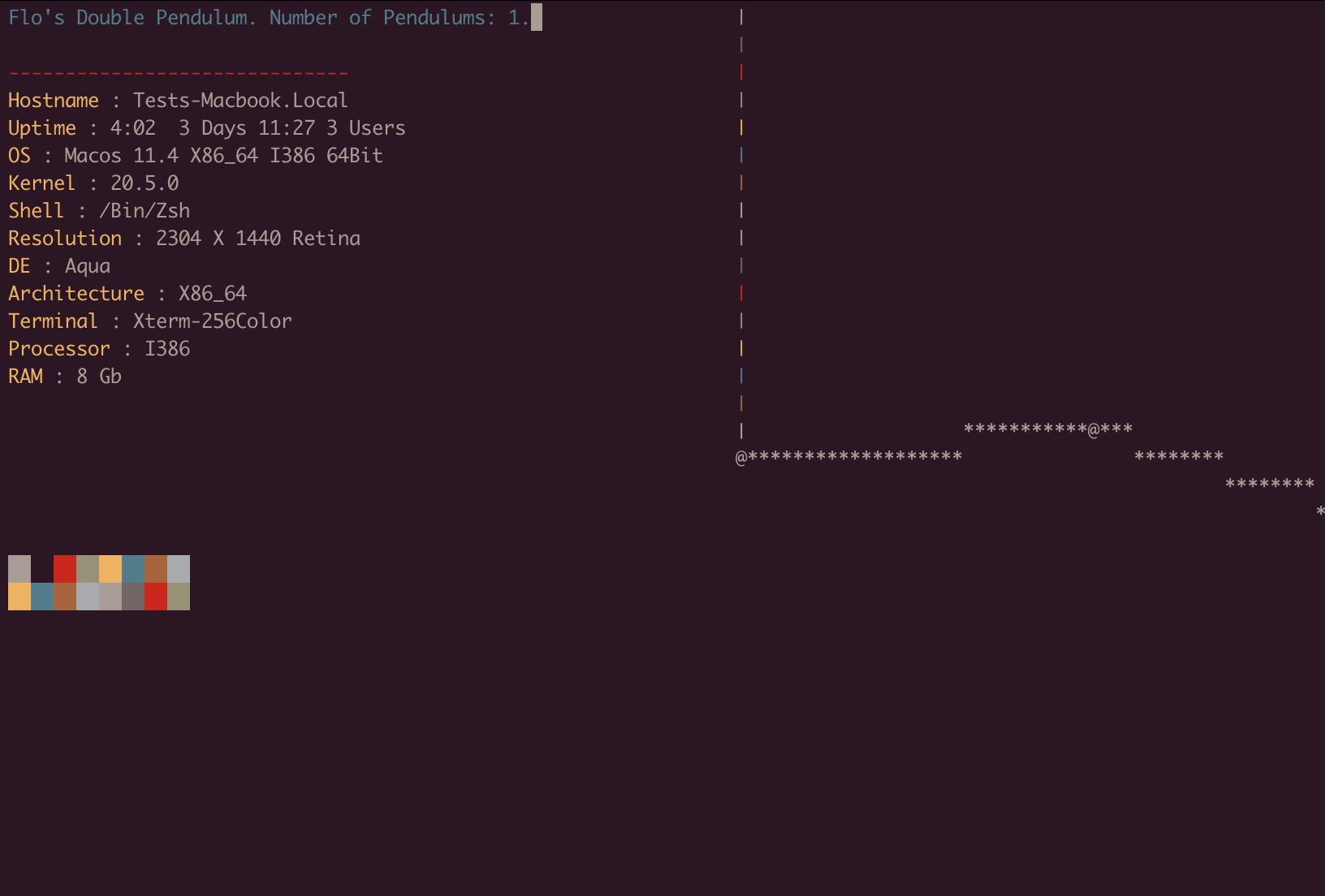
type: bool, default: off, setting in example: -s
Maths and Pendulum Settings
--pendulum (-p)
Number of pendulums to simulate at once. Combine with the gravity settings and some speed settings for some really pretty visuals. 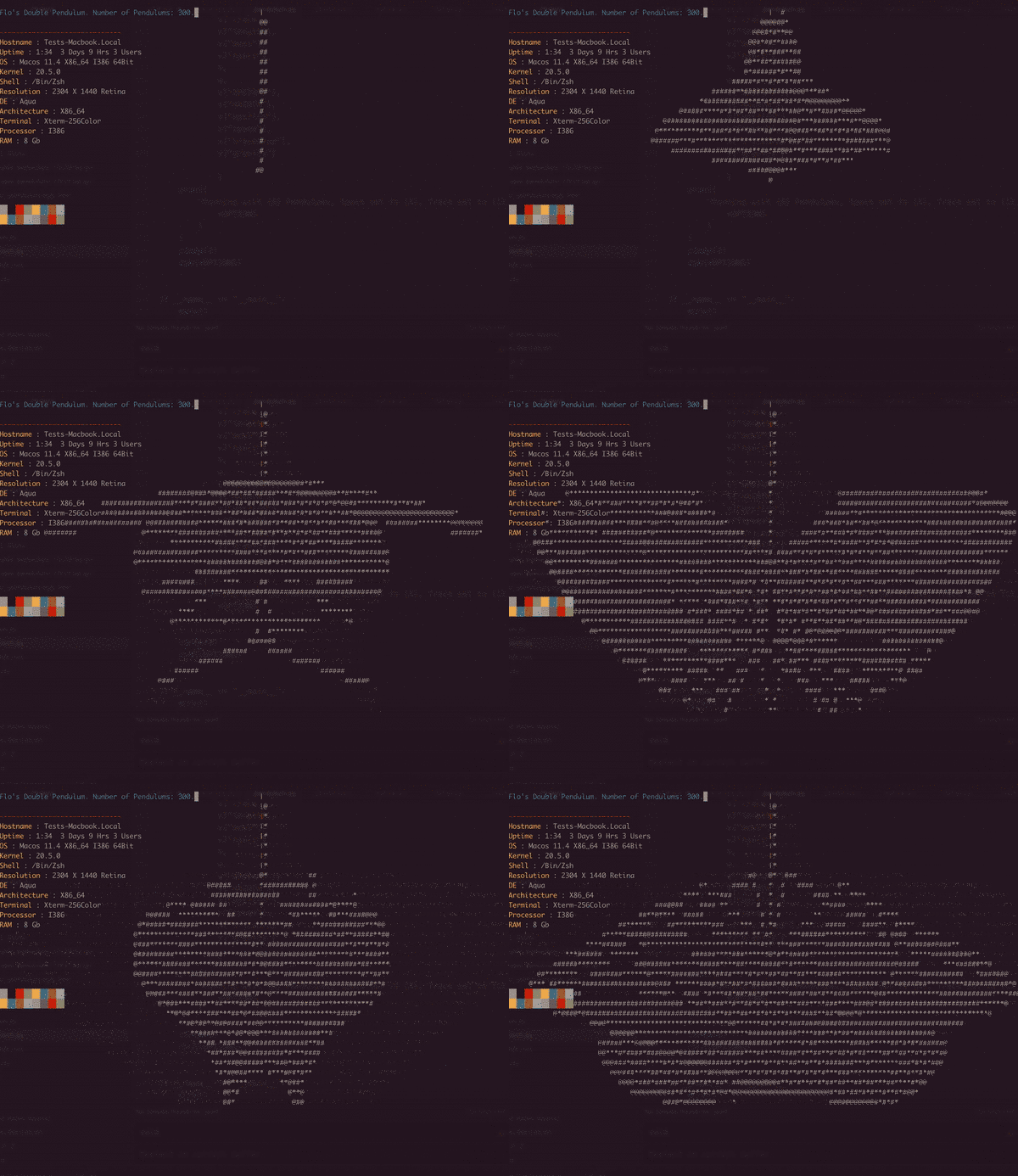
type: int, default: 1, setting in example: -p 300
--speed (-sP)
Multiplier for speed of simulation. Around 0.5-1.5 is a good range 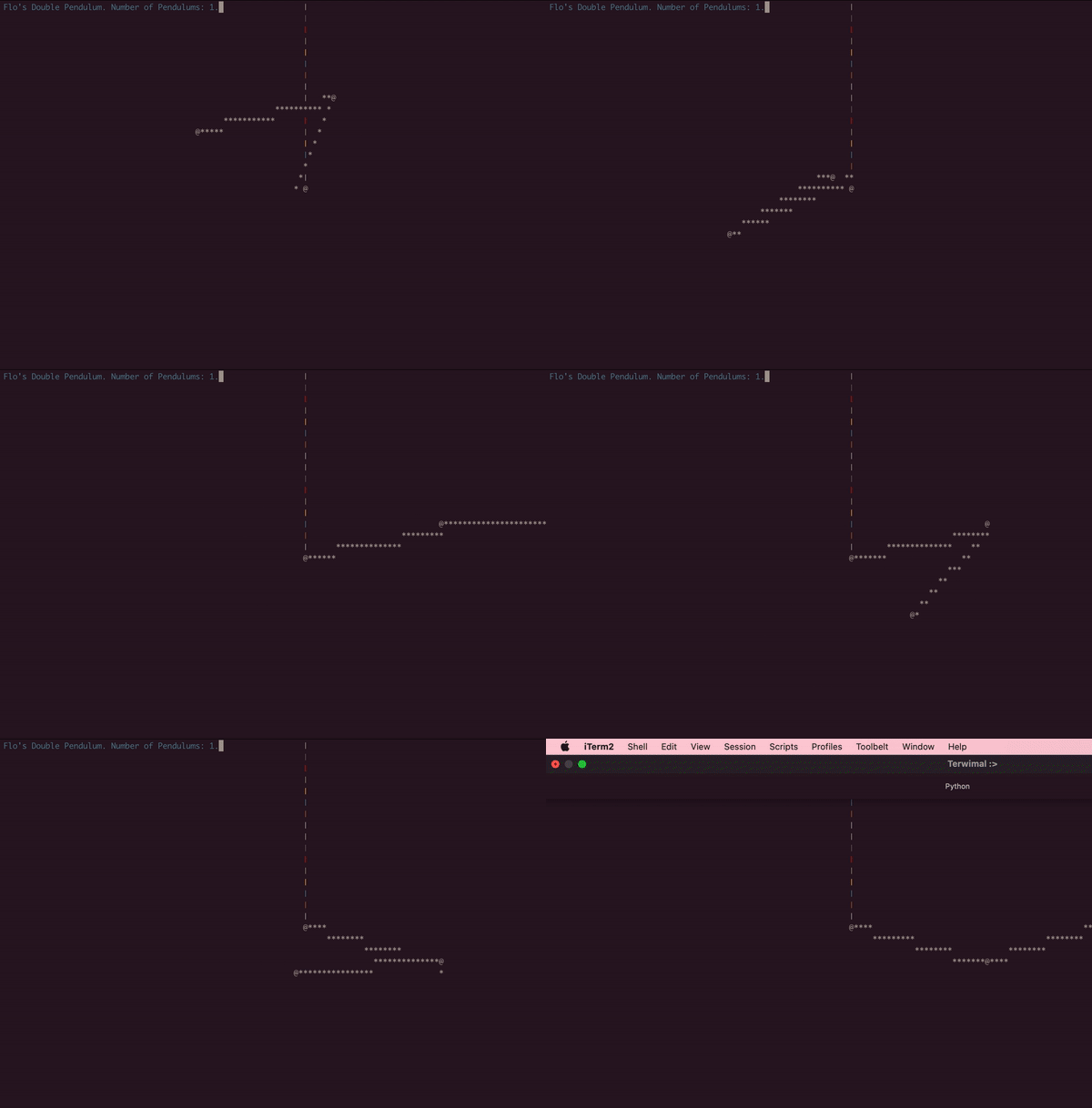
type: float, default: 1.0, setting in example: -sP 3.0
--gravity(-g)
Controls the strength of gravity, note, this directly affects the speed of the simulation. So slowing down is recommended.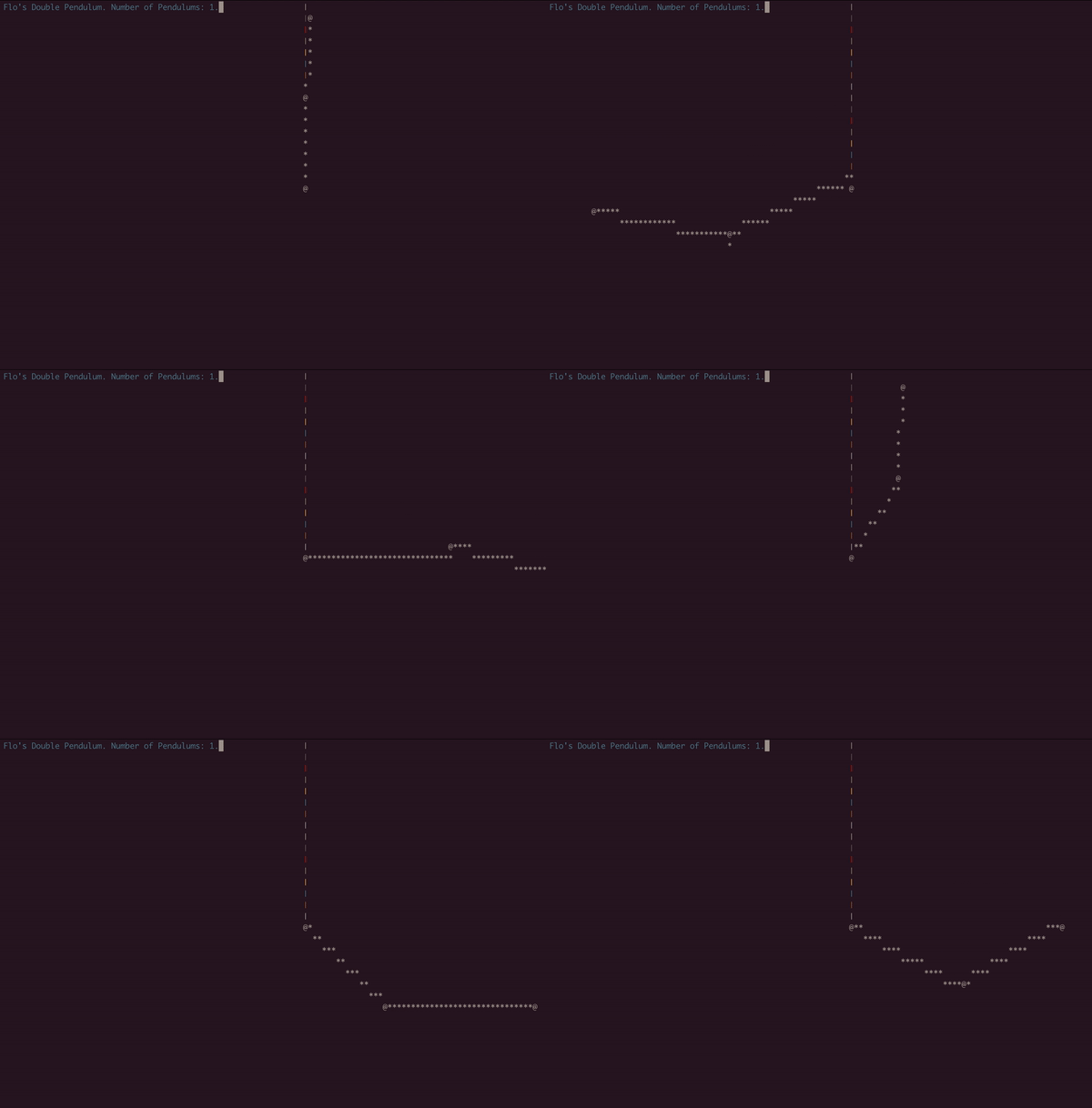
type: float, default: 9.81, setting in example: -g 1
--mass (-m)
Controls the mass of the pendulums, useful mostly for butterfly effects 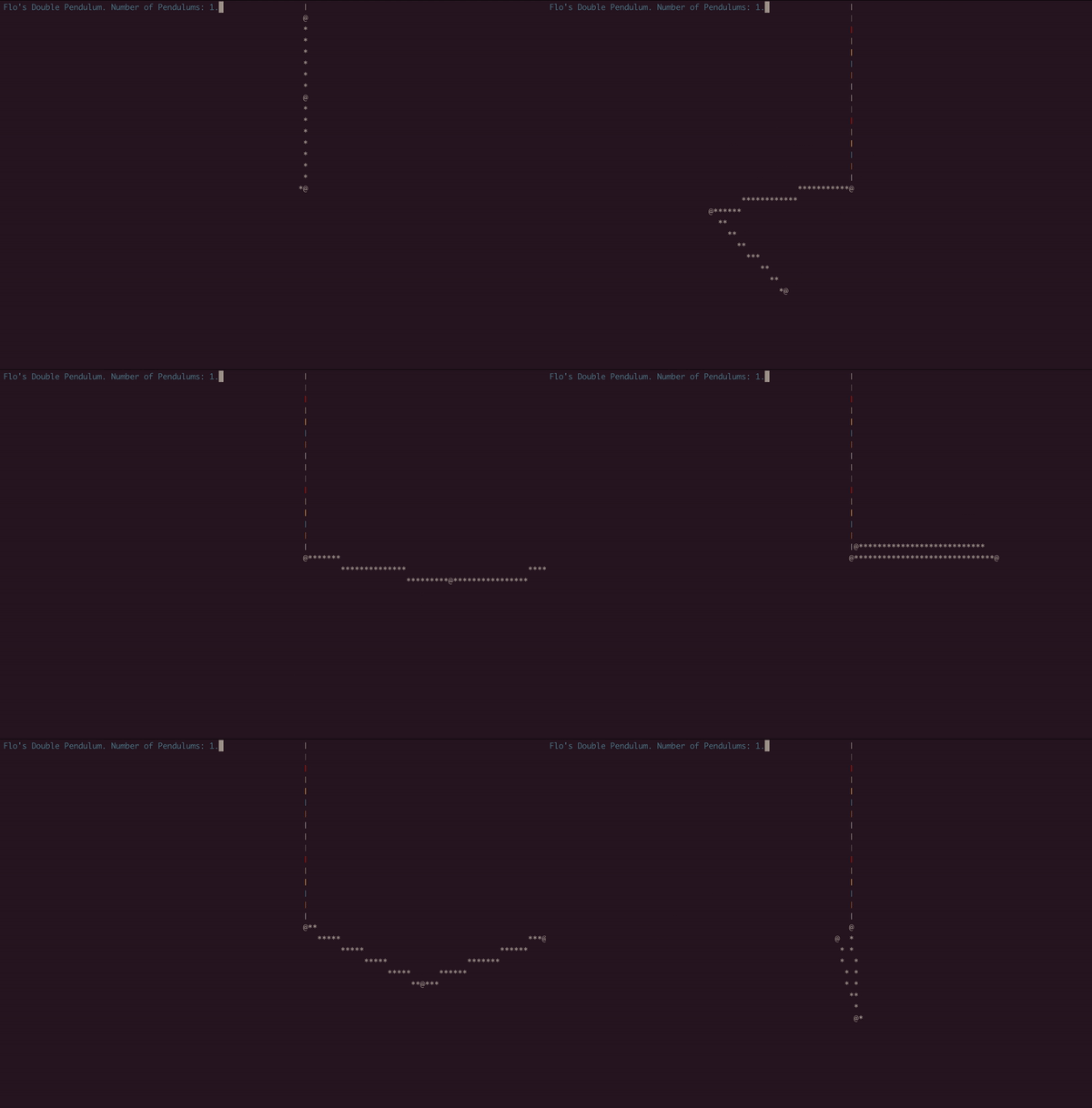
type: float, default: 100.0, setting in example: -m 300 -sP 0.2
--length (-l)
Controls the length of the arms of the pendulums, useful mostly for butterfly effects 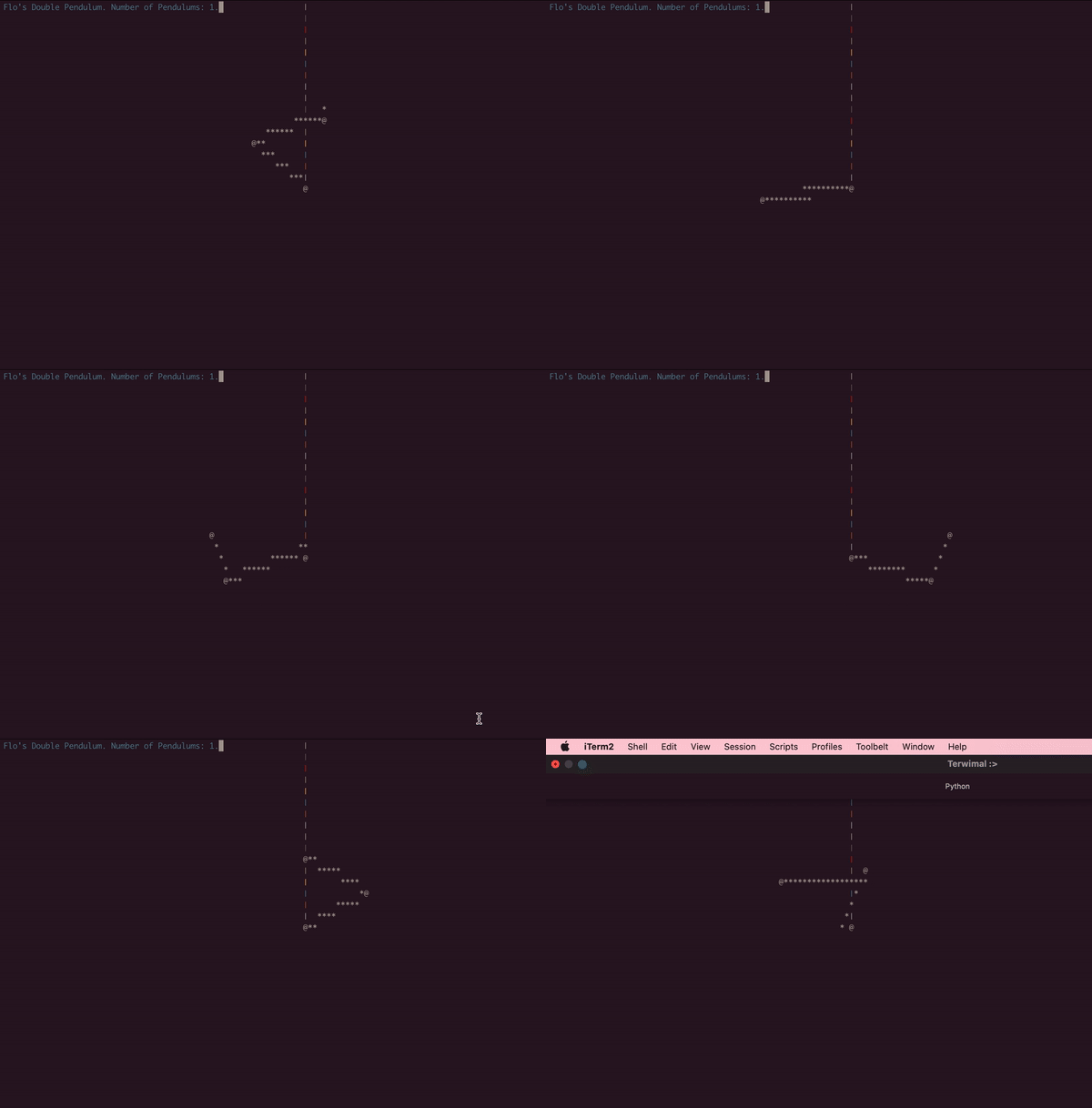
type: float, default: 250.0, setting in example: -l 150 -sP 0.3
todo: Window settings
If you have any suggestions, or anything you'd like to add (or, more likely you found a bug) just open a PR :)
1 maintainer

Metadata
1 maintainer
Release files for pendfetch 1.0.1
For a detailed explanation of source distributions (sdists) and built distributions (wheels), please see the package formats documentation.
Source distribution (sdist)
| File | Size | Uploaded | |
|---|---|---|---|
| pendfetch-1.0.1.tar.gz | 8.8 kB | Details |
Built distribution (wheel)
| File | Interpreter | ABI | Platform | Reset |
|---|---|---|---|---|
| pendfetch-1.0.1-py3-none-any.whl | Python 3 | none | any | Details |
Total release size: 17.6 kB
Release files / pendfetch-1.0.1.tar.gz
| Download URL | pendfetch-1.0.1.tar.gz |
|---|---|
| Size | 8.8 kB |
| Tags | Source |
|
SHA-256 checksum How to use checksums |
291c33b92244cc8ba1830ee086f1b9d732536850a1674d438a7cfa15f83a8f9f
|
|
BLAKE2b-256 checksum How to use checksums |
536131a9e513519657439bb84870fbf533a24df99bd0d248beab400fb6bec12a
|
| Upload date | |
|
Uploaded using Trusted Publishing? What is trusted publishing? |
No |
| Uploaded via |
twine/3.4.2 importlib_metadata/4.6.3 pkginfo/1.7.1 requests/2.26.0 requests-toolbelt/0.9.1 tqdm/4.62.0 CPython/3.9.6
|
Release files / pendfetch-1.0.1-py3-none-any.whl
| Download URL | pendfetch-1.0.1-py3-none-any.whl |
|---|---|
| Size | 8.9 kB |
| Tags | Python 3 |
|
SHA-256 checksum How to use checksums |
94f3f56936040745cc8af13cb1a13ccb04fa84af0d5692ff2ccdd5aee336912e
|
|
BLAKE2b-256 checksum How to use checksums |
49238f898ff95c82518e26714967e0caebae95941c8d2503adbe62f00944bbf6
|
| Upload date | |
|
Uploaded using Trusted Publishing? What is trusted publishing? |
No |
| Uploaded via |
twine/3.4.2 importlib_metadata/4.6.3 pkginfo/1.7.1 requests/2.26.0 requests-toolbelt/0.9.1 tqdm/4.62.0 CPython/3.9.6
|














