






φ-PICT: Differentiable GPU-Accelerated Solver for Hydrodynamic & Magnetohydrodynamic Flows
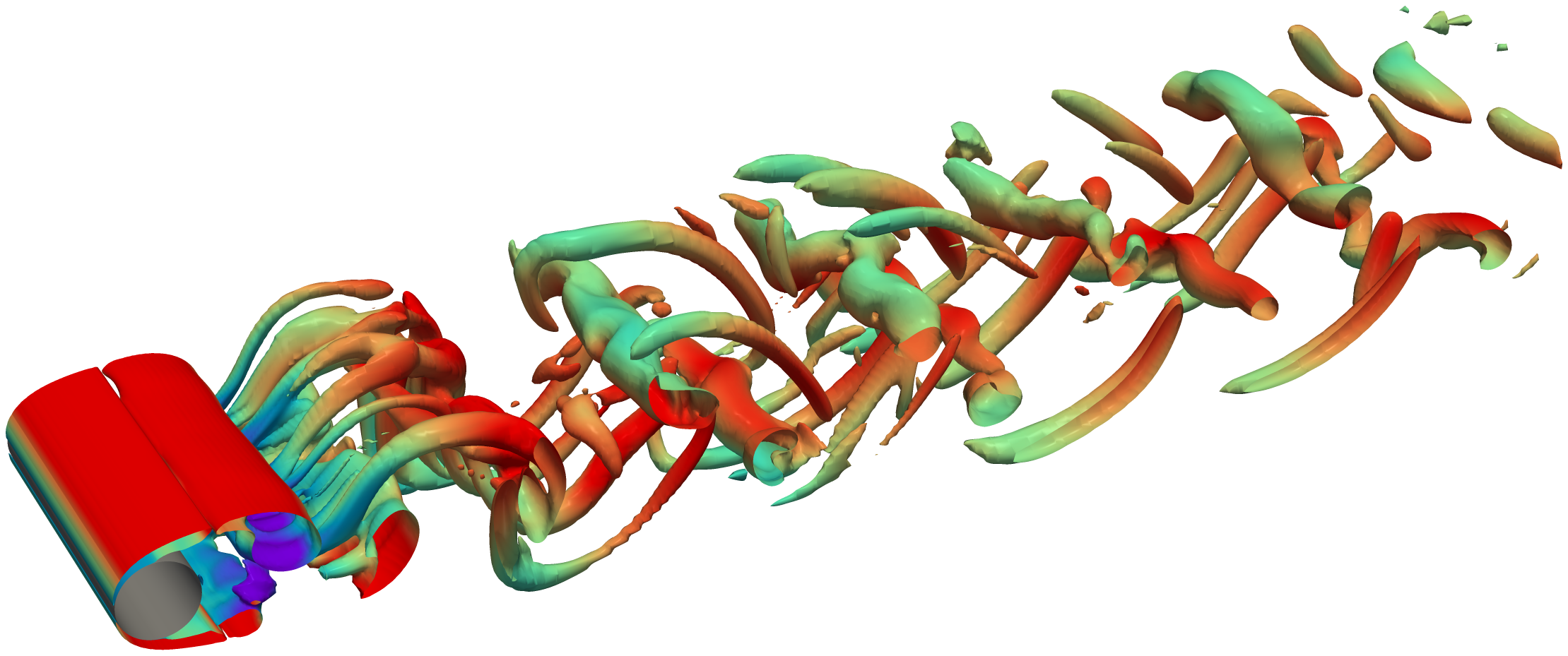
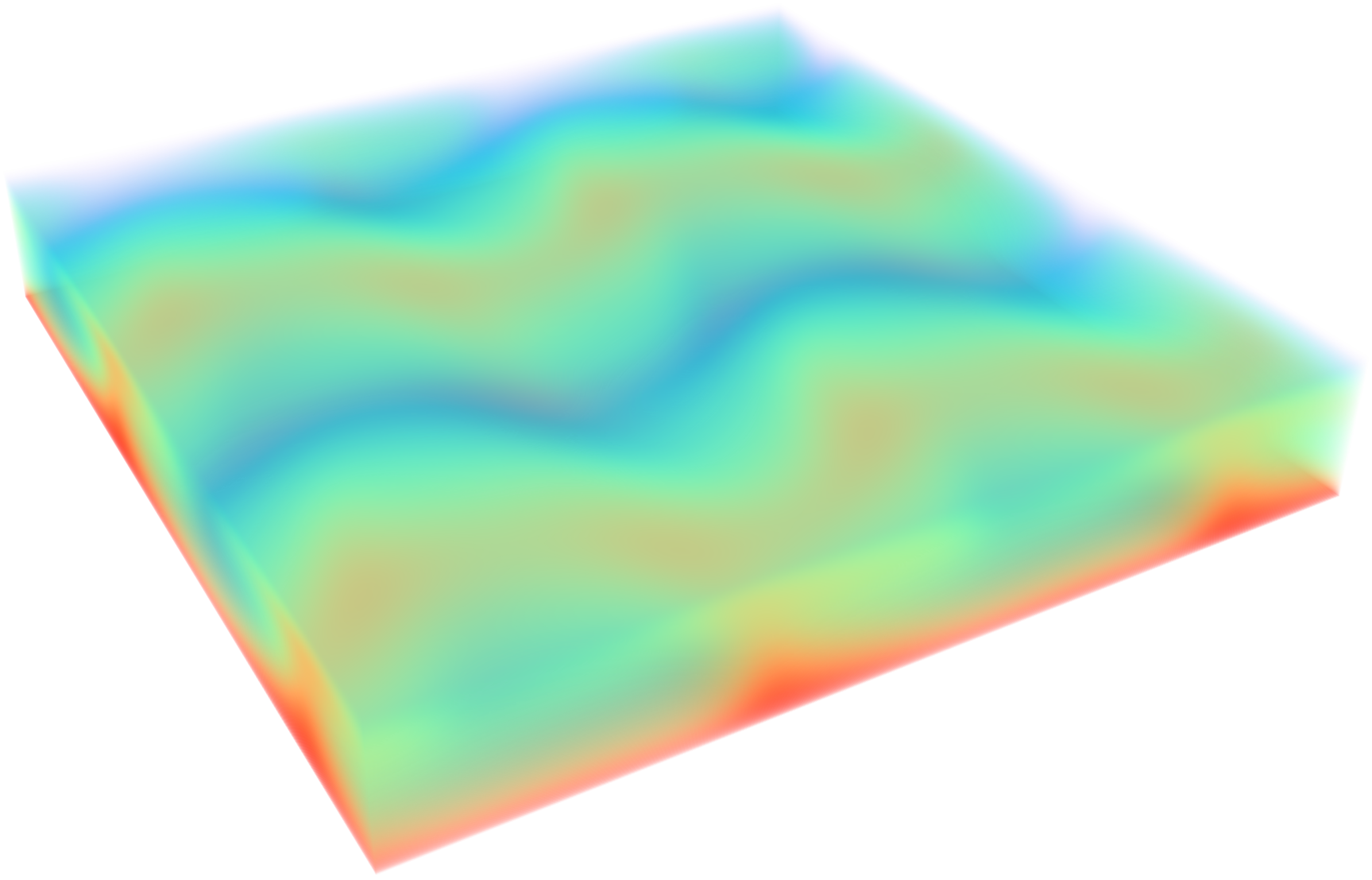
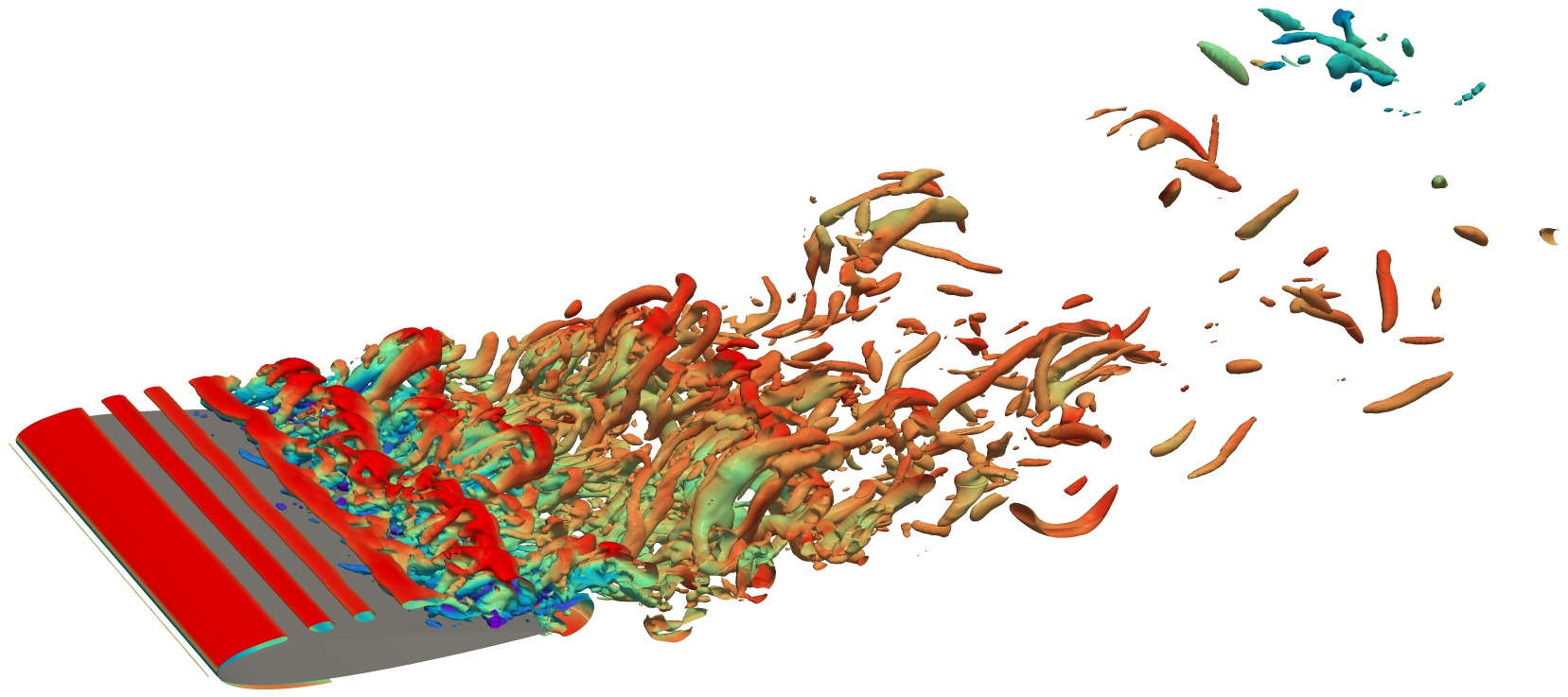
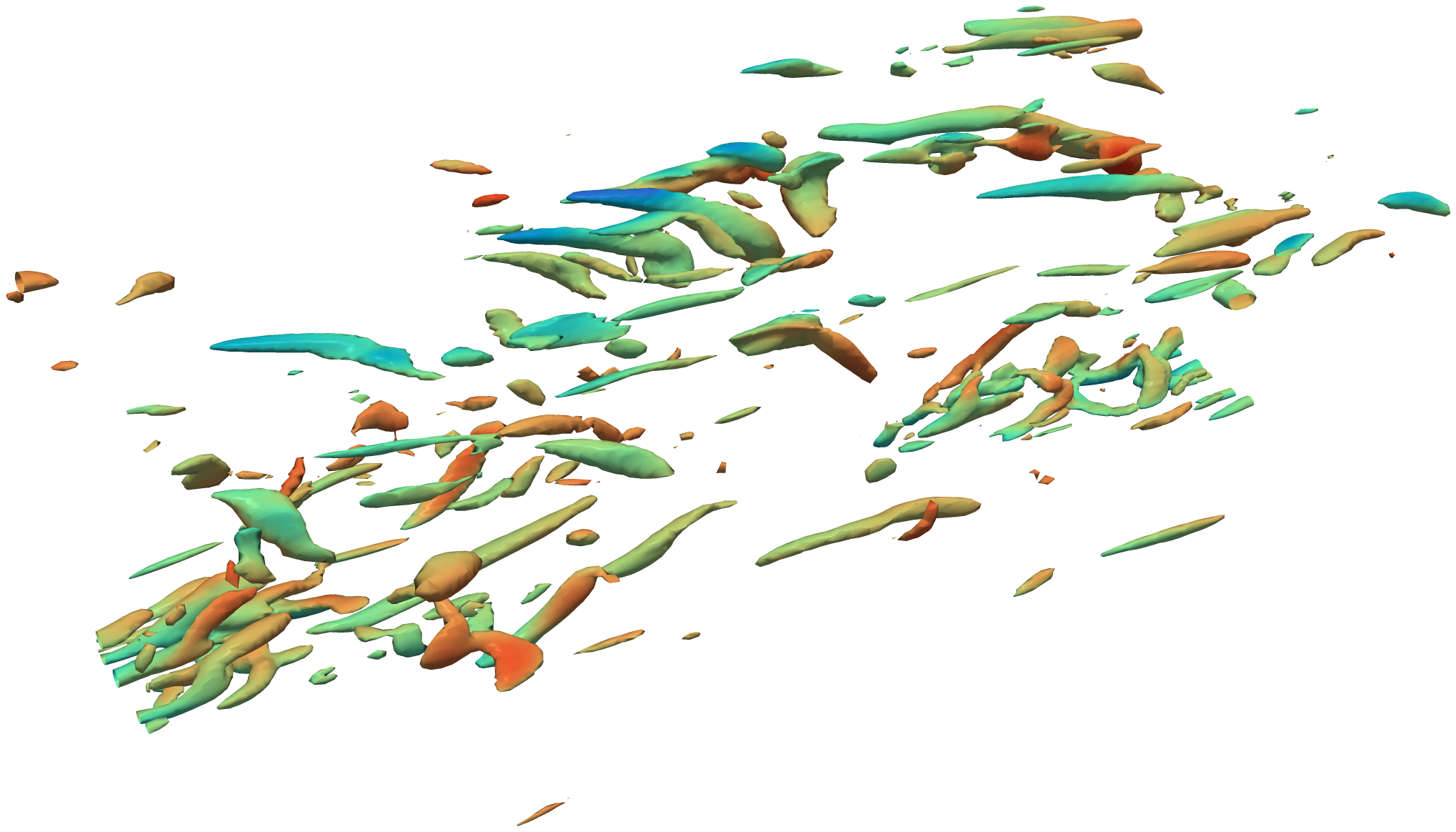
| Flow Past a Cylinder | Rayleigh-Bénard Convection | Airfoil | Turbulent Channel Flow |
|---|---|---|---|
 |
 |
 |
 |
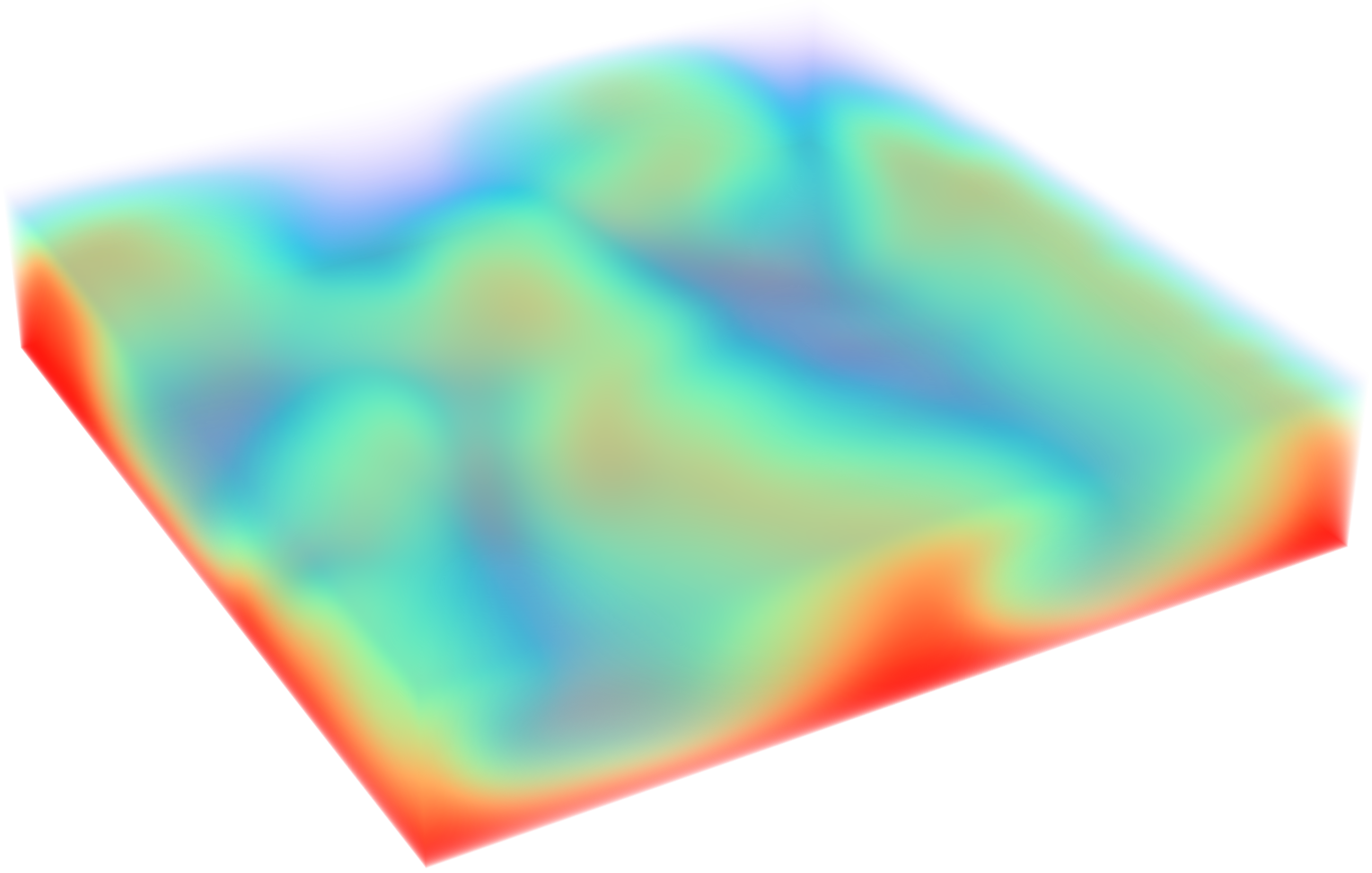
| Fusion Reactor Blanket Cooling (MHD) | MHD Rayleigh-Bénard Convection | ||
 |
 |
||
Key Features
- Differentiable Physics: Fully end-to-end differentiable solver supporting Backpropagation Through Time (BPTT/APG), Short-Horizon Actor-Critic (SHAC) and more.
- Massively Batched Execution: Efficiently parallelize over 100 of independent fluid environments on a single GPU.
- MHD & Standard Hydrodynamics: Simulates both magnetohydrodynamic (MHD) flows and standard hydrodynamic fluid mechanics.
- RL Framework Integration: Seamlessly integrated into FluidGym for plug-and-play benchmarking of control algorithms.
Installation
phiPICT needs Linux, an NVIDIA GPU with a driver for CUDA 12.8 (≥ 570) and Python 3.11–3.13.
📦 Installation from PyPI
pip install phipict
This also installs the matching PyTorch (2.10, built with CUDA 12.8), pyamg, and the remaining runtime dependencies (NumPy, SciPy, matplotlib, imageio, psutil). There is no need to install PyTorch first: the compiled extension only works with the PyTorch version it was built against, so pip replaces any other version. To use another PyTorch or CUDA version, build from source (see below).
Optional extras:
pip install "phipict[dev]"   # linters, type checking, and tests
pip install "phipict[docs]"  # Sphinx, to build the documentation
Reading VTK formats other than .vts/.vtm needs pip install pyvista.
🧱 Build from Source
Building from source compiles the CUDA kernels against the PyTorch installed in your environment. Here is an example for Python 3.12 and CUDA 12.8.
- Create a new conda environment and activate it:
conda create -n phipict python=3.12
conda activate phipict
- Install the CUDA toolkit from conda-forge. This also installs a gcc/g++ that the chosen nvcc supports, so no separate compiler install is needed. The CUDA major version must match the one your PyTorch build uses (12 here):
conda install -c conda-forge pip cuda-toolkit cuda-version=12.8
conda env config vars set CUDA_HOME="$CONDA_PREFIX"
conda activate phipict  # re-activate so CUDA_HOME takes effect
- Install PyTorch for the same CUDA version via pip. Any version ≥ 2.9 works; the extension is then bound to this version:
pip install "torch==2.10.*" --index-url https://download.pytorch.org/whl/cu128
pip install "setuptools>=77"  # the build uses the environment's setuptools
- Clone the repository and enter the directory, then compile the custom CUDA kernels and install the package (this might take several minutes):
make install
For development, use make install-dev instead, which installs the package in
editable mode together with the development dependencies.
The documentation dependencies are installed via pip install ".[docs]".
Getting Started
See the examples directory for example simulations.
License
This repository is published under the Apache-2.0 license.
1 maintainer

Metadata
1 maintainer
Release files for phipict 0.1.0
For a detailed explanation of source distributions (sdists) and built distributions (wheels), please see the package formats documentation.
Built distributions (wheels)
| File | Interpreter | ABI | Platform | Actions Reset |
|---|---|---|---|---|
| phipict-0.1.0-cp313-cp313-manylinux_2_27_x86_64.manylinux_2_28_x86_64.whl | CPython 3.13 | CPython 3.13 | Linux glibc 2.27+ x86-64, Linux glibc 2.28+ x86-64 | Details for phipict-0.1.0-cp313-cp313-manylinux_2_27_x86_64.manylinux_2_28_x86_64.whl |
| phipict-0.1.0-cp312-cp312-manylinux_2_27_x86_64.manylinux_2_28_x86_64.whl | CPython 3.12 | CPython 3.12 | Linux glibc 2.27+ x86-64, Linux glibc 2.28+ x86-64 | Details for phipict-0.1.0-cp312-cp312-manylinux_2_27_x86_64.manylinux_2_28_x86_64.whl |
| phipict-0.1.0-cp311-cp311-manylinux_2_27_x86_64.manylinux_2_28_x86_64.whl | CPython 3.11 | CPython 3.11 | Linux glibc 2.27+ x86-64, Linux glibc 2.28+ x86-64 | Details for phipict-0.1.0-cp311-cp311-manylinux_2_27_x86_64.manylinux_2_28_x86_64.whl |
Total release size: 97.6 MB
Release files / phipict-0.1.0-cp313-cp313-manylinux_2_27_x86_64.manylinux_2_28_x86_64.whl
| Download URL | phipict-0.1.0-cp313-cp313-manylinux_2_27_x86_64.manylinux_2_28_x86_64.whl |
|---|---|
| Size | 32.6 MB |
| Tags | CPython 3.13 Linux glibc 2.27+ x86-64 Linux glibc 2.28+ x86-64 |
|
SHA-256 checksum How to use checksums |
61de2a69bd4e0843d8a0ad7238a12cc9e1e0cd4f13b8f9cee5122e40e35c87ac
|
|
BLAKE2b-256 checksum How to use checksums |
e9d64475880694f57e2ccbad4f324ed69520bff89336b8fc92ef94833fee826a
|
| Upload date | |
|
Uploaded using Trusted Publishing? What is trusted publishing? |
Yes |
| Uploaded via |
twine/7.0.0 CPython/3.13.16
|
Provenance
Provenance describes where a file came from. On PyPI, provenance is shared via attestations, which provide a verifiable record of the build or publishing details. View details, limitations and caveats.


PyPI Publish Attestation
PyPI verified that this artifact, at this checksum, originated from the publisher listed below.
Signed by GitHub Actions, verified by PyPI on Nov 11, 2026.
Transparency logRelease files / phipict-0.1.0-cp312-cp312-manylinux_2_27_x86_64.manylinux_2_28_x86_64.whl
| Download URL | phipict-0.1.0-cp312-cp312-manylinux_2_27_x86_64.manylinux_2_28_x86_64.whl |
|---|---|
| Size | 32.6 MB |
| Tags | CPython 3.12 Linux glibc 2.27+ x86-64 Linux glibc 2.28+ x86-64 |
|
SHA-256 checksum How to use checksums |
21eaceb54a83d6b659ee79133a76691d374277a500259fb406ff5a5b8054bfdb
|
|
BLAKE2b-256 checksum How to use checksums |
c59d349584bdddba57de19d8d7b8f3c70cddbad899d03a0979c63187435c6634
|
| Upload date | |
|
Uploaded using Trusted Publishing? What is trusted publishing? |
Yes |
| Uploaded via |
twine/7.0.0 CPython/3.13.16
|
Provenance
Provenance describes where a file came from. On PyPI, provenance is shared via attestations, which provide a verifiable record of the build or publishing details. View details, limitations and caveats.
PyPI Publish Attestation
PyPI verified that this artifact, at this checksum, originated from the publisher listed below.
Signed by GitHub Actions, verified by PyPI on Nov 11, 2026.
Transparency logRelease files / phipict-0.1.0-cp311-cp311-manylinux_2_27_x86_64.manylinux_2_28_x86_64.whl
| Download URL | phipict-0.1.0-cp311-cp311-manylinux_2_27_x86_64.manylinux_2_28_x86_64.whl |
|---|---|
| Size | 32.5 MB |
| Tags | CPython 3.11 Linux glibc 2.27+ x86-64 Linux glibc 2.28+ x86-64 |
|
SHA-256 checksum How to use checksums |
e049045bfd6662a673f64a11c23d5cffa28e25963c739f744dbec3dc0dc7f392
|
|
BLAKE2b-256 checksum How to use checksums |
812e050e3fdc39148e1e9ca5e98b356739521187d7c3ab8cad0bc6992b7103d9
|
| Upload date | |
|
Uploaded using Trusted Publishing? What is trusted publishing? |
Yes |
| Uploaded via |
twine/7.0.0 CPython/3.13.16
|
Provenance
Provenance describes where a file came from. On PyPI, provenance is shared via attestations, which provide a verifiable record of the build or publishing details. View details, limitations and caveats.
PyPI Publish Attestation
PyPI verified that this artifact, at this checksum, originated from the publisher listed below.
Signed by GitHub Actions, verified by PyPI on Nov 11, 2026.
Transparency logSecurity for phipict 0.1.0
Provenance
Provenance describes where a file came from. On PyPI, provenance is shared via attestations, which provide a verifiable record of the build or publishing details. View details, limitations and caveats.
Full provenance
All 3 files in this release have been uploaded with provenance metadata.
Attestation for phipict-0.1.0-cp313-cp313-manylinux_2_27_x86_64.manylinux_2_28_x86_64.whl
PyPI Publish Attestation
PyPI verified that this artifact, at this checksum, originated from the publisher listed below.
Signed by GitHub Actions, verified by PyPI on Nov 11, 2026.
Transparency logA note on package security
PyPI is a repository for distributing packages, not a service for auditing them. While third-party security researchers and our staff do their best to detect and remove malicious packages, PyPI cannot guarantee the quality, security or suitability of any given package.
To learn more about protecting yourself from malicious actors, visit our package security documentation.













