
Terminal in natural language. Just say what you want.

Project description
pls
Just say what you want. In your terminal.
Install • Usage • Providers • Config



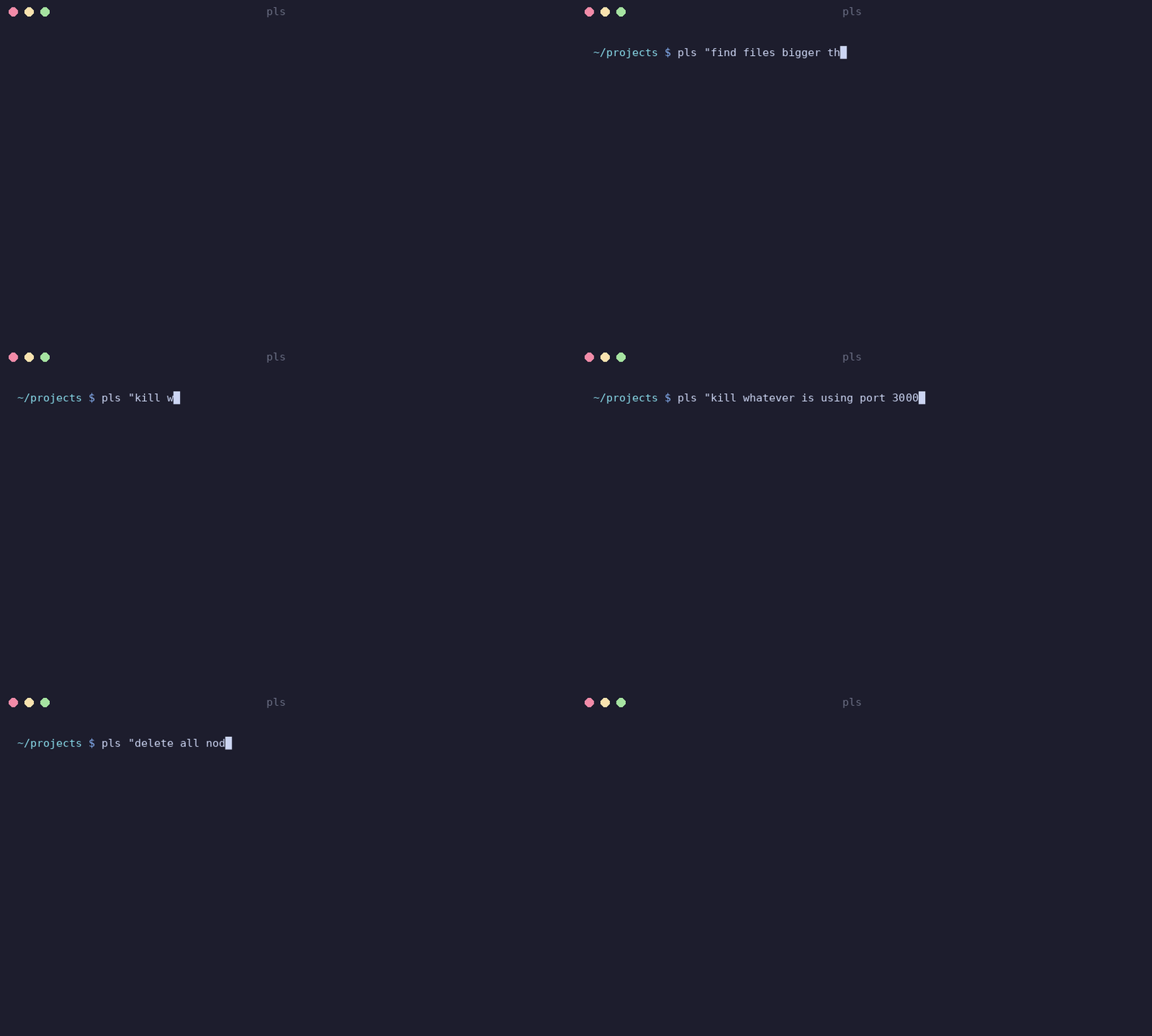
$ pls "compress all PNGs in this folder"

╭───────────────────────────────────────────────────────────╮
│ find . -name "*.png" -exec pngquant --quality=65-80 {} \; │
╰───────────────────────────────────────────────────────────╯

 Run it? (Y/n)

✓ Done.
Install
pipx install pls-sh    # recommended
# or
pip install pls-sh
That's it. The command is pls.
Usage
pls "find files bigger than 100MB"
pls "kill whatever is using port 3000"
pls "convert video.mp4 to gif"
pls "show disk usage sorted by size"
pls "rename all .jpeg files to .jpg"
Works offline by default with Ollama. No API key, no internet, no telemetry.
Flags
pls "do something" --explain        # also explains what the command does
pls "do something" --yes            # skip confirmation, just run it
pls "do something" --dry-run        # show command but don't run it
pls "do something" --provider openai
pls "do something" --model gpt-4o
pls "do something" --api-url http://localhost:8080   # override URL on the fly
pls --last                          # show the last generated command
echo "do something" | pls           # pipe from stdin
Safety
pls flags dangerous commands before running them. Stuff like rm -rf, chmod 777,
dd, piping random scripts into bash — all gets highlighted in red with a warning.
Dangerous commands flip the confirmation to opt-in (y/N instead of Y/n).
Press e at the confirmation prompt to edit the command before running it.
Providers
Ollama is the default. Runs locally, no account needed.
# make sure ollama is running
ollama serve
ollama pull qwen3.5:2b

pls "list all docker containers"
# just works
LM Studio, llama.cpp, or any OpenAI-compatible server:
# LM Studio (runs on port 1234 by default)
pls config set default provider lmstudio

# any OpenAI-compatible endpoint (llama.cpp, vLLM, OpenRouter, etc.)
pls config set custom api_url http://localhost:8080
pls config set custom model my-model
pls config set custom api_key sk-...          # optional
pls config set default provider custom

`pls` automatically handles URL expansion — you can just provide the base host and port (e.g., `http://localhost:8080`), and it will correctly target the `/v1/chat/completions` endpoint.
OpenAI and Anthropic if you want cloud models:
# either set env vars
export OPENAI_API_KEY=sk-...
export ANTHROPIC_API_KEY=sk-ant-...

# or save them in config
pls config set openai api_key sk-...
pls config set anthropic api_key sk-ant-...

# then use them
pls "do something" --provider openai
pls "do something" --provider anthropic

# or set a default
pls config set default provider anthropic
Config
Config lives in ~/.config/pls/config.toml.
pls config show          # see current config
pls config set ...       # change a value
pls config reset         # back to defaults
How it works
- You type what you want in plain English (or any language, really)
plsgrabs context — your OS, shell, what's in the current directory- Sends that + your request to the LLM
- Shows you the command, asks for confirmation
- Runs it
No history stored, no data sent anywhere (unless you use OpenAI/Anthropic).
License
MIT


Download files
Download the file for your platform. If you're not sure which to choose, learn more about installing packages.
Source Distribution
Built Distribution
Filter files by name, interpreter, ABI, and platform.
If you're not sure about the file name format, learn more about wheel file names.
Copy a direct link to the current filters
File details
Details for the file pls_sh-0.2.0.tar.gz.
File metadata
- Download URL: pls_sh-0.2.0.tar.gz
- Upload date:
- Size: 212.0 kB
- Tags: Source
- Uploaded using Trusted Publishing? No
- Uploaded via: twine/6.2.0 CPython/3.11.13
File hashes
| Algorithm | Hash digest | |
|---|---|---|
| SHA256 |
42b3785e998ee2f334fe09b9add37d618aec0b2cffa273ce3dcc126fac8e3755
|
|
| MD5 |
c3008a3bb22ec7c3dd3bb18276404871
|
|
| BLAKE2b-256 |
d7f723c7552c133822eb74265c4a9b80b1f33f0b2d219edbd3f4e4125c673485
|
File details
Details for the file pls_sh-0.2.0-py3-none-any.whl.
File metadata
- Download URL: pls_sh-0.2.0-py3-none-any.whl
- Upload date:
- Size: 16.4 kB
- Tags: Python 3
- Uploaded using Trusted Publishing? No
- Uploaded via: twine/6.2.0 CPython/3.11.13
File hashes
| Algorithm | Hash digest | |
|---|---|---|
| SHA256 |
a9d3d6c0104e7bfee520869b0263d05fd13ea1ab05de819b68451077ac4ef20c
|
|
| MD5 |
6d05a2bb3196946fc612ea52d79984d8
|
|
| BLAKE2b-256 |
946015f9b338be1b465e6a09ba76457822e1fedabb439ced5b3aca15cd9eabcb
|






