










Reproduce, Automate, Scale your data science.
Welcome to Polyaxon, a platform for building, training, and monitoring large scale deep learning applications. We are making a system to solve reproducibility, automation, and scalability for machine learning applications.
Polyaxon deploys into any data center, cloud provider, or can be hosted and managed by Polyaxon, and it supports all the major deep learning frameworks such as Tensorflow, MXNet, Caffe, Torch, etc.
Polyaxon makes it faster, easier, and more efficient to develop deep learning applications by managing workloads with smart container and node management. And it turns GPU servers into shared, self-service resources for your team or organization.

Install
TL;DR;
-
Install CLI
# Install Polyaxon CLI
$ pip install -U polyaxon
-
Create a deployment
# Create a namespace
$ kubectl create namespace polyaxon

# Add Polyaxon charts repo
$ helm repo add polyaxon https://charts.polyaxon.com

# Deploy Polyaxon
$ polyaxon admin deploy -f config.yaml

# Access API
$ polyaxon port-forward
Please check polyaxon installation guide
Quick start
TL;DR;
-
Start a project
# Create a project
$ polyaxon project create --name=quick-start --description='Polyaxon quick start.'
-
Train and track logs & resources
# Upload code and start experiments
$ polyaxon run -f experiment.yaml -u -l
-
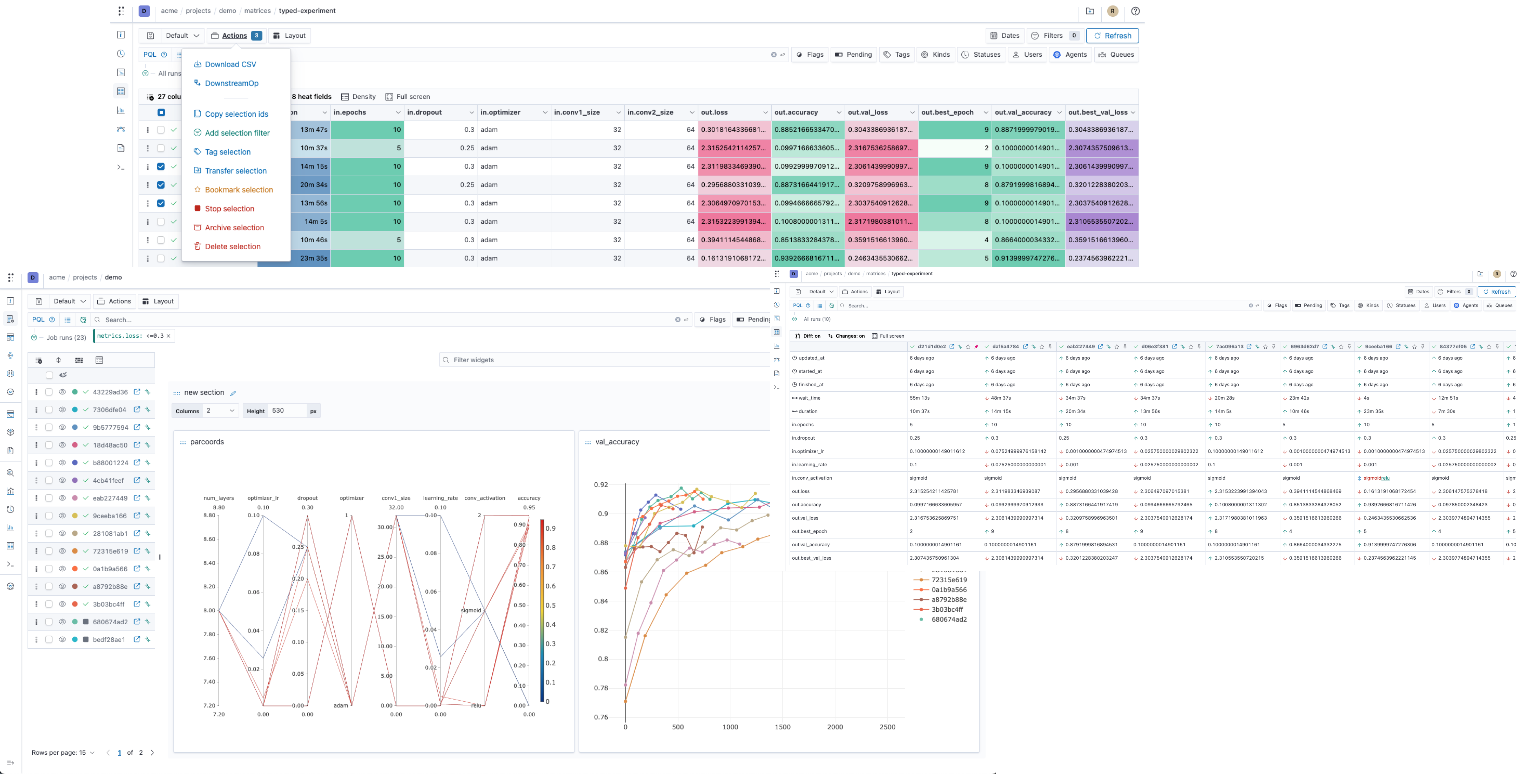
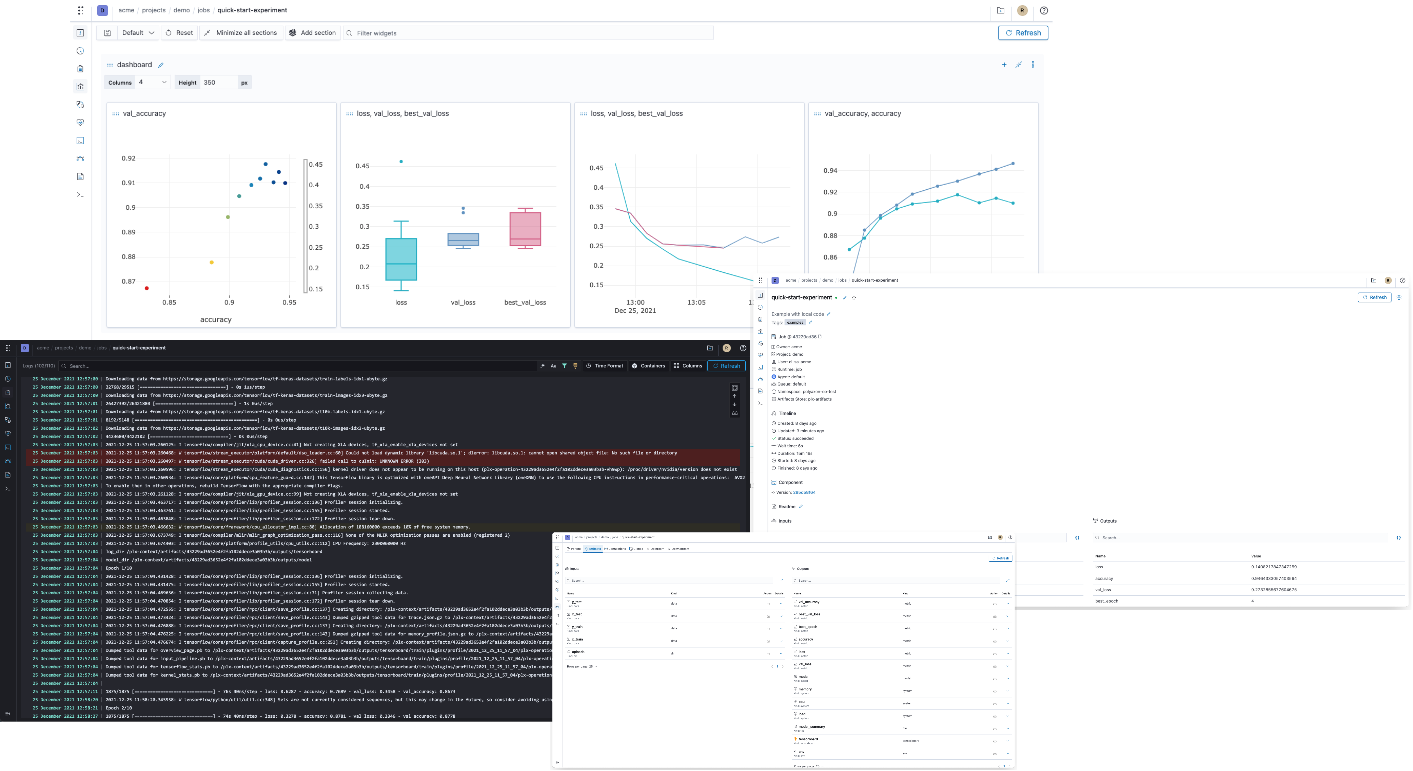
Dashboard
# Start Polyaxon dashboard
$ polyaxon dashboard

Dashboard page will now open in your browser. Continue? [Y/n]: y
- Notebook
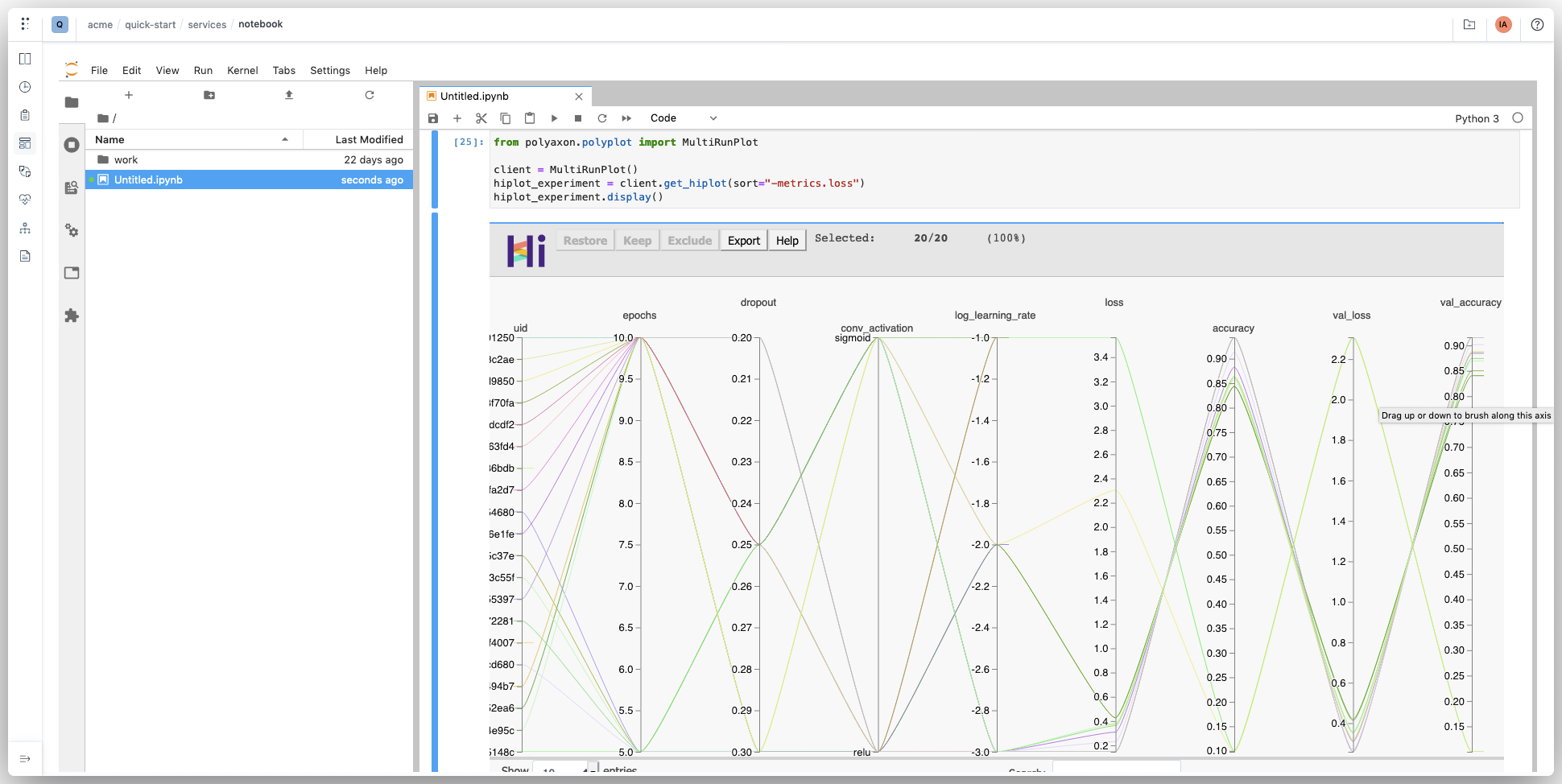
# Start Jupyter notebook for your project
$ polyaxon run --hub notebook
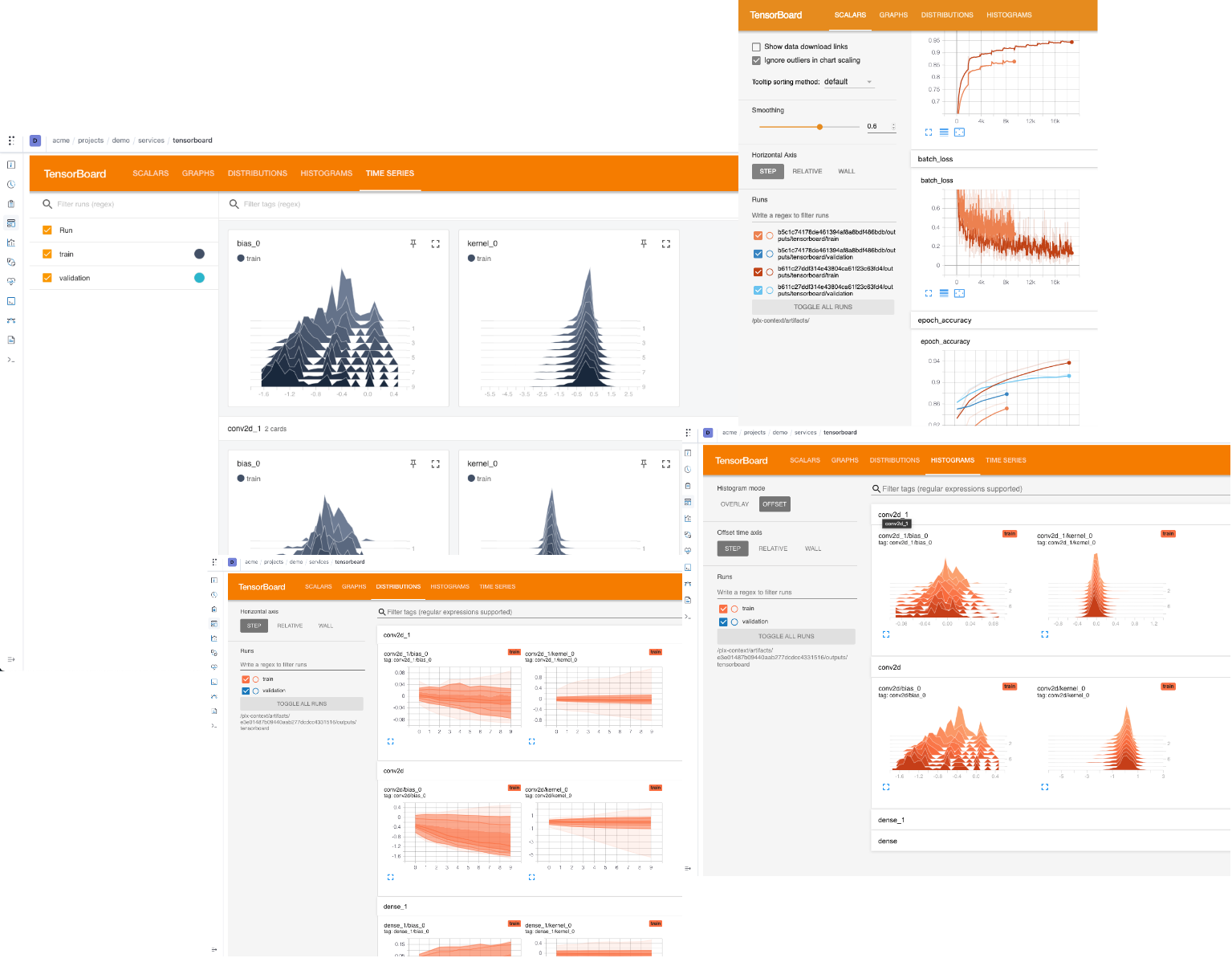
- Tensorboard
# Start TensorBoard for a run's output
$ polyaxon run --hub tensorboard -P uuid=UUID
Please check our quick start guide to start training your first experiment.
Distributed job
Polyaxon supports and simplifies distributed jobs. Depending on the framework you are using, you need to deploy the corresponding operator, adapt your code to enable the distributed training, and update your polyaxonfile.
Here are some examples of using distributed training:
Hyperparameters tuning
Polyaxon has a concept for suggesting hyperparameters and managing their results very similar to Google Vizier called experiment groups. An experiment group in Polyaxon defines a search algorithm, a search space, and a model to train.
Parallel executions
You can run your processing or model training jobs in parallel, Polyaxon provides a mapping abstraction to manage concurrent jobs.
DAGs and workflows
Polyaxon DAGs is a tool that provides container-native engine for running machine learning pipelines. A DAG manages multiple operations with dependencies. Each operation is defined by a component runtime. This means that operations in a DAG can be jobs, services, distributed jobs, parallel executions, or nested DAGs.
Architecture

Documentation
Check out our documentation to learn more about Polyaxon.
Dashboard
Polyaxon comes with a dashboard that shows the projects and experiments created by you and your team members.
To start the dashboard, just run the following command in your terminal
$ polyaxon dashboard -y
Project status
Polyaxon is stable and it's running in production mode at many startups and Fortune 500 companies.
Contributions
Please follow the contribution guide line: Contribute to Polyaxon.
Research
If you use Polyaxon in your academic research, we would be grateful if you could cite it.
Feel free to contact us, we would love to learn about your project and see how we can support your custom need.
2 maintainers


Metadata
2 maintainers
Release files for polyaxon 1.15.0.post11
For a detailed explanation of source distributions (sdists) and built distributions (wheels), please see the package formats documentation.
Source distribution (sdist)
| File | Size | Uploaded | |
|---|---|---|---|
| polyaxon-1.15.0.post11.tar.gz | 629.2 kB | Details |
Built distribution (wheel)
| File | Interpreter | ABI | Platform | Reset |
|---|---|---|---|---|
| polyaxon-1.15.0.post11-py3-none-any.whl | Python 3 | none | any | Details |
Total release size: 2.1 MB
Release files / polyaxon-1.15.0.post11.tar.gz
| Download URL | polyaxon-1.15.0.post11.tar.gz |
|---|---|
| Size | 629.2 kB |
| Tags | Source |
|
SHA-256 checksum How to use checksums |
73ea8309f4c52119bdeb9e3f551685dfa1906bc20c23a2dba9068cd0f18c1719
|
|
BLAKE2b-256 checksum How to use checksums |
305f12ef57a484bd051fd45c7262e6908b1850565fbfa60bb9116b05f2132572
|
| Upload date | |
|
Uploaded using Trusted Publishing? What is trusted publishing? |
No |
| Uploaded via |
twine/3.8.0 pkginfo/1.8.2 readme-renderer/32.0 requests/2.27.1 requests-toolbelt/0.9.1 urllib3/1.26.8 tqdm/4.62.3 importlib-metadata/4.11.0 keyring/23.5.0 rfc3986/2.0.0 colorama/0.4.4 CPython/3.9.9
|
Release files / polyaxon-1.15.0.post11-py3-none-any.whl
| Download URL | polyaxon-1.15.0.post11-py3-none-any.whl |
|---|---|
| Size | 1.5 MB |
| Tags | Python 3 |
|
SHA-256 checksum How to use checksums |
c5333c76c60037b200b6bb56685b2b73683016697f721803fee55e7650373ecc
|
|
BLAKE2b-256 checksum How to use checksums |
559029b8d673c513271e2c1cafc3cbb761753784c0dfe5cc579b2d83d82ea033
|
| Upload date | |
|
Uploaded using Trusted Publishing? What is trusted publishing? |
No |
| Uploaded via |
twine/3.8.0 pkginfo/1.8.2 readme-renderer/32.0 requests/2.27.1 requests-toolbelt/0.9.1 urllib3/1.26.8 tqdm/4.62.3 importlib-metadata/4.11.0 keyring/23.5.0 rfc3986/2.0.0 colorama/0.4.4 CPython/3.9.9
|














