
PolyX
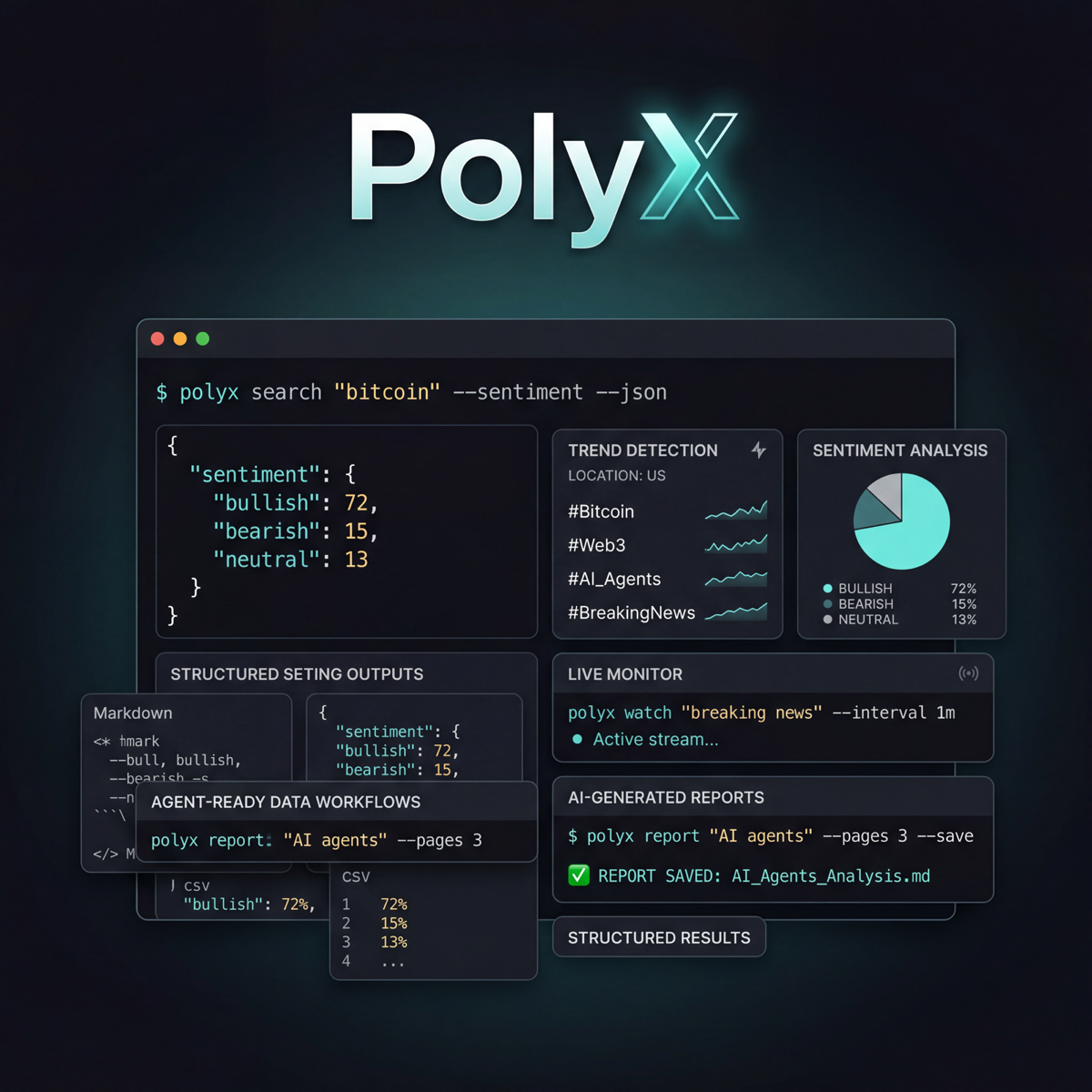
X/Twitter news and intelligence from the terminal.
Search breaking news and live conversations, monitor topics, score sentiment, inspect trends, and generate clean reports from one CLI.
search
news
watch
trends
analyze
report
json
markdown
PolyX is built for research, trading, monitoring, and agent workflows where signal matters more than browsing the web UI by hand.
Why use it
- Search X quickly from the terminal with structured output.
- Search X's first-party breaking-news clusters with summaries, entity context, tickers, and source Post IDs.
- Prefer the official X API v2 when you have a bearer token.
- Fall back to a cookie-based GraphQL client when you need a non-API path.
- Layer in Grok, Gemini, or OpenRouter for richer topic analysis.
- Save reports, cache results, and keep an eye on API spend.
Install
The PyPI distribution name is polyx-cli. The executable stays polyx.
pip install polyx-cli

# With AI providers and richer terminal output
pip install "polyx-cli[ai,rich]"
From source:
git clone https://github.com/ElyzeSolutions/PolyX-CLI.git
cd PolyX
pip install -e ".[ai,rich]"
Authentication modes
PolyX supports two access paths:
- Official X API v2 via
X_BEARER_TOKEN - Cookie-based GraphQL fallback via
AUTH_TOKENandCT0
The GraphQL path is unofficial and can break when X changes internal endpoints. Use API v2 when you can.
Configuration
Use environment variables directly or copy .env.example to a local .env.
PolyX loads the local .env automatically without overriding exported values.
| Variable | Purpose |
|---|---|
X_BEARER_TOKEN |
Official X API v2 bearer token |
AUTH_TOKEN |
GraphQL auth_token cookie |
CT0 |
GraphQL CSRF cookie |
XAI_API_KEY |
xAI key for Grok |
OPENROUTER_API_KEY |
OpenRouter key |
GOOGLE_API_KEY |
Google AI key for Gemini |
POLYX_DATA_DIR |
Base directory for reports, cache, and cost tracking |
POLYX_CACHE_DIR |
Optional cache directory override |
POLYX_DAILY_BUDGET |
Daily API budget in USD |
POLYX_CACHE_TTL |
Cache TTL in seconds |
Supported aliases:
TWITTER_AUTH_TOKENandTWITTER_CT0for GraphQL cookiesGROK_API_KEYfor xAIGEMINI_API_KEYfor Gemini
Quick start
Check your setup:
polyx health
Search recent posts:
polyx search "bitcoin" --limit 25
polyx search "ai agents" --sentiment --json
polyx search "solana" --sort likes --pages 2
Search breaking news through the official X API v2:
polyx news "US election" --max-results 25 --max-age-hours 12
polyx --json news "gold Federal Reserve" --domain gold --max-age-hours 6
polyx --jsonl news "crypto regulation" --domain polymarket | jq -c '{domain,id,name,summary}'
polyx --markdown news "gold real yields" --domain gold
polyx news requires X_BEARER_TOKEN; the cookie-based GraphQL client cannot
access X News. See the News API guide for the typed response and
integration contract. News results use the normal PolyX cache and cost ledger;
use --no-cache only when a fresh paid request is necessary. Before a live
request, PolyX enforces POLYX_DAILY_BUDGET and reduces --max-results when
needed so its $0.005/story safety estimate cannot exceed the remaining budget.
Standalone use defaults to --domain general. Integrations such as Polybot pass
--domain polymarket or --domain gold explicitly to isolate their records.
The label is optional and extensible: another integration can pass its own
lowercase routing label without changing PolyX.
Import an existing X browser session for the GraphQL fallback without exposing cookie values in the terminal:
uv tool install 'polyx-cli[browser]'
polyx auth import-browser --browser chrome
polyx --client graphql search "gold OR XAUUSD" --limit 20
The imported session is stored in ~/.polyx/config.yml with mode 0600.
Browser cookies grant account access and are less stable than the official API;
use them only as a local fallback.
X also publishes a hosted MCP server for agent tools. It complements PolyX's typed, cached ingestion path rather than replacing it; see X MCP and PolyX for the recommended boundary.
Watch a topic over time:
polyx watch "breaking news" --interval 1m
polyx watch "ethereum" --interval 5m --webhook https://hooks.example.com/polyx
Inspect trends:
polyx trends --location us
polyx trends --locations
Generate analysis and reports:
polyx analyze "stablecoins" --provider gemini
polyx report "AI agents" --pages 3 --sentiment --save
Output formats
PolyX works well for both humans and automation:
- terminal output by default
--jsonfor machine-readable pipelines--jsonlfor stream processing--csvfor spreadsheets--markdownfor reports and sharing
News also supports --csv. Global format flags go before the command, for
example polyx --json news "gold".
Docker
docker build -t polyx .
docker run --rm -e X_BEARER_TOKEN=your_token polyx search "bitcoin"
Development
uv sync --extra ai --extra rich --extra dev
uv run ruff check .
uv run pytest
uv build
GitHub Actions are included for CI and tag-based PyPI publishing.
License
MIT
1 maintainer

Release files for polyx-cli 0.2.0
For a detailed explanation of source distributions (sdists) and built distributions (wheels), please see the package formats documentation.
Source distribution (sdist)
| File | Size | Uploaded | |
|---|---|---|---|
| polyx_cli-0.2.0.tar.gz | 166.0 kB | Details |
Built distribution (wheel)
| File | Interpreter | ABI | Platform | Reset |
|---|---|---|---|---|
| polyx_cli-0.2.0-py3-none-any.whl | Python 3 | none | any | Details |
Total release size: 219.5 kB
Release files / polyx_cli-0.2.0.tar.gz
| Download URL | polyx_cli-0.2.0.tar.gz |
|---|---|
| Size | 166.0 kB |
| Tags | Source |
|
SHA-256 checksum How to use checksums |
3ffe6c39238b0b6bb9e85108351fdb7096ad6f5b5dfa837891b91a835b885cc0
|
|
BLAKE2b-256 checksum How to use checksums |
83e8e0ce327b7cee7edf44f175668a243ea56e3530c8f1cd0570cd75b70fbee3
|
| Upload date | |
|
Uploaded using Trusted Publishing? What is trusted publishing? |
Yes |
| Uploaded via |
twine/6.1.0 CPython/3.13.14
|
Provenance
Provenance describes where a file came from. On PyPI, provenance is shared via attestations, which provide a verifiable record of the build or publishing details. View details, limitations and caveats.


PyPI Publish Attestation
PyPI verified that this artifact, at this checksum, originated from the publisher listed below.
Signed by GitHub Actions, verified by PyPI on Jul 29, 2026.
Transparency logRelease files / polyx_cli-0.2.0-py3-none-any.whl
| Download URL | polyx_cli-0.2.0-py3-none-any.whl |
|---|---|
| Size | 53.5 kB |
| Tags | Python 3 |
|
SHA-256 checksum How to use checksums |
841c203292ab812dc8b5b3f0427e99ad0afde76bfb71be596ae68aba3cc8f895
|
|
BLAKE2b-256 checksum How to use checksums |
20a8e993888a61c98165d6a1006fedb3a99fc3b2f320db6f71a5a91856a811d0
|
| Upload date | |
|
Uploaded using Trusted Publishing? What is trusted publishing? |
Yes |
| Uploaded via |
twine/6.1.0 CPython/3.13.14
|
Provenance
Provenance describes where a file came from. On PyPI, provenance is shared via attestations, which provide a verifiable record of the build or publishing details. View details, limitations and caveats.
PyPI Publish Attestation
PyPI verified that this artifact, at this checksum, originated from the publisher listed below.
Signed by GitHub Actions, verified by PyPI on Jul 29, 2026.
Transparency log













