









pupyl - A Python Image Search Library
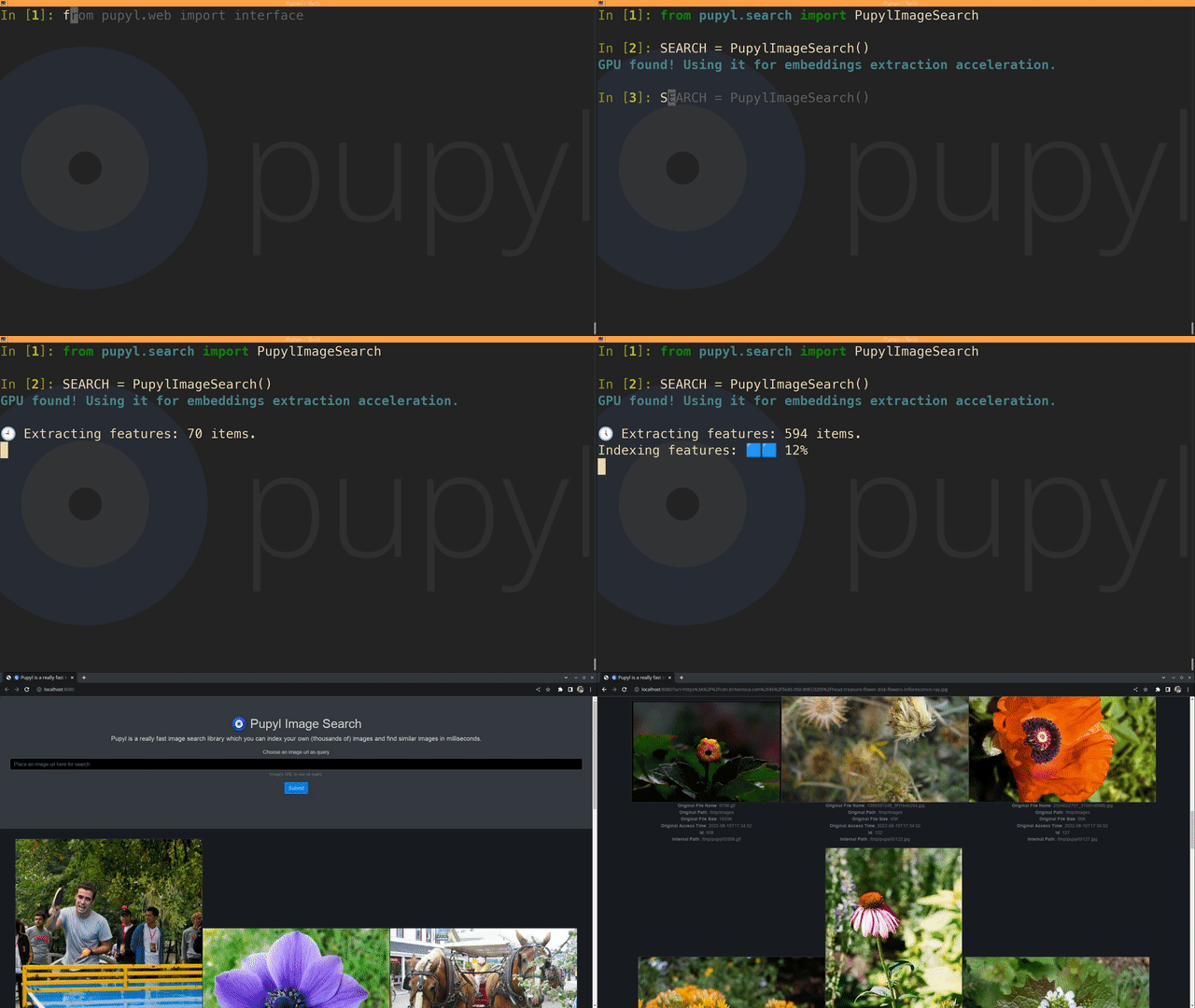
Table of contents
🧿 pupyl what?
The pupyl project (pronounced pyoo·piel) is a pythonic library to perform image search tasks (even over animated GIFs). It's intended to make easy reading, indexing, retrieving and maintaining a complete reverse image search engine. You can use it in your own data pipelines, web projects and wherever you find fit!
🎉 Getting started
📦 Installation
Installing pupyl on your environment is pretty easy:
# pypi
pip install pupyl
or
# anaconda
conda install -c policratus pupyl
For installation troubleshooting, visit troubleshooting.
🚸 Usage
You can call pupyl's objects directly from your application code. For this example, a sample database will be indexed and after that, the following image will be used as a query image (credits: @dlanor_s):

pupyl also supports using animated gifs as query images and can store and retrieve it too.
from pupyl.search import PupylImageSearch
from pupyl.web import interface

SEARCH = PupylImageSearch()

SEARCH.index(
    'https://github.com/policratus/pupyl'
    '/raw/main/samples/images.tar.xz'
)

# Using, for instance, a remote image. Local images have pretty faster results.
QUERY_IMAGE = 'https://images.unsplash.com/photo-1520763185298-1b434c919102?w=224&q=70'

[*SEARCH.search(QUERY_IMAGE)]
Disclaimer: the example above creates pupyl assets on your temporary directory. To define a non-volatile database, you should define data_dir parameter.
This will return:
# Here's the simplest possible result
> [486, 12, 203, 176]
With more information and returning image metadata from the results:
# The results with image metadata
[*SEARCH.search(QUERY_IMAGE, return_metadata=True)]
Now an excerpt of the (possible) return is:
[
    {
        "id": 486,
        "internal_path": "/tmp/pupyl/0/486.gif",
        "original_access_time": "2021-12-03T13:23:47",
        "original_file_name": "icegif-5690.gif",
        "original_file_size": "261K",
        "original_path": "/tmp/tmp3gdxlwr6"
    },
    {
        "id": 12,
        "internal_path": "/tmp/pupyl/0/12.gif",
        "original_access_time": "2021-12-03T13:23:46",
        "original_file_name": "roses.gif",
        "original_file_size": "1597K",
        "original_path": "/tmp/tmp3gdxlwr6"
    },
    ...
]
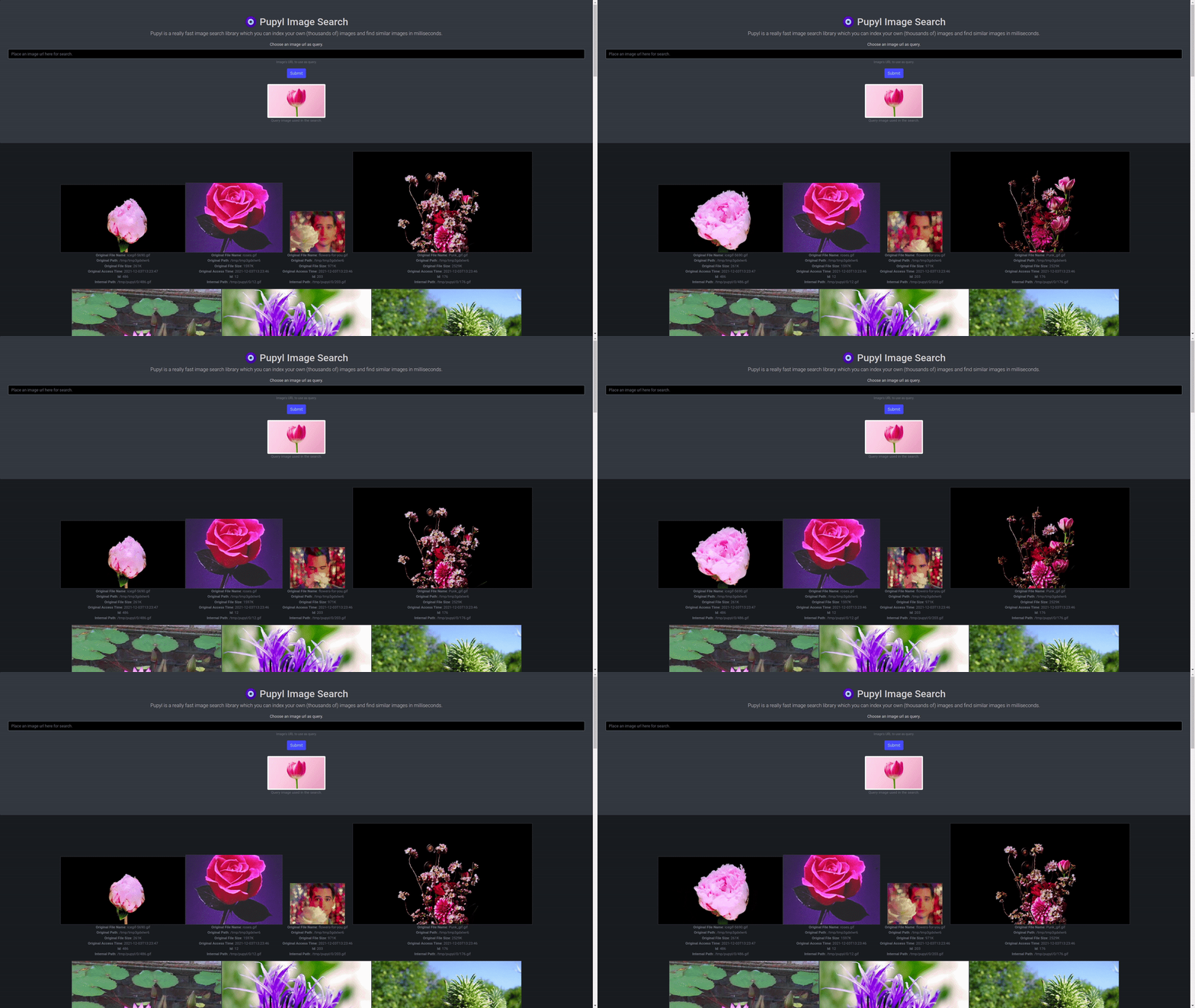
To interact visually, use the web interface:
# Opening the web interface
interface.serve()
A glimpse of the web interface, visualizing the results shown above:
Alternatively, you can interact with pupyl via command line. The same example above in CLI
terms:
🐚 Command line interface
# Indexing images
pupyl --data_dir /path/to/your/data/dir index /path/to/images/

# Opening web interface
pupyl --data_dir /path/to/your/data/dir serve

# Searching using command line interface
pupyl --data_dir /path/to/your/data/dir search /path/to/query/image.ext
💡 Type
pupyl --helpto discover all the CLI's capabilities.
📌 Dependencies
See all dependencies here: dependencies.
📝 Documentation
See a getting started guide and the API reference on https://pupyl.readthedocs.io/.
🖊️ Citation
If you use pupyl in your publications or projects, please cite:
@misc{pupyl,
    author = {Nelson Forte de Souza Junior},
    title = {pupyl - A Python Image Search Library},
    howpublished = {\url{https://github.com/policratus/pupyl}},
    year = {2021}
}
1 maintainer

Metadata
1 maintainer
Release files for pupyl 0.14.2
For a detailed explanation of source distributions (sdists) and built distributions (wheels), please see the package formats documentation.
Source distribution (sdist)
| File | Size | Uploaded | |
|---|---|---|---|
| pupyl-0.14.2.tar.gz | 35.9 kB | Details |
Built distribution (wheel)
| File | Interpreter | ABI | Platform | Reset |
|---|---|---|---|---|
| pupyl-0.14.2-py3-none-any.whl | Python 3 | none | any | Details |
Total release size: 75.8 kB
Release files / pupyl-0.14.2.tar.gz
| Download URL | pupyl-0.14.2.tar.gz |
|---|---|
| Size | 35.9 kB |
| Tags | Source |
|
SHA-256 checksum How to use checksums |
12d4e27ad04cc8b9ea5a557564d354be564c26985103dd321a1fd10658aa7783
|
|
BLAKE2b-256 checksum How to use checksums |
944958cb154b7220cd69f0edd13cd6c48ff49df8a930c553240cd90b821c5ee0
|
| Upload date | |
|
Uploaded using Trusted Publishing? What is trusted publishing? |
No |
| Uploaded via |
twine/4.0.2 CPython/3.11.3
|
Release files / pupyl-0.14.2-py3-none-any.whl
| Download URL | pupyl-0.14.2-py3-none-any.whl |
|---|---|
| Size | 39.9 kB |
| Tags | Python 3 |
|
SHA-256 checksum How to use checksums |
264b9081897c4a84cb49a04fe0f1ddaddf17ad6e1e983a469855c27c229fd1c6
|
|
BLAKE2b-256 checksum How to use checksums |
49174ec5cf150198191703cbcfd7d3ba8cd3dd79431d0a389326870b70b6409b
|
| Upload date | |
|
Uploaded using Trusted Publishing? What is trusted publishing? |
No |
| Uploaded via |
twine/4.0.2 CPython/3.11.3
|














