
Visualizer

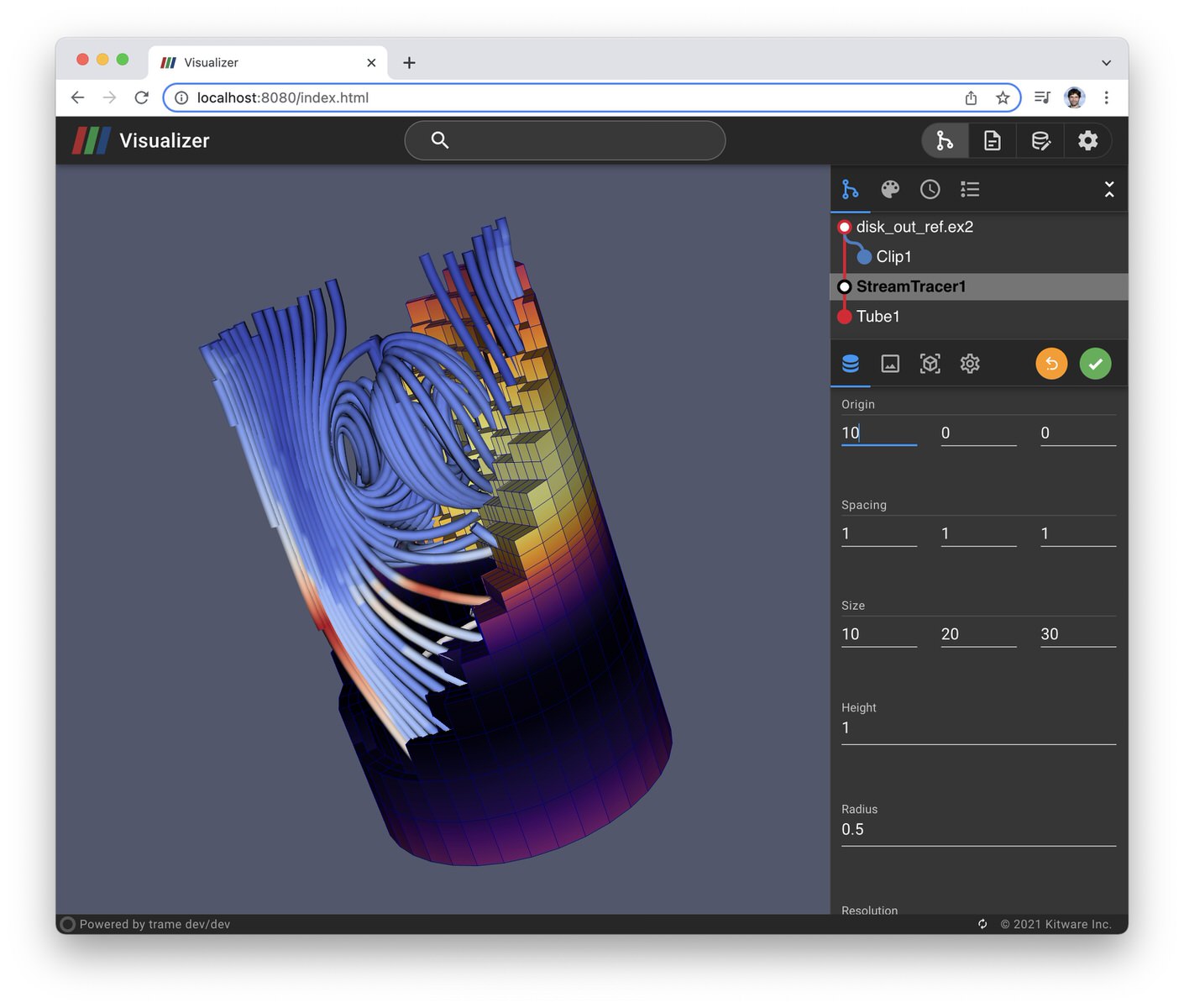
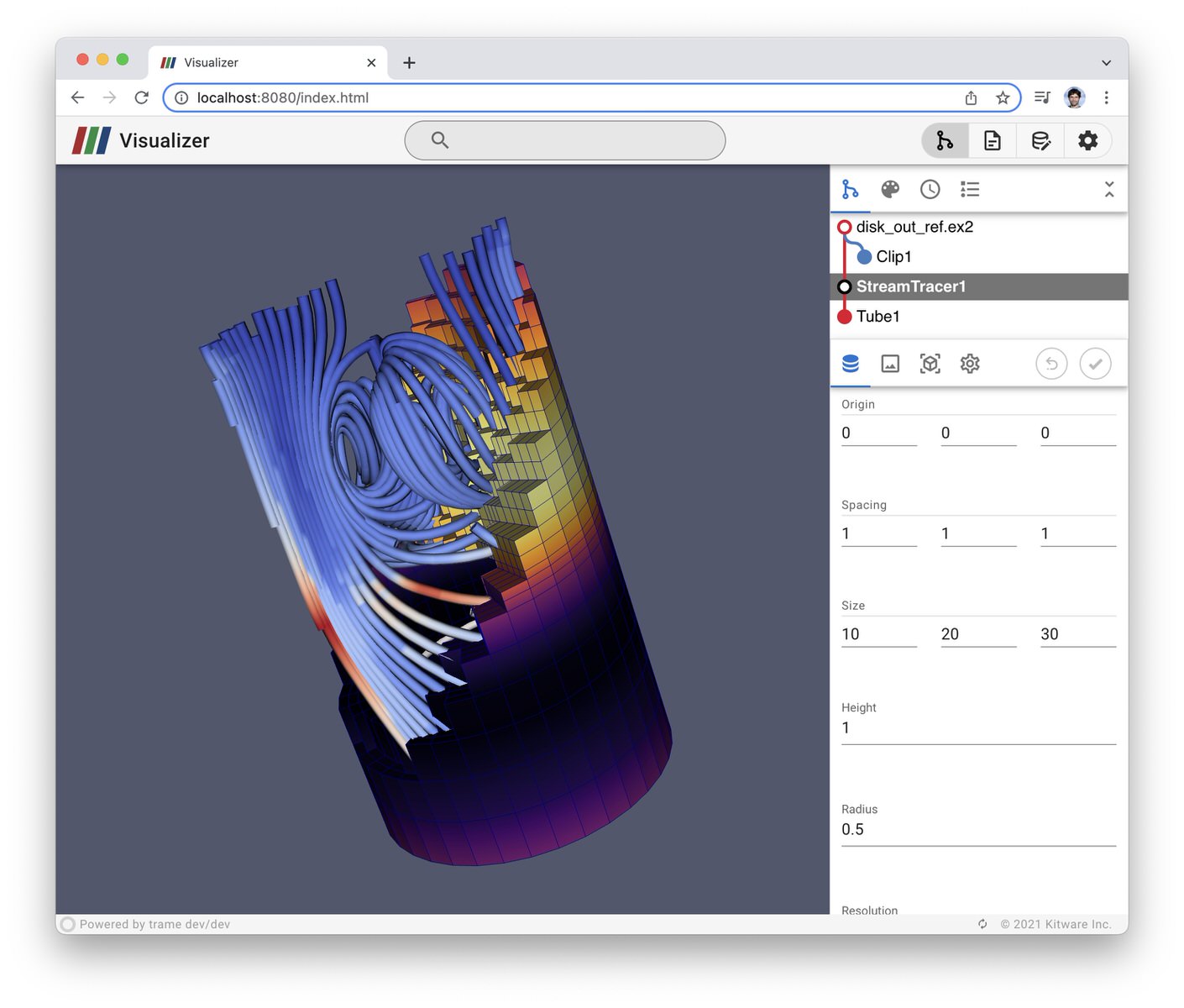
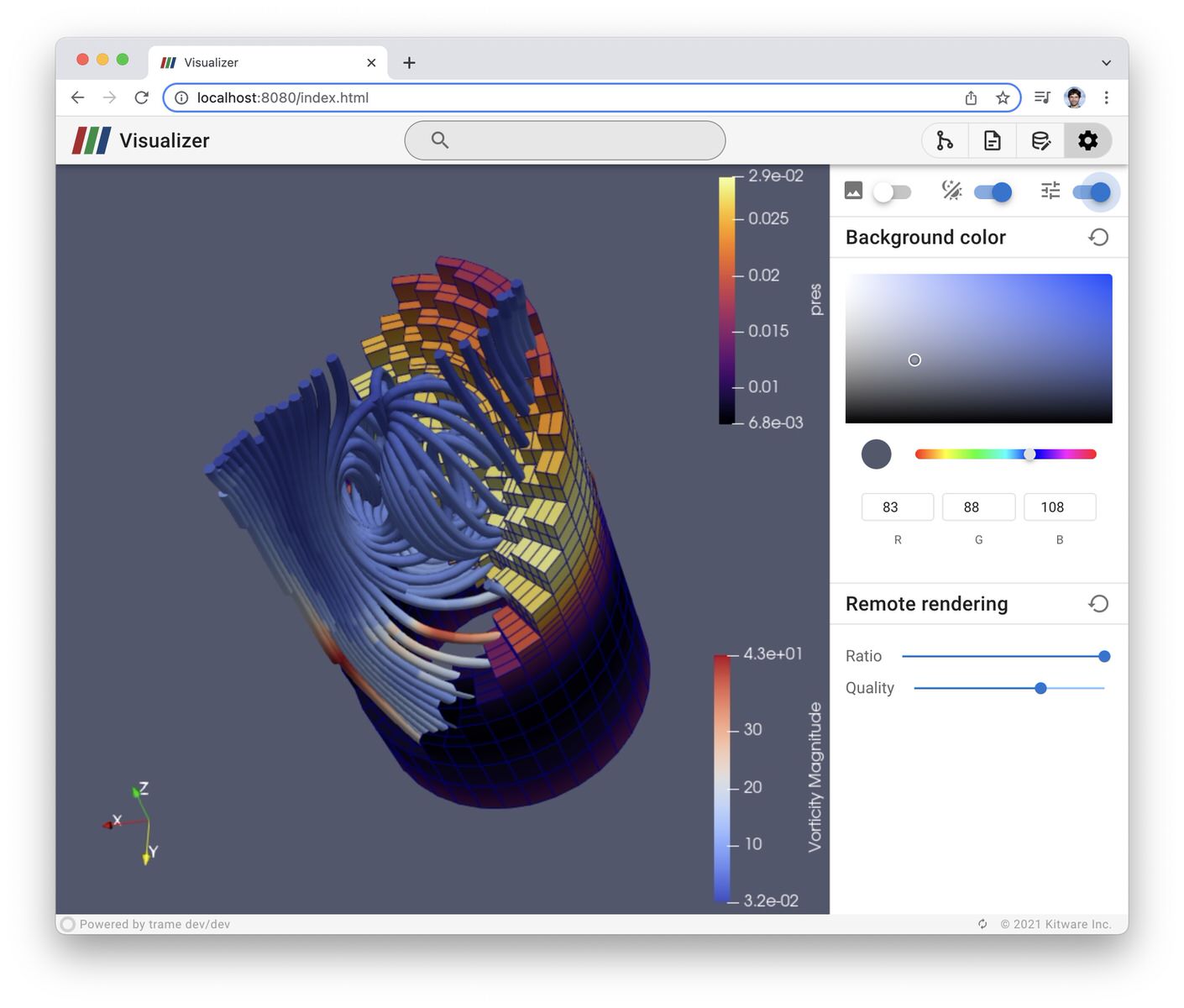
Visualizer is a Web frontend to ParaView based on trame. The current project is currently incomplete. You can see it as an alpha version of what it could be. To make it fully functional we need more time and possibly funding. But rather than waiting for it to be ready to release it, we are putting it out there as it does provide some very good example of what can be done with ParaView and trame.
If you would like us to push it forward or want some help creating something similar, feel free to reach out to kitware so we can see how we can help you.
License
This software is distributed under a BSD-3 license
Installing for Development
Build and install the Vue components
export NODE_OPTIONS=--openssl-legacy-provider
cd vue-components
npm i
npm run build
cd -
Create a virtual environment to use with your ParaView 5.10+
python3.9 -m venv .venv
source .venv/bin/activate
python -m pip install -U pip
pip install -e .
Installing from release
Create a virtual environment to use with your ParaView 5.10+
python3.9 -m venv .venv
source .venv/bin/activate
python -m pip install -U pip pv-visualizer
Running the application
Run the application using ParaView: pvpython executable
export PVPYTHON=/Applications/ParaView-5.10.0.app/Contents/bin/pvpython # Using macOS install path as example
export PV_VENV=$PWD/.venv
export TRAME_APP=pv_visualizer.app

$PVPYTHON -m paraview.apps.trame --data ~
Or you can use command line arguments instead of environment variables
$PVPYTHON -m paraview.apps.trame \
    --venv $PWD/.venv \
    --trame-app pv_visualizer.app \
--data ~3 maintainers


Metadata
3 maintainers
Release files for pv-visualizer 0.1.6
For a detailed explanation of source distributions (sdists) and built distributions (wheels), please see the package formats documentation.
Source distribution (sdist)
| File | Size | Uploaded | Provenance | Actions |
|---|---|---|---|---|
| pv-visualizer-0.1.6.tar.gz | 381.3 kB | Without provenance | Details for pv-visualizer-0.1.6.tar.gz |
Built distribution (wheel)
| File | Interpreter | ABI | Platform | Actions Reset |
|---|---|---|---|---|
| pv_visualizer-0.1.6-py3-none-any.whl | Python 3 | none | any | Details for pv_visualizer-0.1.6-py3-none-any.whl |
Total release size: 778.0 kB
Release files / pv-visualizer-0.1.6.tar.gz
| Download URL | pv-visualizer-0.1.6.tar.gz |
|---|---|
| Size | 381.3 kB |
| Tags | Source |
|
SHA-256 checksum How to use checksums |
73008860e4910b39e996378fec6d2c3751ef1e44f68a974b2ad9d105d47206e6
|
|
BLAKE2b-256 checksum How to use checksums |
2a9120744a9b4e146835ed01353973a63394c243f4125dbaf6c562b622a83faa
|
| Upload date | |
|
Uploaded using Trusted Publishing? What is trusted publishing? |
No |
| Uploaded via |
twine/3.8.0 pkginfo/1.9.6 readme-renderer/40.0 requests/2.31.0 requests-toolbelt/1.0.0 urllib3/2.0.4 tqdm/4.65.0 importlib-metadata/6.8.0 keyring/24.2.0 rfc3986/2.0.0 colorama/0.4.6 CPython/3.10.12
|
Release files / pv_visualizer-0.1.6-py3-none-any.whl
| Download URL | pv_visualizer-0.1.6-py3-none-any.whl |
|---|---|
| Size | 396.7 kB |
| Tags | Python 3 |
|
SHA-256 checksum How to use checksums |
3e2dc1bb5c4f3dda15379e25d6285c66b9f9472b1c3a0daf369de21b75228b68
|
|
BLAKE2b-256 checksum How to use checksums |
9c4f237389305b5c17ba78215b476f759fdf7c113e750dd1331d59b7d9720f17
|
| Upload date | |
|
Uploaded using Trusted Publishing? What is trusted publishing? |
No |
| Uploaded via |
twine/3.8.0 pkginfo/1.9.6 readme-renderer/40.0 requests/2.31.0 requests-toolbelt/1.0.0 urllib3/2.0.4 tqdm/4.65.0 importlib-metadata/6.8.0 keyring/24.2.0 rfc3986/2.0.0 colorama/0.4.6 CPython/3.10.12
|
Security for pv-visualizer 0.1.6
Provenance
Provenance describes where a file came from. On PyPI, provenance is shared via attestations, which provide a verifiable record of the build or publishing details. View details, limitations and caveats.
No provenance found
None of the files in this release were uploaded with provenance metadata.
A note on package security
PyPI is a repository for distributing packages, not a service for auditing them. While third-party security researchers and our staff do their best to detect and remove malicious packages, PyPI cannot guarantee the quality, security or suitability of any given package.
To learn more about protecting yourself from malicious actors, visit our package security documentation.














