
Python Bitcoin block dashboard, transactions, send message to Space and more

Project description

----------------------
CPU Usage: X%
Memory Usage: X%
----------------------

Local: PyBLOCK
Node:  XxXxXxX
Block: XxXxXxX
Version: X.x.X

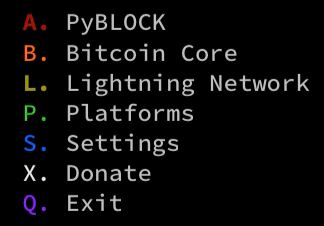
A. PyBLOCK
B. Bitcoin Core
L. Lightning Network
P. Platforms
S. Settings
X. Donate
Q. Exit

Select option:

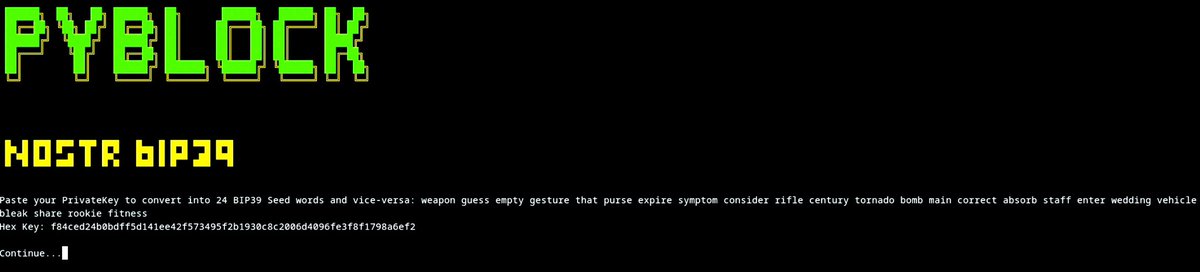
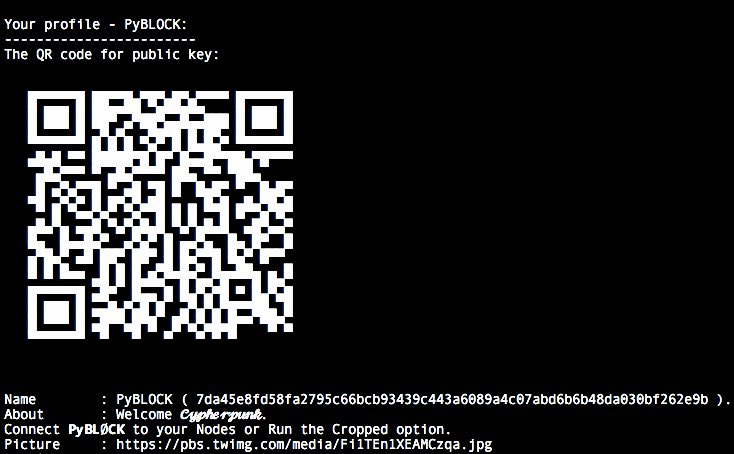
PyBLOCK
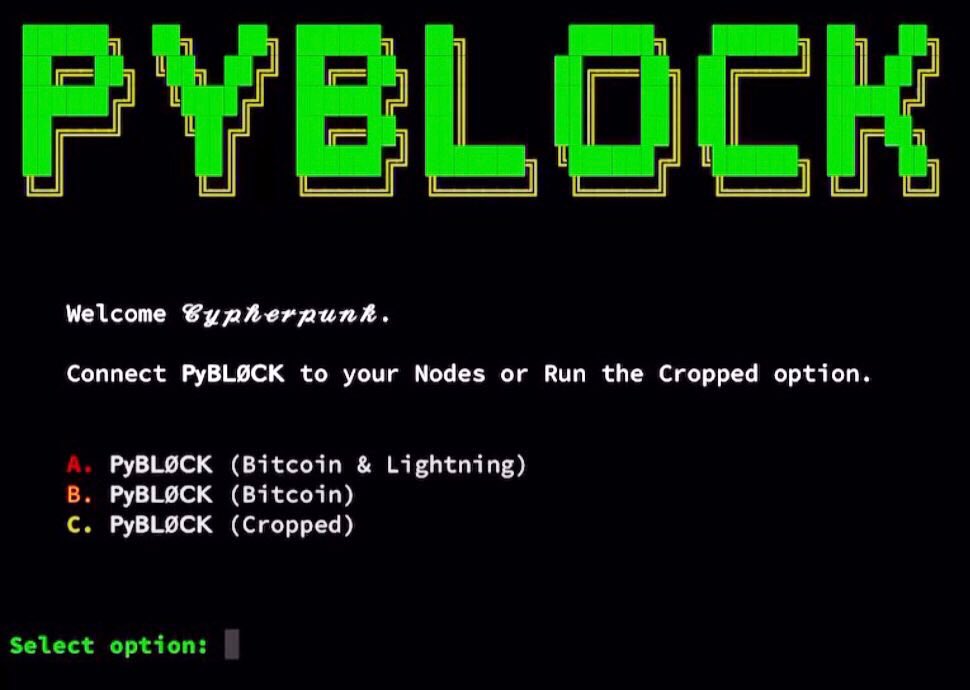
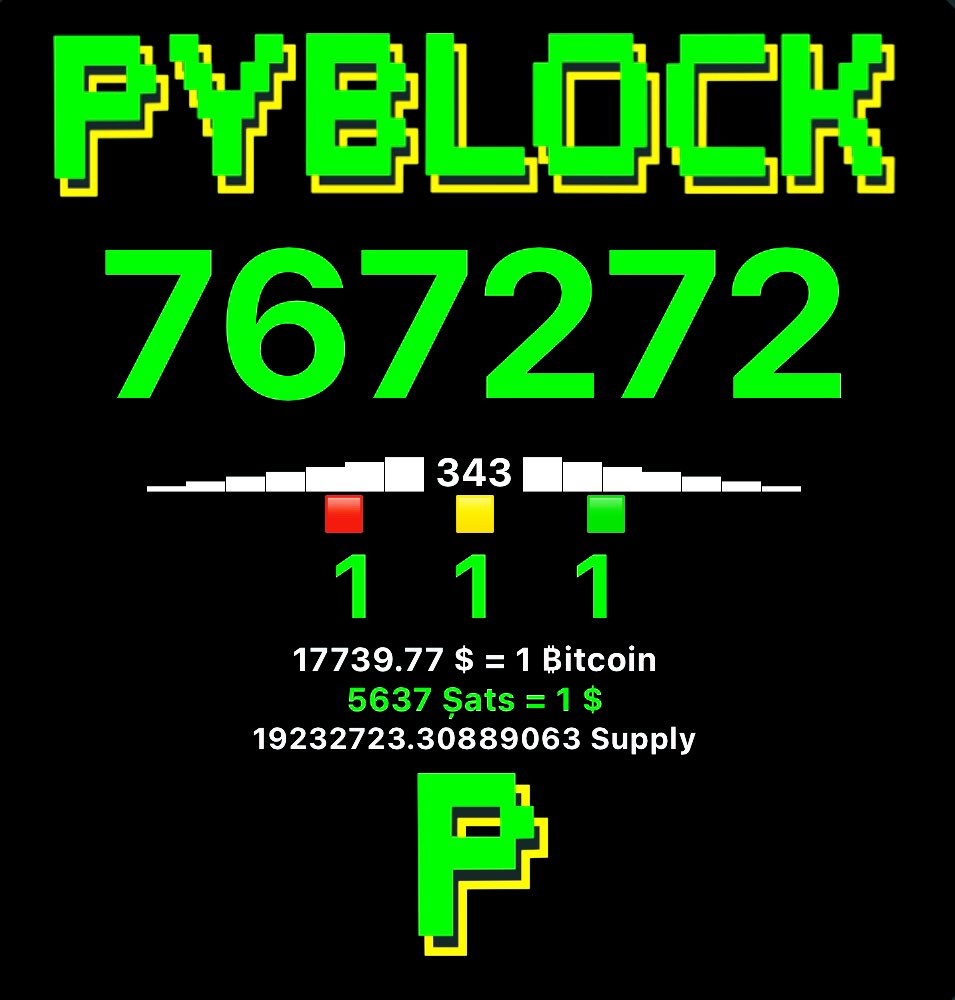
ℙ𝕪𝔹𝕃𝕆ℂ𝕂 𝕚𝕥𝕤 𝕒 𝔹𝕚𝕥𝕔𝕠𝕚𝕟 𝔻𝕒𝕤𝕙𝕓𝕠𝕒𝕣𝕕 𝕨𝕚𝕥𝕙 ℂ𝕪𝕡𝕙𝕖𝕣𝕡𝕦𝕟𝕜 𝕒𝕖𝕤𝕥𝕙𝕖𝕥𝕚𝕔.
- This will fully work on a Node that has Bitcoin Core and LND installed.
- We fully tested and worked perfect on MyNodeBTC
- We fully tested and worked perfect on RaspiBlitz
- We fully tested and worked perfect on BitcoinMachines
- We fully tested and worked perfect on Umbrel
First Start
-
You will need to find the path of the files tls.cert and admin.macaroon to do the REST connection to have access to LND.
-
Poetry is needed to ensure every user has the same python dependencies installed.
From LOCAL Node
Open the Terminal.
-- Easy mode:
- a@A:~> sudo apt install hexyl
- a@A:~> pip3 install pybitblock
- a@A:~> pyblock
-- Manual mode:
- a@A:~> sudo apt install hexyl
- a@A:~> pip3 install poetry
- a@A:~> git clone https://github.com/curly60e/pyblock.git
- a@A:~> cd pyblock
- a@A:~> poetry install
- a@A:~> cd pybitblock
- a@A:~> poetry run python3 PyBlock.py
-- Upgrade:
- a@A:~> pip3 install pybitblock -U
- a@A:~> pyblock
- This is how we continue.
- It will ask you for the IP:PORT (REST PORT) in this case use: localhost instead of the IP.
- Then it will ask you for the path to the tls.cert.
- Then it will ask you for the path to the admin.macaroon.
- Then it will ask you for the path to bitcoin-cli or if you have already installed just put: bitcoin-cli.
- And you are in.
From REMOTE Computer
- You will need to have tls.cert and admin.macaroon already downloaded from your LND node.
- Poetry is needed to ensure every user has the same python dependencies installed.
-
Open the Terminal
-- Easy mode:
- a@A:~> sudo apt install hexyl
- a@A:~> pip3 install pybitblock
- a@A:~> pyblock
-- Manual mode:
- a@A:~> sudo apt install hexyl
- a@A:~> pip3 install poetry
- a@A:~> git clone https://github.com/curly60e/pyblock.git
- a@A:~> cd pyblock
- a@A:~> poetry install
- a@A:~> cd pybitblock
- a@A:~> poetry run python3 PyBlock.py
-- Upgrade:
- a@A:~> pip3 install pybitblock -U
- a@A:~> pyblock
- This is how we continue.
- It will ask you for the IP:PORT (REST PORT).
- Then it will ask you for the path to the tls.cert.
- Then it will ask you for the path to the admin.macaroon.
- Then it will ask you for the path to bitcoin-cli or if you have already installed just put: bitcoin-cli.
- And you are in.


Dependencies
- Install Curl on Debian based type:
- sudo apt install curl
How to execute
- python3 PyBlock.py
Running PyBLOCK using Docker
First check out or unzip the code to a directory, cd to that directory, and from there type the following commands: (Make sure Docker desktop is running in the background "sudo service docker start".)
- docker build -t pyblock .
Run it using
- docker run -p 6969:6969 -it pyblock
Then open http://localhost:6969 with a browser, you will get the PyBLOCK Docker App.
Credentials: "Running:PyBLOCK" ("User:Pass")
Created by
npub1a78zk8cnczxjudg888f9t3va29vxhevvhdkdqvwe7zk70qx488zsc8573s
Pentester and contribution by
npub1h0mlskkqsyct98tldn744wa5j783h8du779c7zdjay29uyzwev4qxx9sjn
Contributor
Tools by
@SamouraiDev, @Korynewton, @Tippin_Me, @TallyCoinApp, @DJBooth007, @MemPool, @CoinGecko, @Igor_Chubin, @Shesek, @LNBits, @LNPAYco, @OpenNodeCo, @BlockStream, @Gwidion, @AlphaaZeta, @Hampus_S, @Mutatrum, @RoboHash, @C_Otto83, @BashCo_, @JamesOb, @BenTheCarman, @Whale_Alert, @BitcoinExplorer, @JanoSide, @LNstats, @Slush_Pool, @Braiins_Systems, @CKPoolDev, @KanoBTC, @JohnCantrell97, @JoostJgr, @PRguitarman, @NyanCat, @Mononautical, @Janna3257, @Cercatrova_21, @ChaumDotCom, @CashuBTC, @CalleBTC, @0xB10C, @BitRawr, @Vishalxl, @Odudex, @PyPi, ...
PyBLØCK Widget
Tutorial
- Install the app "Scriptable" -> Apple Appstore - Scriptable
- Open the app and click the "+" sign on the top right corner.
- Copy or Download the following script created by PyBLOCK:
- Paste or Open in Scriptable.
- Run the script.
- Click and done.
- Go to the homescreen, press and hold for a few seconds to make the icons move. Tab on the top left corner the "+" symbol.
- Scroll down untill you find the "Scriptable" App. Select it and scroll to the right for the full sized version.
- Click "Add Widget" and tab the new created widget to edit it. Select the created script and you're done.
SUPPORT PyBLØCK.
⚡️ curly60e@zbd.gg ⚡️
Bitcoin Address: bc1prwjajvvax2rkm2wzelpfzzc2ncywht69pswnurhzdfj9qujhyxzsqpd3eg

Samourai Wallet Paynym: PM8TJhNTTq3YVocXuPtLjKx7pKkdUxqwTerWJ2j2a7dNitgyMmBPN6gK61yE17N2vgvQvKYokXktt6D6GZFTmocvDJhaUJfHt7ehEMmthjsT3NQHseFM

Monero: 42jtb4dAfm6BQ8h6x56qGyAMMHVXGRwRMTSb2LwsBg1jVqD4TxfpD1pTK56tkrTMGhEKipZdDHfJrB1g8iQfvSyC7gZ9M8M

PyBLØCK Nostr Pulic Channel
Release history Release notifications | RSS feed


Download files
Download the file for your platform. If you're not sure which to choose, learn more about installing packages.
Source Distribution
Built Distribution
Filter files by name, interpreter, ABI, and platform.
If you're not sure about the file name format, learn more about wheel file names.
Copy a direct link to the current filters
File details
Details for the file pybitblock-2.0.16.tar.gz.
File metadata
- Download URL: pybitblock-2.0.16.tar.gz
- Upload date:
- Size: 14.3 MB
- Tags: Source
- Uploaded using Trusted Publishing? No
- Uploaded via: twine/4.0.1 CPython/3.11.2
File hashes
| Algorithm | Hash digest | |
|---|---|---|
| SHA256 |
8ecd68e2da6ff96855231dfc7d9e52b86c7ee90a669e7558473fcb7e88a4ee72
|
|
| MD5 |
2738f789343443c0410a721555cb85e1
|
|
| BLAKE2b-256 |
a83106730fcd13e4729c77c4f57b13cf007bc6d3927992e2f3fae91283726903
|
File details
Details for the file pybitblock-2.0.16-py3-none-any.whl.
File metadata
- Download URL: pybitblock-2.0.16-py3-none-any.whl
- Upload date:
- Size: 14.4 MB
- Tags: Python 3
- Uploaded using Trusted Publishing? No
- Uploaded via: twine/4.0.1 CPython/3.11.2
File hashes
| Algorithm | Hash digest | |
|---|---|---|
| SHA256 |
fd16c8a828f829f24bd56c37d14dad649a18704e65ae870c1910355a7ee1c762
|
|
| MD5 |
69e9923e4ba70b875b59fcb156973144
|
|
| BLAKE2b-256 |
f74b33aac3ebacab1af3b0106ed2de87ac7dae76cd022ecccd81cd719216510d
|






