
checkpoint






Create restore points for your project locally
Checkpoint is a tool that helps you to create restore points for your project. This is very similar to git tagging, the only difference between these two is that checkpoint doesn't require the project to be git initialized. It also doesn't require you to have a git remote.
How does it work?
Checkpoint provides multiple Sequence classes that have memeber functions which execute based on their order in the sequence. These sequences are used to perform all the sequentional operations that are required to create a restore point. Some of these sequences are:
IOSequence: This sequence is used to perfrom all the input/output sequentional operations.CLISequence: This sequence is used to perform all the CLI operations which includes parsing the arguments, determining the action and performing the action.
Checkpoint also supports custom sequences that can be used to initialize checkpoint in different environments. For example, if checkpoint isto be initialized in a UI enviroment a sequence for UI can be created and passed to the Checkpoint constructor.
Detailed documentation can be found here
How to use checkpoint?
To run checkpoint in UI environment, run the following command:
Run checkpoint in UI environment
checkpoint --run-ui
The following is an example of how to use checkpoint in a CLI environment.
Initialize checkpoint in the target project
checkpoint --action=init --path=path/to/project
After initialization a .checkpoint directory is created in the target project. If the project is git initialized, this directory should be added to the git ignore file.
Creating a restore point
checkpoint --name=restore_point_name --action=create --path=path/to/project
Jumping to a restore point
checkpoint --name=restore_point_name --action=restore --path=path/to/project
Deleting a restore point
checkpoint --name=restore_point_name --action=delete --path=path/to/project
Version of checkpoint
checkpoint --name=restore_point_name --action=version --path=path/to/project
Installation
pip install pycheckpoint
Development
1. Get the source code by cloning from remote repository.
git clone https://github.com/antrikshmisri/checkpoint.git
2. Create and activate a virtual environment.
python -m venv venv
source venv/bin/activate
3. Get the dependencies
pip install -r requirements/default.txt
4. Install checkpoint as a local project.
pip install .
5. Run the tests
pip intall -r requirements/test.txt
pytest -v checkpoint/tests/
Code of Conduct
Please go through the code of conduct before contributing to this project which can be found here.
Screenshots
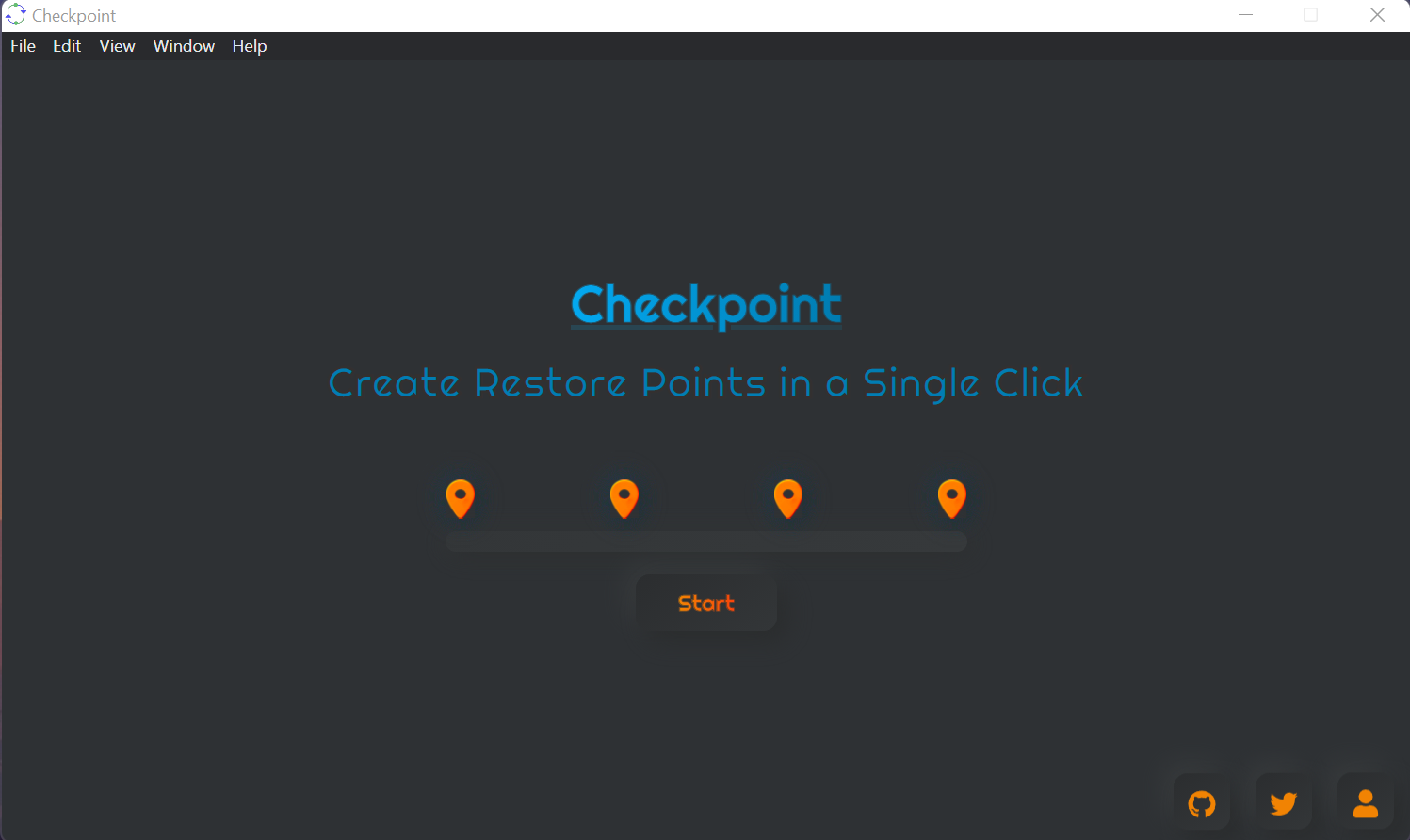
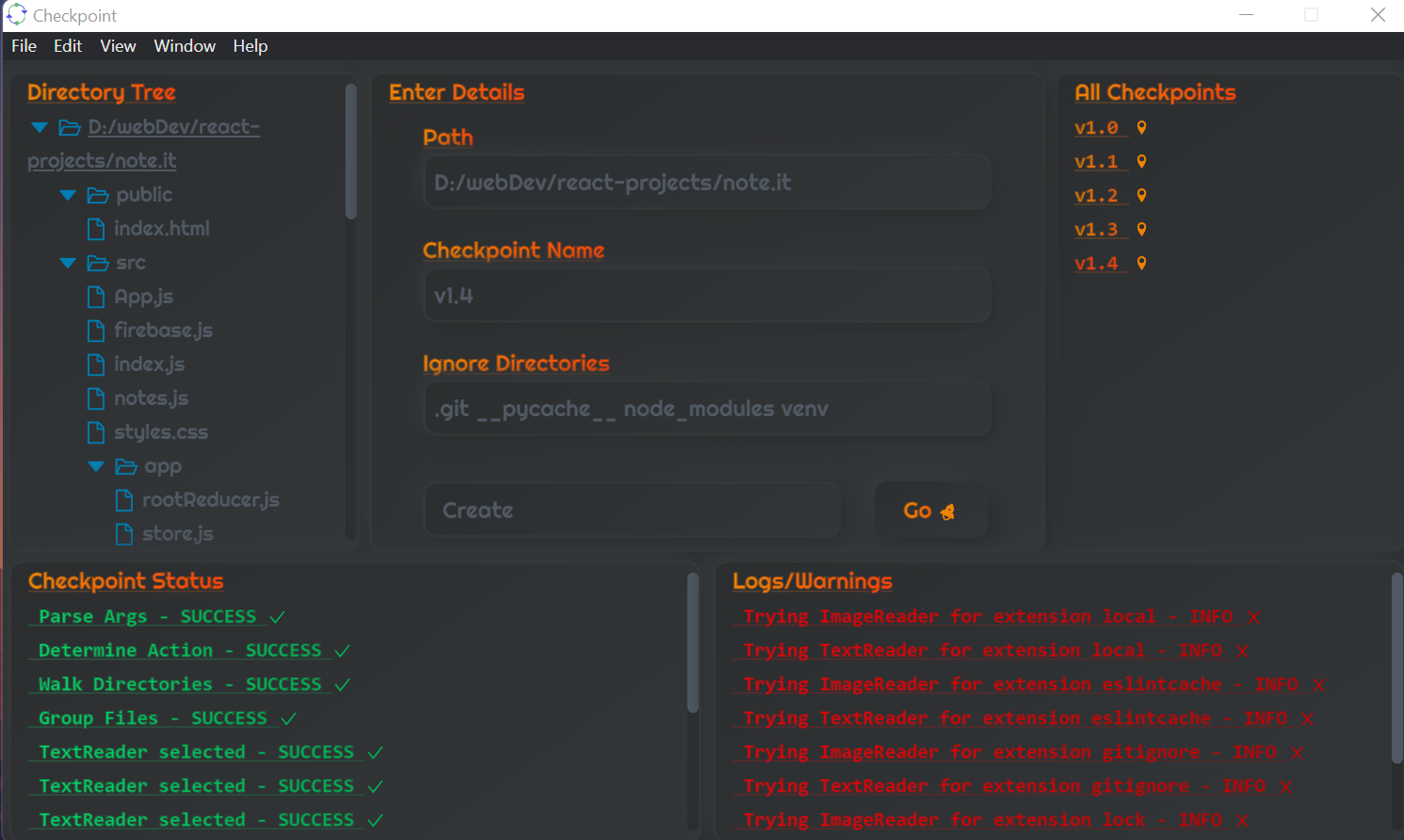
1 maintainer

Metadata
1 maintainer
Release files for pycheckpoint 1.3
For a detailed explanation of source distributions (sdists) and built distributions (wheels), please see the package formats documentation.
Source distribution (sdist)
| File | Size | Uploaded | Provenance | |
|---|---|---|---|---|
| pycheckpoint-1.3.tar.gz | 15.4 kB | Without provenance | Details |
Built distribution (wheel)
| File | Interpreter | ABI | Platform | Reset |
|---|---|---|---|---|
| pycheckpoint-1.3-py3-none-any.whl | Python 3 | none | any | Details |
Total release size: 31.4 kB
Release files / pycheckpoint-1.3.tar.gz
| Download URL | pycheckpoint-1.3.tar.gz |
|---|---|
| Size | 15.4 kB |
| Tags | Source |
|
SHA-256 checksum How to use checksums |
a9b1d6d873516d96996465aebf4b5aff60885ab1a75943c042aed113190f6344
|
|
BLAKE2b-256 checksum How to use checksums |
2fc22add7772f1f2887c657549a50b316fa083c65054b1850cbd93997d890ca2
|
| Upload date | |
|
Uploaded using Trusted Publishing? What is trusted publishing? |
No |
| Uploaded via |
twine/3.6.0 importlib_metadata/4.8.2 pkginfo/1.7.1 requests/2.26.0 requests-toolbelt/0.9.1 tqdm/4.62.3 CPython/3.10.0
|
Release files / pycheckpoint-1.3-py3-none-any.whl
| Download URL | pycheckpoint-1.3-py3-none-any.whl |
|---|---|
| Size | 16.0 kB |
| Tags | Python 3 |
|
SHA-256 checksum How to use checksums |
e6521684e2be0e12204934de952a394b22893826f6920f5a4976b6bff34f2390
|
|
BLAKE2b-256 checksum How to use checksums |
ac363b151ad99bb67853dadbe1f81951972d83d933fdce82a7cd1997ead72a81
|
| Upload date | |
|
Uploaded using Trusted Publishing? What is trusted publishing? |
No |
| Uploaded via |
twine/3.6.0 importlib_metadata/4.8.2 pkginfo/1.7.1 requests/2.26.0 requests-toolbelt/0.9.1 tqdm/4.62.3 CPython/3.10.0
|
Security for pycheckpoint 1.3
Provenance
Provenance describes where a file came from. On PyPI, provenance is shared via attestations, which provide a verifiable record of the build or publishing details. View details, limitations and caveats.
No provenance found
None of the files in this release were uploaded with provenance metadata.
A note on package security
PyPI is a repository for distributing packages, not a service for auditing them. While third-party security researchers and our staff do their best to detect and remove malicious packages, PyPI cannot guarantee the quality, security or suitability of any given package.
To learn more about protecting yourself from malicious actors, visit our package security documentation.














