
Pure Python cross-platform pyclean. Clean up your Python bytecode.


Project description
pyclean 






Worried about .pyc files and __pycache__ directories? Fear not! Pyclean is here to help. Finally the single-command clean up for Python bytecode files in your favorite directories. On any platform.
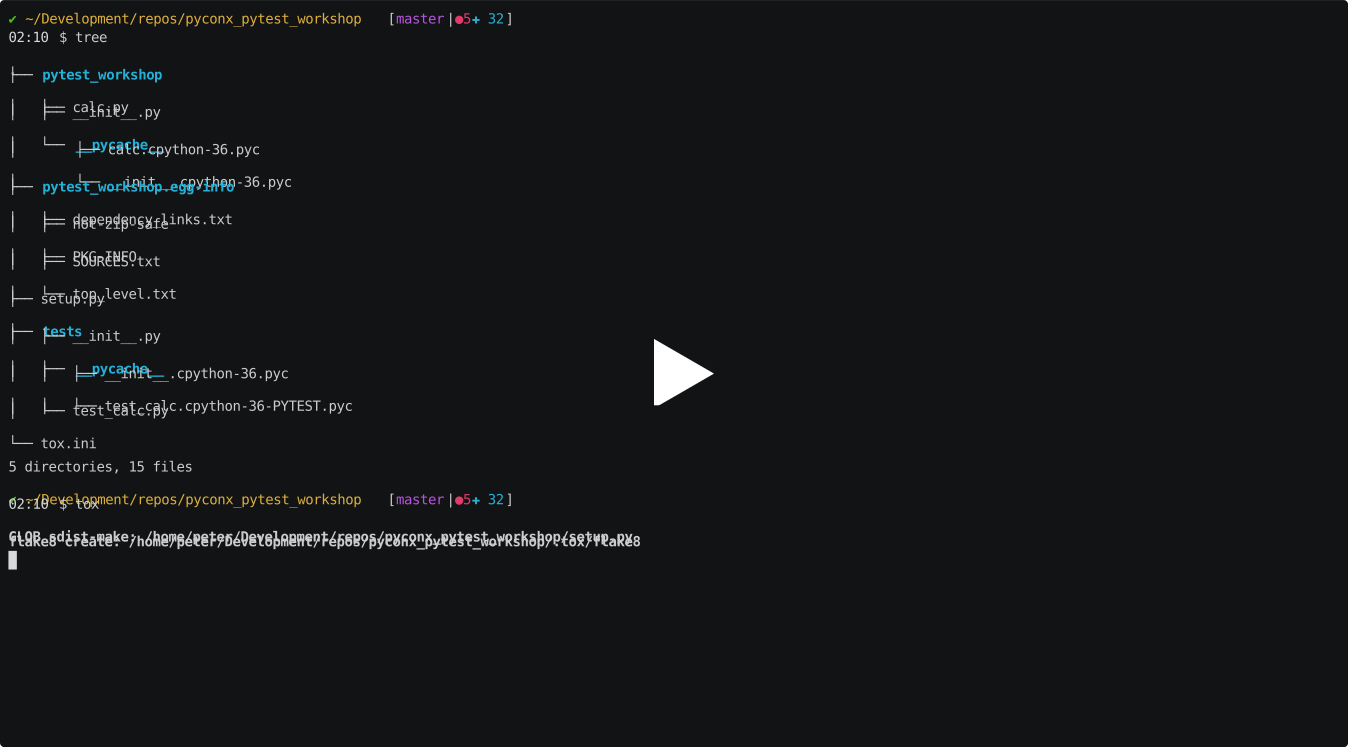
Presented at PyConX, Firenze 2019.
Wait! What is bytecode?
Bytecode is opcodes for the Python Virtual Machine. – Confused?
If you want to deep-dive into the topic watch the 2013 EuroPython talk “All Singing All Dancing Python Bytecode” by Larry Hastings. Otherwise James Bennett’s “Introduction to Python bytecode” should provide you with just the sound understanding of what it is all about.
Why not simply use rm **/*.pyc or find -name '*.py?' -delete?
If you’re happy with rm or find, go for it! When I was looking for a simple, concise solution for everybody I figured people are struggling, and simple things are more complicated than they appear at first sight.
Also, there is a pyclean command (and its siblings) on Debian. And, well, only on Debian as it turns out. Not that I’m a big fan of Mircosoft Windos, but why ignore the biggest Python population on this planet? (As if they weren’t punished enough already using this unfree piece of software!)
Debian
Just for reference, the Python scripts Debian ships with its python-minimal and python3-minimal packages can be found at:
pypyclean: salsa.debian.org/debian/pypy
Installation
$ pip install pycleanUsage
$ pyclean --helpIf you want to explicitly operate the Debian-specific implementation:
$ py2clean --help
$ py3clean --help
$ pypyclean --help
Clean up all bytecode in the current directory tree, and explain verbosely:
$ pyclean -v .Clean up all bytecode for a Debian package: (may require root permissions)
$ pyclean -p python3-keyring --legacyUse pyclean with Tox
If you want to avoid installing pyclean you can add it to your tox.ini file as follows:
[testenv:clean]
deps = pyclean
commands = pyclean {toxinidir}
You’ll then be able to run it with Tox like this:
$ tox -e cleanDevelopment
If you want to help out please see our contribution guide.
Roadmap (for v3.0.0)
Replace original Debian scripts (current --legacy) by a single, pure Python, Python 3-only code base that serves all target platforms.
Reduce the package dependencies to an absolute minimum for maximum portability.
Add additional CLI options to delete debris from builds, testing and packaging (build/, .cache/, dist/, .pytest_cache/, .tox/ and free-form targets).
Release history Release notifications | RSS feed


Download files
Download the file for your platform. If you're not sure which to choose, learn more about installing packages.
Source Distribution
Built Distribution
Filter files by name, interpreter, ABI, and platform.
If you're not sure about the file name format, learn more about wheel file names.
Copy a direct link to the current filters
File details
Details for the file pyclean-2.1.0.tar.gz.
File metadata
- Download URL: pyclean-2.1.0.tar.gz
- Upload date:
- Size: 27.2 kB
- Tags: Source
- Uploaded using Trusted Publishing? No
- Uploaded via: twine/3.8.0 pkginfo/1.8.2 readme-renderer/33.0 requests/2.27.1 requests-toolbelt/0.9.1 urllib3/1.26.8 tqdm/4.63.0 importlib-metadata/4.11.2 keyring/23.5.0 rfc3986/2.0.0 colorama/0.4.4 CPython/3.8.12
File hashes
| Algorithm | Hash digest | |
|---|---|---|
| SHA256 |
085318a99aa31deafb6d94ed3dd283ec7b833c7f86e54ef09fb381a5d146a926
|
|
| MD5 |
1471f45d758753d343c84d8a2319376a
|
|
| BLAKE2b-256 |
aaa1f1d6f24920ff1860afefb793106b71e561740226c40179f018b0e2230182
|
File details
Details for the file pyclean-2.1.0-py3-none-any.whl.
File metadata
- Download URL: pyclean-2.1.0-py3-none-any.whl
- Upload date:
- Size: 25.9 kB
- Tags: Python 3
- Uploaded using Trusted Publishing? No
- Uploaded via: twine/3.8.0 pkginfo/1.8.2 readme-renderer/33.0 requests/2.27.1 requests-toolbelt/0.9.1 urllib3/1.26.8 tqdm/4.63.0 importlib-metadata/4.11.2 keyring/23.5.0 rfc3986/2.0.0 colorama/0.4.4 CPython/3.8.12
File hashes
| Algorithm | Hash digest | |
|---|---|---|
| SHA256 |
ba7de34210e0d67a3e19c959ddf0baa3f936c296645e43c825fd0f4bd9481abd
|
|
| MD5 |
e25b249590cdec1c56d89c0017c93a6d
|
|
| BLAKE2b-256 |
6125427465c74384b830c66541a77d4a3116bc60d7f11501d58f48e8be857c18
|






