
OpenCL-based GPU-accelerated image processing

Project description
pyclesperanto
pyclesperanto is a prototype for clEsperanto - a multi-platform multi-language framework for GPU-accelerated image processing. It uses OpenCL kernels from CLIJ.
For users convenience, there are code generators available for napari and Fiji.

Reference
The full reference is available as part of the CLIJ2 documentation.
Installation
- Get a python environment, e.g. via mini-conda. If you never used python/conda environments before, please follow the instructions here first.
- Install pyopencl.
If installation of pyopencl for Windows fails, consider downloading a precompiled wheel (e.g. from here ) and installing it manually. Note that "cl12" and "cp38" in the filename matter: They allow you using OpenCL 1.2 compatible GPU devices from Python 3.8.
pip install pyopencl-2019.1.1+cl12-cp37-cp37m-win_amd64.whl
Alternatively, installing via conda also works:
conda install -c conda-forge pyopencl=2020.3.1
Afterwards, install pyclesperanto:
pip install pyclesperanto-prototype
Troubleshooting installation
If you receive an error like
DLL load failed: The specified procedure could not be found.
Try downloading and installing a pyopencl with a lower cl version, e.g. cl12 : pyopencl-2020.1+cl12-cp37-cp37m-win_amd64
Example code
A basic image procressing workflow loads blobs.gif and counts the number of gold particles:
import pyclesperanto_prototype as cle

from skimage.io import imread, imsave

# initialize GPU
cle.select_device("GTX")
print("Used GPU: " + cle.get_device().name)

# load data
image = imread('https://imagej.nih.gov/ij/images/blobs.gif')
print("Loaded image size: " + str(image.shape))

# push image to GPU memory
input = cle.push(image)
print("Image size in GPU: " + str(input.shape))

# process the image
inverted = cle.subtract_image_from_scalar(image, scalar=255)
blurred = cle.gaussian_blur(inverted, sigma_x=1, sigma_y=1)
binary = cle.threshold_otsu(blurred)
labeled = cle.connected_components_labeling_box(binary)

# The maxmium intensity in a label image corresponds to the number of objects
num_labels = cle.maximum_of_all_pixels(labeled)

# print out result
print("Num objects in the image: " + str(num_labels))

# for debugging: print out image
print(labeled)

# for debugging: save image to disc
imsave("result.tif", cle.pull(labeled))
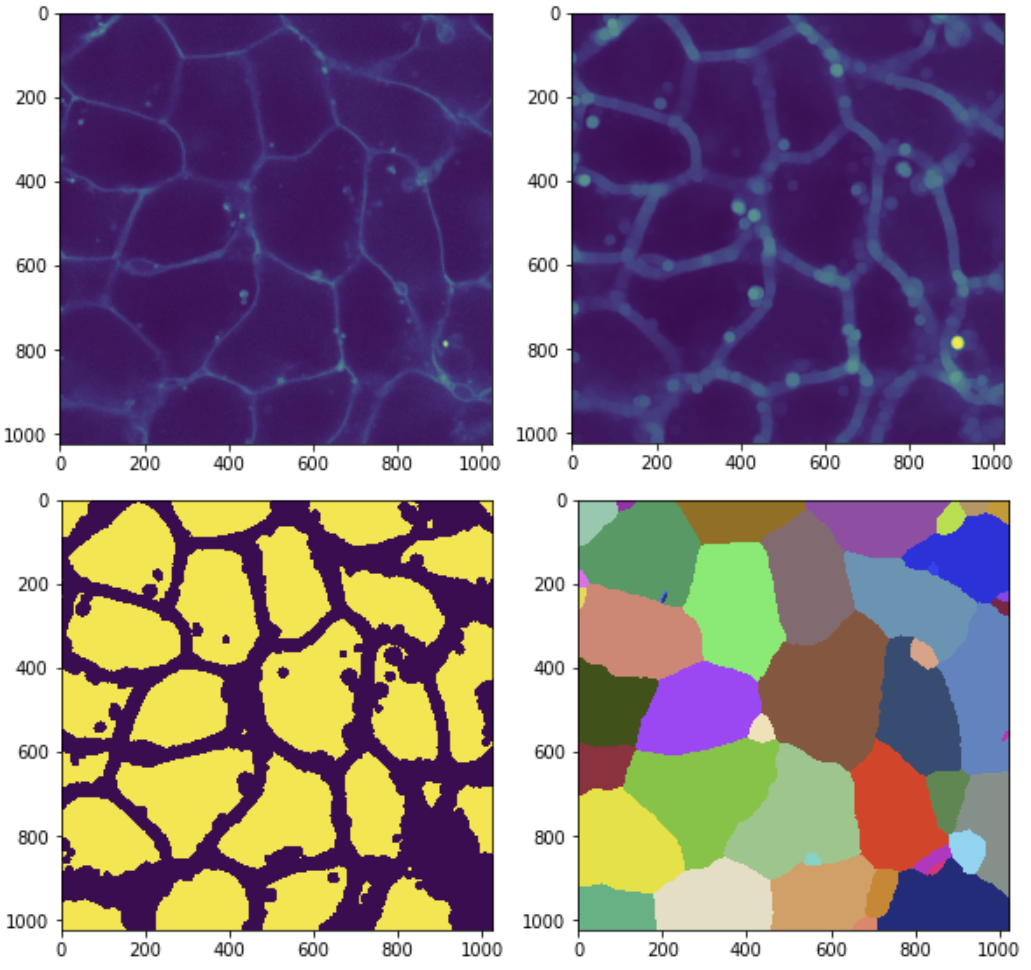
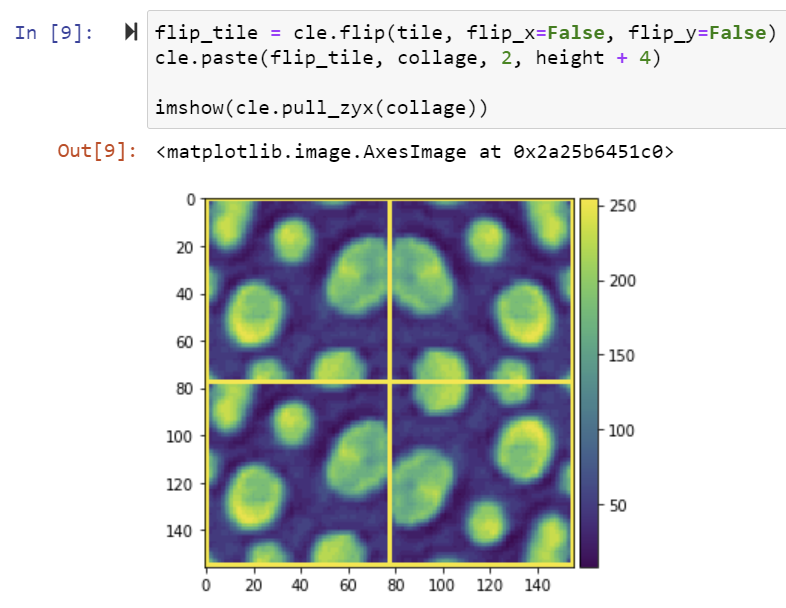
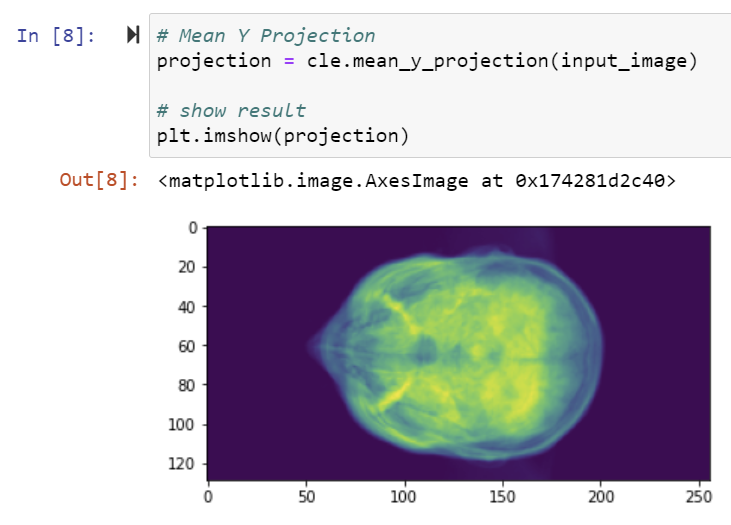
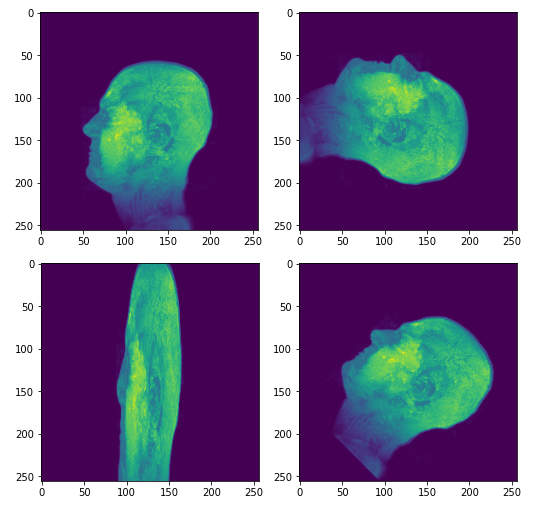
Example gallery
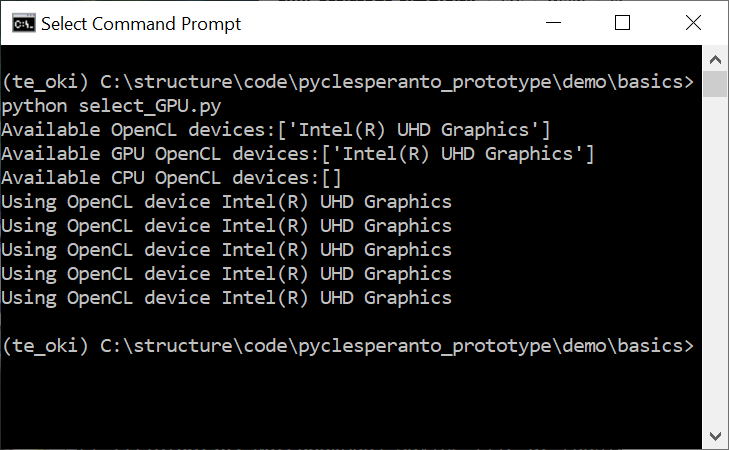
| |
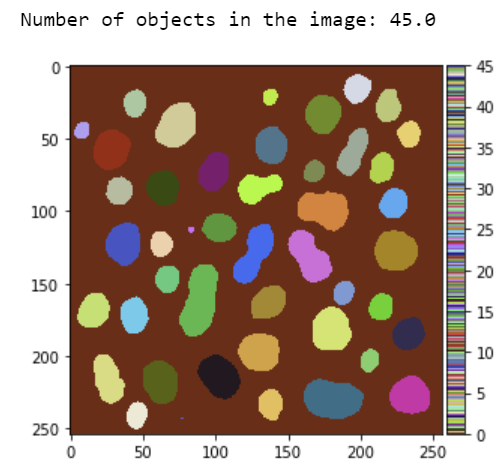
| |
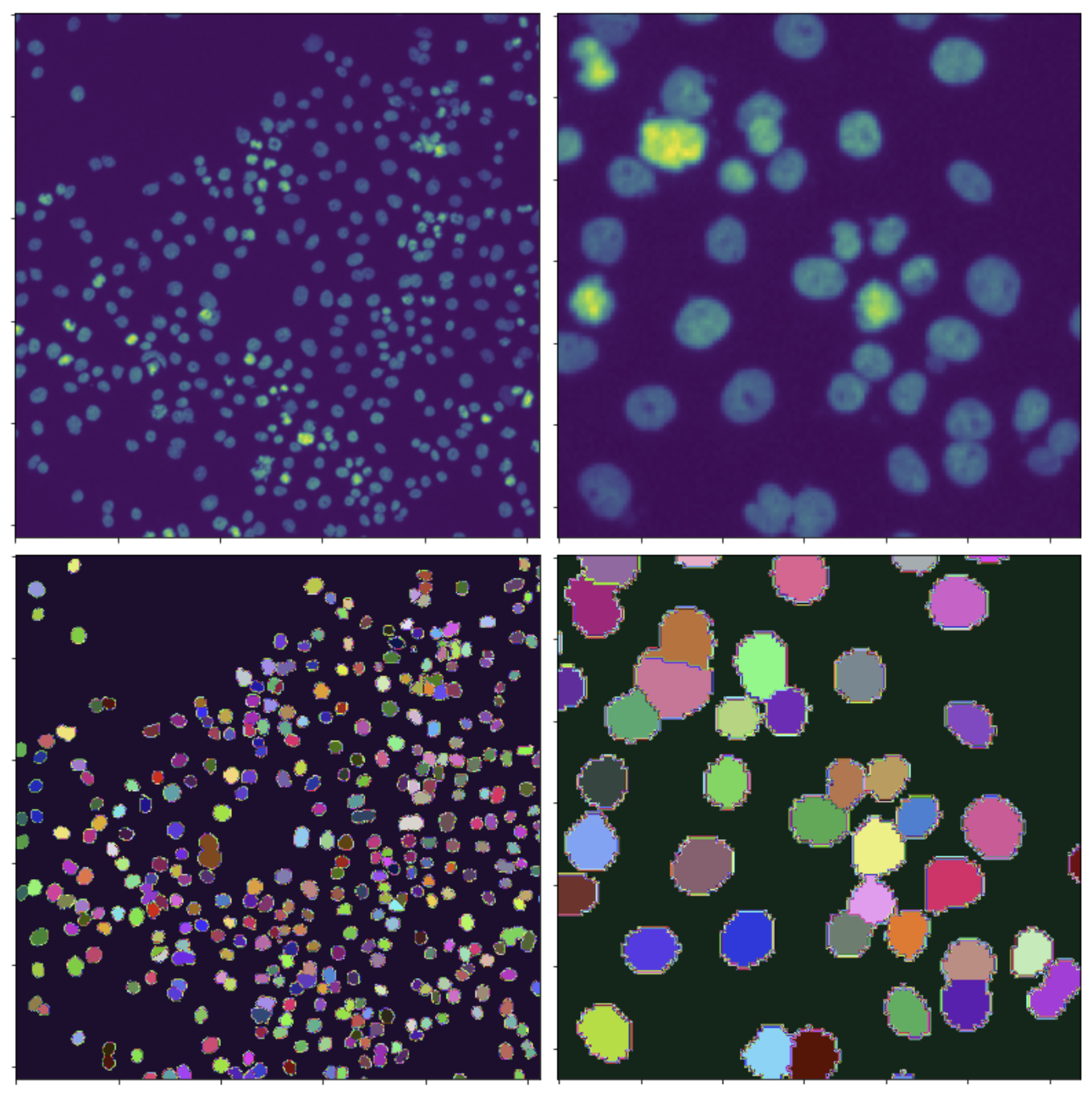
| |
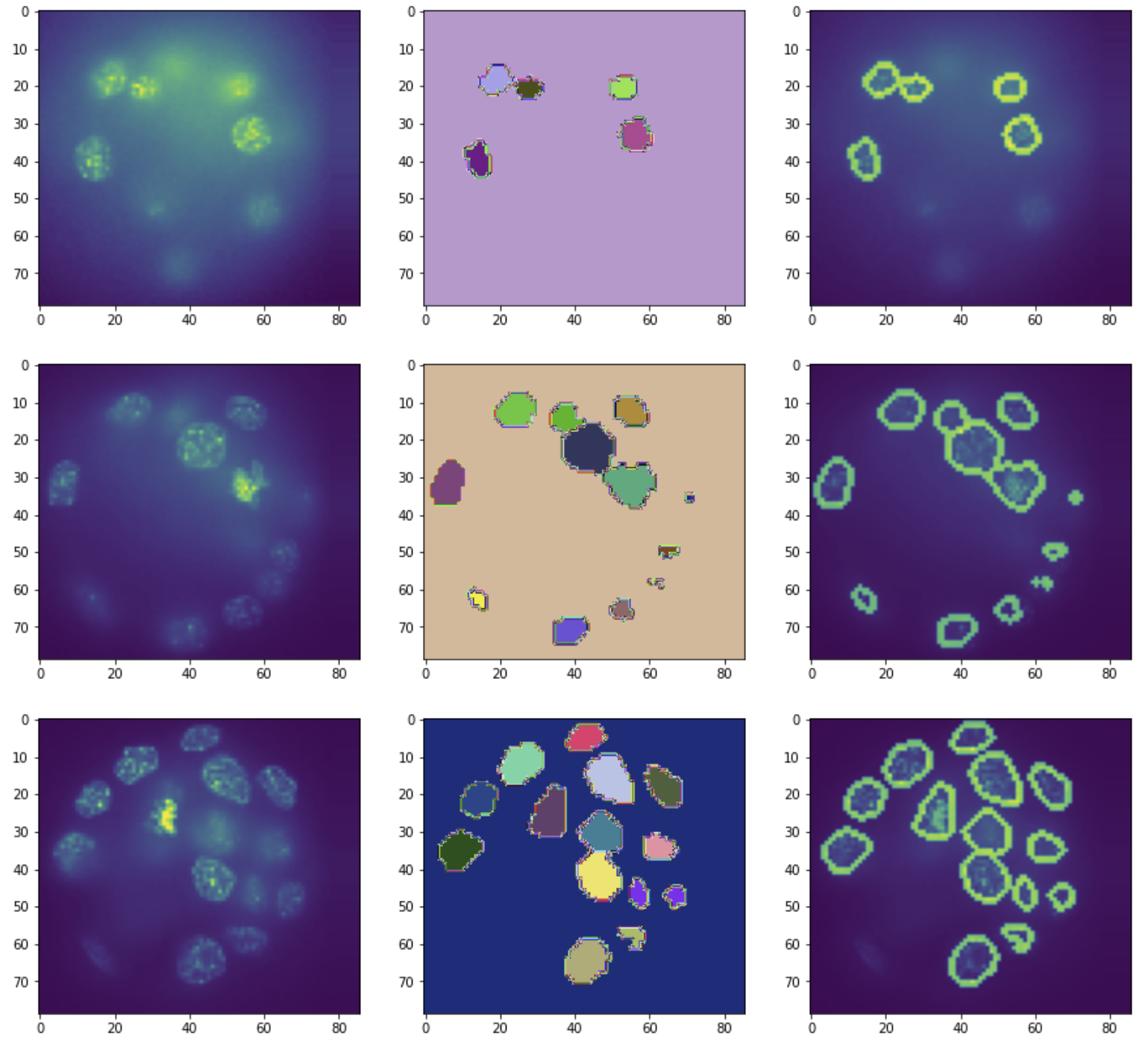
| |
| |
| |
| |
| |
| |
| |
| |

| |
| |

| |
| |
| |
| |
| |
| |
| |
| |
| |
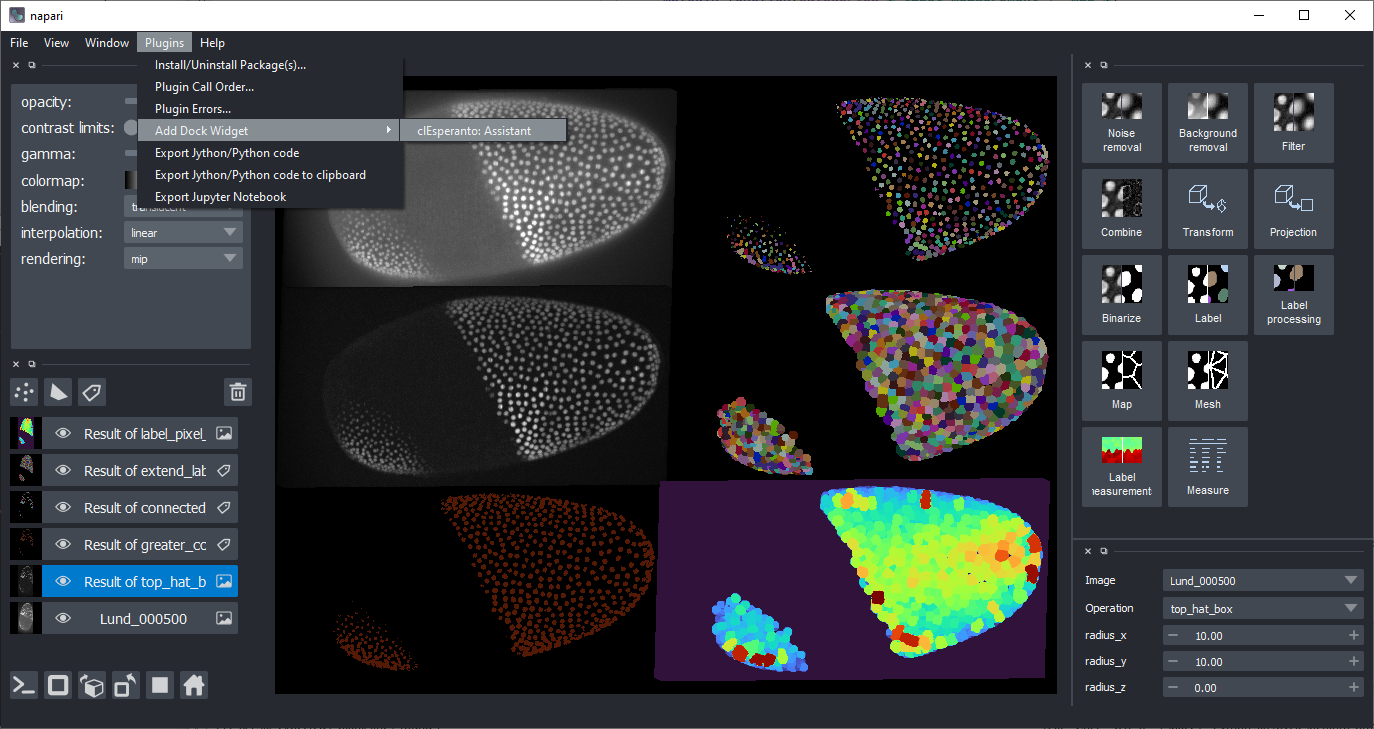
|
Benchmarking
We implemented some basic benchmarking notebooks allowing to see performance differences between pyclesperanto and some other image processing libraries, typically using the CPU. Such benchmarking results vary heavily depending on image size, kernel size, used operations, parameters and used hardware. Feel free to use those notebooks, adapt them to your use-case scenario and benchmark on your target hardware. If you have different scenarios or use-cases, you are very welcome to submit your notebook as pull-request!
- Affine transforms
- Gaussian blur
- Convolution
- Otsu's thresholding
- Connected component labeling
- Extend labels
- Statistics of labeled pixels / regionprops
- Matrix multiplication
- Pixel-wise comparison
- Intensity projections
- Axis transposition
Feedback welcome!
clEsperanto is developed in the open because we believe in the open source community. See our community guidelines. Feel free to drop feedback as github issue or via image.sc
Release history Release notifications | RSS feed


Download files
Download the file for your platform. If you're not sure which to choose, learn more about installing packages.
Source Distribution
Built Distribution
Filter files by name, interpreter, ABI, and platform.
If you're not sure about the file name format, learn more about wheel file names.
Copy a direct link to the current filters
File details
Details for the file pyclesperanto_prototype-0.7.3.tar.gz.
File metadata
- Download URL: pyclesperanto_prototype-0.7.3.tar.gz
- Upload date:
- Size: 159.4 kB
- Tags: Source
- Uploaded using Trusted Publishing? No
- Uploaded via: twine/3.3.0 pkginfo/1.7.0 requests/2.25.1 setuptools/53.0.0 requests-toolbelt/0.9.1 tqdm/4.56.2 CPython/3.8.8
File hashes
| Algorithm | Hash digest | |
|---|---|---|
| SHA256 |
fba263a0209a5c5565d28d9ffa7cadde9dfbf609bdfc83504edab230c455cfdc
|
|
| MD5 |
75c41445dd0c6505826ccd6240d16530
|
|
| BLAKE2b-256 |
d6b2ee1924ae5b7bdedc0907b654b164e2ad8aad3099b7864b2d4ccb37eff74f
|
File details
Details for the file pyclesperanto_prototype-0.7.3-py3-none-any.whl.
File metadata
- Download URL: pyclesperanto_prototype-0.7.3-py3-none-any.whl
- Upload date:
- Size: 537.4 kB
- Tags: Python 3
- Uploaded using Trusted Publishing? No
- Uploaded via: twine/3.3.0 pkginfo/1.7.0 requests/2.25.1 setuptools/53.0.0 requests-toolbelt/0.9.1 tqdm/4.56.2 CPython/3.8.8
File hashes
| Algorithm | Hash digest | |
|---|---|---|
| SHA256 |
d29c86272b536291e15d09a425de25353011d14cfe486fafa2b36abea02ff2c2
|
|
| MD5 |
1e851909e24baef7274ed5e7dade74ea
|
|
| BLAKE2b-256 |
5285f402c661e55128e3e226bb22cbc44a2d87e8ae96c6017d3e19db953a9a8b
|






