
Pycritty
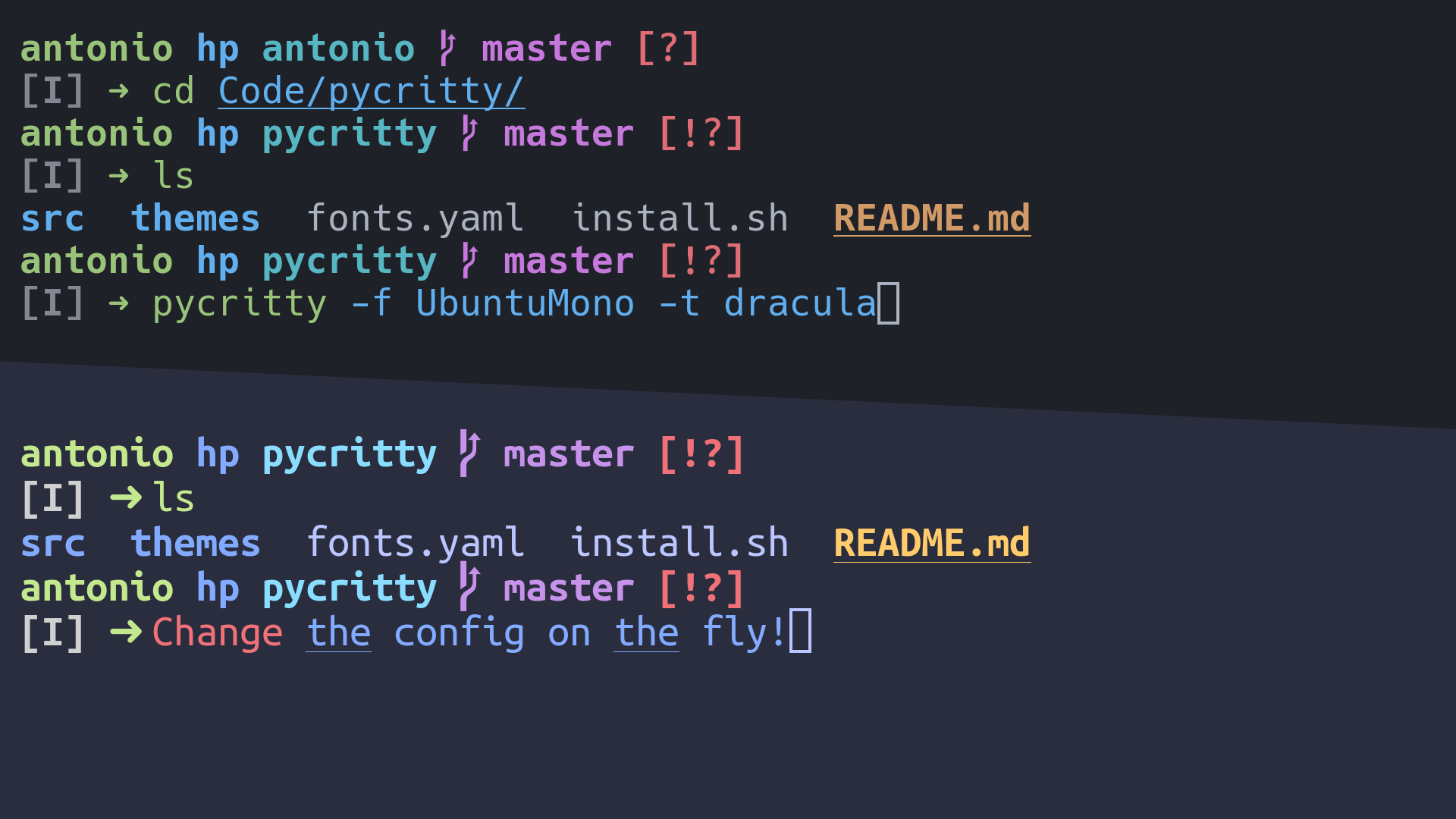
Change your alacritty config on the fly!
Installation:
pip install pycritty
By default, only the program itself will be installed, but you can install
default themes from config/themes:
pip install --install-option="--themes=onedark,dracula,nord" pycritty
Or if you want them all:
pip install --install-option="--themes=all" pycritty
Make sure to have ~/.local/bin directory in your $PATH, otherwise
your shell won't find the pycritty command. Add this line to your
~/.xprofile if you haven't already:
export PATH=$HOME/.local/bin:$PATH
Also if you are an Arch user you can install from the AUR (only the program will be installed)
git clone https://aur.archlinux.org/pycritty.git
cd pycritty
makepkg -si
Or with an AUR helper like yay
yay -S pycritty
Usage:
Change your current config:
pycritty --font UbuntuMono --font-size 14 --opacity 0.95 --padding 3 3
Save multiple configs and reuse them later:
pycritty save ThisConfig
pycritty load AnotherConfig
Install themes and configs from URLs:
pycritty install --theme https://raw.githubusercontent.com/antoniosarosi/pycritty/master/config/themes/breeze.yaml
pycritty --theme breeze # Apply downloaded theme
pycritty install --config --name SomeCoolConfig https://raw.githubusercontent.com/antoniosarosi/dotfiles/master/.config/alacritty/config.yaml
pycritty load SomeCoolConfig # Apply downloaded config
Check help for all available options:
pycritty -h
# pycritty subcomand -h
pycritty save -h
Fonts Config
Fonts are configured at ~/.config/alacritty/fonts.yaml with this format:
fonts:
    Alias: Font Name
When applied using pycritty -f Alias, the previous format will be
converted into the alacritty equivalent:
font:
    normal:
        family: Font Name
    italic:
        family: Font Name
    bold:
        family: Font Name
You can also specify a different font for each font type:
fonts:
    Alias:
        normal: Normal Font Name
        bold: Bold Font Name
        italic: Italic Font Name
Note that the fonts must be installed on your system.
Theme Config
You can make your own custom themes by creating new theme files with the
correct format, ~/.config/alacritty/themes/custom.yaml should look like
this:
colors:
    # Default colors
    primary:
        background: '0x292d3e'
        foreground: '0xbbc5ff'
    # Normal colors
    normal:
        black:   '0x101010'
        red:     '0xf07178'
        green:   '0xc3e88d'
        yellow:  '0xffcb6b'
        blue:    '0x82aaff'
        magenta: '0xc792ea'
        cyan:    '0x89ddff'
        white:   '0xd0d0d0'
    # Bright colors
    bright:
        black:   '0x434758'
        red:     '0xff8b92'
        green:   '0xddffa7'
        yellow:  '0xffe585'
        blue:    '0x9cc4ff'
        magenta: '0xe1acff'
        cyan:    '0xa3f7ff'
        white:   '0xffffff'
Then you can apply it using the name of the file:
pycritty -t custom
Custom scripts
If you want to apply different configs programmatically, you can either use
the CLI in a shell script or use pycritty as a python module:
#!/bin/python3

# Dummy script that changes the theme every 5 minutes

import time
import pycritty


def main():
    config = pycritty.Config()
    while True:
        for theme in pycritty.list_themes():
            config.change_theme(theme)  # or config.set(theme=theme)
            config.apply()
            time.sleep(300)


if __name__ == '__main__':
    main()
Shell equivalent:
#!/bin/bash

while :; do
    # Same as pycritty ls --themes --iterable
    for theme in $(pycritty ls -ti); do
        pycritty -t $theme
        sleep 300
    done
done
Development
Clone the repository and run it as a module.
git clone git@github.com:antoniosarosi/pycritty
cd pycritty
python -m pycritty.main
Publishing
PyPi
# First make sure you have these packages installed
pip install --user --upgrade setuptools wheel twine
# Generate distribution files
python setup.py sdist bdist_wheel
# Test upload
python -m twine upload --repository testpypi dist/*
# Test download
pip install -i https://test.pypi.org/simple/ --no-deps pycritty
# Upload to PyPi
python -m twine upload --repository pypi dist/*
1 maintainer

Metadata
1 maintainer
Release files for pycritty 0.4.0
For a detailed explanation of source distributions (sdists) and built distributions (wheels), please see the package formats documentation.
Source distribution (sdist)
| File | Size | Uploaded | |
|---|---|---|---|
| pycritty-0.4.0.tar.gz | 16.5 kB | Details |
Built distribution (wheel)
| File | Interpreter | ABI | Platform | Reset |
|---|---|---|---|---|
| pycritty-0.4.0-py3-none-any.whl | Python 3 | none | any | Details |
Total release size: 33.5 kB
Release files / pycritty-0.4.0.tar.gz
| Download URL | pycritty-0.4.0.tar.gz |
|---|---|
| Size | 16.5 kB |
| Tags | Source |
|
SHA-256 checksum How to use checksums |
2e1db3004253cb323c7494cdbb269fee0ce1c92329ba2f8217da918ae6f01611
|
|
BLAKE2b-256 checksum How to use checksums |
a75c0490b9629c9532991f15e07482b90a13266bcdd346566a21f89a5834044a
|
| Upload date | |
|
Uploaded using Trusted Publishing? What is trusted publishing? |
No |
| Uploaded via |
twine/3.8.0 pkginfo/1.8.2 readme-renderer/32.0 requests/2.27.0 requests-toolbelt/0.9.1 urllib3/1.26.8 tqdm/4.62.3 importlib-metadata/4.8.1 keyring/23.5.0 rfc3986/2.0.0 colorama/0.4.4 CPython/3.10.2
|
Release files / pycritty-0.4.0-py3-none-any.whl
| Download URL | pycritty-0.4.0-py3-none-any.whl |
|---|---|
| Size | 17.0 kB |
| Tags | Python 3 |
|
SHA-256 checksum How to use checksums |
9efb69db45848a1b67ab8fb567a23337f24a7099e5dade0b68a6d4ad1d789ba5
|
|
BLAKE2b-256 checksum How to use checksums |
327c44dced3e413b0aad160660f09145544b91631003ac7ef0c56da88b0db450
|
| Upload date | |
|
Uploaded using Trusted Publishing? What is trusted publishing? |
No |
| Uploaded via |
twine/3.8.0 pkginfo/1.8.2 readme-renderer/32.0 requests/2.27.0 requests-toolbelt/0.9.1 urllib3/1.26.8 tqdm/4.62.3 importlib-metadata/4.8.1 keyring/23.5.0 rfc3986/2.0.0 colorama/0.4.4 CPython/3.10.2
|














