






Feel free to donate to help support and contribute to this project :) Thanks!


CustomPyQt is a python GUI interface library built from the PySide6 library, providing a modern and consistant interface with styled widgets and dark and light themes; all widget's colors can be styled in ("light", "dark") format. CustomPyQt can also be used or integrated with PySide and PyQt versions as long as PySide6 is installed.
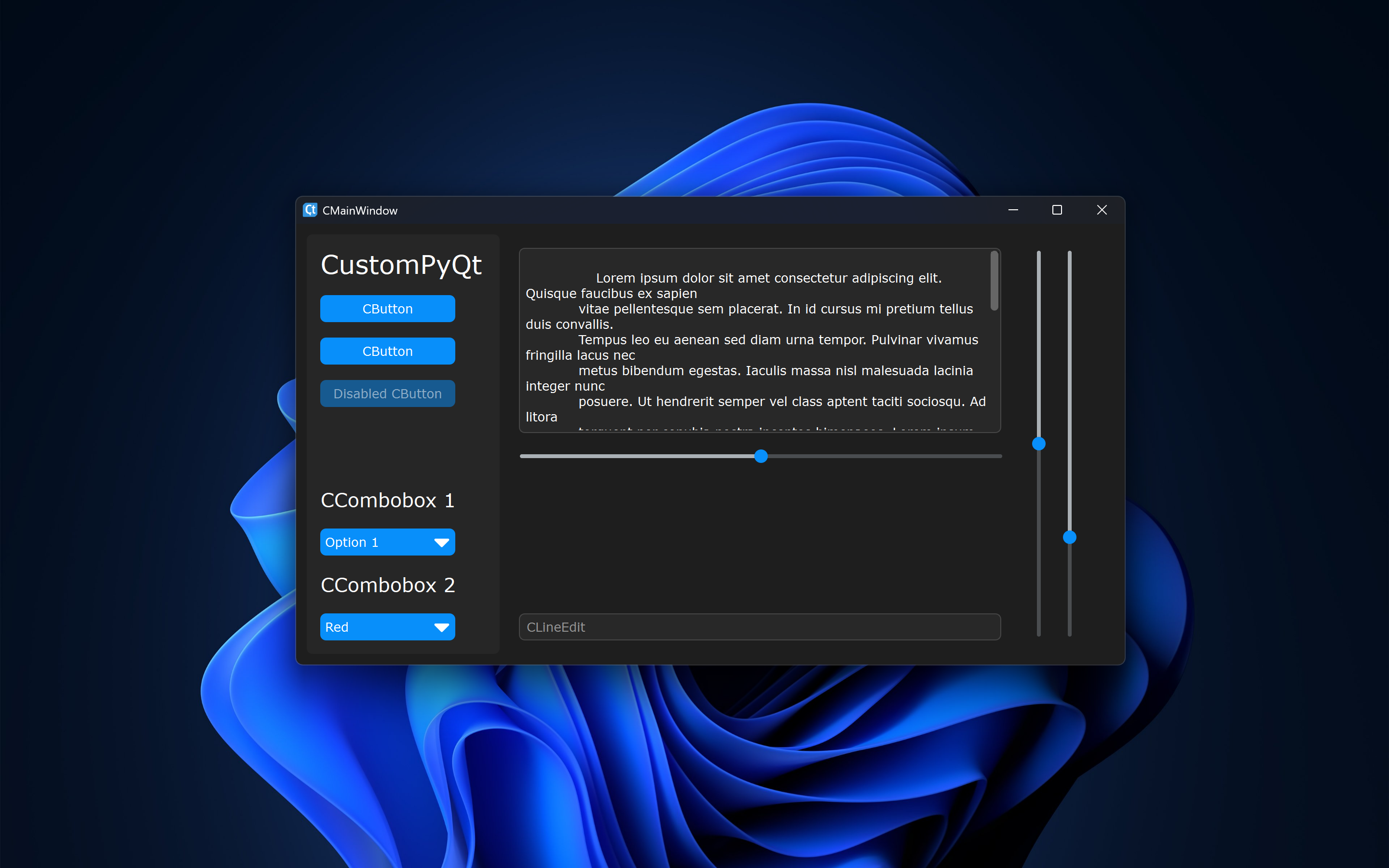
| complex_example.py on Windows 11 with dark mode and "blue" theme
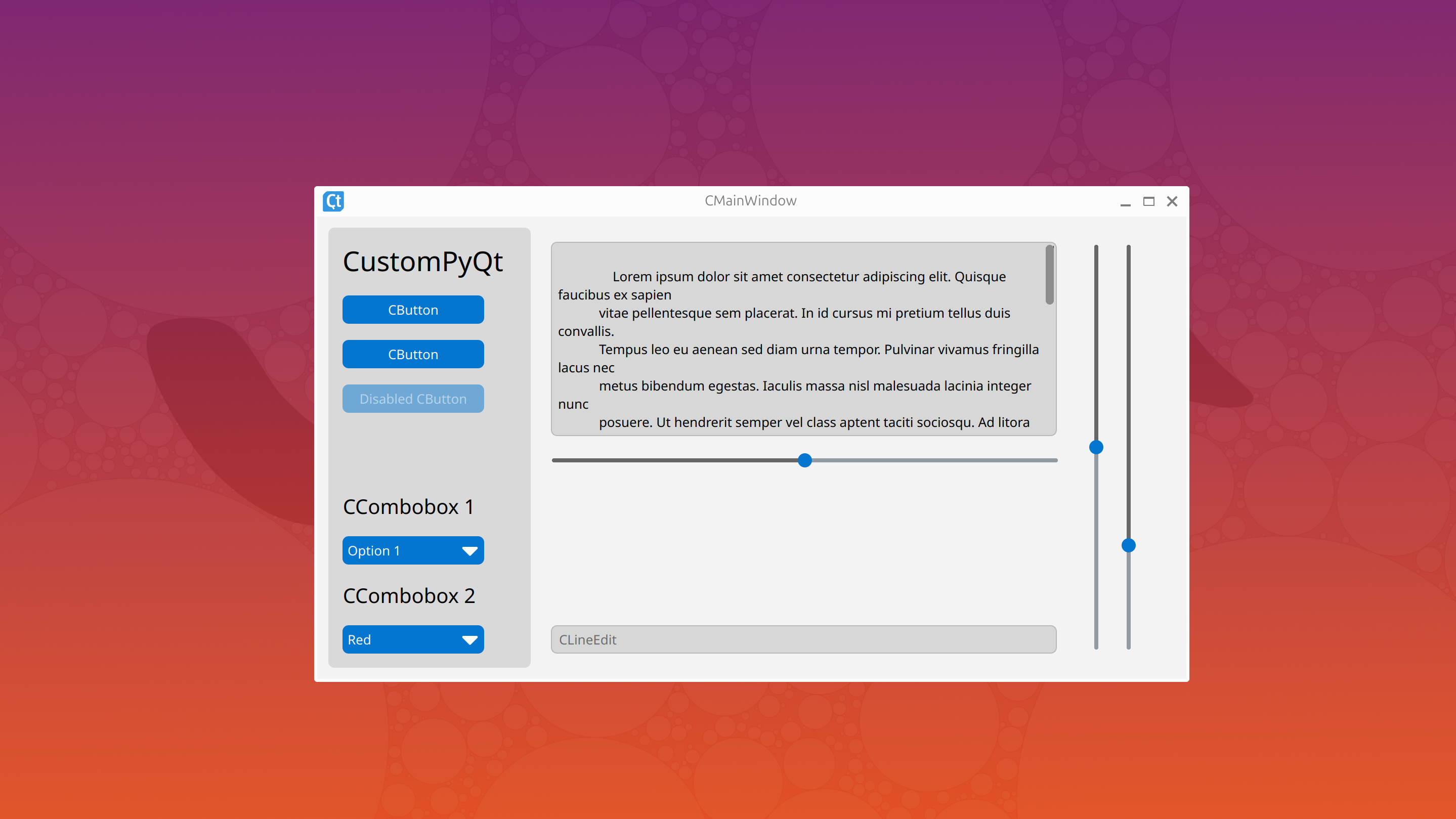
| complex_example.py on Ubuntu 22.04 with light mode and "blue" theme
Requirements
- Python 3.9, 3.10, 3.11, 3.12, or 3.13
- Pyside6 (you can install with the command
pip install PySide6)
Installation
pip install PyCt6
If there is any issues you can try python -m pip install PyCt6 and if that still doesn't work you can also try python3.13 -m pip install PyCt6 using whatever python version you have
Documentation
The documentation can be found on this Github Wiki page:
CustomPyQt Documentation and Tutorial
Example Program
Here is a simple example program with only one button to test the CustomPyQt library:
from PyCt6 import CApplication, CMainWindow, CButton, set_appearance_mode, set_color_theme
from PySide6.QtWidgets import QVBoxLayout
from PySide6.QtCore import Qt

set_appearance_mode("system")
set_color_theme("blue")

class MainWindow(CMainWindow):
    def __init__(self):
        super().__init__(width=400, height=250, title="CMainWindow", background_color="rgb(30,30,30)")

        self.main_layout = QVBoxLayout()
        self.main_layout.setAlignment(Qt.AlignmentFlag.AlignCenter)

        self.button = CButton(master=self, text="CButton", command=self.command)

        self.main_layout.addWidget(self.button)
        self.setLayout(self.main_layout)

    def command(self):
        print("Button Clicked!")

app = CApplication()
win = MainWindow()
win.show()
app.exec()
which results in this window on Windows 11
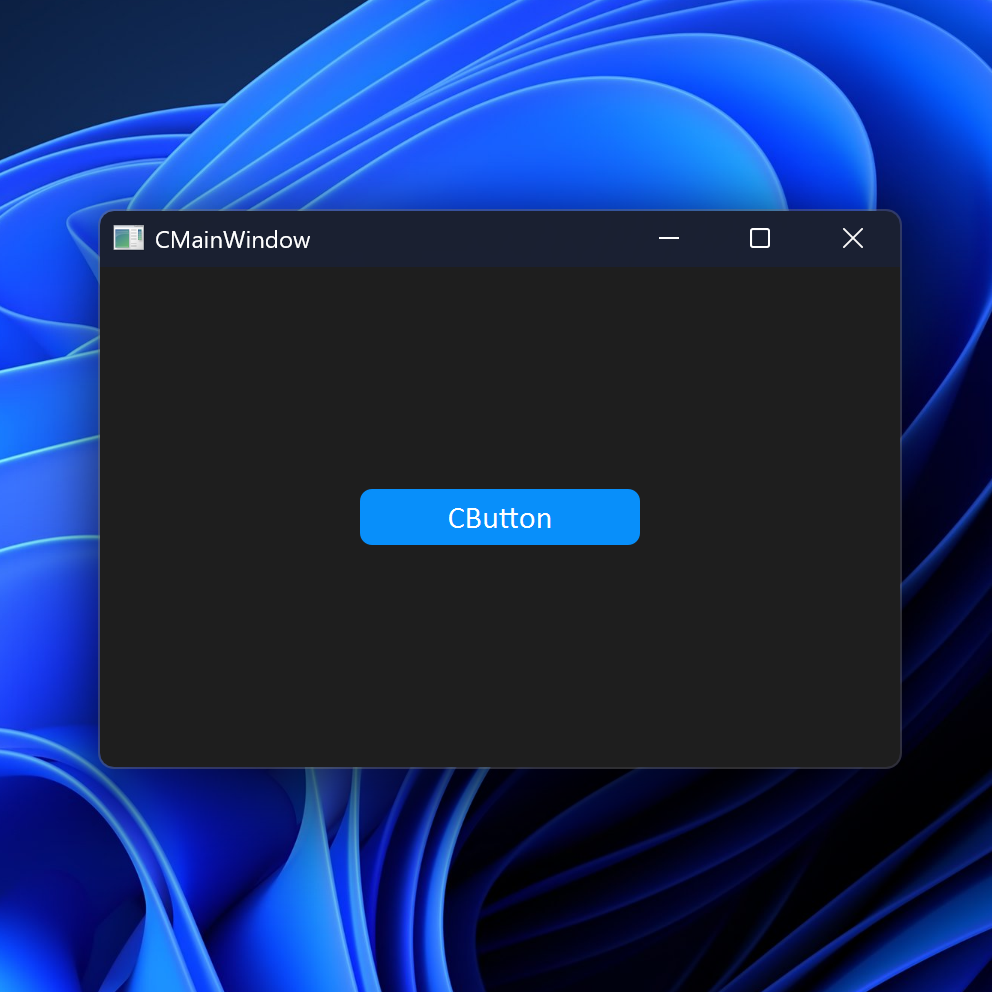
You can find more example programs in the examples folder and in the documentation
1 maintainer

Metadata
1 maintainer
Release files for PyCt6 6.1.0
For a detailed explanation of source distributions (sdists) and built distributions (wheels), please see the package formats documentation.
Built distribution (wheel)
| File | Interpreter | ABI | Platform | Reset |
|---|---|---|---|---|
| pyct6-6.1.0-py3-none-any.whl | Python 3 | none | any | Details |
Release files / pyct6-6.1.0-py3-none-any.whl
| Download URL | pyct6-6.1.0-py3-none-any.whl |
|---|---|
| Size | 654.4 kB |
| Tags | Python 3 |
|
SHA-256 checksum How to use checksums |
703753a88e2a4df96f1d0641cb6dc71a2de75c0eda9e8f609c8e52639c4d223f
|
|
BLAKE2b-256 checksum How to use checksums |
f6a93723a3947a65e8d02bb742c9f3247a5038785fc297b728d90bd1da483de0
|
| Upload date | |
|
Uploaded using Trusted Publishing? What is trusted publishing? |
No |
| Uploaded via |
twine/6.2.0 CPython/3.12.10
|














