
Python Hacking Tools (PyHTools) (pht) is a collection of python written hacking tools consisting of network scanner, arp spoofer and detector, dns spoofer, code injector, packet sniffer, network jammer, email sender, downloader, wireless password harvester credential harvester, keylogger, download&execute, and reverse_backdoor along with website login bruteforce, scraper, web spider etc. PHT also includes malwares which are undetectable by the antiviruses.

Project description
PyHTools
-
Python Hacking Tools (PyHTools) (pht) is a collection of python written hacking tools consisting of network scanner, arp spoofer and detector, dns spoofer, code injector, packet sniffer, network jammer, email sender, downloader, wireless password harvester credential harvester, keylogger, download&execute, and reverse_backdoor along with website login bruteforce, scraper, web spider etc. PHT also includes malwares which are undetectable by the antiviruses.
-
These tools are written in python3, refer installation to install/download tools and its dependencies.
-
PyHTools comes with UI, but you can also use command line to use tools individually.
NOTE : The UI hasn't been updated yet with new tools, Refer examples for more information
Disclaimer
The disclaimer advises users to use the open source project for ethical and legitimate purposes only and refrain from using it for any malicious activities. The creators and contributors of the project are not responsible for any illegal activities or damages that may arise from the misuse of the project. Users are solely responsible for their use of the project and should exercise caution and diligence when using it. Any unauthorized or malicious use of the project may result in legal action and other consequences.
Join Our Discord Community

How To Videos
-
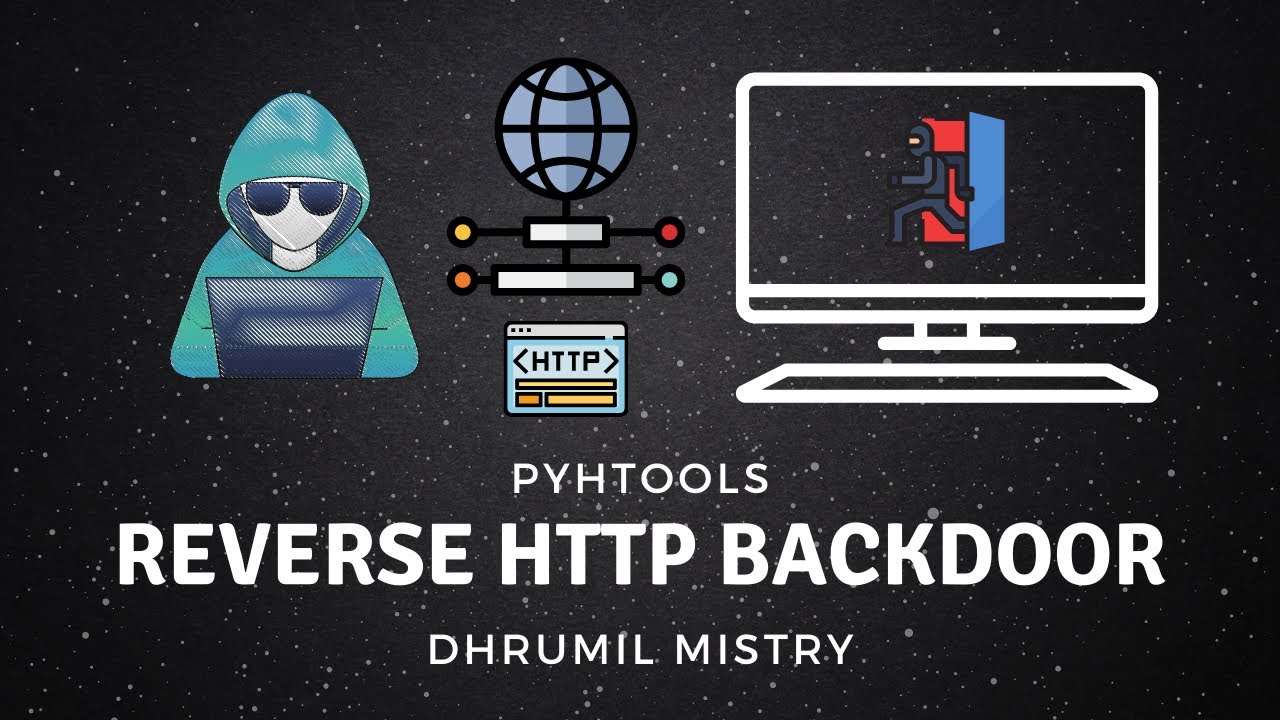
Gain access to remote shell over the Internet using HTTP Backdoor
Installation
Using pip
-
Install main branch using pip
python3 -m pip install git+https://github.com/dmdhrumilmistry/pyhtools.git
-
Install Release from PyPi
# without options
python3 -m pip install pyhtools

# for windows
python3 -m pip install pyhtools[windows]

# for linux
python3 -m pip install pyhtools[linux]
Manual Method
-
Open terminal
-
Install git package
sudo apt install git python3 -y
-
Install Poetry
-
clone the repository to your machine
git clone https://github.com/dmdhrumilmistry/pyhtools.git
-
Change directory
cd pyhtools
-
install with poetry
# without options
poetry install

# for windows
poetry install -E windows

# for linux
poetry install -E linux
Start PyHTools
-
run pyhtools.py
python3 -m pyhtools
-
to get all the commands use
helppyhtools >> help
There may be chances that pyfiglet or kamene will not be installed through requirements.txt, you can install manually using
pip3 install pyfiglet kamene.
If you're using Termux or windows, then usepipinstead ofpip3.
Few features are only for linux os, hence they might not work on windows and require admin priviliges.
Open In Google Cloud Shell
- Temporary Session
- Perisitent Session

Package Tools and Features
Attackers
-
For Networks- Network Scanner
- Mac changer
- ARP Spoofing
- DNS spoofing
- Downloads Replacer
- Network Jammer
- Pkt Sniffer
- Code Injector
-
For Websites- Login Guesser (Login Bruteforcer)
- Web Spider
- Web crawler (detects dirs | subdomains)
- Web Vulnerablity Scanner
-
For Android- mitm
- Custom Certificate Pinner
- mitm
Detectors
- ARP Spoof Detector
Malwares/Trojans/Payloads/Ransomwares/Worms
- Email Sender (reporter)
- Downloader
- Wireless Password Harvester
- Credential Harvester
- Keylogger (dlogs)
- Reverse Backdoors
- TCP
- HTTP
- Download and Execute
- Telegram Data Harvester
- DMSecRansomware
- Telegram Remote Code Executor
- DirCloner
NOTE: Do not upload/send/report malwares to anti virus services such as
VirusTotal. This will make program detectable
Project Updates
How to Package a Evil Files
Have any Ideas 💡 or issue
- Create an issue
- Fork the repo, update script and create a Pull Request
Contributing
Refer CONTRIBUTIONS.md for contributing to the project.
LICENSE
PyHTools is distributed under MIT License. Refer License for more information.
Connect With Me
| Platforms | ||
|---|---|---|
 |
 |
 |
 |
 |
 |
Release history Release notifications | RSS feed


Download files
Download the file for your platform. If you're not sure which to choose, learn more about installing packages.
Source Distribution
Built Distribution
Filter files by name, interpreter, ABI, and platform.
If you're not sure about the file name format, learn more about wheel file names.
Copy a direct link to the current filters
File details
Details for the file pyhtools-2.1.0.tar.gz.
File metadata
- Download URL: pyhtools-2.1.0.tar.gz
- Upload date:
- Size: 43.5 kB
- Tags: Source
- Uploaded using Trusted Publishing? No
- Uploaded via: poetry/1.3.2 CPython/3.10.8 Windows/10
File hashes
| Algorithm | Hash digest | |
|---|---|---|
| SHA256 |
6d69ac2461889bdd1034ab9ea91995a7792e78412d7954fc09dafff156f59533
|
|
| MD5 |
653f19a63613d465adea74f02a0ab423
|
|
| BLAKE2b-256 |
255a48e3a965632e4560bdf5adeeb7799c9c988d7e5075bb721b22f5299777a2
|
File details
Details for the file pyhtools-2.1.0-py3-none-any.whl.
File metadata
- Download URL: pyhtools-2.1.0-py3-none-any.whl
- Upload date:
- Size: 66.3 kB
- Tags: Python 3
- Uploaded using Trusted Publishing? No
- Uploaded via: poetry/1.3.2 CPython/3.10.8 Windows/10
File hashes
| Algorithm | Hash digest | |
|---|---|---|
| SHA256 |
02b2325009635c504624587ff08c1352b7c048ce2ec1e9f909405a799cb77440
|
|
| MD5 |
faa6586aecb7795923c478ccaebfbf09
|
|
| BLAKE2b-256 |
287f0c0f65e38b64273d0ba790382a065976207a3e155828331eb11ee3f7f914
|






