
Multiprocessing compatible memory leak debugger inspired by dozer/dowser

Project description
PyLoot
PyLoot is a memory leak detector based on Dozer and vprof with added support for servers with multiple workers/processes.
This project is in active development and may contain bugs or otherwise work in ways not expected or intended.
Installation
$ pip install pyloot
Basic API Usage
from pyloot import PyLoot
loot = PyLoot()


"""
Collect objects still in `gc.get_objects` after a call to `gc.collect`.
"""
loot.collect_objects()

"""
Collecting data in a background thread every 30 seconds.

If gevent is detected, gevent.threadpool.spawn is used.
Otherwise, threading.Thread is used.
"""
loot.start()

"""
Stop running the collector background thread.

NOTE: This does not do a "final" collection.
To ensure objects were collected in a short lived execution, call collect_objects().

:param blocking: When true, wait until the thread has died
"""
loot.stop()

"""
Return a WSGI compatible application serving the PyLoot remote backend and
and the website.
:return: ::class::`PyLootServer`
"""
loot.get_wsgi()
Running embedded within a server
Starlette/FastApi/ASGI
see note below about bypassing the multiprocessing check
from pyloot import PyLoot
from fastapi import FastAPI
from starlette.applications import Starlette
from starlette.middleware.wsgi import WSGIMiddleware

app = FastAPI()  # or Starlette()

pyloot = PyLoot()
app.on_event("startup")(pyloot.start)
app.mount("/_pyloot", WSGIMiddleware(pyloot.get_wsgi()))
Flask/WSGI
from pyloot import PyLoot
from flask import Flask
from werkzeug.middleware.dispatcher import DispatcherMiddleware

app = Flask(__name__)

pyloot = PyLoot()
app.on_before_first_request(pyloot.start)

app = DispatcherMiddleware(app, {
    '/_pyloot': pyloot.get_wsgi()
})
Running in remote mode (multi-process servers)
# Embedded code
from pyloot import PyLoot
...
pyloot = PyLoot(host="127.0.0.1", port=8000)
...
# Start the remote server
$ pyloot --help
usage: pyloot [-h HOST] [-p PORT] [--help]

optional arguments:
-h HOST, --host HOST  Host to listen on. (Default: 0.0.0.0)
-p PORT, --port PORT  Port to listen on. (Default: 8000)
--help                show this help message and exit
Bypass the multiprocessing check
If pyloot detects it is running in a multiprocessing environment with an inmemory backend it will refuse to serve the webpages/requests.
This environment is common for gunicorn servers running with multiple workers. If you run pyloot embedded in a gunicorn server with multiple workers, statistics will be collected in each individual worker and a random worker will be selected when returning statistics. When using multiple workers, pyloot will give the most accurate information using the http backend. For dev servers or servers with really low traffic (e.g. <1 request per second), you can also reduce the workers to 1. Pyloot cannot detect how many workers are running so the bypass is still needed when only 1 worker is used.
The WSGIMiddleware of starlette sets environ["wsgi.multiprocess"]=True regardless of the server.
This can be bypassed with a wrapper use with caution:
pyloot = PyLoot()

def pyloot_wrapper(wsgi_environ, start_response):
    pyloot_environ = wsgi_environ.copy()
    pyloot_environ["wsgi.multiprocess"] = False
    wsgi = pyloot.get_wsgi()
    return wsgi(pyloot_environ, start_response)

app.mount("/_pyloot", WSGIMiddleware(pyloot_wrapper))
Disabling gzip encoding
By default, the pyloot server will gzip encode the response metadata. If pyloot is running behind a middleware that gzip encodes data, encoding can happen twice. This will result in the following error being shown in the UI:
Error parsing the response data. Check the server logs. If everything looks ok, you make need to disable gzip in pyloot. For more info see the README.
To disable gzip encoding do the following:
from pyloot import PyLoot
from pyloot import PyLootServer

pyloot = PyLoot(server=PyLootServer(disable_response_gzip=True))
If a remote server is used, it must be configured directly on the server like so:
from pyloot import PyLoot
from pyloot import PyLootServer
from pyloot import HTTPRemoteBackend

backend = HTTPRemoteBackend(host="127.0.0.1", port=8000)
pyloot = PyLoot(server=PyLootServer(backend=backend, disable_response_gzip=True))
Screenshots
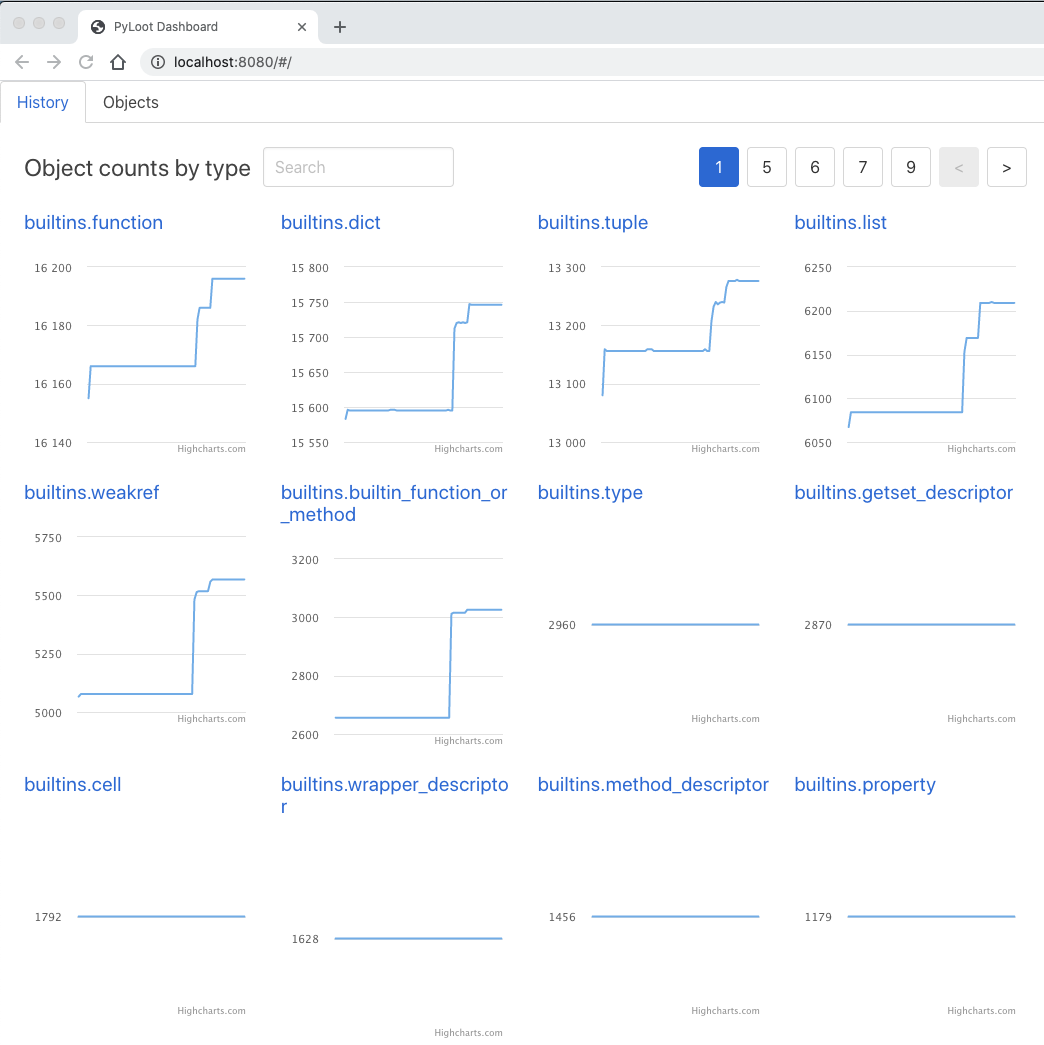
View history of object counts by object group:
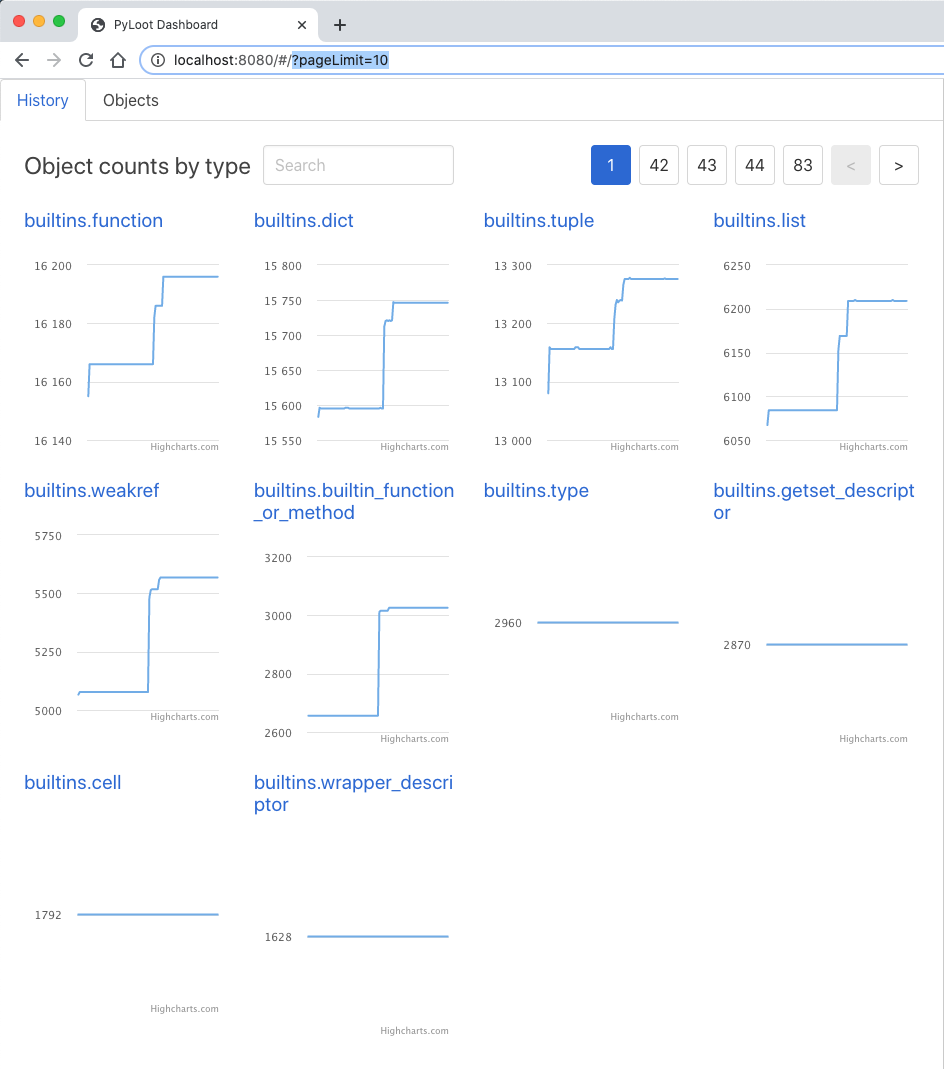
Modify history page size
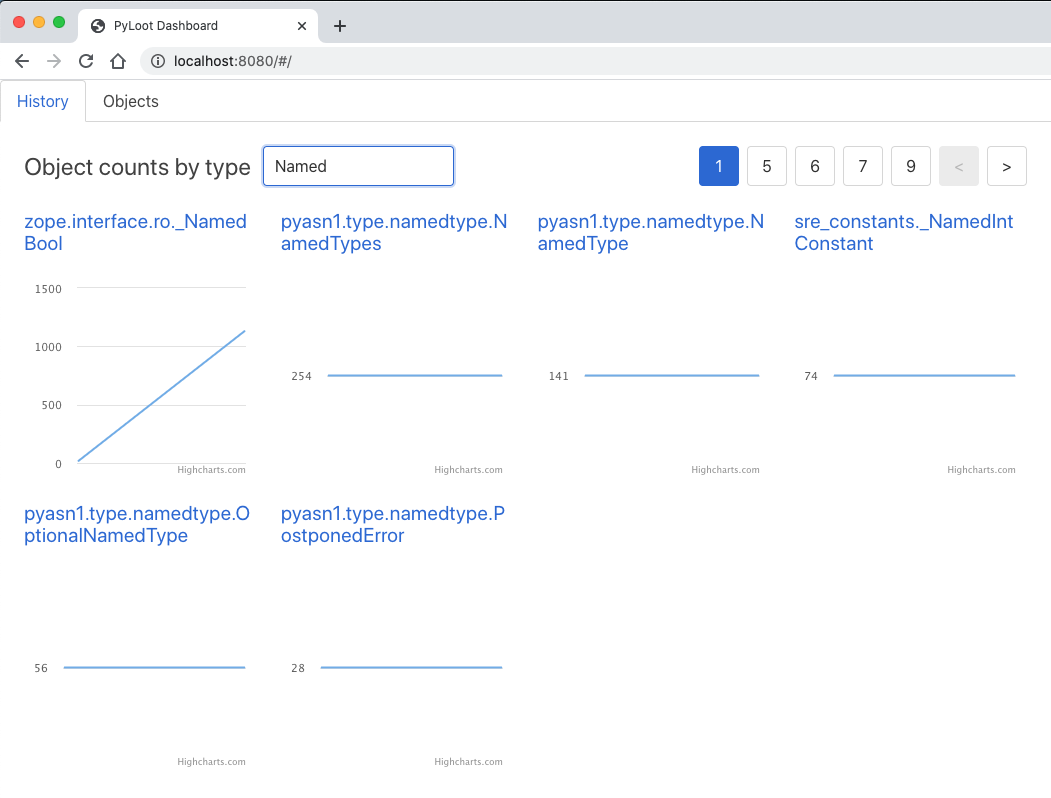
Search history page
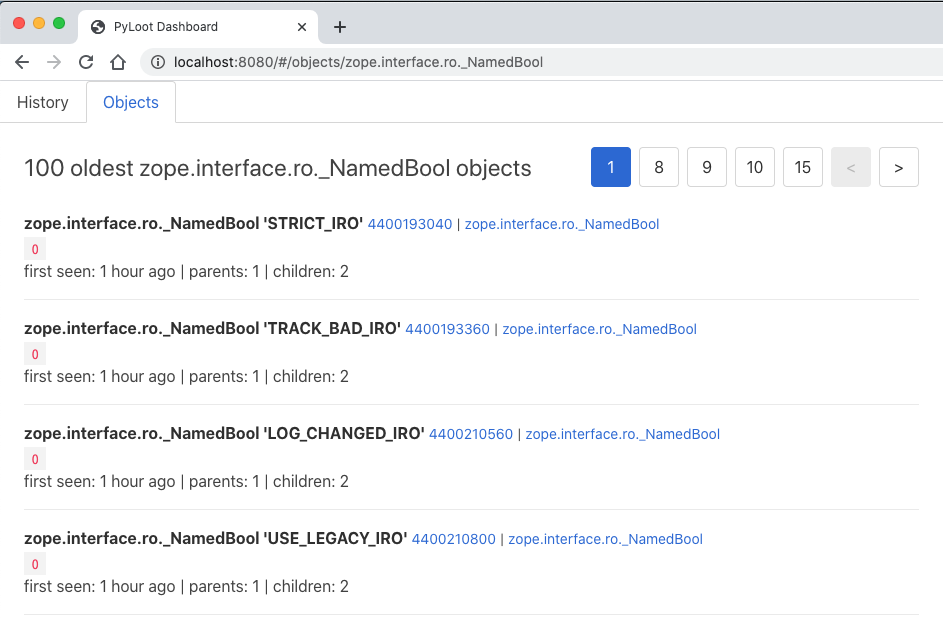
View objects by group
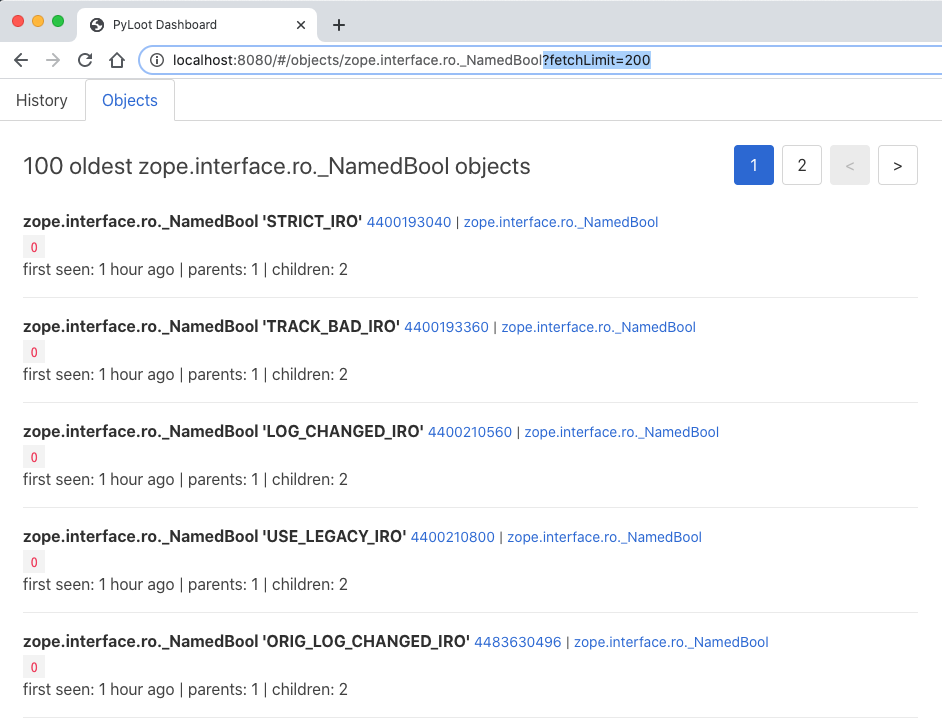
Modify objects fetch size
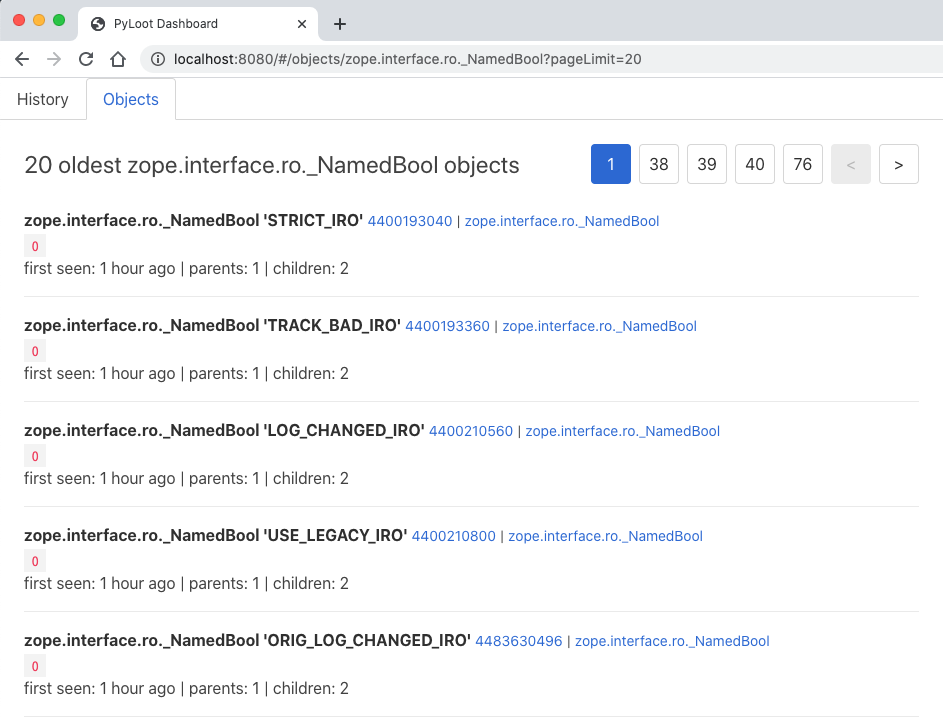
Modify objects page size
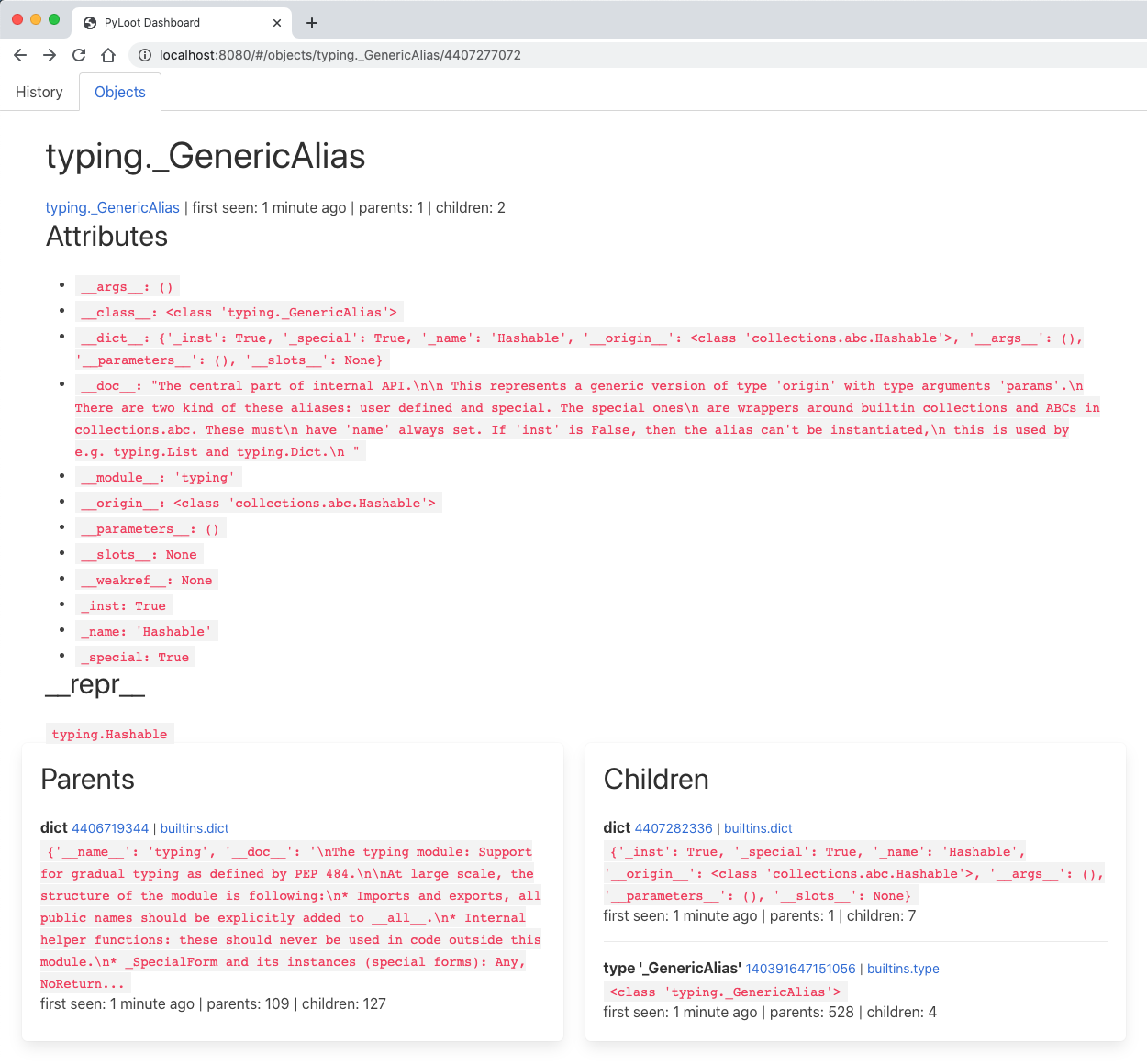
View an object, its attributes, repr, children, and parents


Download files
Download the file for your platform. If you're not sure which to choose, learn more about installing packages.
Source Distribution
Built Distribution
Filter files by name, interpreter, ABI, and platform.
If you're not sure about the file name format, learn more about wheel file names.
Copy a direct link to the current filters
File details
Details for the file pyloot-0.1.0.tar.gz.
File metadata
- Download URL: pyloot-0.1.0.tar.gz
- Upload date:
- Size: 189.5 kB
- Tags: Source
- Uploaded using Trusted Publishing? No
- Uploaded via: twine/4.0.2 CPython/3.9.15
File hashes
| Algorithm | Hash digest | |
|---|---|---|
| SHA256 |
ad7ae41f8e2cd55469d4a8743bbe301f39f05d0c93d67f4038fbd89cedb33d22
|
|
| MD5 |
d5c3e78bce415e515e5195d7c4c2aae4
|
|
| BLAKE2b-256 |
8a6bbc5631c7faea2b7a0026a9c3cc3e64b27b9a200411d3519686d92d3d8c47
|
File details
Details for the file pyloot-0.1.0-py3-none-any.whl.
File metadata
- Download URL: pyloot-0.1.0-py3-none-any.whl
- Upload date:
- Size: 189.9 kB
- Tags: Python 3
- Uploaded using Trusted Publishing? No
- Uploaded via: twine/4.0.2 CPython/3.9.15
File hashes
| Algorithm | Hash digest | |
|---|---|---|
| SHA256 |
7173439ad6c4adbd7019af93fae79efc96b2a7ccaff5363238246c588cd05f12
|
|
| MD5 |
d1d4957a4dae3befabde405e065805be
|
|
| BLAKE2b-256 |
2afdf4a4d9b8ea16d59a3d6a76469983d5a88cfeb58959e09c08402baae2da3a
|






