
pymoveit2


Move a robot from Python by communicating with MoveIt 2 over ROS 2 actions and services
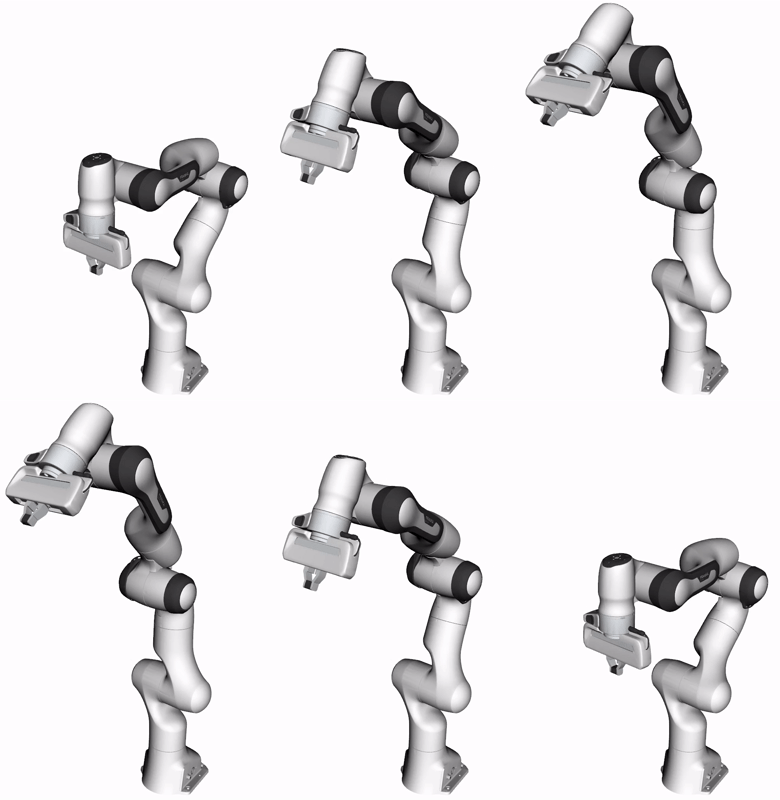 |
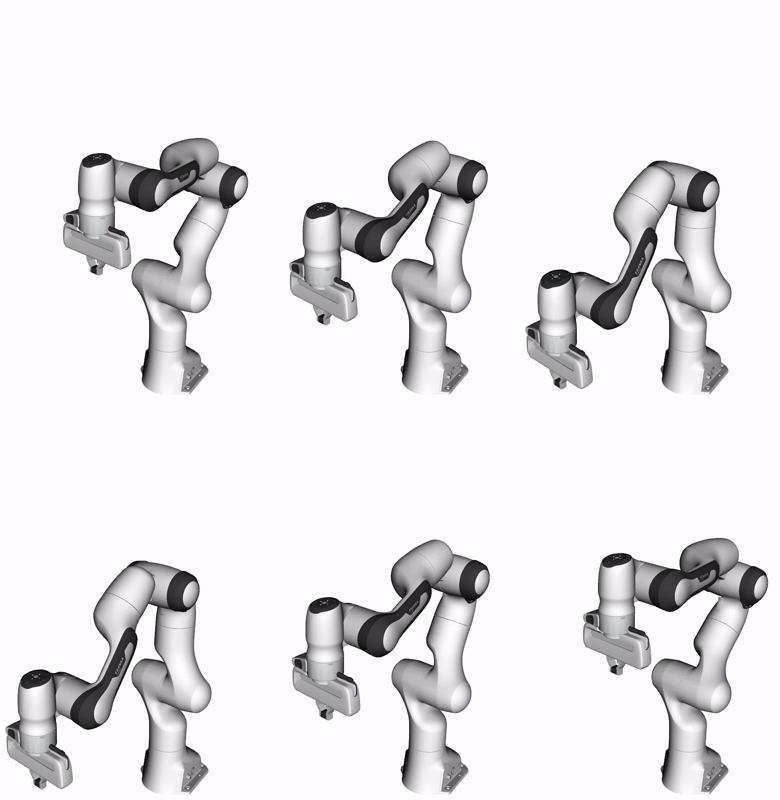 |
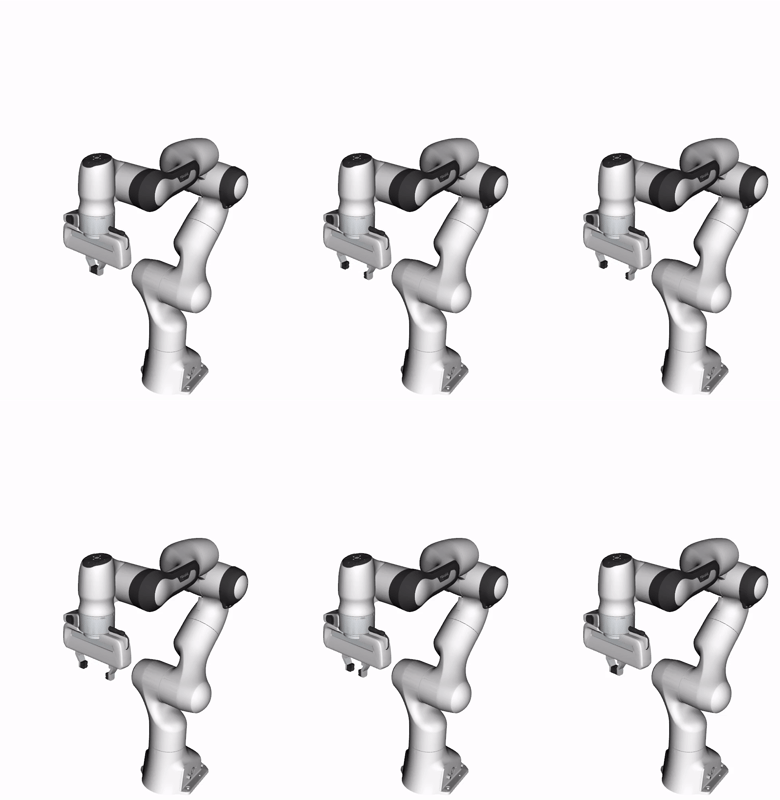 |
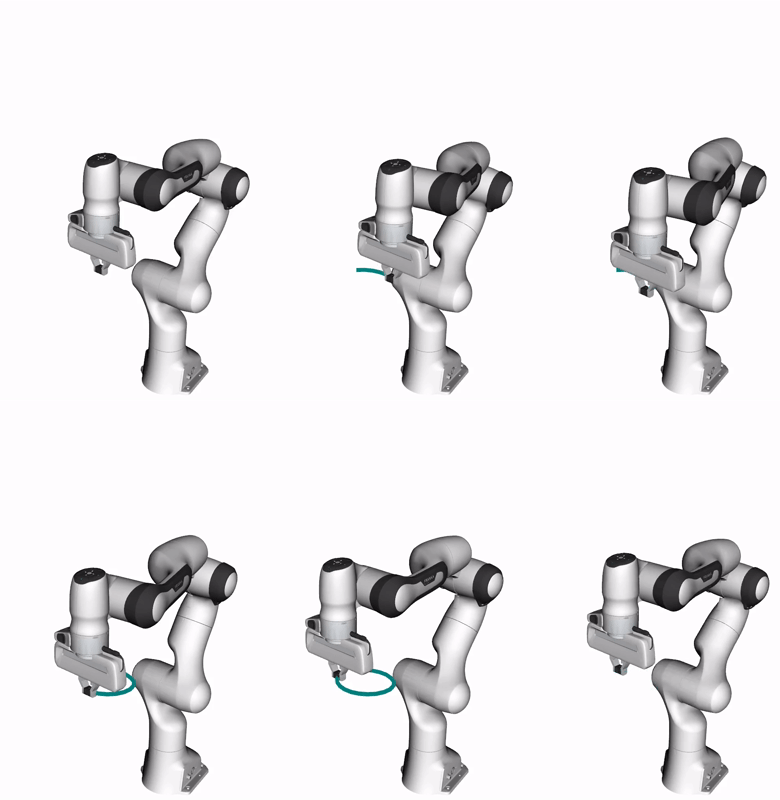 |
Joint Configuration |
Cartesian Pose |
Gripper Action |
Real-Time Servoing |
Installation
humble |
jazzy |
lyrical |
rolling |
|---|---|---|---|
| ✅ | ✅ | ✅ | ✅ |
Python package (PyPI)
pip install pymoveit2
Source build (colcon)
cd $COLCON_WS
git clone https://github.com/AndrejOrsula/pymoveit2.git src/pymoveit2
rosdep install -y -r -i --rosdistro $ROS_DISTRO --from-paths src/pymoveit2
colcon build --merge-install --symlink-install --cmake-args "-DCMAKE_BUILD_TYPE=Release"
source install/local_setup.bash
Docker image
cd $WS
git clone https://github.com/AndrejOrsula/pymoveit2.git
pymoveit2/.docker/run.bash $ROS_DISTRO --network-host --ipc-host --gui
Quick start (demo with Franka Emika Panda)
-
Configure MoveIt 2 for your robot (install for widely available robots, or build one on your own):
sudo apt install ros-$ROS_DISTRO-moveit-resources-panda-moveit-config ros-$ROS_DISTRO-controller-manager
-
Launch the MoveIt 2 setup for your robot:
ros2 launch moveit_resources_panda_moveit_config demo.launch.py
-
Move the robot via
pymoveit2examples:ros2 run pymoveit2 ex_joint_goal.py
Nothing moved? Run ros2 run pymoveit2 ex_doctor.py to investigate the problem.
Examples
Kinematics
# Forward (joint positions -> end effector pose)
ros2 run pymoveit2 ex_fk.py
# Inverse (end effector pose -> joint positions)
ros2 run pymoveit2 ex_ik.py --ros-args -p position:="[0.3, 0.0, 0.3]" -p quat_xyzw:="[0.0, 0.0, 0.0, 1.0]"
Motion planning and execution
# Move to a joint configuration (default to SRDF group state)
ros2 run pymoveit2 ex_joint_goal.py
# Move to a pose (motion in joint space or Cartesian space)
ros2 run pymoveit2 ex_pose_goal.py --ros-args -p position:="[0.3, 0.0, 0.3]" -p quat_xyzw:="[0.0, 0.0, 0.0, 1.0]" -p cartesian:=False
# Move while maintaining a fixed orientation of the end effector
ros2 run pymoveit2 ex_orientation_path_constraint.py --ros-args -p use_orientation_constraint:=True
# Move via real-time servoing (MoveIt 2 Servo)
ros2 run pymoveit2 ex_servo.py
# Actuate the gripper (action: {toggle, open, close})
ros2 run pymoveit2 ex_gripper.py --ros-args -p action:="toggle"
Session
# Move the robot through `RobotSession` (initialized via `connect()`)
ros2 run pymoveit2 ex_session.py --ros-args -p position:="[0.3, 0.0, 0.3]" -p quat_xyzw:="[0.0, 0.0, 0.0, 1.0]"
Planning scene
# Add a primitive shape to the planning scene (shape: {box, sphere, cone, cylinder})
ros2 run pymoveit2 ex_collision_primitive.py --ros-args -p shape:="sphere" -p position:="[0.5, 0.0, 0.5]" -p dimensions:="[0.04]"
# Add a triangular mesh to the planning scene (action: {add, remove}) [Note: Requires `trimesh` Python package]
ros2 run pymoveit2 ex_collision_mesh.py --ros-args -p action:="add" -p position:="[0.5, 0.0, 0.5]" -p quat_xyzw:="[0.0, 0.0, -0.707, 0.707]"
# Allow or forbid collisions with a planning scene object (allow: {true, false})
ros2 run pymoveit2 ex_allow_collisions.py --ros-args -p id:="sphere" -p allow:=true
# Remove all objects from the planning scene
ros2 run pymoveit2 ex_clear_planning_scene.py
Python API
RobotSession
The simplest way to use pymoveit2 is via connect() that provides a context manager for your robot:
from pymoveit2 import connect

with connect() as robot:
    # Move to a pose while checking for failures
    if not robot.move_to_pose([0.4, 0.0, 0.4], [1.0, 0.0, 0.0, 0.0]):
        print(robot.last_failure())
        exit(1)

    # Actuate the gripper
    robot.gripper.close()

    # Move to SRDF group state
    robot.move_to_configuration()
The robot object represents a RobotSession that manages:
| Attribute | Manages |
|---|---|
robot.node |
ROS 2 node |
robot.executor |
ROS 2 executor |
robot.description |
Robot description (automatically discovered) |
robot.arm |
MoveIt 2 interface for the motion planning |
robot.gripper |
MoveIt 2 Gripper interface (optional) |
robot.servo |
MoveIt 2 Servo interface (optional) |
RobotDescription + MoveIt2 + GripperInterface + MoveIt2Servo
Alternatively, you can build and customize the interfaces while managing the ROS 2 node and executor yourself:
from pymoveit2 import RobotDescription, MoveIt2, GripperInterface, MoveIt2Servo

node = ...  # your rclpy node

description = RobotDescription.from_node(node) # note: in the unlikely case of failure, `pymoveit2.robots` provides static robot presets
moveit2 = MoveIt2(node=node, **description.moveit2_kwargs())
gripper = GripperInterface(node=node, **description.moveit2_gripper_kwargs()) if description.gripper_group_name else None
servo = MoveIt2Servo(node=node, frame_id=str(description.moveit2_kwargs()["base_link_name"]))
1 maintainer

Release files for pymoveit2 5.0.0
For a detailed explanation of source distributions (sdists) and built distributions (wheels), please see the package formats documentation.
Source distribution (sdist)
| File | Size | Uploaded | |
|---|---|---|---|
| pymoveit2-5.0.0.tar.gz | 157.1 kB | Details |
Built distribution (wheel)
| File | Interpreter | ABI | Platform | Reset |
|---|---|---|---|---|
| pymoveit2-5.0.0-py3-none-any.whl | Python 3 | none | any | Details |
Total release size: 228.5 kB
Release files / pymoveit2-5.0.0.tar.gz
| Download URL | pymoveit2-5.0.0.tar.gz |
|---|---|
| Size | 157.1 kB |
| Tags | Source |
|
SHA-256 checksum How to use checksums |
2d0ad1e35b84c59906741f262af5c77074273216f68674bc023897afd7ee8549
|
|
BLAKE2b-256 checksum How to use checksums |
b182810177f80525bb39933994cf32b3be47c1034b7a35aaec20dd496cdb8869
|
| Upload date | |
|
Uploaded using Trusted Publishing? What is trusted publishing? |
No |
| Uploaded via |
twine/7.0.0 CPython/3.13.14
|
Release files / pymoveit2-5.0.0-py3-none-any.whl
| Download URL | pymoveit2-5.0.0-py3-none-any.whl |
|---|---|
| Size | 71.4 kB |
| Tags | Python 3 |
|
SHA-256 checksum How to use checksums |
4c7c34d576a76628047c310f1ec3699c86b0991d997aabf2d98d0efffa7ad76b
|
|
BLAKE2b-256 checksum How to use checksums |
8a5d3aa3445e8b103e9f8999f373fd9328f2bb0fe1cdbd8f7fba417b29e6698a
|
| Upload date | |
|
Uploaded using Trusted Publishing? What is trusted publishing? |
No |
| Uploaded via |
twine/7.0.0 CPython/3.13.14
|














