
A python library for converting PET imaging and blood data to BIDS.


Project description
PET2BIDS is a code library to convert source Brain PET data to BIDS




This repository is hosting tools to curate PET brain data using the Brain Imaging Data Structure Specification. The work to create these tools is funded by Novo Nordisk Foundation (NNF20OC0063277) and the BRAIN initiative (MH002977-01).
For DICOM image conversion, we rely on dcm2niix, collaborating with Prof. Chris Rorden without whom we could not convert your data! For more information on dcm2niix and nifti please see The first step for neuroimaging data analysis: DICOM to NIfTI conversion paper.
Documentation
For more detailed (and most likely helpful) documentation visit the Read the Docs site for this project at:
https://pet2bids.readthedocs.io
Installation
Simply download the repository - follow the specific Matlab or Python explanations. Matlab and Python codes provide the same functionalities.
matlab
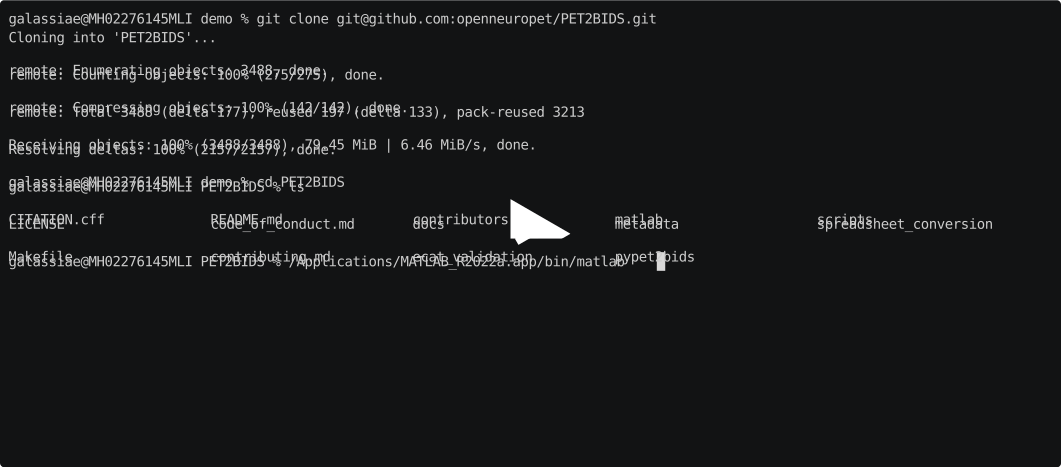
- remember to set the path to the PET2BIDS/matlab folder, you will find the source code to use here.
- if converting DICOM files, make sure you have dcm2niix (for windows users, edit dcm2niix4pet.m to set the right paths to the .exe)
- start using the code! more info here
pypet2bids
Use pip to install this library directly from PyPI:
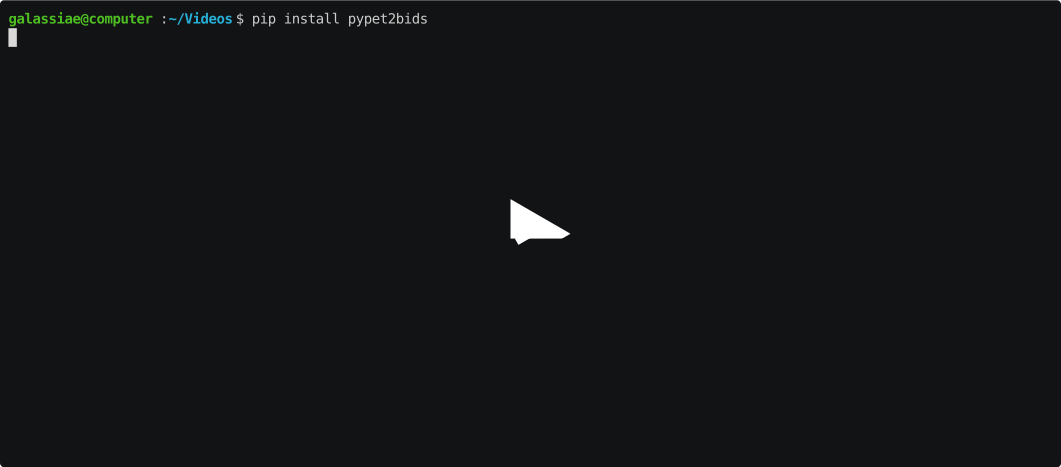
If you wish to install directly from this repository see the instructions below to either build
a packaged version of pypet2bids or how to run the code from source.
Build Package Locally and Install with PIP
We use poetry to build this package, no other build methods are supported, further we encourage the use of GNU make and a bash-like shell to simplify the build process.
After installing poetry, you can build and install this package to your local version of Python with the following commands (keep in mind the commands below are executed in a bash-like shell):
cd PET2BIDS
cp -R metadata/ pypet2bids/pypet2bids/metadata
cp pypet2bids/pyproject.toml pypet2bids/pypet2bids/pyproject.toml
cd pypet2bids && poetry lock && poetry build
pip install dist/pypet2bids-X.X.X-py3-none-any.whl
Why is all the above required? Well, because this is a monorepo and we just have to work around that sometimes.
[!NOTE]
Make and the additional scripts contained in the scripts/ directory are for the convenience of
non-windows users.
If you have GNU make installed and are using a bash or something bash-like in you your terminal of choice, run the following:
cd PET2BIDS
make installpoetry buildpackage installpackage
Run Directly From Source
If one wishes run pypet2bids directly from the source code in this repository or to help contribute to the python portion of this project or any of the documentation they can do so via the following options:
cd PET2BIDS/pypet2bids
poetry install
Or they can install the dependencies only using pip:
cd PET2BIDS/pypet2bids
pip install .
After either poetry or pip installation of dependencies modules can be executed as follows:
cd PET2BIDS/pypet2bids
python dcm2niix4pet.py --help
Run Using Docker
Lastly, we provide a Docker container that includes dcm2niix and pypet2bids. This can be installed using Docker. To build the docker file run:docker build . -t openneuropet/pet2bids
Then mount and run conversions on your input folders like so:
docker run --rm -it \
-v /path/to/dicoms:/dicoms:ro \
-v /path/to/outputdir:/out \
openneuropet/pet2bids dcm2niix4pet /dicoms --destination-path /out
Please note the latest version of dcm2niix is pulled and installed at the time of building the Docker container.
Note: We recommend using dcm2niix v1.0.20220720 or newer; we rely on metadata included in these later releases. It's best to collect releases from the rorden lab/dcm2niix/releases page. We have observed that package managers such as yum or apt or apt-get often install much older versions of dcm2niix e.g. v1.0.2017XXXX, v1.0.2020XXXXX. You may run into invalid-BIDS or errors with this software with older versions.
Controlling Logging Output
If you import pypet2bids in your own Python project and want to reduce or silence library logging, configure
the pypet2bids logger in your application:
import logging

# Option 1: silence all logs from this library
logging.getLogger("pypet2bids").disabled = True

# Option 2: keep only critical messages
logger = logging.getLogger("pypet2bids")
logger.setLevel(logging.CRITICAL)
for handler in logger.handlers:
    handler.setLevel(logging.CRITICAL)
spreadsheet_conversion (custom and pmod)
This folder contains spreadsheets templates and examples of metadata and matlab and python code to convert them to json files. Often, metadata such as Frame durations, InjectedRadioactivity, etc are stored in spreadsheets and we have made those function to create json files automatically for 1 or many subjects at once to go with the nifti imaging data. Note, we also have conversion for pmod files (also spreadsheets) allowing to export to blood.tsv files.
metadata
A small collection of json files for our metadata information.
user metadata
No matter the way you prefer inputting metadata (passing all arguments, using txt or env file, using spreadsheets), you are always right! DICOM values will be ignored - BUT they are checked and the code tells you if there is inconsistency between your inputs and what DICOM says.
ecat_validation
This folder contains code generating Siemens HRRT scanner data using ecat file format and validating the matlab and python conversion tools (i.e. giving the data generated as ecat, do our nifti images reflect accurately the data).
Citation
Please cite us when using PET2BIDS.
Contribute
Anyone is welcome to contribute ! check here how you can get involved, the code of conduct. Contributors are listed here
Release history Release notifications | RSS feed


Download files
Download the file for your platform. If you're not sure which to choose, learn more about installing packages.
Source Distribution
Built Distribution
Filter files by name, interpreter, ABI, and platform.
If you're not sure about the file name format, learn more about wheel file names.
Copy a direct link to the current filters
File details
Details for the file pypet2bids-1.5.0.tar.gz.
File metadata
- Download URL: pypet2bids-1.5.0.tar.gz
- Upload date:
- Size: 3.2 MB
- Tags: Source
- Uploaded using Trusted Publishing? No
- Uploaded via: uv/0.10.9 {"installer":{"name":"uv","version":"0.10.9","subcommand":["publish"]},"python":null,"implementation":{"name":null,"version":null},"distro":{"name":"macOS","version":null,"id":null,"libc":null},"system":{"name":null,"release":null},"cpu":null,"openssl_version":null,"setuptools_version":null,"rustc_version":null,"ci":null}
File hashes
| Algorithm | Hash digest | |
|---|---|---|
| SHA256 |
5af4227f94c287cc1a9fb4e7749b857961fb01c1fd18a3b3fbc77f38514879f5
|
|
| MD5 |
7cb20054a31b068b025924ecfdd3a290
|
|
| BLAKE2b-256 |
42a7aca597f8f490d304a520093e81327e9c0c1bccedfce994fd37bac502cb1c
|
File details
Details for the file pypet2bids-1.5.0-py3-none-any.whl.
File metadata
- Download URL: pypet2bids-1.5.0-py3-none-any.whl
- Upload date:
- Size: 3.2 MB
- Tags: Python 3
- Uploaded using Trusted Publishing? No
- Uploaded via: uv/0.10.9 {"installer":{"name":"uv","version":"0.10.9","subcommand":["publish"]},"python":null,"implementation":{"name":null,"version":null},"distro":{"name":"macOS","version":null,"id":null,"libc":null},"system":{"name":null,"release":null},"cpu":null,"openssl_version":null,"setuptools_version":null,"rustc_version":null,"ci":null}
File hashes
| Algorithm | Hash digest | |
|---|---|---|
| SHA256 |
59d9e0cf30fb2a28385fbccfadc315ac58e9492db57d26035bc3619764516534
|
|
| MD5 |
aec8c782d3cc21bad80fb48cf4b17ece
|
|
| BLAKE2b-256 |
cca4cf2dbe57551c3253f33c9f82019d5a715dc7472c51d8df216139438cfd9e
|






