
PyPI Browser
PyPI Browser is a web application for browsing the contents of packages on the Python Package Index.
You can view a live version which provides information about packages from pypi.org:
- Search page
- Package page for the
djangopackage - Archive browse page for the
Django-4.1.1-py3-none-any.whlfile - File viewing page for a random file from the same archive
It can also be deployed with a private PyPI registry as its target in order to be used for a company's internal registry.
Features
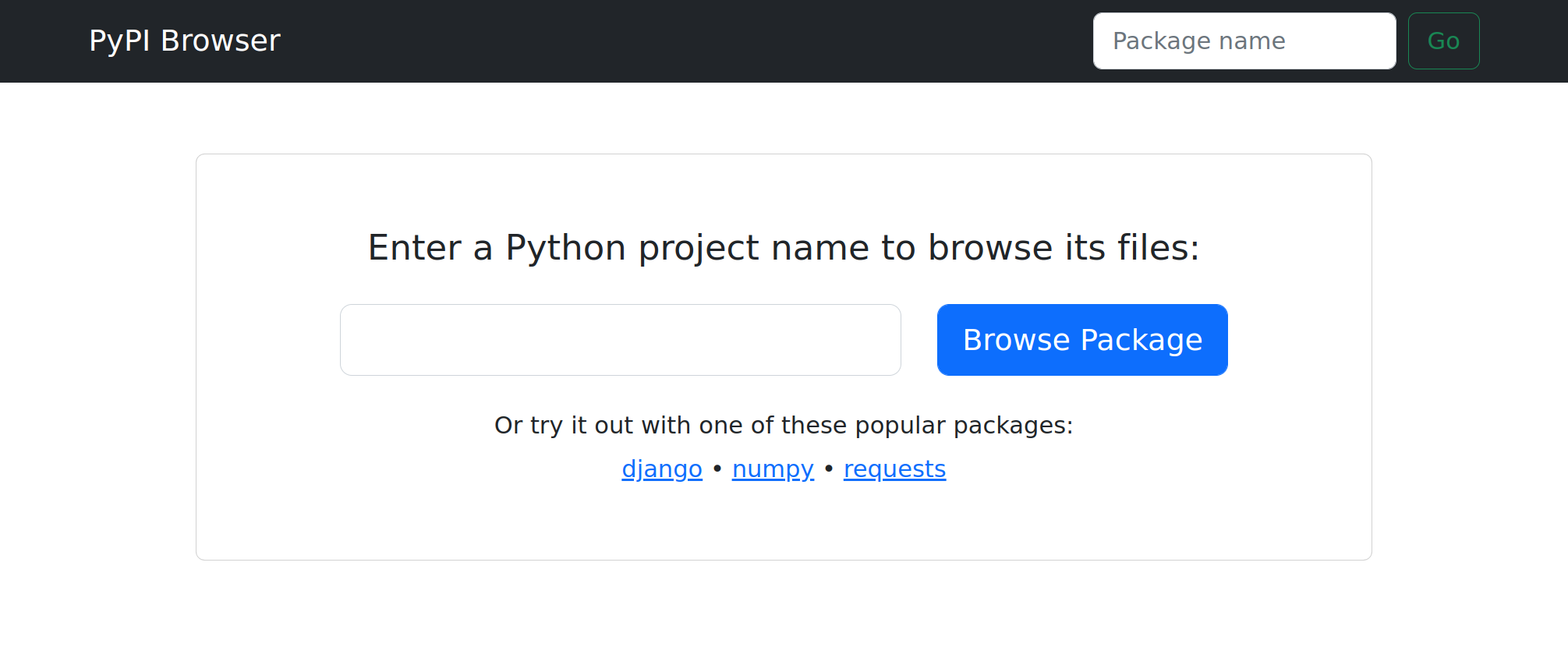
Browse uploaded package archives
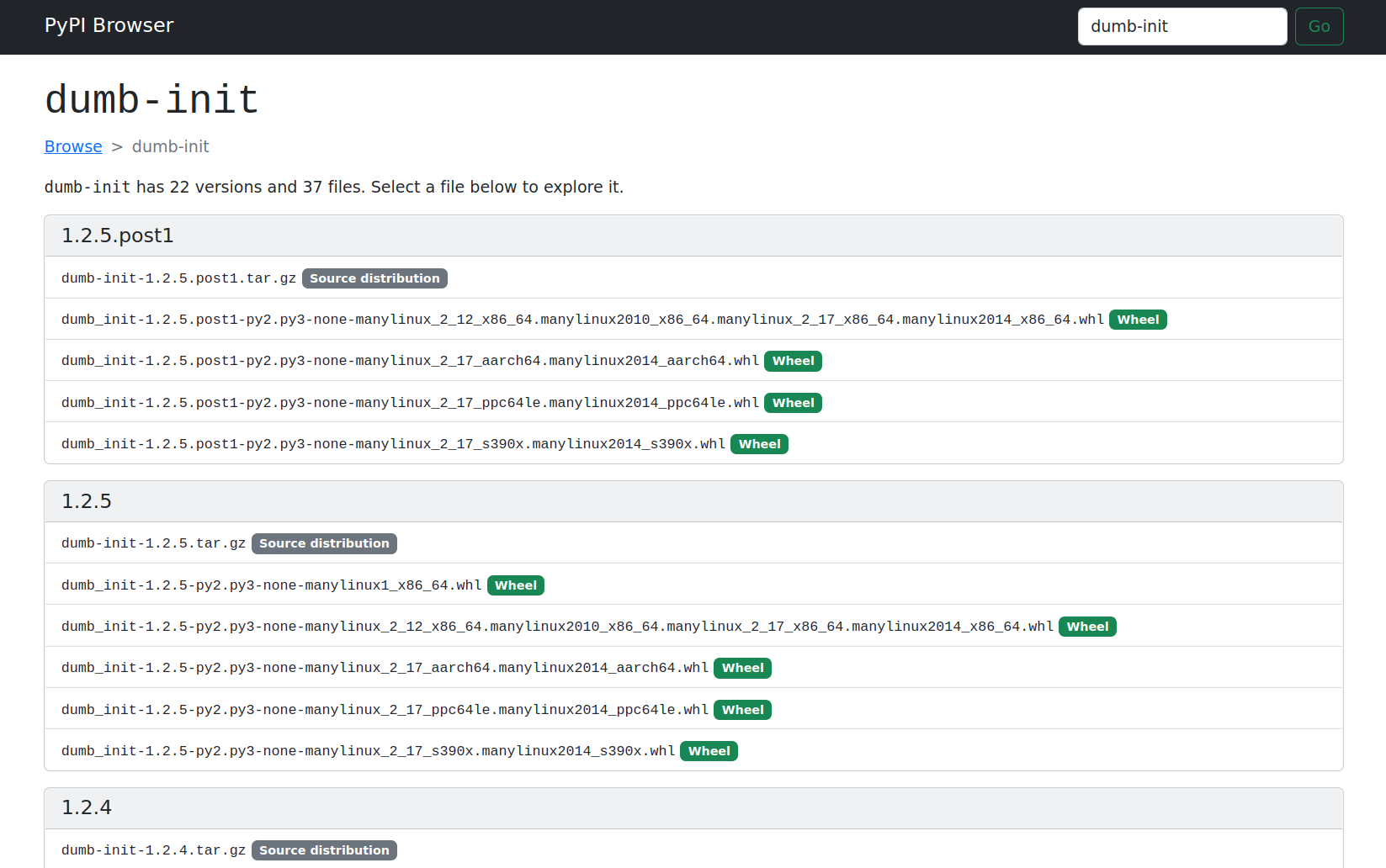
You can see all uploaded package archives for a given package.
Inspect package archive metadata and contents
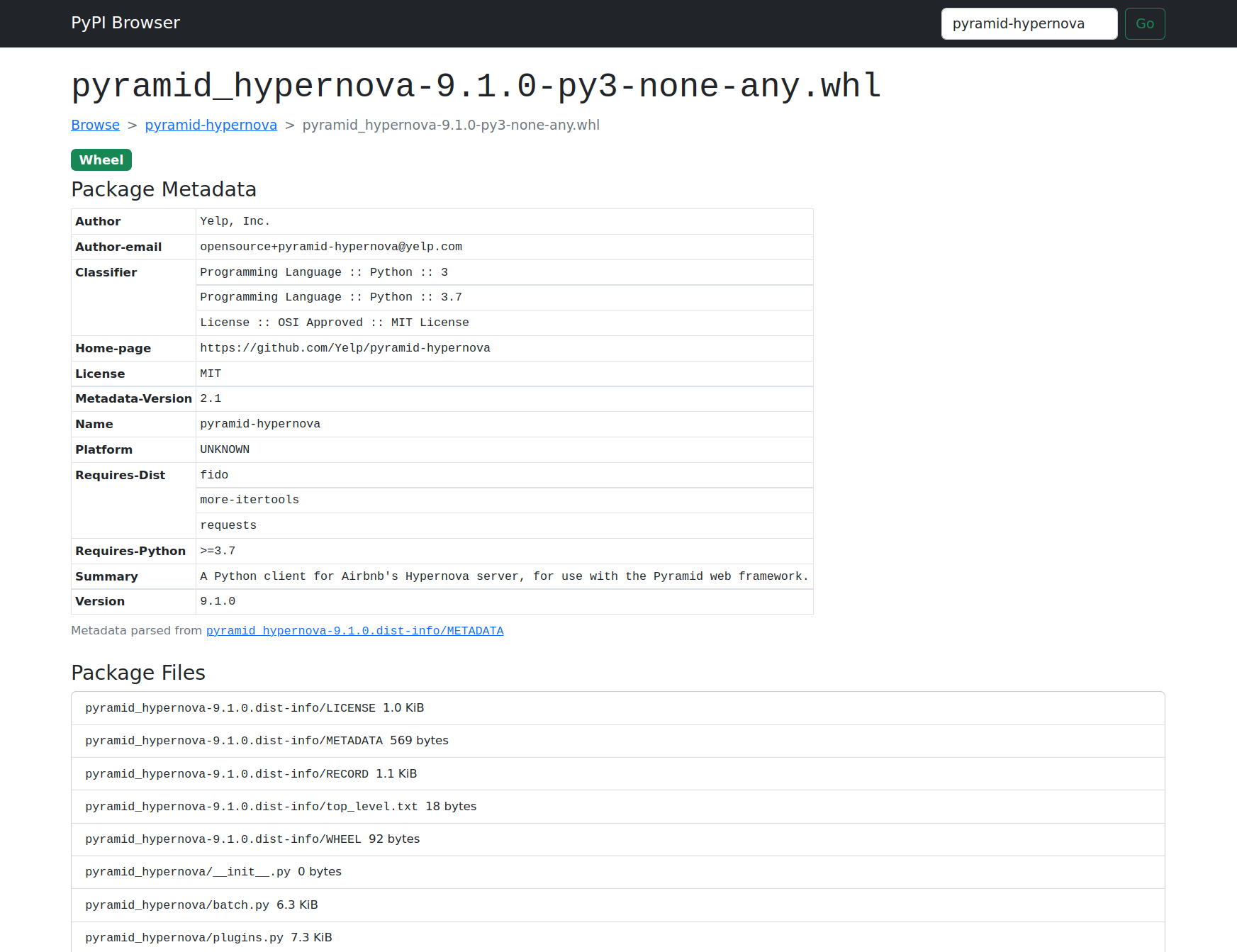
You can inspect a package archive's metadata and its contents.
Easily view files from package archives
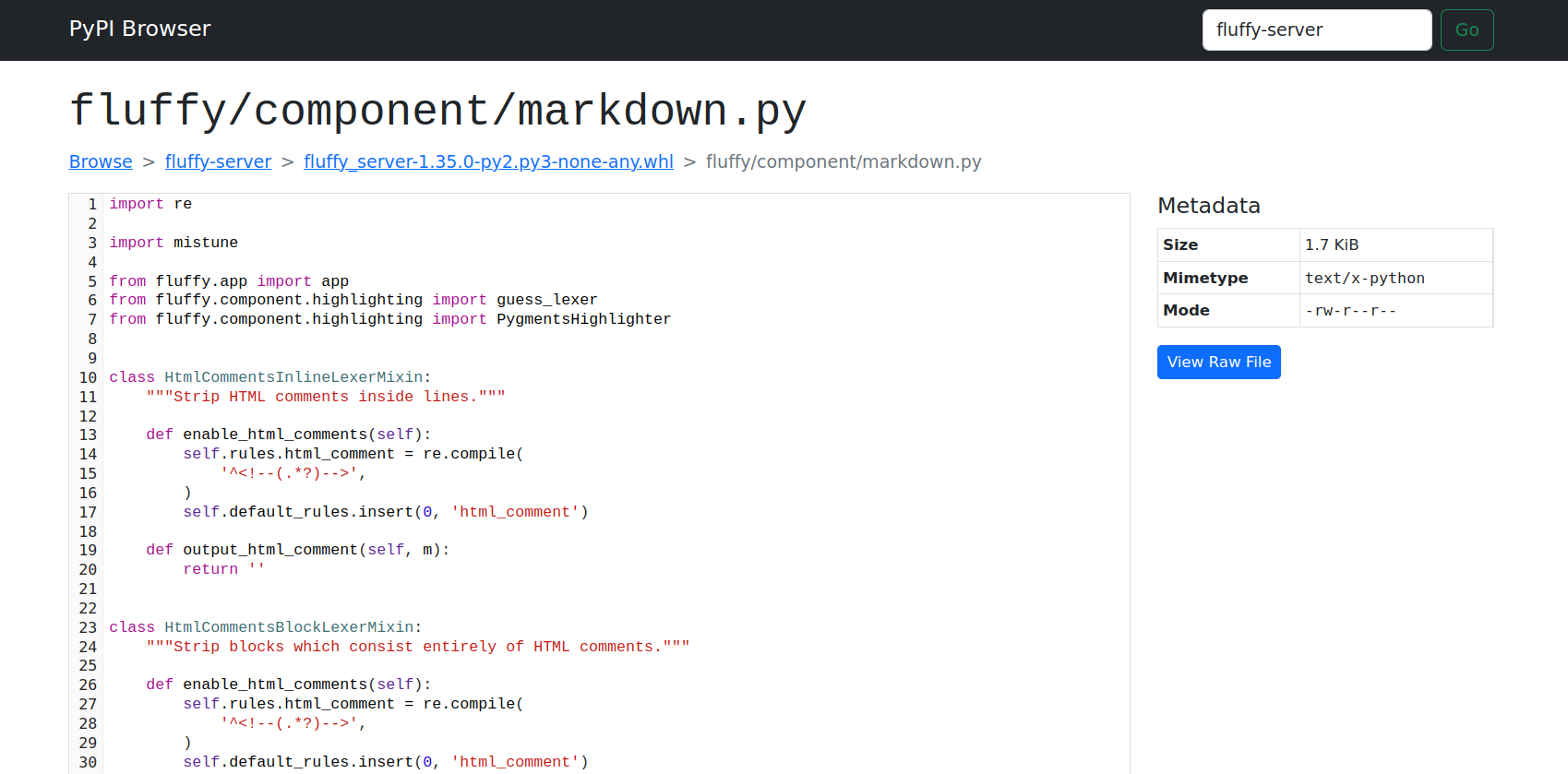
You can display text files directly in your browser, with syntax highlighting and other features like line selection provided by fluffy-code.
Binary files can also be downloaded.
Deploying PyPI Browser
To run your own copy, install
pypi-browser-webapp using
pip, then run the pypi_browser.app:app ASGI application using any ASGI web
server (e.g. uvicorn).
You can set these environment variables to configure the server:
-
PYPI_BROWSER_PYPI_URL: URL for the PyPI server to use (defaults tohttps://pypi.org)For best results (i.e. most available metadata), choose the first option from this list which is supported by your PyPI registry:
-
If your registry supports PEP691 JSON "simple" indexes, specify your base registry URL with
/simpleappended (e.g.https://my-registry/simple). -
If your registry supports the legacy pypi.org-compatible JSON API (e.g.
{registry}/pypi/{package}/json), specify your base registry URL without a suffix (e.g.https://my-registry). -
Otherwise, if your registry only supports the traditional HTML "simple" index, specify the registry URL with
/simpleat the end (e.g.https://my-registry/simple).
-
-
PYPI_BROWSER_PACKAGE_CACHE_PATH: Filesystem path to use for caching downloaded files. This will grow forever (the app does not clean it up) so you may want to usetmpreaperor similar to manage its size.
pypi-browser is an ASGI app, and while it performs a lot of I/O (downloading and extracting packages on-demand), some effort has been made to keep all blocking operations off of the main thread. It should be fairly performant.
Contributing
To build this project locally, you'll need to install
Poetry and run poetry install.
Once installed, you can run
$ make start-dev
to run a copy of the application locally with hot reloading enabled.
1 maintainer

Metadata
1 maintainer
Release files for pypi-browser-webapp 0.0.12
For a detailed explanation of source distributions (sdists) and built distributions (wheels), please see the package formats documentation.
Source distribution (sdist)
| File | Size | Uploaded | Provenance | Actions |
|---|---|---|---|---|
| pypi_browser_webapp-0.0.12.tar.gz | 67.5 kB | Without provenance | Details for pypi_browser_webapp-0.0.12.tar.gz |
Built distribution (wheel)
| File | Interpreter | ABI | Platform | Actions Reset |
|---|---|---|---|---|
| pypi_browser_webapp-0.0.12-py3-none-any.whl | Python 3 | none | any | Details for pypi_browser_webapp-0.0.12-py3-none-any.whl |
Total release size: 137.3 kB
Release files / pypi_browser_webapp-0.0.12.tar.gz
| Download URL | pypi_browser_webapp-0.0.12.tar.gz |
|---|---|
| Size | 67.5 kB |
| Tags | Source |
|
SHA-256 checksum How to use checksums |
a1bd16e501a1854946e9726984ced25167e4b4b9736f5217339b0d62226d0c5b
|
|
BLAKE2b-256 checksum How to use checksums |
fc9157b0a8a8c2ad627003b148bbe0934d1ec42398d37b19f6acaa6ea3f7a1e6
|
| Upload date | |
|
Uploaded using Trusted Publishing? What is trusted publishing? |
No |
| Uploaded via |
poetry/1.8.3 CPython/3.11.2 Linux/6.9.1ckuehl1
|
Release files / pypi_browser_webapp-0.0.12-py3-none-any.whl
| Download URL | pypi_browser_webapp-0.0.12-py3-none-any.whl |
|---|---|
| Size | 69.7 kB |
| Tags | Python 3 |
|
SHA-256 checksum How to use checksums |
851f5a0a74c9183c6331e88e39980fb03d0c2406921a31889d55df5ab309c326
|
|
BLAKE2b-256 checksum How to use checksums |
58263e638bffd9273bcaa009140f118a82640b756ff1ec2269ade93dd3eee3d3
|
| Upload date | |
|
Uploaded using Trusted Publishing? What is trusted publishing? |
No |
| Uploaded via |
poetry/1.8.3 CPython/3.11.2 Linux/6.9.1ckuehl1
|
Security for pypi-browser-webapp 0.0.12
Provenance
Provenance describes where a file came from. On PyPI, provenance is shared via attestations, which provide a verifiable record of the build or publishing details. View details, limitations and caveats.
No provenance found
None of the files in this release were uploaded with provenance metadata.
A note on package security
PyPI is a repository for distributing packages, not a service for auditing them. While third-party security researchers and our staff do their best to detect and remove malicious packages, PyPI cannot guarantee the quality, security or suitability of any given package.
To learn more about protecting yourself from malicious actors, visit our package security documentation.














