
pyqt-slideshow
PyQt widget for slide show
Requirements
- PyQt5 >= 5.8
Setup
python -m pip install pyqt-slideshow
Detailed Description
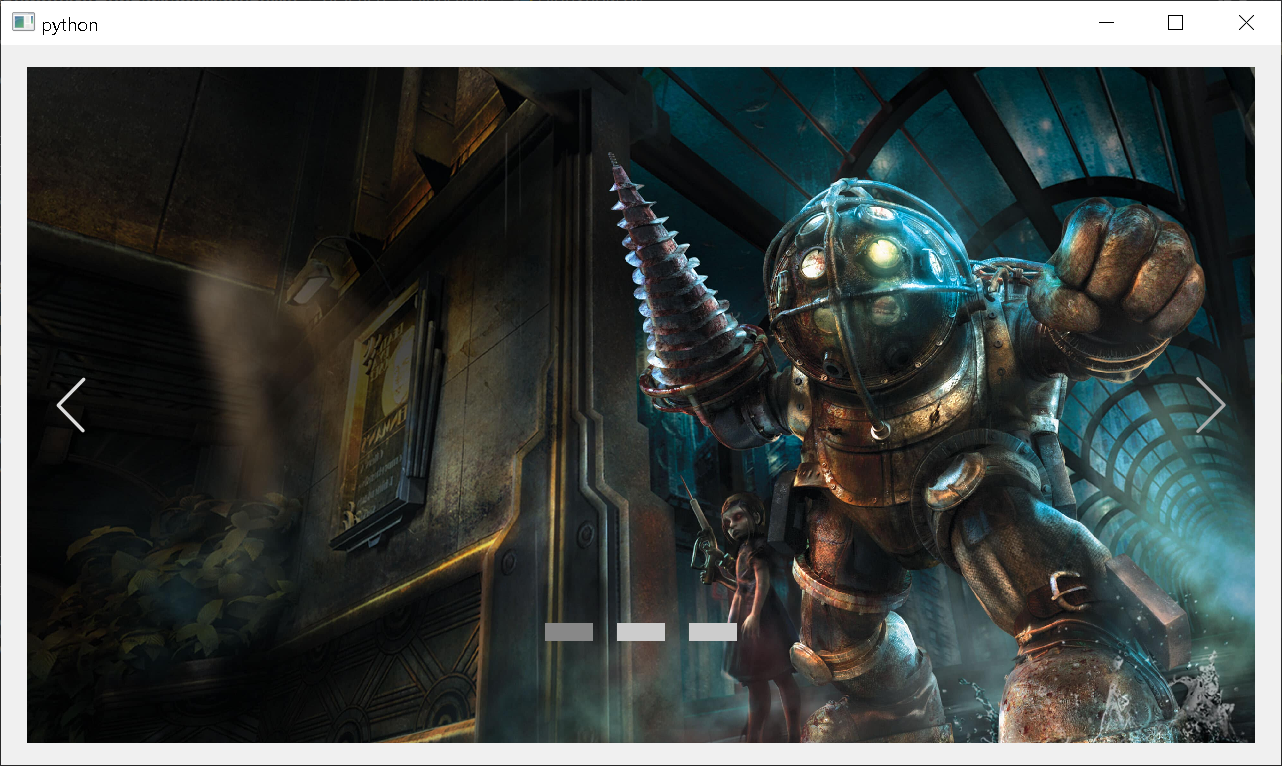
This widget mainly consists of three child widget.
-
View
-
Navigation button widget - buttons on the both sides of the view
-
Bottom button widget - buttons at the bottom
You can set the image files to show with setFilenames.
You can watch previous/next image by clicking the navigation button or nth image file by clicking the buttons at the bottom.
Image is automatically changed by internal timer(QTimer). Interval is set to 5000 milliseconds by default.
Method Overview
-
setFilenames(filenames: list)- give the image files. You have to call this one time only so far. -
setTimerEnabled(f: bool)- set the image change timer -
setInterval(milliseconds: int)- set the image change interval -
setNavigationButtonVisible(f: bool)- set the navigation button's visibility(which also decides that you use it or not) -
setBottomButtonVisible(f: bool)- set the bottom button's visibility(which also decides that you use it or not) -
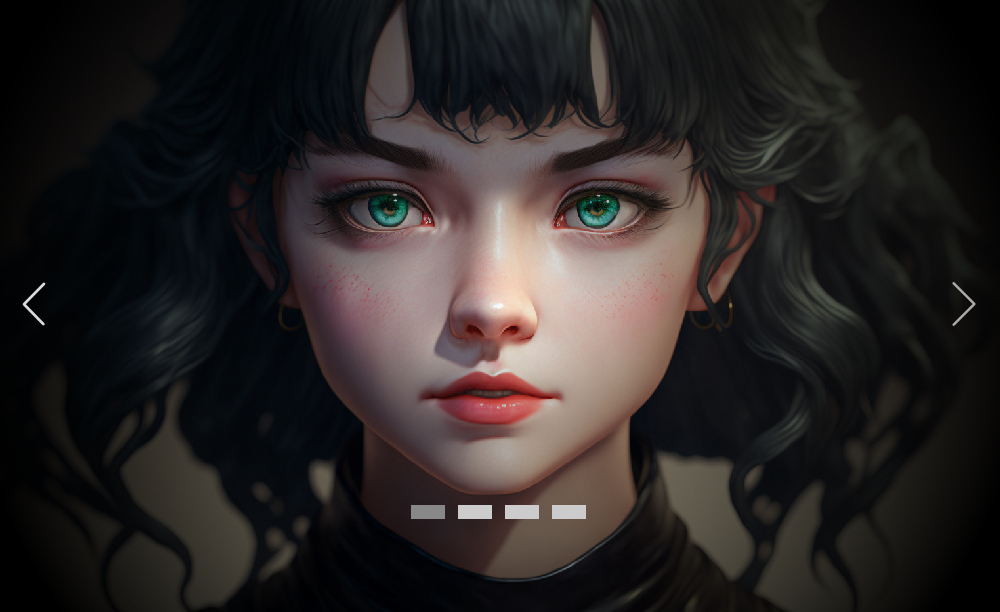
setGradientEnabled(f: bool)- Cover the dark gradient over the image
For example
-
getButtonGroup()- get the button group(QButtonGroup) which has the every button. You can get them bybtnGrp.buttons() -
getBtnWidget()- get the btn widget to set the spacing between the bottom button or other customization of button widget -
getPrevBtn()- get the prev button -
getNextBtn()- get the next button
Example
Code Sample 1 (Including navigation/bottom button)
from PyQt5.QtWidgets import QApplication

from pyqt_slideshow import SlideShow


if __name__ == "__main__":

    import sys


    app = QApplication(sys.argv)

    s = SlideShow()

    s.setFilenames(['bioshock.jpg', 'dragon_age.jpg', 'ride_to_hell_retribution.jpg'])

    s.show()

    app.exec_()
Result
Code Sample 2 (Not including navigation/bottom button)
from PyQt5.QtWidgets import QApplication

from pyqt_slideshow import SlideShow


if __name__ == "__main__":

    import sys


    app = QApplication(sys.argv)

    s = SlideShow()

    s.setFilenames(['bioshock.jpg', 'dragon_age.jpg', 'ride_to_hell_retribution.jpg'])

    s.setNavigationButtonVisible(False) # to not show the navigation button

    s.setBottomButtonVisible(False) # to not show the bottom button

    s.show()

    app.exec_()
Result
TODO list
-
Give the option to go back to first page by user when pressing the next button in the last page
-
Transition effect
-
Default screen when there is no image (thumbnail?)
-
Add more styles with QML
1 maintainer

Metadata
1 maintainer
Release files for pyqt-slideshow 0.0.22
For a detailed explanation of source distributions (sdists) and built distributions (wheels), please see the package formats documentation.
Source distribution (sdist)
| File | Size | Uploaded | |
|---|---|---|---|
| pyqt-slideshow-0.0.22.tar.gz | 7.8 kB | Details |
Built distribution (wheel)
| File | Interpreter | ABI | Platform | Reset |
|---|---|---|---|---|
| pyqt_slideshow-0.0.22-py3-none-any.whl | Python 3 | none | any | Details |
Total release size: 17.6 kB
Release files / pyqt-slideshow-0.0.22.tar.gz
| Download URL | pyqt-slideshow-0.0.22.tar.gz |
|---|---|
| Size | 7.8 kB |
| Tags | Source |
|
SHA-256 checksum How to use checksums |
a83c8d2853a55d40fb3d06707b4a5c7ebf52bc1302d541cb5a42187fe0c04025
|
|
BLAKE2b-256 checksum How to use checksums |
2632a2d1a32a80c81e905c9723310a15e9a4e3097ab6a69969935809d9bb0a7c
|
| Upload date | |
|
Uploaded using Trusted Publishing? What is trusted publishing? |
No |
| Uploaded via |
twine/0.0.0 CPython/3.7.6
|
Release files / pyqt_slideshow-0.0.22-py3-none-any.whl
| Download URL | pyqt_slideshow-0.0.22-py3-none-any.whl |
|---|---|
| Size | 9.8 kB |
| Tags | Python 3 |
|
SHA-256 checksum How to use checksums |
b8808757aa51dda275dab5c0fbbaeea168fb500899ae8847a5b99d9b9827018c
|
|
BLAKE2b-256 checksum How to use checksums |
13c837c4a6a4b2b9c5c63f34cbfc54063fe7c2a4448a2e7dd9aa70cadf7455ca
|
| Upload date | |
|
Uploaded using Trusted Publishing? What is trusted publishing? |
No |
| Uploaded via |
twine/0.0.0 CPython/3.7.6
|














