
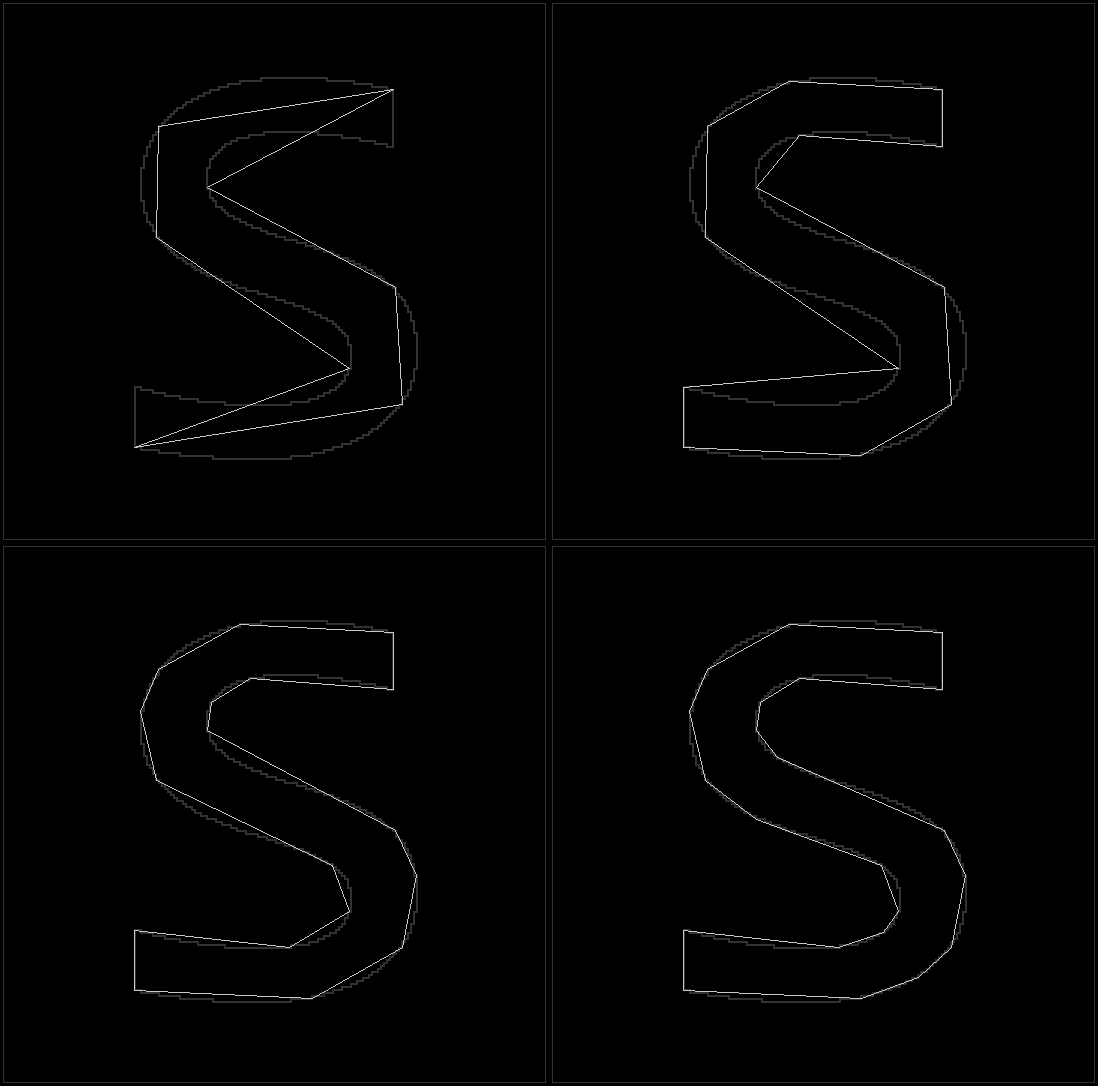
A pure python library that implements abstraction of data.

Project description
pyrebel
A pure python library that implements abstraction of data.
Installation
From PyPI
python3 -m pip install --upgrade pyrebel
From source
git clone https://github.com/ps-nithin/pyrebel
cd pyrebel
python3 -m pip install .
Running demo programs
Demo programs are located in 'demo/' directory.
cd demo/
1. Image abstraction demo
Usage:
python3 pyrebel_main.py --input <filename.png>
Optional arguments
--abs_threshold <value> Selects the threshold of abstraction. (Defaults to 5)
For example,
python3 pyrebel_main.py --input images/abc.png --abs_threshold 10
The output is written to 'output.png'
To write layers to file use the following,
python3 pyrebel_main_layers.py --input images/abc.png
This will save the files as layer-3.png, layer-4.png etc.
2. Edge detection demo
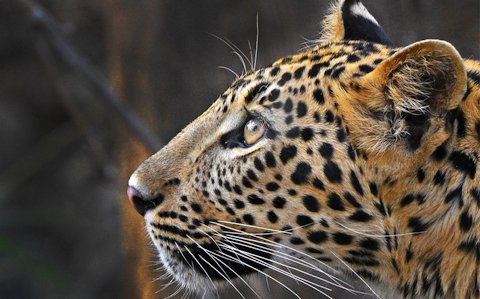
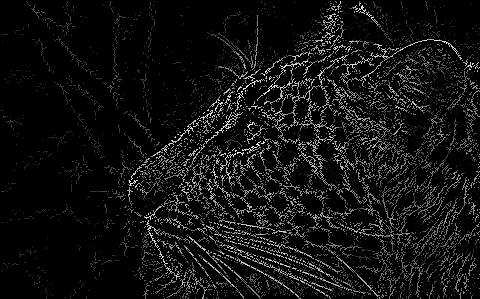
This is a demo of edge detection achieved using data abstraction.
Usage:
python3 pyrebel_main_edge.py --input <filename>
For example,
python3 pyrebel_main_edge.py --input images/wildlife.jpg
The output is written to 'output.png'.
Below is a sample input image,
Below is the output image,
See how edge detection works here
3. 2D sketch demo
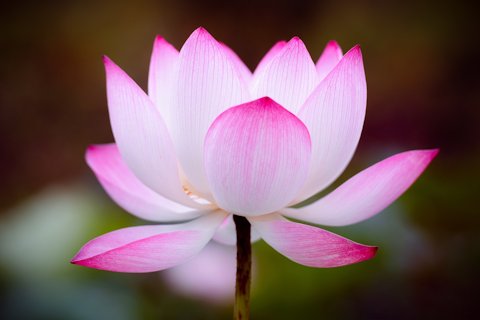
This is a demo of 2D sketch formation using data abstraction.
Usage:
python3 pyrebel_main_vision.py --input <filename>
Optional arguments for tweaking the result,
--edge_threshold <value>Selects the threshold of edge detection.(Defaults to 5)--abs_threshold <value>Selects the threshold of output abstraction. (Defaults to 10)--bound_threshold <value>Selects the threshold of boundary size. (Defaults to 100)
For example,
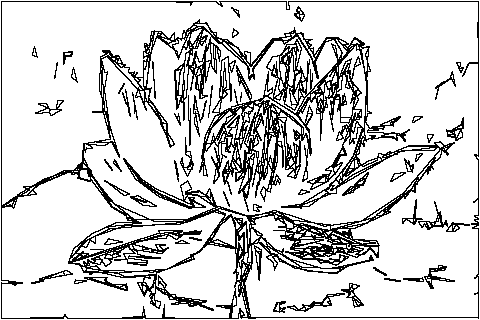
python3 pyrebel_main_vision.py --input images/lotus.jpg
Below is a sample input image,
Below is the output image,
4. Abstract painting
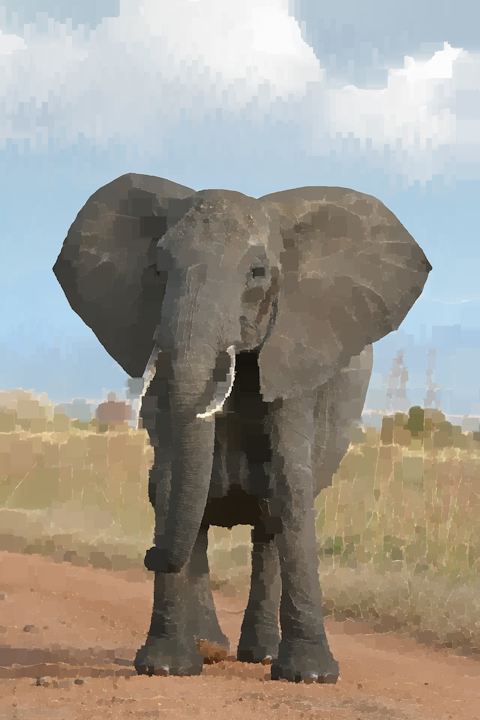
This is a demo of abstract painting using data abstraction. The output of edge detection is painted to obtain the desired output.
Usage:
python3 pyrebel_main_paint.py --input <filename>
Optional arguments for tweaking the result,
--edge_threshold <value>Selects the threshold of edge detection. (Defaults to 10).--paint_threshold <value>Selects the threshold of painting. (Defaults to 5).--block_threshold <value>Selects the threshold of block size. (Defaults to 20).
For example,
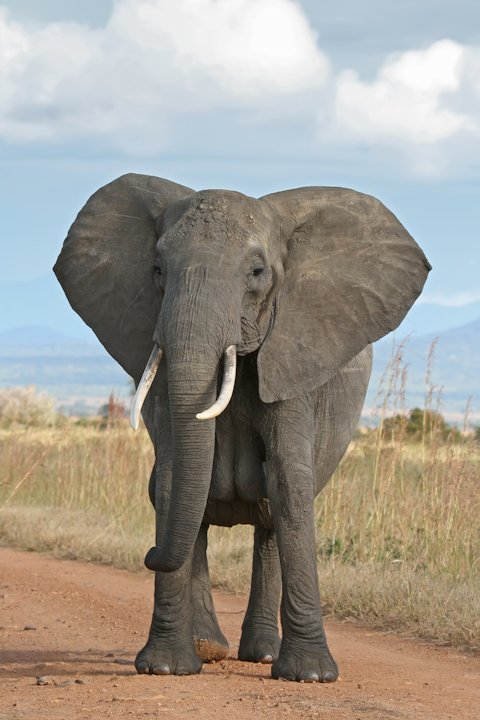
Runningpython3 pyrebel_main_paint.py --input images/elephant.jpg --edge_threshold 10 --block_threshold 50 --paint_threshold 1
Below is the sample input image,
Below is the output image,
5. Pattern recognition demo
This is a demo of pattern recognition achieved using data abstraction.
- Learning
Usage:python3 pyrebel_main_learn_multiple.py --learn /path/to/image/directory/
For example runningpython3 pyrebel_main_learn_multiple.py --learn images/train-hand/learns all the images in the directory and links the filename with the signatures. - Recognition
Usage:python3 pyrebel_main_learn_multiple.py --recognize <filename>
For example runningpython3 pyrebel_main_learn_multiple.py --recognize images/recognize.pngdisplays the symbols recognized in the file 'images/recognize.png'.
Optional arguments,
--abs_threshold <value>Selects the threshold of abstraction. (Defaults to 5)
The output is written to 'output_text.png'. To reset the knowledge base just delete file 'know_base.pkl' in the current working directory.
See how the program learns and recognizes patterns here
Docs here
Read more here
Let the data shine!
Release history Release notifications | RSS feed


Download files
Download the file for your platform. If you're not sure which to choose, learn more about installing packages.
Source Distribution
File details
Details for the file pyrebel-1.2.5.tar.gz.
File metadata
- Download URL: pyrebel-1.2.5.tar.gz
- Upload date:
- Size: 56.5 kB
- Tags: Source
- Uploaded using Trusted Publishing? No
- Uploaded via: twine/6.2.0 CPython/3.10.12
File hashes
| Algorithm | Hash digest | |
|---|---|---|
| SHA256 |
e86011e883c2fa02a8bb5afe466cb960568b0e93f49fd1fe556a61e6a3112685
|
|
| MD5 |
fa1e2054917b55b4987dba0abd7b8def
|
|
| BLAKE2b-256 |
198a741dc61e79402731ad264da5237e432605cdb53d8f2ab31a1964f3dc9fd7
|






