
The latest version of this code is now hosted here: https://github.com/SherbyRobotics/pyro

Pyro
An object-based toolbox for robot dynamic simulation, analysis, control and planning.
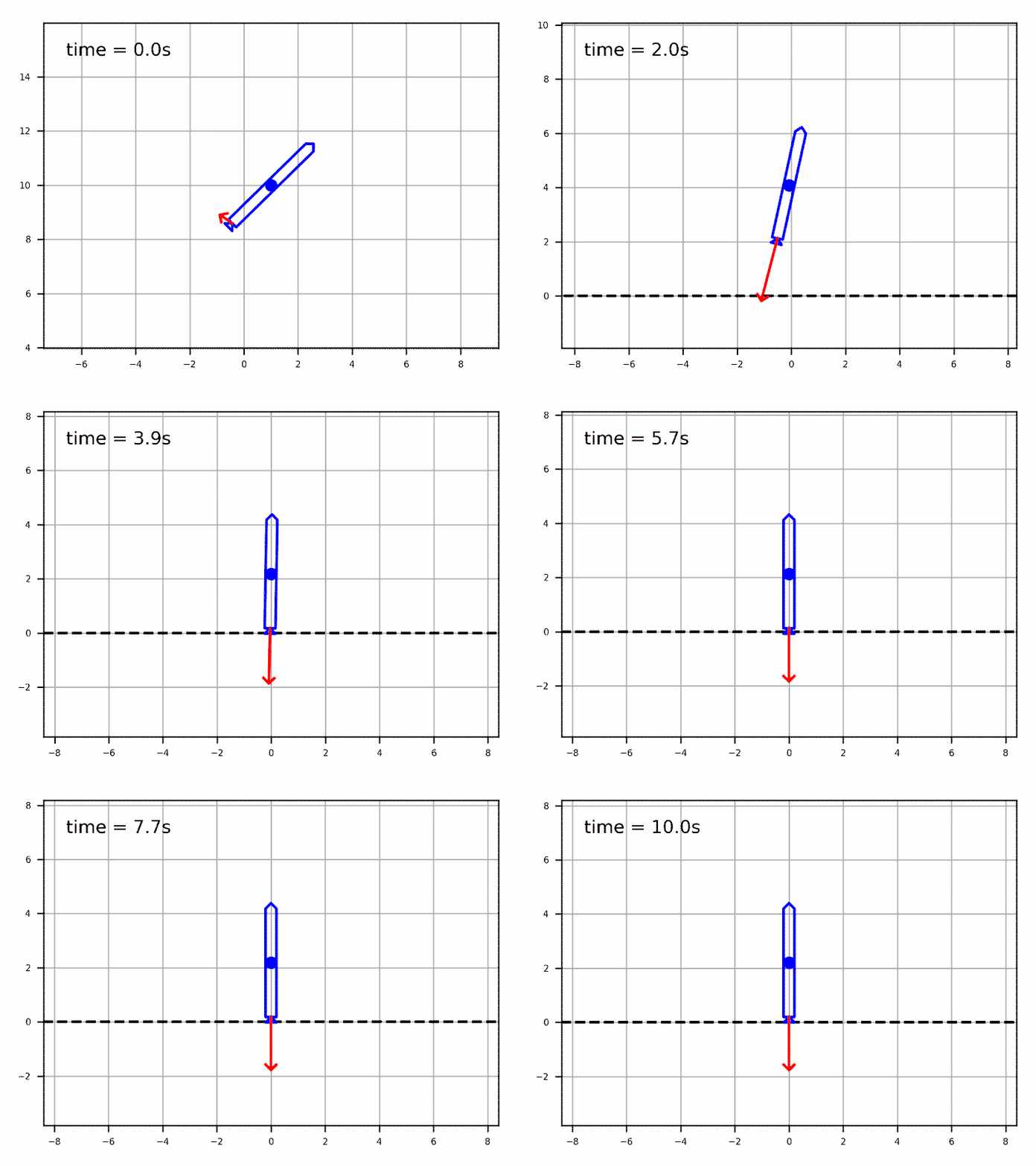
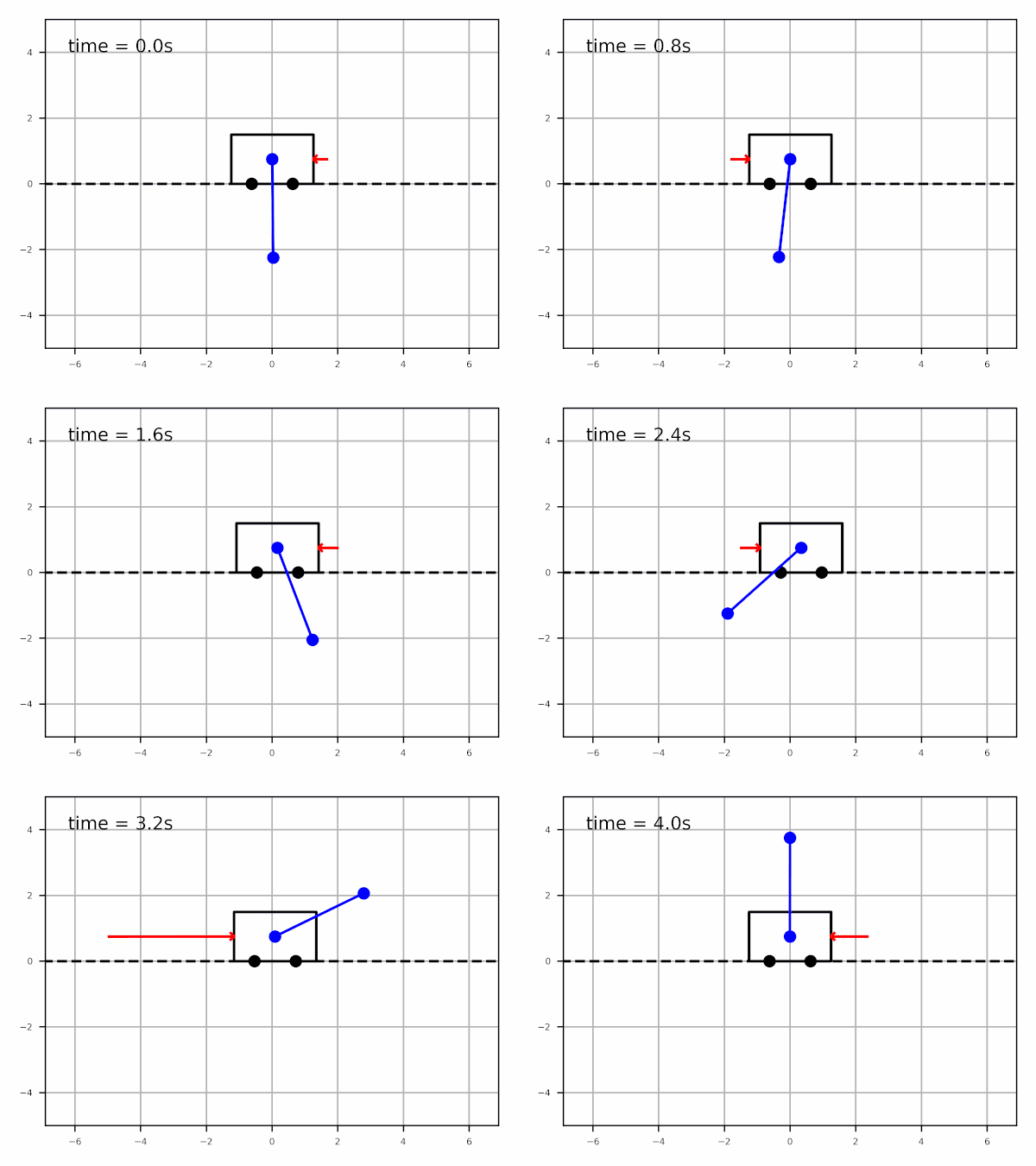
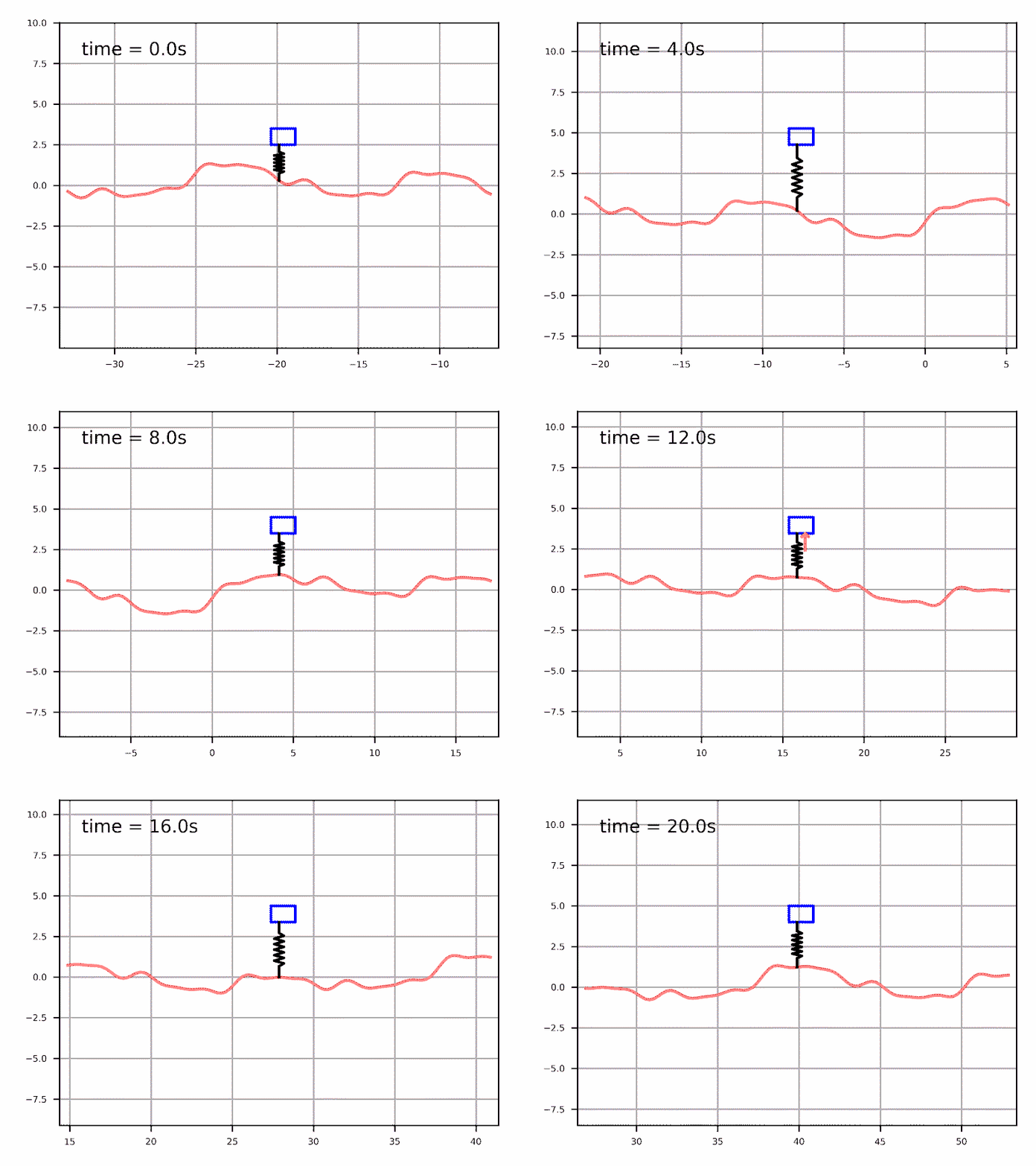
A collection of dynamic systems:
|

|
|---|---|
|
|
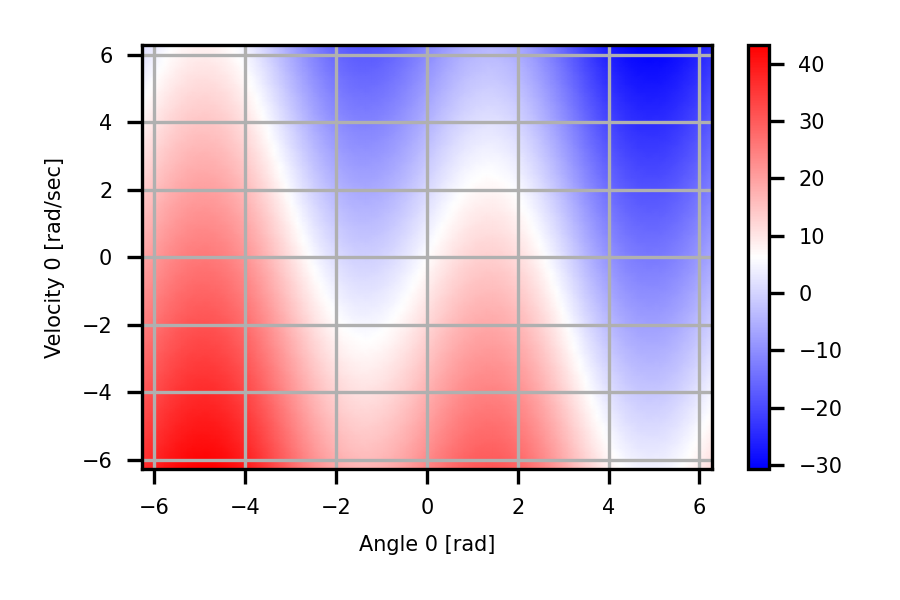
A collection of controller synthesis and planning tools:
Computed torque controller
|
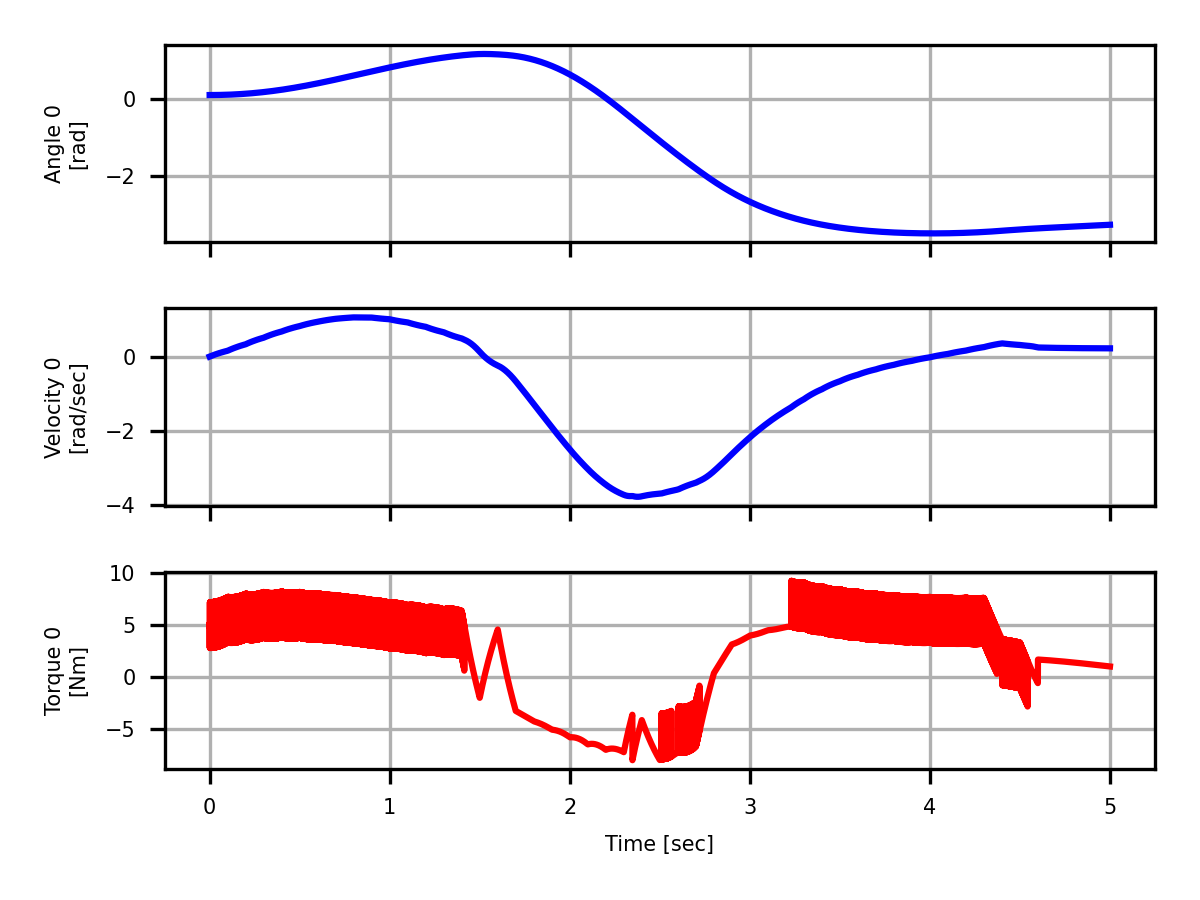
Sliding mode controller
|
|---|---|
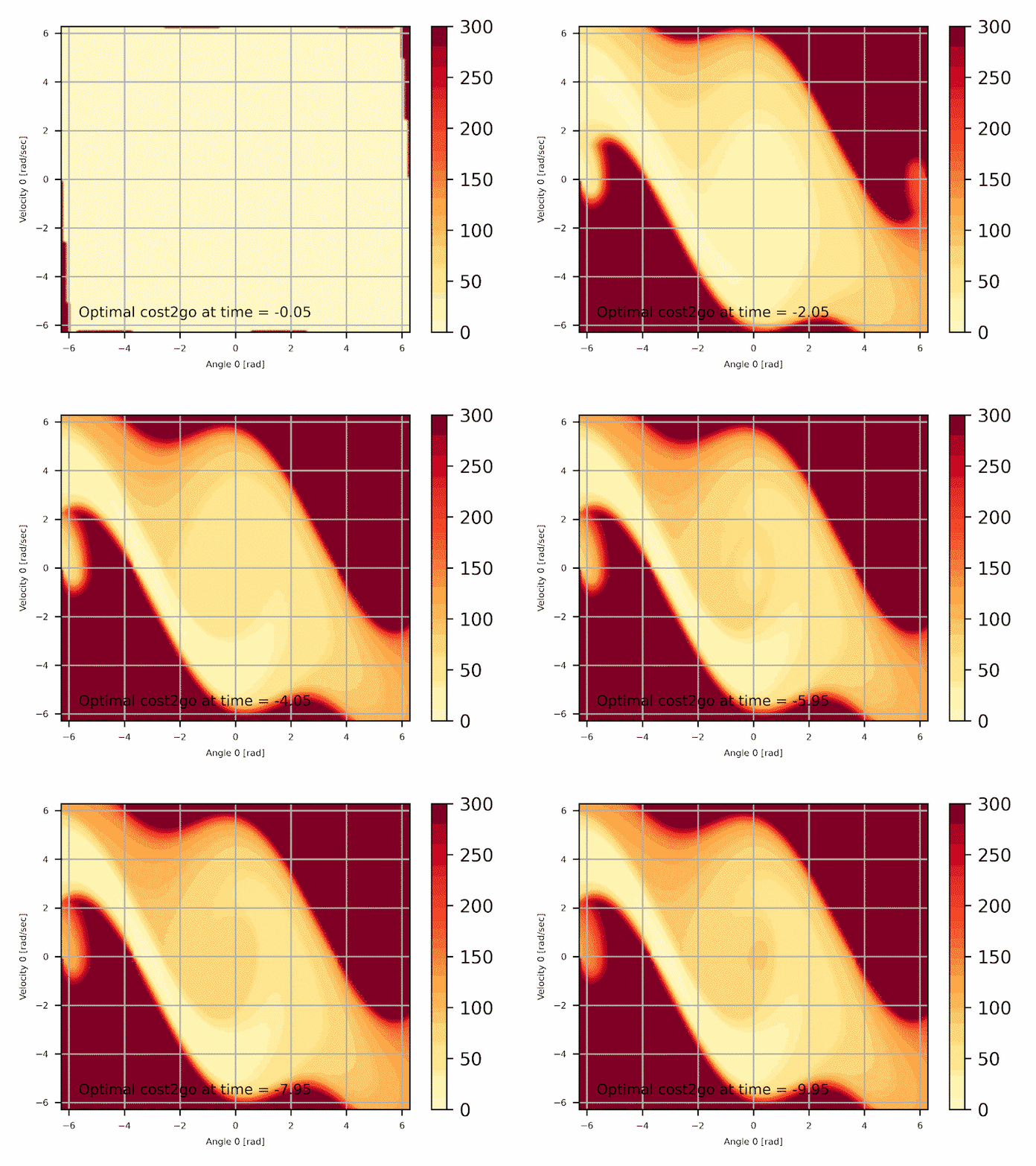
Dynamic programming
|
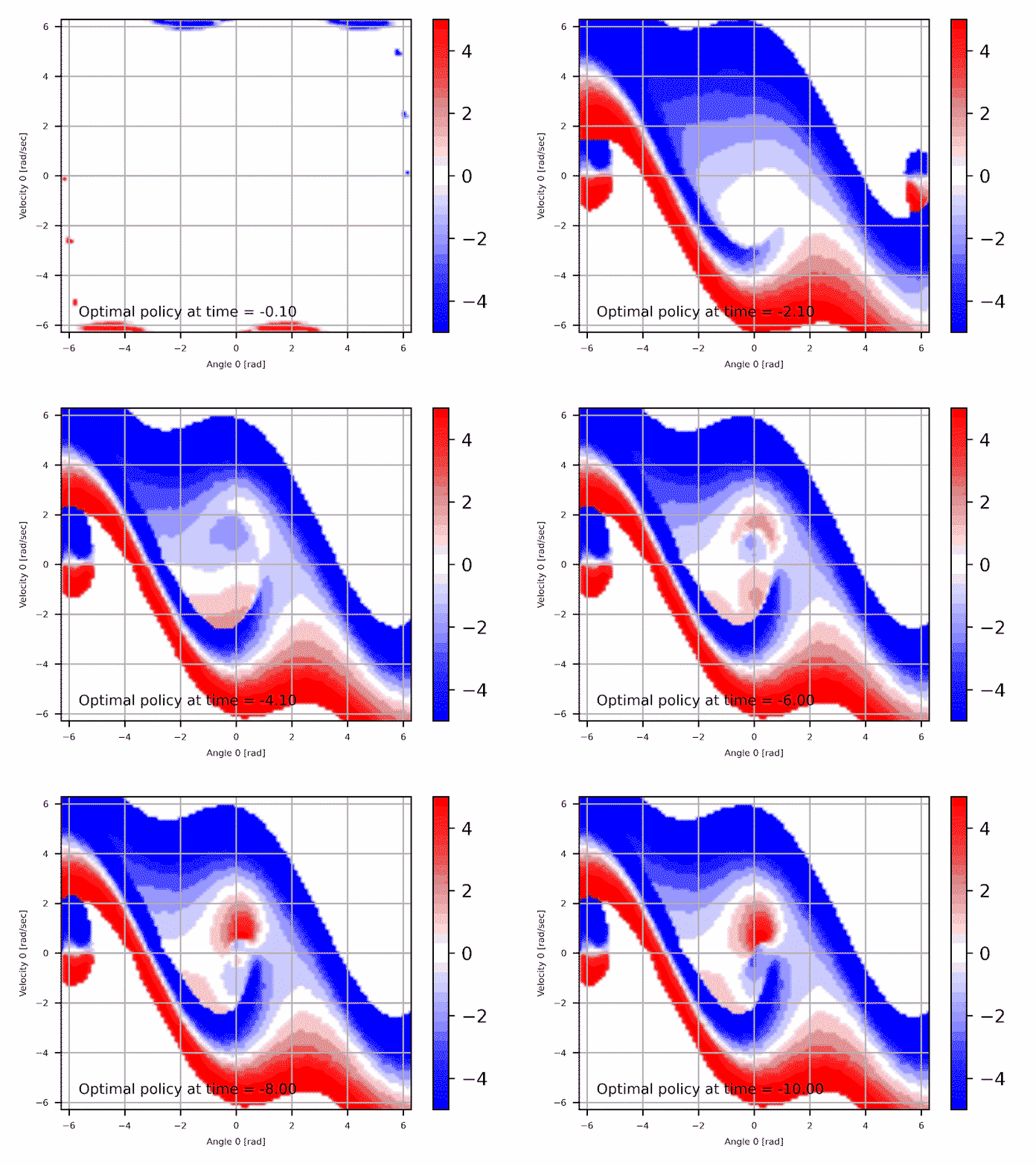
Optimal torque policy
|
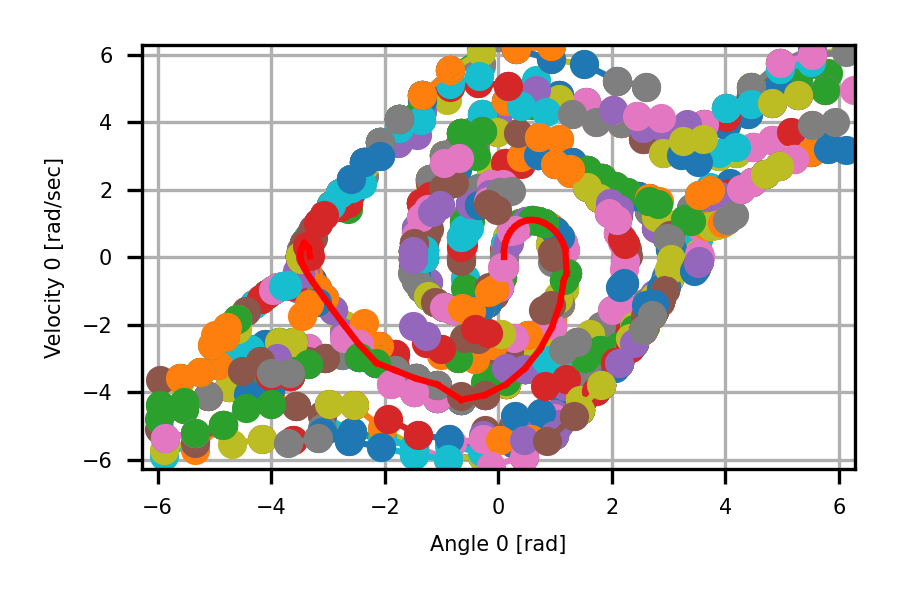
Rapidly-exploring random tree planning
|
Direct collocation trajectory optimisation
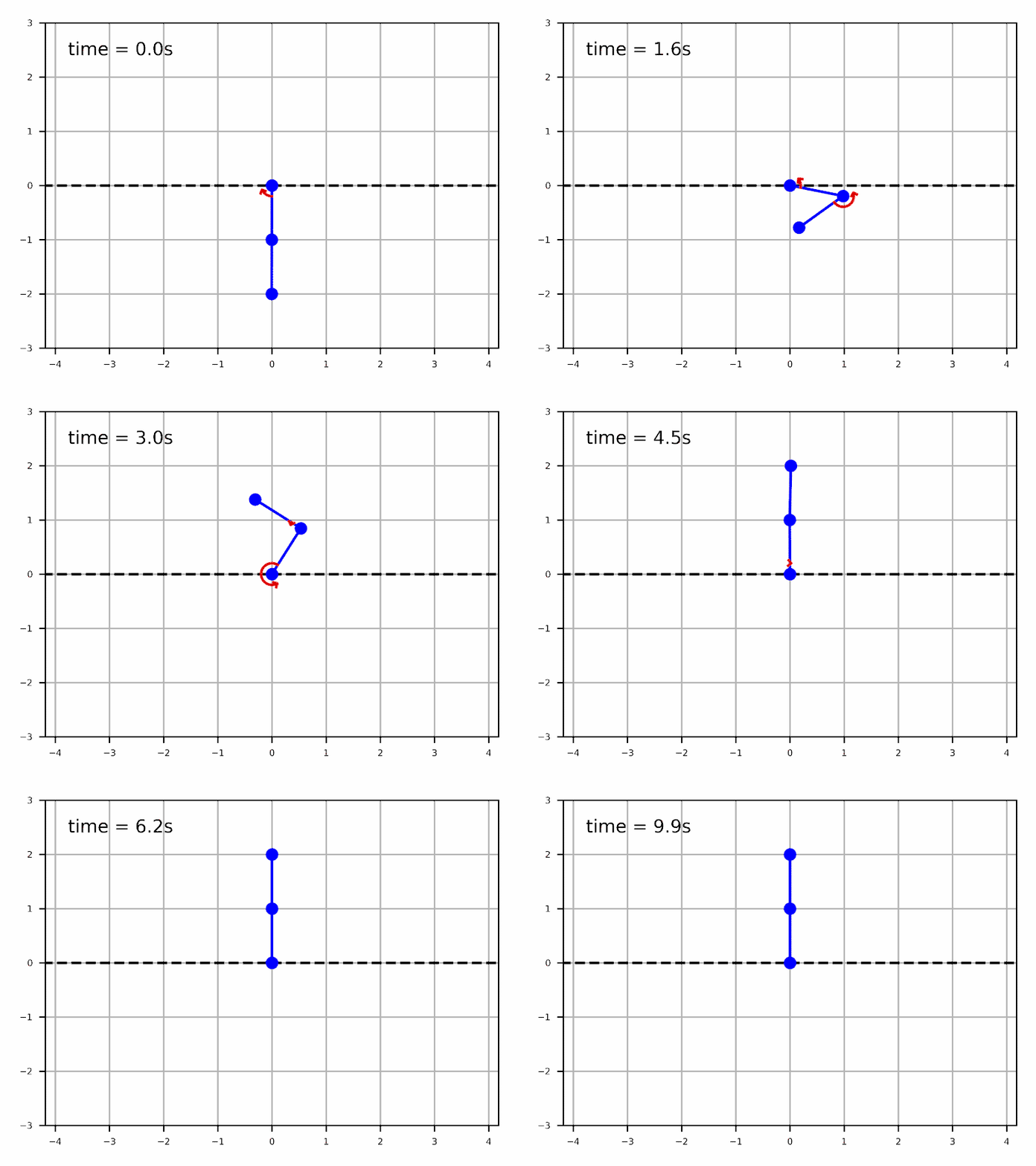
|
A collection of analysis tools:
Simulation (computing trajectories)
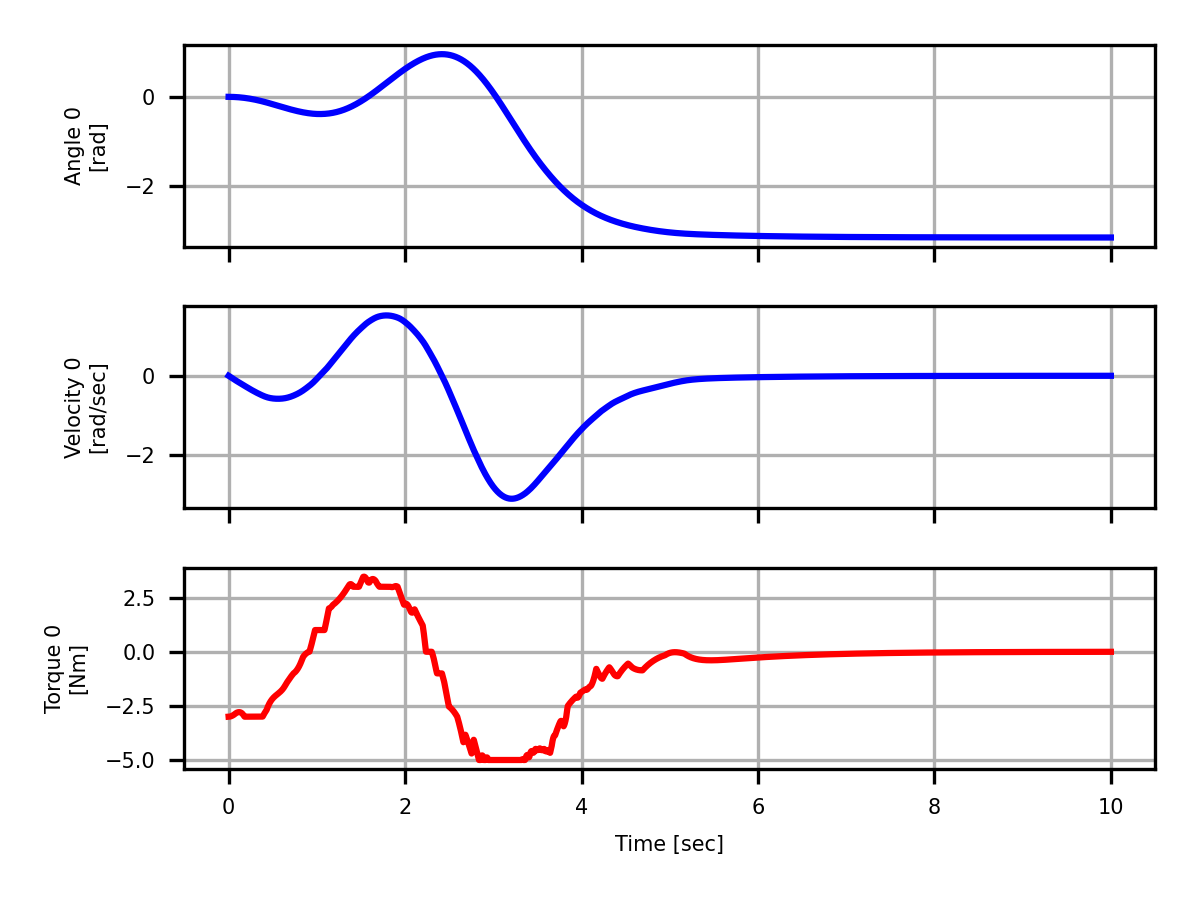
|
Phase plane analysis
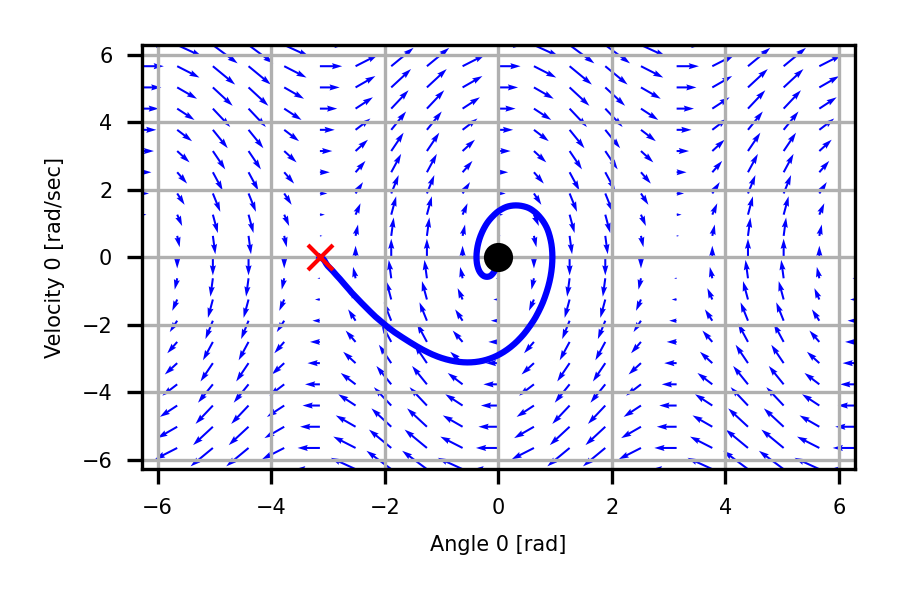
|
|---|---|
Generating animated simulations
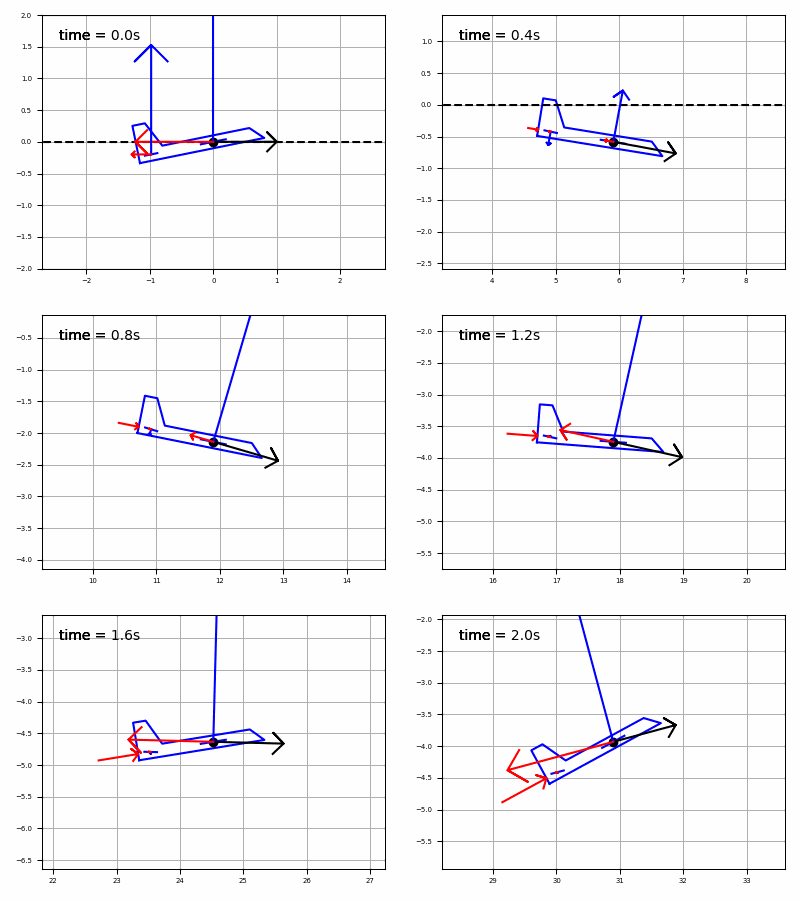
|
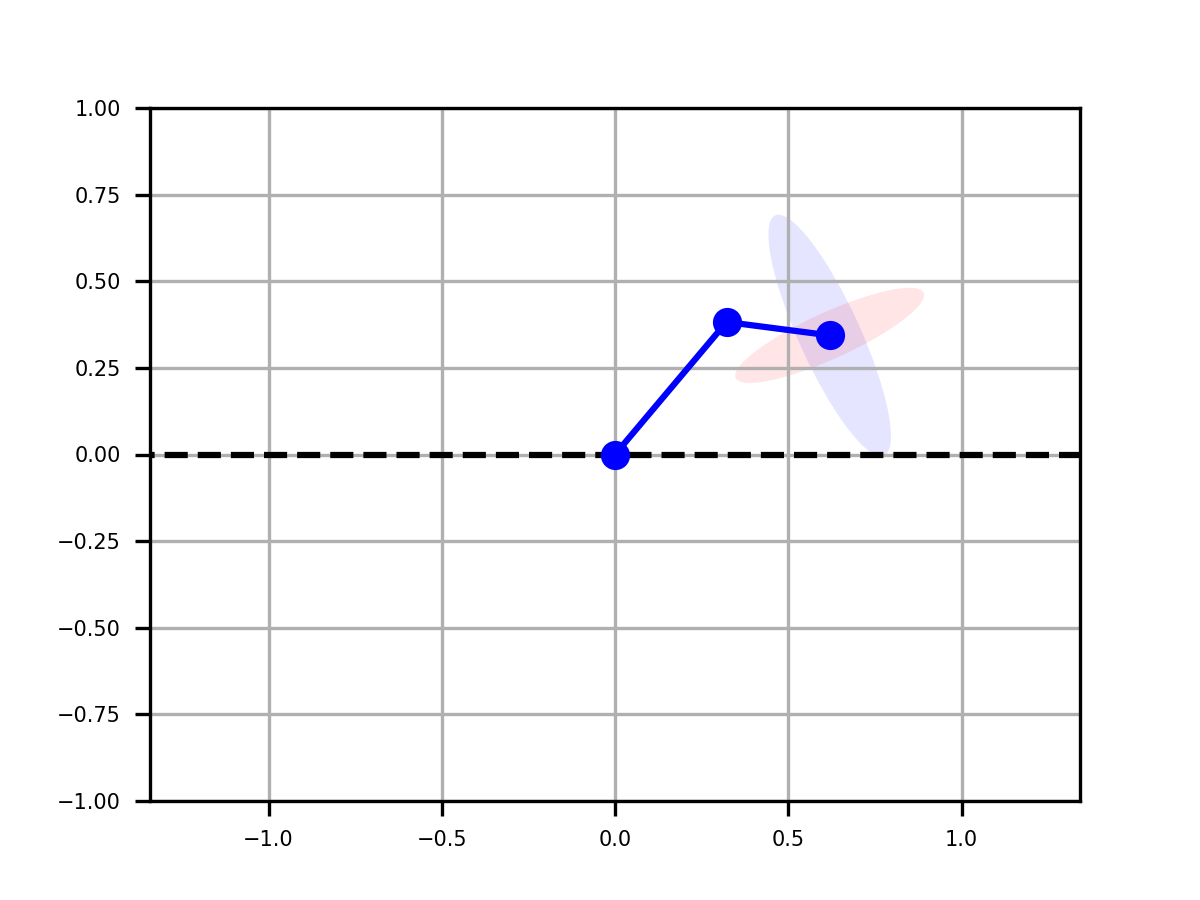
Robot arm manipulability ellipsoid
|
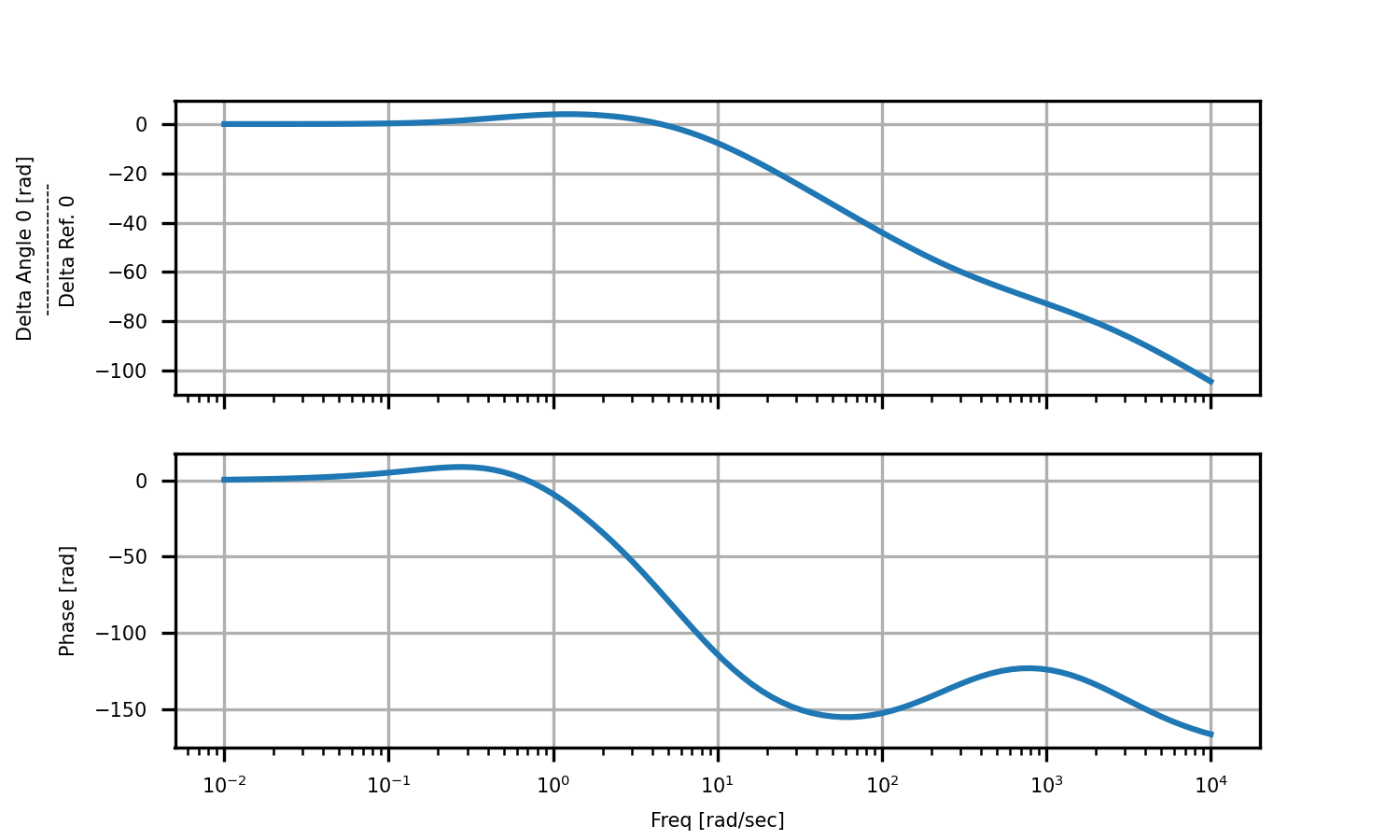
Bode plot or output/input
|
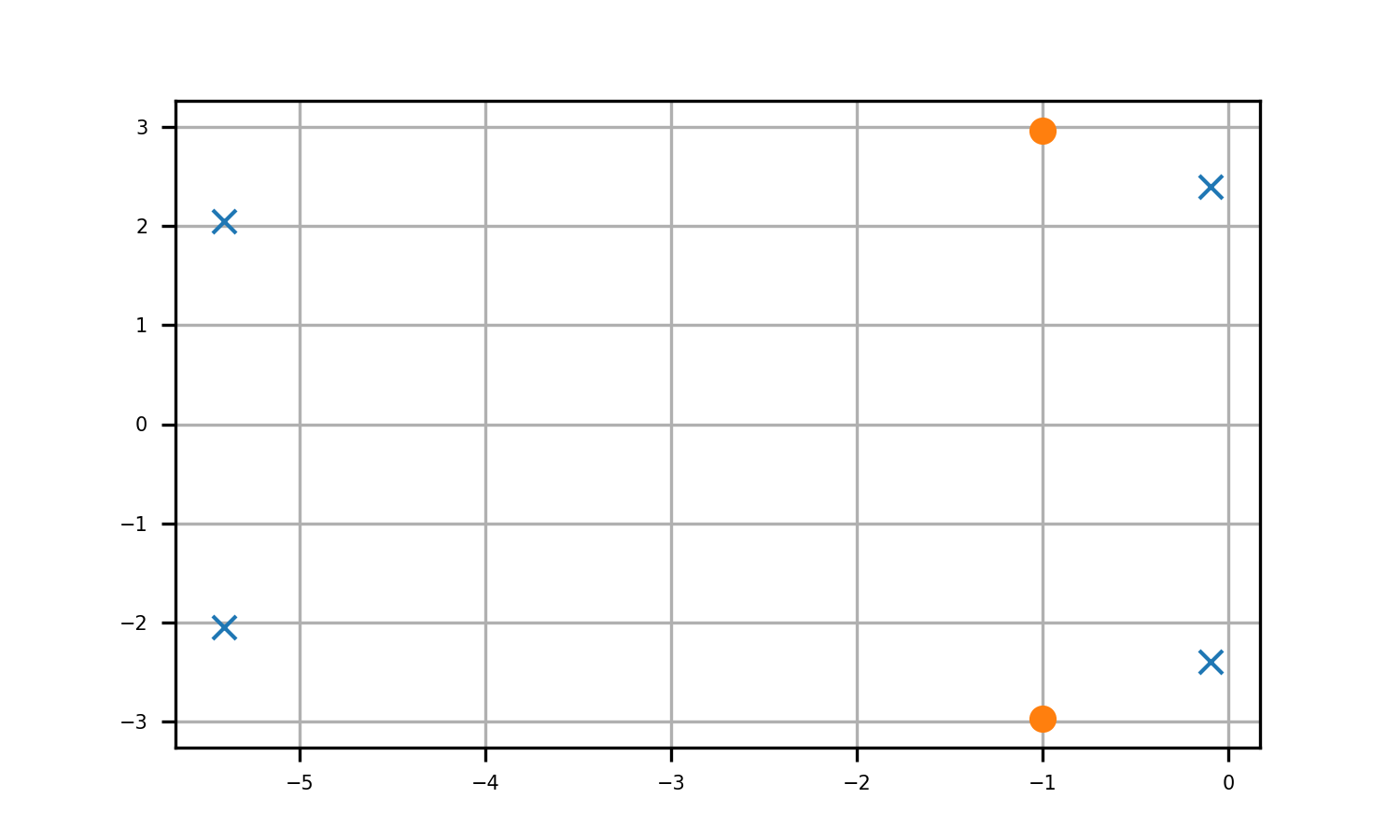
Pole zero map of output/input
|
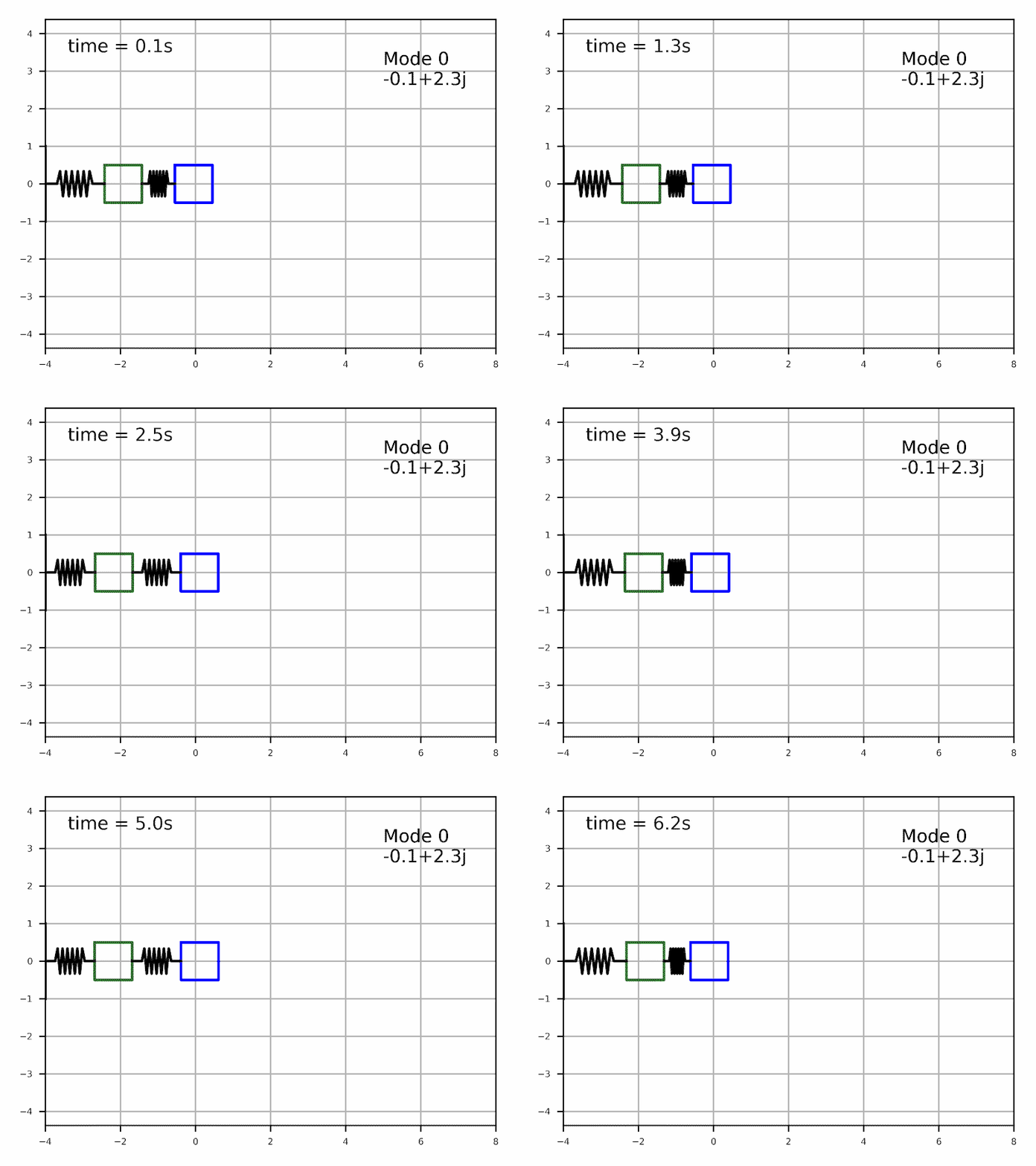
Modal analysis (mode 1)
|
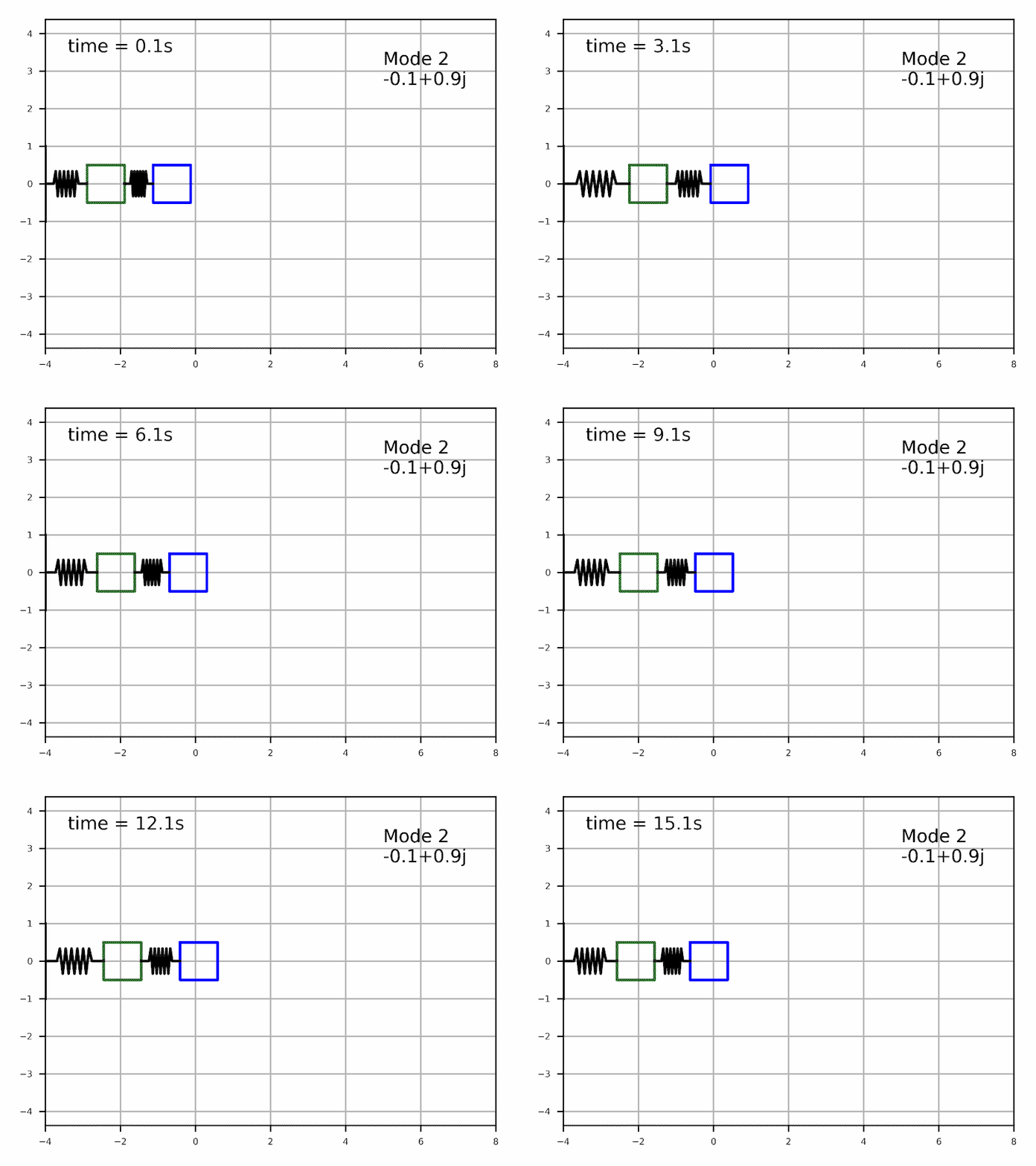
Modal analysis (mode 2)
|
Unified by a standardized dynamic system, controller and planner classes hierarchy
The concept of this toolbox is a hierachy of dynamic system objects, from the most generic representation (any non-linear differential equations) to more system specific representations such as mechanical system (second order equations), linear state space, manipulator equations, etc. This structure is then leveraged by analysis tools, from generic tools that work for all sub-class of dynamic systems such as running simulation and phase-plane analysis, to system-specific tools that leverage specific system propreties such as modal analysis for linear sub-class:

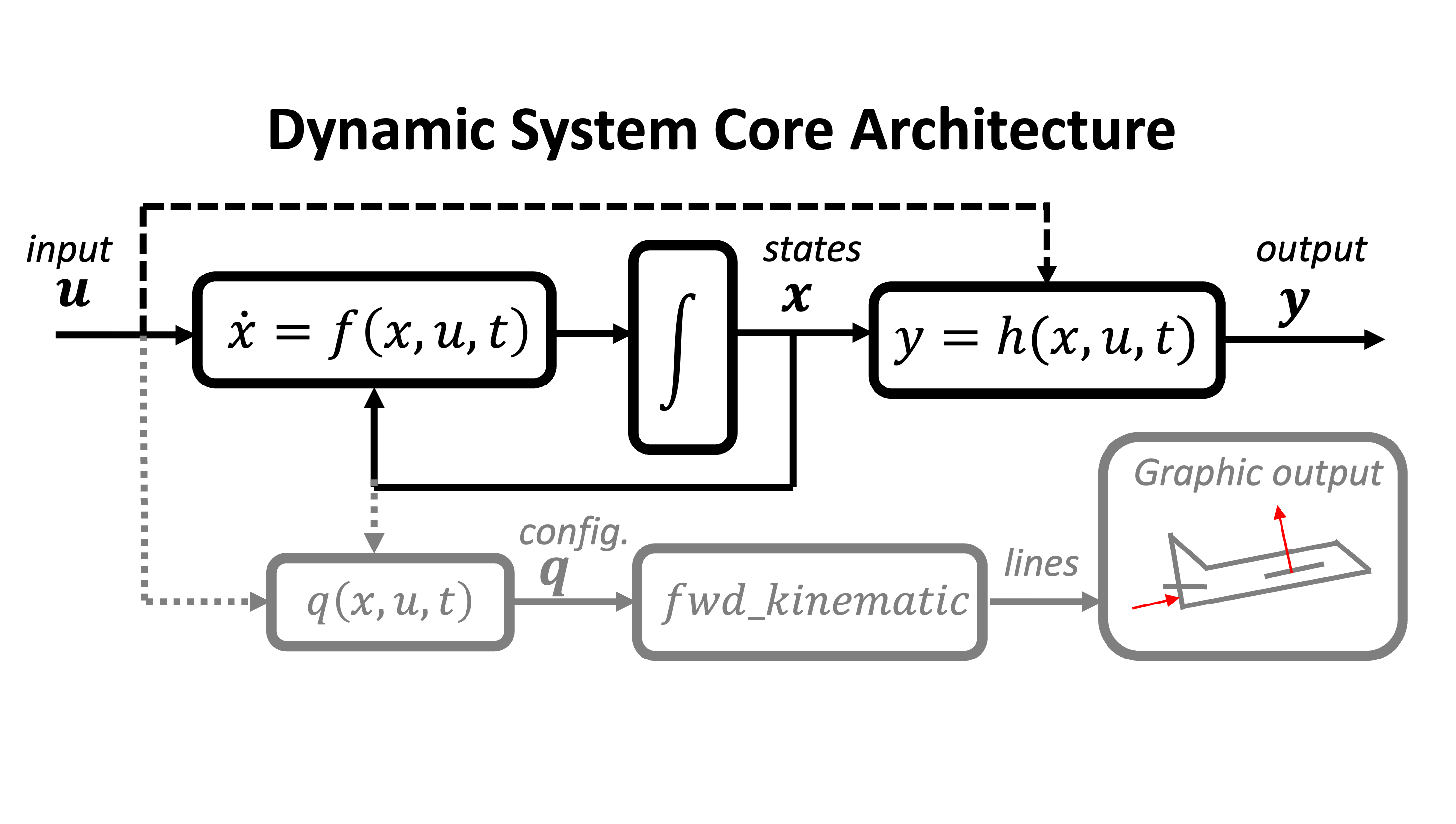
The core of the library is a mother dynamic system class defined by a differential equation $\dot{x} = f(x,u,t)$, and optionnaly an output equation $y = h(x,u,t)$ and a foward kinematic equation that is used for generating animations:
How to use
To learn how to use pyro, see the following notebook tutorials hosted on colab:
- The Dynamic System class and basic functionnality
- Creating a custom dynamic class
- Closed-loop system and controllers objects
- The Linear System class (comin soon..)
- The Mechanical System class (coming soon..)
- The Manipulator Robot class
Also see exemples scripts in pyro/examples/
and tutorial video (in french) on youtube: here
Installation
Dependencies
Pyro is built only using core python librairies:
- numpy
- scipy
- matplotlib
Using in Colab
!git clone https://github.com/SherbyRobotics/pyro
import sys
sys.path.append('/content/pyro')
import pyro
Using with Anaconda and Spyder IDE
1. Download anaconda python distribution
Download anaconda (including spyder IDE) available here: https://www.anaconda.com/products/individual
2. Dowload pyro source code.
option a) Using git to clone the repo:
git clone https://github.com/SherbyRobotics/pyro.git
in the folder of your choice.
option b) Download the .zip using the Code/Download Zip link at the top of this page, and then unzip in the folder of your choice.
3. Add the pyro folder to the pythonpath
option a) [Easy spyder IDE only] Add it this the spyder menu at python/PYTHONPATH manager.
In order to run pyro in the terminal directly of in another IDE like VS code, option b) or c) should be used.
option b) [conda]
conda develop /PATH/TO/PYRO
option c) [pip] Go to the root directory of the pyro folder and run:
python -m pip install -e .
Graphical backend debuging
By default pyro will try to use matplotlib Qt5Agg backend and interactive mode. You can modify the default graphical behavior by modifying the headers of the file pyro/analysis/graphical.py In spyder IDE, you cand also change the graphics backend in the menu at python/Preferences/IPython console/Backend. Inline does not allow animations, it is best to use Automatic (for Windows and Ubuntu) or OS X (for Mac).
Pyro tools list
Dynamic objects
- Continuous Dynamic system : $\dot{x} = f(x,u)$
- Linear System : $\dot{x} = A x + B u $
- Transfer function
- Exemples: mass-spring-damper
- Mechanical System : $H(q)\ddot{q} + C(\dot{q},q)\dot{q} = \sum F $
- Manipulator Robot : $\dot{r} = J(q) \dot{q}$
- Exemples: two link plananr robot
- Exemples: five link plannar robot
- Exemples: three link robot
- Exemples: single pendulum
- Exemples: double pendulum
- Exemples: cart-pole
- Exemples: planar drone
- Exemples: rocket
- Manipulator Robot : $\dot{r} = J(q) \dot{q}$
- Exemples: bicycle model (planar vehicle)
Controller objects
- Linear
- PID
- LQR
- Computed-Torque
- Sliding-mode controller
- End-point impedance controller for robot arms
- End-point trajectory controller for robot arms
- Tabular look-up table controller (generated by the value-iteration algorithm)
Planner objects
- RRT tree search
- Direct collocation trajectory optimisation
- Dynamic programming and value-iteration
Analysis tool
- Copmuting simulation
- Phase-plane analysis
- Graphical animated output of the simulations
- Cost function computation
- Linearisation (from any dynamic class to the state-space class)
- Modal analysis
- Pole/zero computation
- Bode plot
- Reachability
1 maintainer

Metadata
1 maintainer
Release files for pyro-udes 3.0
For a detailed explanation of source distributions (sdists) and built distributions (wheels), please see the package formats documentation.
Source distribution (sdist)
| File | Size | Uploaded | |
|---|---|---|---|
| pyro_udes-3.0.tar.gz | 260.3 kB | Details |
Built distribution (wheel)
| File | Interpreter | ABI | Platform | Reset |
|---|---|---|---|---|
| pyro_udes-3.0-py3-none-any.whl | Python 3 | none | any | Details |
Total release size: 389.7 kB
Release files / pyro_udes-3.0.tar.gz
| Download URL | pyro_udes-3.0.tar.gz |
|---|---|
| Size | 260.3 kB |
| Tags | Source |
|
SHA-256 checksum How to use checksums |
1b230aa4d83e7b8c7795088993ace0f51ca375bc3ee3e9cddf988b284a6e1fd2
|
|
BLAKE2b-256 checksum How to use checksums |
28caafa7f0bd27dab856e5d2db71a275c1ac44e5d94318ebe196deb085573931
|
| Upload date | |
|
Uploaded using Trusted Publishing? What is trusted publishing? |
No |
| Uploaded via |
twine/6.0.1 CPython/3.10.12
|
Release files / pyro_udes-3.0-py3-none-any.whl
| Download URL | pyro_udes-3.0-py3-none-any.whl |
|---|---|
| Size | 129.4 kB |
| Tags | Python 3 |
|
SHA-256 checksum How to use checksums |
1dd1aa02c7711ee753ed3ac93cbe3ba67cc08c9ff20dc3fc7e762c9d99bb0c4c
|
|
BLAKE2b-256 checksum How to use checksums |
0fb8977bd3fafe15c933b128310e5be1291c3a24a49573308ce34fec979d3b62
|
| Upload date | |
|
Uploaded using Trusted Publishing? What is trusted publishing? |
No |
| Uploaded via |
twine/6.0.1 CPython/3.10.12
|














