

PySide6-Frameless-Window
A cross-platform frameless window based on PySide6



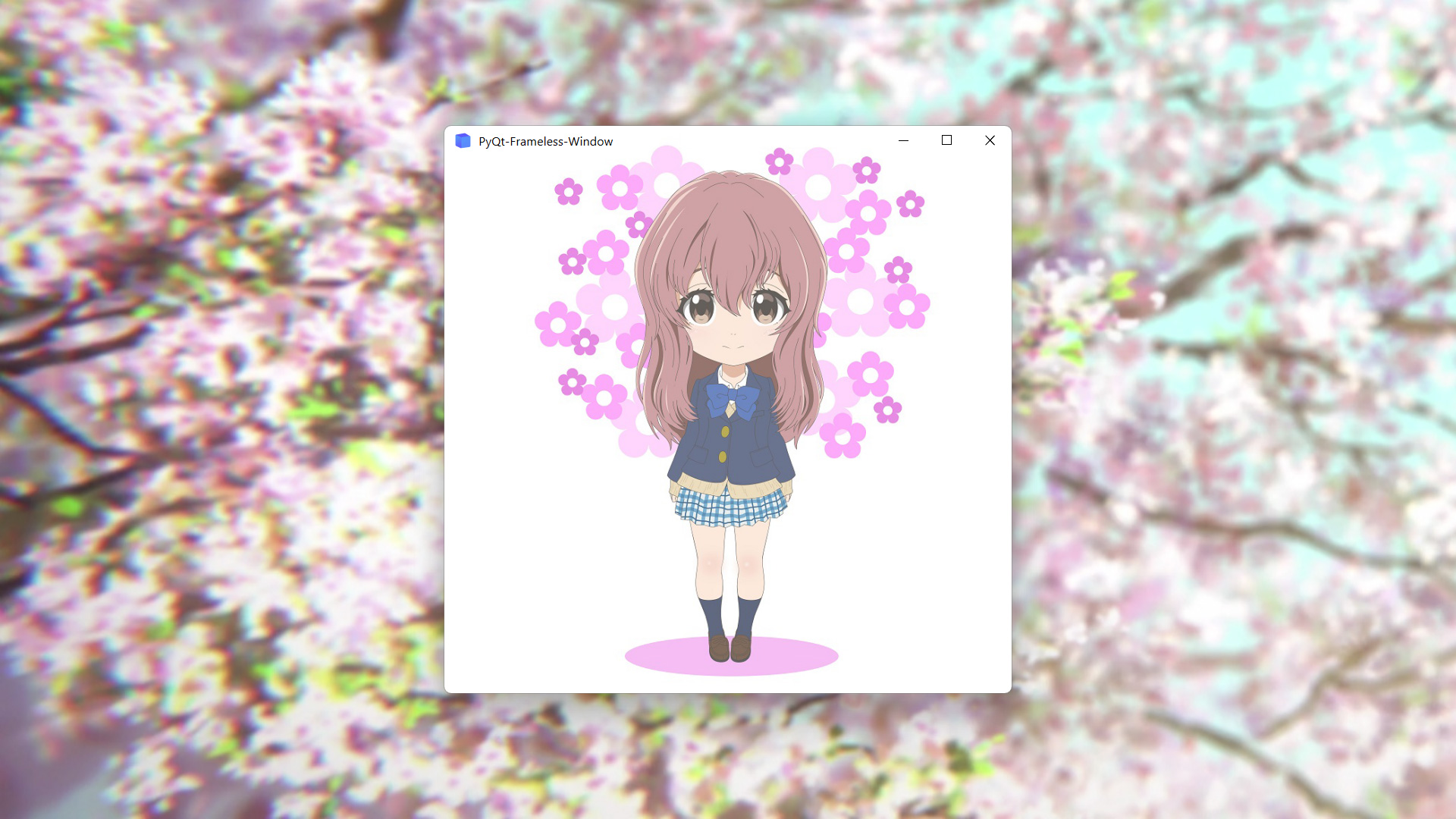
Features
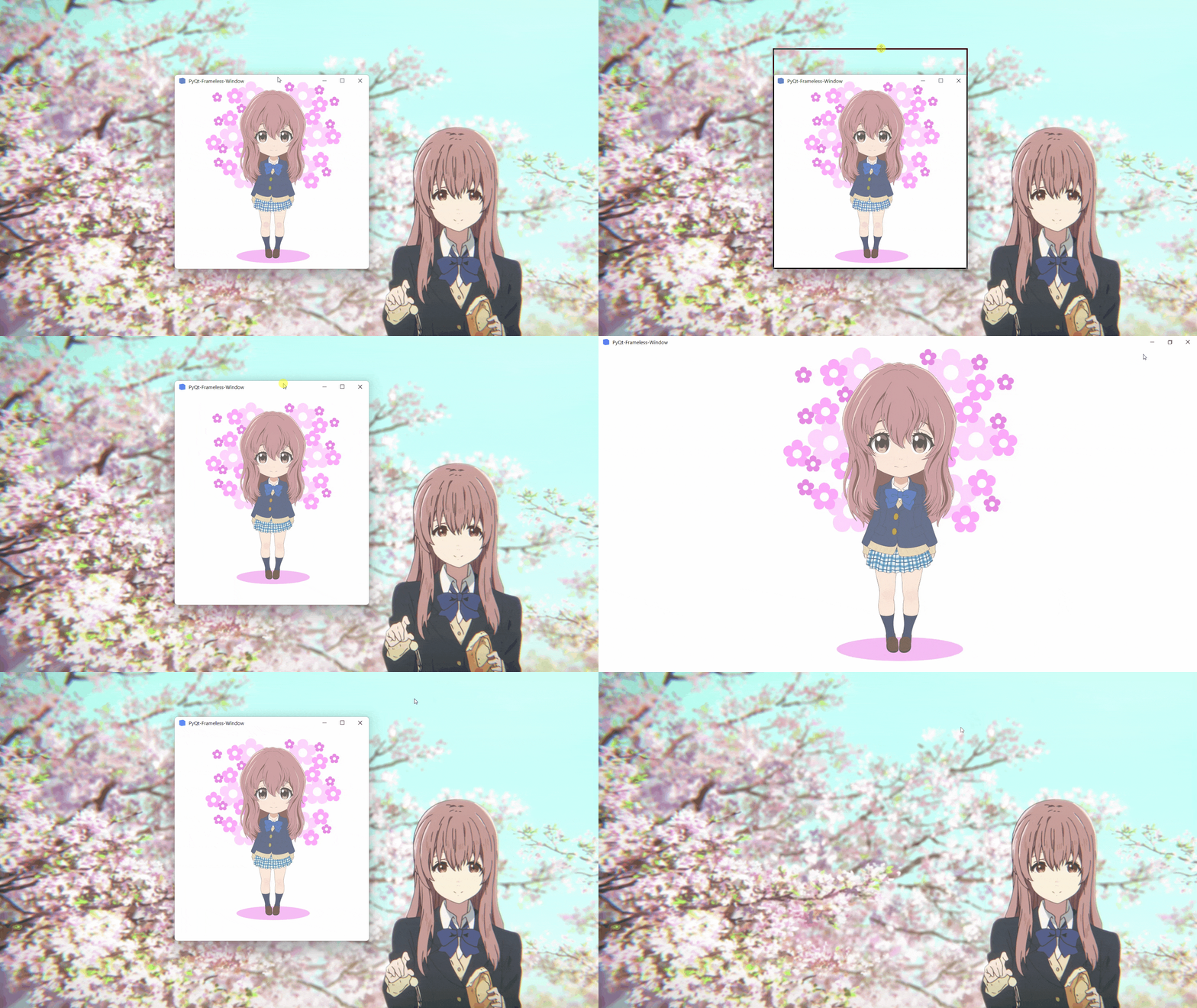
- Moving
- Stretching
- Window shadow
- Window animation
- Win11 snap layout
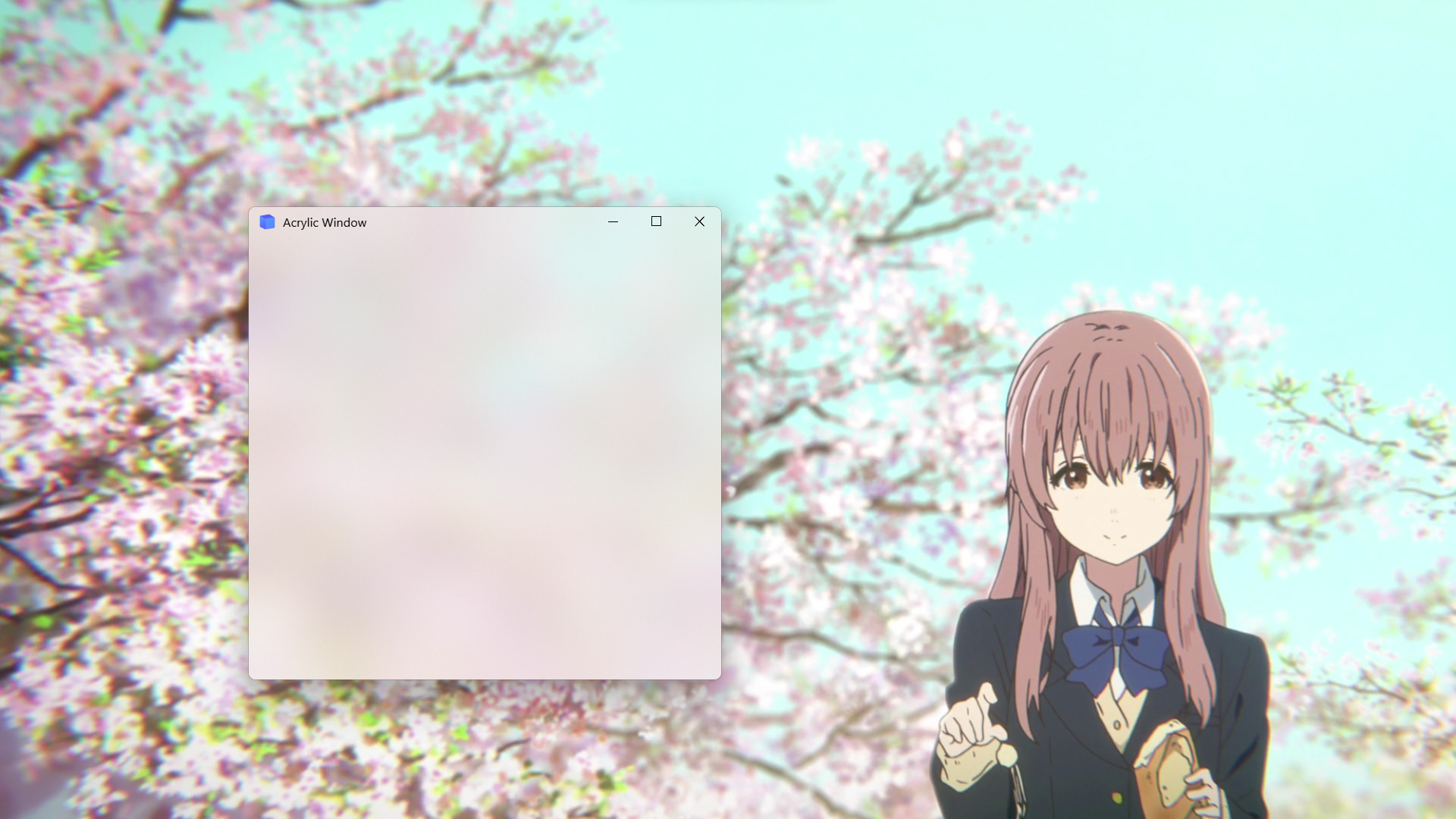
- Win10 acrylic blur
- Win11 mica blur
- Win7 Aero blur
- MacOS blur
- Disable screen capture
Install
To install use pip:
pip install PySideSix-Frameless-Window
Or clone the repo:
git clone -b PySide6 https://github.com/zhiyiYo/PyQt-Frameless-Window.git
python setup.py install
Requirements
| Platform | Requirement |
|---|---|
| Win32 | pywin32 |
| MacOS | pyobjc |
Usage
To use the frameless window, you only need to inherit FramelessWindow or FramelessMainWindow. Here is a minimal example:
import sys

from PySide6.QtWidgets import QApplication
from qframelesswindow import FramelessWindow


class Window(FramelessWindow):

    def __init__(self, parent=None):
        super().__init__(parent=parent)
        self.setWindowTitle("PySide6-Frameless-Window")
        self.titleBar.raise_()


if __name__ == '__main__':
    app = QApplication(sys.argv)
    demo = Window()
    demo.show()
    app.exec()
For more complex requirements, see demo.py and main_window.py.
Examples
- Normal frameless window
- Acrylic frameless window
Document
Want to know more about PySide6-Frameless-Window? Please read the help document 👈
Notes
-
FramelessWindowprovides a default custom title bar. If you don't like it, just rewrite it as demo.py does. -
Moving the acrylic window on Win10 may get stuck. At present, there is no good solution. Maybe you can disable the acrylic effect when moving the window, but I haven't done this in the source code.
-
Snap layout is not enabled by default. See #56 to learn how to enable it.
-
If you encounter this problem on Windows:
ImportError: DLL load failed while importing win32api
see my answer on stackoverflow or my blog for the solution.
-
If you are using PySide2, PyQt5 or PyQt6, you can download the code in PySide2, PyQt5 or PyQt6 branch.
See Also
Here are some projects that use PyQt-Frameless-Window:
- zhiyiYo/QFluentWidgets: A fluent design widgets library based on Qt
- zhiyiYo/Groove: A cross-platform music player based on PyQt5
- zhiyiYo/Alpha-Gobang-Zero: A gobang robot based on reinforcement learning
Reference
- wangwenx190/framelesshelper: Frameless windows for Qt Widgets and Qt Quick applications. Support Win32, X11, Wayland and macOS
- libxcb: Basic Graphics Programming With The XCB Library
License
PySide6-Frameless-Window is licensed under LGPLv3.
Copyright © 2021 by zhiyiYo.
1 maintainer

Metadata
1 maintainer
Release files for PySideSix-Frameless-Window 0.8.2
For a detailed explanation of source distributions (sdists) and built distributions (wheels), please see the package formats documentation.
Source distribution (sdist)
| File | Size | Uploaded | |
|---|---|---|---|
| pysidesix_frameless_window-0.8.2.tar.gz | 23.4 kB | Details |
Built distribution (wheel)
| File | Interpreter | ABI | Platform | Reset |
|---|---|---|---|---|
| pysidesix_frameless_window-0.8.2-py3-none-any.whl | Python 3 | none | any | Details |
Total release size: 54.6 kB
Release files / pysidesix_frameless_window-0.8.2.tar.gz
| Download URL | pysidesix_frameless_window-0.8.2.tar.gz |
|---|---|
| Size | 23.4 kB |
| Tags | Source |
|
SHA-256 checksum How to use checksums |
3cbbf8afd390da9ea43fc97d4a3a42c536aaf08d244a722b114eff0054b7ff0c
|
|
BLAKE2b-256 checksum How to use checksums |
373c7a564b422b5dd42dcfcf30cff308565ffedd1c6f117433b80854857d48a1
|
| Upload date | |
|
Uploaded using Trusted Publishing? What is trusted publishing? |
No |
| Uploaded via |
twine/6.2.0 CPython/3.9.25
|
Release files / pysidesix_frameless_window-0.8.2-py3-none-any.whl
| Download URL | pysidesix_frameless_window-0.8.2-py3-none-any.whl |
|---|---|
| Size | 31.2 kB |
| Tags | Python 3 |
|
SHA-256 checksum How to use checksums |
512babc82282f893bc5edb5374275f9585785a0c65a20ed00d73c008dedebc5c
|
|
BLAKE2b-256 checksum How to use checksums |
17458514cbd90d45738f274b3df4e8bbd63088954c4fa6fbc6cf2d16ea4acb90
|
| Upload date | |
|
Uploaded using Trusted Publishing? What is trusted publishing? |
No |
| Uploaded via |
twine/6.2.0 CPython/3.9.25
|














