
svgwriter







Build, edit and render vector graphics in Python with a complete SVG 1.1 object model. Shapes move,
rotate and scale through one transform; geometry has boolean operations and measurement; text, images
and colors are first-class (numpy-backed); documents render with skia and export to PNG, PDF, TikZ, DXF
and more. Python 3.10+, pip install pysvgwriter (brings skia-python, numpy, uharfbuzz and tomlkit), then import svgwriter.
import svgwriter as svg

doc = svg.Document()                                    # sized to its content when saved or shown
doc.rect(0, 0, 160, 60, rx=12, fill=svg.LinearGradient.horizontal("gold", "tomato"))
doc.circle(30, 30, 18, fill=(1, 1, 1, 0.8))             # colors: names, CSS, or 0-1 tuples (alpha too)
title = doc.text("svgwriter", x=104, y=35, font_size=15.3, text_anchor="middle")
title[3:].fill = "navy"                                  # style a character range (becomes a <tspan>)

star = svg.builder.star(0, 0, 10, points=5, fill="navy")
doc += star.place(30, 30).rotate(15)                    # placement and rotation go through `t`

doc.save("badge.svg")                                    # also .png .pdf .tex .eps .dxf .ico ...
pixels = doc.rasterize(scale=2)                          # numpy float32 RGBA, shape (rows, cols, 4)

Feature overview
| Area | What you get |
|---|---|
| Elements | Every static SVG 1.1 element as a class with a lowercase alias (svg.Circle / svg.circle); every attribute readable and writable by its Python name (el.stroke_width, el.view_box) |
| Placement | el.t is one affine Matrix; translate, rotate, scale, skew, flip_x/flip_y (parent or local=True frame) about an anchor (bounding-box centre unless pinned); place(x, y), position, bounds() |
| Operators | el + (dx, dy), el * 2, el @ 30 (rotate), M @ el; a | b, a & b, a - b, a ^ b boolean ops on shapes, text, groups and <use> |
| Paths | Fluent svg.path().move_to(0, 0).line_to(10, 0).arc_to(5, 5, 10, 10).close(); path.nodes as an (N, 2) array; length, point at length, contains, exact bounds, stroke-to-path, simplify |
| Conversions | to_path() (text via glyph outlines, groups merged, clips flattened), to_image(), rasterize(), to_group(), clone(linked=True) for <use>; clear errors when impossible |
| Clipping | art.clip(svg.circle(50, 50, 40)) on any element; flatten_clip() |
| Text | text[i] / text[a:b] move, rotate or style characters while staying real text; tspan layout, CSS and inherited fonts; text.glyphs() for free-form outlines |
| Colors and images | Color in 0-1 floats with alpha (auto *-opacity); Image(numpy_array) with color channels and broadcastable alpha; Image.open("photo.png"); Porter-Duff compositing a | b (over), a & b (in), a - b (out), a ^ b, a * b (multiply), a.composite(b, "screen") |
| Documents | doc[0], doc["logo"], for el in doc; auto-size to content; definitions land in <defs> when referenced; doc.add(x) takes elements, documents, matplotlib figures and anything with __svgwriter__, _repr_svg_, _repr_png_ or _repr_jpeg_ (see Adding other objects); notebook display |
| Themes | svg.Theme palettes, fonts and role styles; el.as_role("box") marks elements, the document writes one CSS rule per role so the SVG stays restylable; eleven built-in themes (light, dark, paper, print, mono, noir, brutalist, dracula, ...); = expressions in theme files; theme.replace(...) variants, TOML theme files, with theme: defaults |
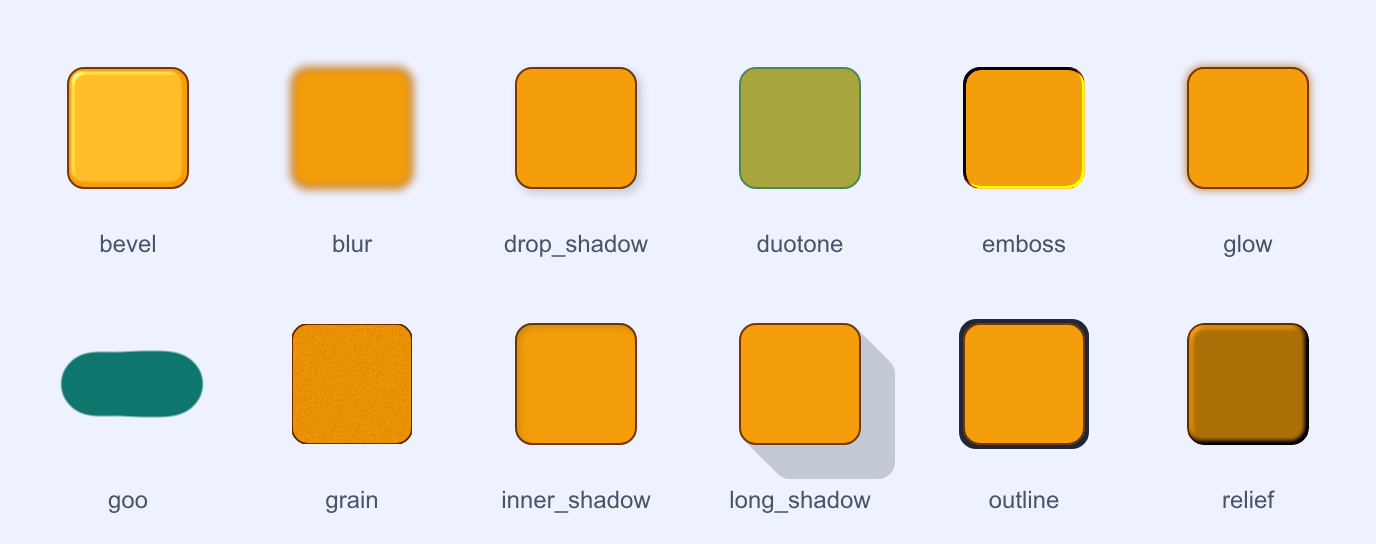
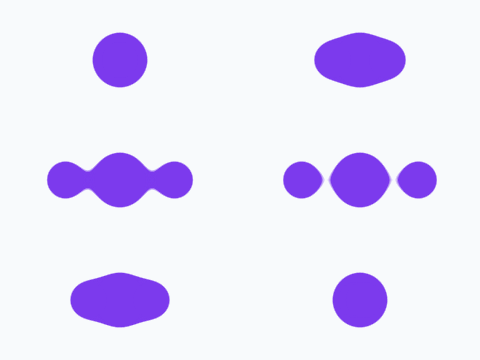
| Presets | Catalogues of ready-made looks, each open to your own with a decorator: fill=svg.patterns.hatch() (stripes, dots, checker, grid, waves, seeded noise, ...), svg.gradients.sunset() and OKLCH blends, el.filter = svg.filters.long_shadow() (shadows, glow, outline, emboss, grain, duotone, goo, lighting), marker_end=svg.markers.arrow() sized by stroke width, and text effects that stay text: text[4:9].effect("fire") (fire, ice, smoke, metal, wind, snow, neon, glitch), animated for SVG, GIF and video |
| Rendering | skia: rasterize(pixels=..., padding=...) to numpy, embedded and linked images, text, CSS <style>; deterministic output |
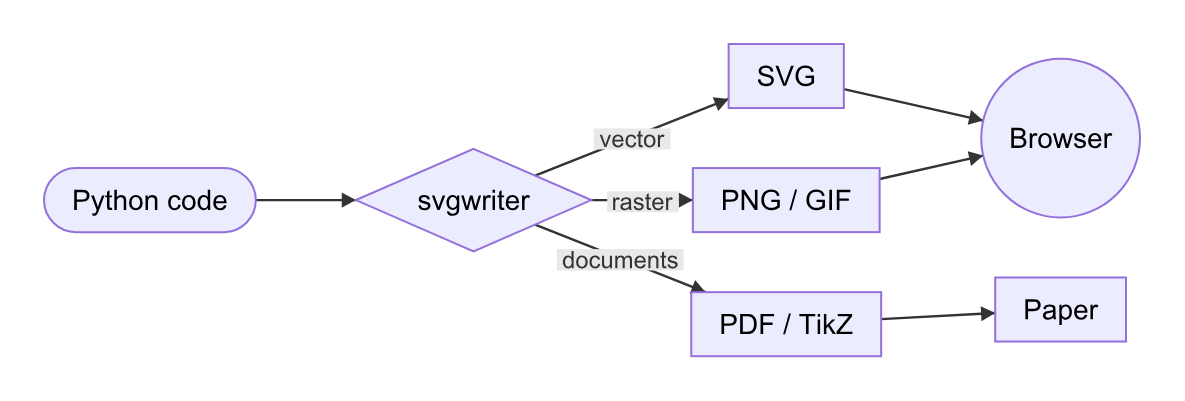
| Export / import | A registry by name or extension: more than 30 formats from SVG and PNG to PDF, TikZ, DXF, G-code, PowerPoint, Graphviz and Mermaid (see Export and import); svg.export.register(...) adds more |
| Projects | svgwriter new my-poster --preset poster starts a design folder (svgwriter.toml, theme, components, animations, assets); svgwriter build writes every output and svgwriter preview reloads a browser page on save; blank, poster, slides and animation presets build out of the box, as scripts or notebooks |
| Sizes and units | svg.Document(size="a4"), "letter", "slide-16:9", "instagram-story", ... with real units, so the drawing counts in mm or inches; svg.mm, svg.inch, svg.pt lengths and svg.deg, svg.turn angles |
| Widgets | @svg.widgets.controls(hue=(0, 360), suit=["♠", "♥"], glow=False) declares sliders, button rows, toggles and colour pickers as plain data; svg.interact(fn) shows them beside the live drawing in a notebook (pysvgwriter[widget]) with .values, .save() and .code(); svgwriter preview shows the same controls as a form; svg.sweep(fn, hue=(0, 360)) animates them into baked SVG, GIF, MP4 or PowerPoint |
| Animation | SMIL elements; el.animate presets plus your own as typed functions (@svg.preset.animation, per-frame @svg.preset.behavior, el.animate.apply(fn, ...)); svg.Scene classes, several per file, rendered by svgwriter animate; Python-driven scenes baked into SMIL so SVG files play like the video; PowerPoint slide effects both ways; svg.interpolate(a, b, t) tweens numbers, colors, transforms and morphs any two shapes |
Geometry in one minute
SVG coordinates are an element's own geometry and are written exactly as given; everything after that goes through the transform, so the output stays the SVG a person would write.
import svgwriter as svg

c = svg.circle(50, 50, 10)          # writes cx="50" cy="50" r="10"
c.translate(20, 0).rotate(45)       # parent axes by default; local=True for the shape's own axes
print(c.cx, c.position)             # 50.0 (local geometry) and where its centre is now: (70, 50)
print(c.t)                          # shortest equivalent transform text

ring = svg.circle(0, 0, 40) - svg.circle(0, 0, 25)   # boolean difference, a <path>
print(round(ring.total_length(), 1), ring.contains_point(0, 0))
* and @ never bake coordinates: el * 2 is a scaled copy, el @ 30 a rotated copy and M @ el a
copy with matrix M applied. Baking is explicit: el.to_path() folds the transform into d.
Adding other objects
doc.add(x) (and group.add(x)) turns whatever it is given into elements, trying in this order: an
element; any object with an __svgwriter__() method, which returns an element, a document or anything
else add takes; a Document (a copy of its <svg> in a <g>); a networkx, igraph or rustworkx
graph (with pysvgwriter[graph]); a numpy array (an <image>); a
matplotlib figure or anything with savefig, and anything with _repr_svg_ (the IPython display protocol), parsed into editable SVG elements; and
anything with only _repr_png_ or _repr_jpeg_, embedded as an <image>.
class Badge:
    def _repr_svg_(self):
        return '<svg xmlns="http://www.w3.org/2000/svg" width="20" height="20"><circle cx="10" cy="10" r="9"/></svg>'

doc.add(Badge()).translate(150, 10).scale(0.5)          # also: doc.add(fig) for a matplotlib figure
Export and import
Formats are found by name or file extension: doc.save("figure.pdf"), svg.Document.open("figure.pdf"),
doc.export("eps") for bytes. svg.export.exporters() and svg.export.importers() list the registry.
| Format | Extension(s) | Export | Import | Notes |
|---|---|---|---|---|
| SVG | .svg |
✓ | ✓ | the native format; ids, links, <style> and animation kept; pretty, precision, compact_paths |
| SVGZ | .svgz |
✓ | ✓ | gzip-compressed SVG |
| PNG | .png |
✓ | ✓ | scale, size, padding, background; text becomes pixels; import is an <image> |
| JPEG | .jpg .jpeg |
✓ | ✓ | quality; import is an <image> |
| WebP | .webp |
✓ | ✓ | quality; import is an <image> |
| BMP | .bmp |
✓ | ✓ | import is an <image> |
| GIF (incl. animated) | .gif |
✓ | ✓ | animated automatically when the drawing has SMIL animation (fps, duration, loop; no ffmpeg); import is the first frame as an <image> |
| APNG | .png |
✓ | ✓ | animate=True plays the SMIL animation; import is the first frame |
| Animated WebP | .webp |
✓ | ✓ | animate=True; import is the first frame |
| PPM / PGM / PNM | .ppm .pgm .pnm |
✓ | ✓ | import also reads .pbm |
| ICO | .ico |
✓ | ✓ | PNG entries at sizes=, padding=; import takes the largest image |
| ICNS | .icns |
✓ | ✓ | standard and Retina sizes; import takes the largest image |
.pdf |
✓ | ✓ | vector (skia); text kept as text, in an embedded font subset; import reads paths, images, clips, text and shadings, page=; links stay clickable; a list of documents gives one page each |
|
| EPS / PostScript | .eps .ps |
✓ | ✓ | text kept as text (ASCII in standard fonts); no transparency; import is a small PostScript interpreter |
| TikZ | .tikz .tex |
✓ | ✓ | standalone=True for a compilable document; text kept as \node; import reads \draw, \fill, nodes, \foreach |
| DXF | .dxf |
✓ | ✓ | CAD polylines in mm, one layer per colour; import reads lines, polylines, circles, arcs, ellipses |
| HPGL | .hpgl .plt |
✓ | ✓ | pen plotters and cutters, one pen per colour |
| G-code | .gcode .nc .ngc |
✓ | ✓ | mode="mill" or "laser", feed, cut_z, tolerance |
| Excalidraw | .excalidraw |
✓ | ✓ | writes outlines, text, images and links; import reads shapes, arrows, text, images and groups (also .json) |
| HTML | .html .htm |
✓ | ✓ | standalone page with the SVG inline (text kept as text), css=, handlers=; import reads the first inline <svg> |
| PowerPoint | .pptx |
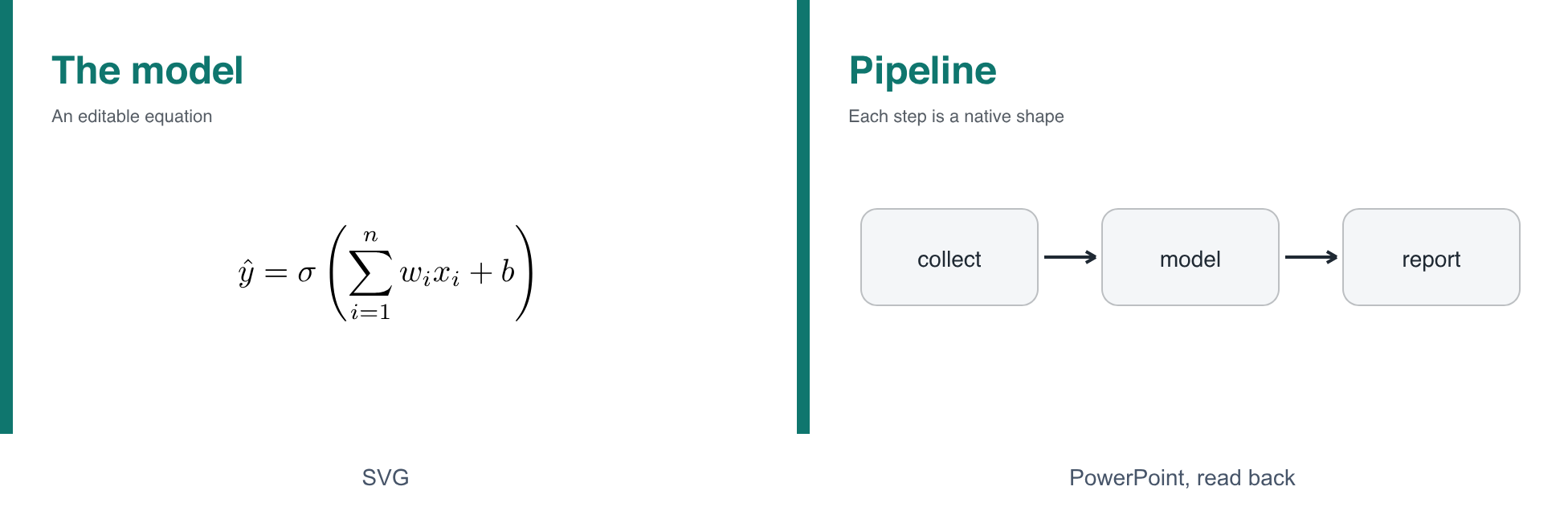
✓ | ✓ | needs pysvgwriter[office]; editable shapes and text boxes both ways, slide= on import; text kept as text; a list of documents gives one slide each; svg.latex formulas become editable equations |
| Word | .docx |
✓ | ✓ | needs pysvgwriter[office]; editable shapes, pictures and text boxes out; import lays out paragraphs, headings, lists and styled runs as <text> with pictures in flow; svg.latex formulas become editable equations |
| Excel | .xlsx |
✓ | — | needs pysvgwriter[office]; the drawing as a picture |
| Markdown | .md .markdown |
— | ✓ | headings, lists, code and bold become <text> |
| Plain text | .txt .text |
— | ✓ | one <text> per line |
| Graphviz DOT | .dot .gv |
— | ✓ | laid out by Graphviz (dot, or SVGWRITER_DOT) |
| Mermaid | .mmd .mermaid |
— | ✓ | flowcharts need no tool (built-in parser and layout); other diagrams use mmdc (SVGWRITER_MMDC) |
| PlantUML | .puml .plantuml |
— | ✓ | drawn by plantuml |
| D2 | .d2 |
— | ✓ | drawn by d2 |
| LaTeX math | svg.latex(...) |
— | ✓ | formulas as glyph outlines: TeX (latex + dvisvgm), else Ziamath (pysvgwriter[math]), else matplotlib mathtext |
| Video frames | .mp4 .webm .mov |
✓ | ✓ | needs ffmpeg: render_animation writes frames, svgwriter.video.Video reads them |
svg.export.register(...) and register_importer(...) add formats of your own.
doc.save("figure.pdf")                         # vector PDF
doc.save("figure.tex", standalone=True)        # TikZ picture
doc.save("plate.dxf")                          # CAD/CNC polylines in millimetres
doc.save("icon.ico", sizes=(16, 32, 48), padding=4)
svg.Document.open("sketch.excalidraw").save("sketch.svg")
Examples
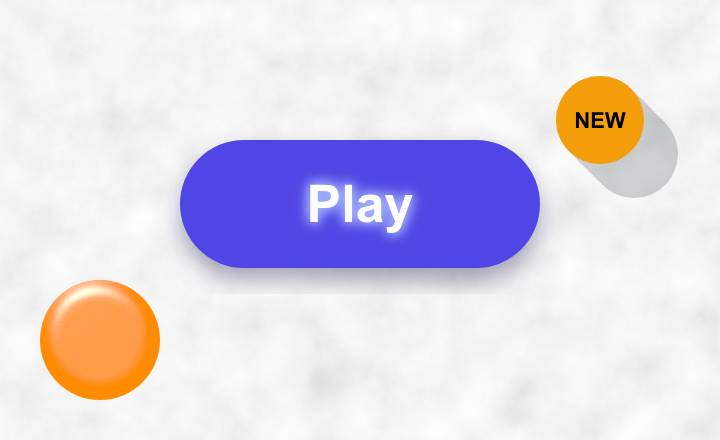
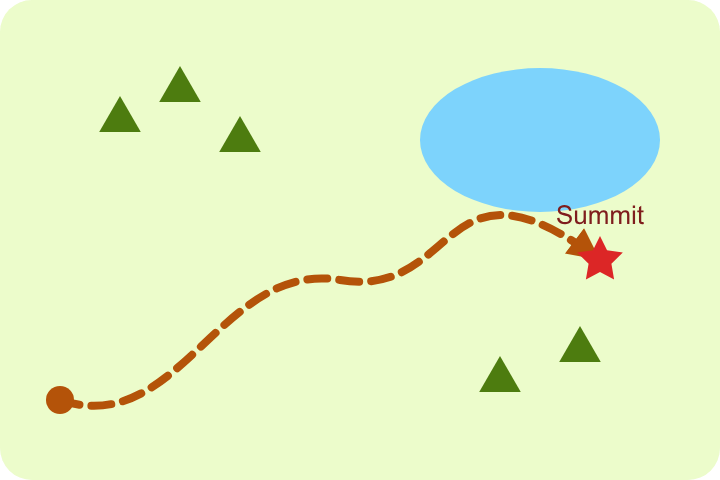
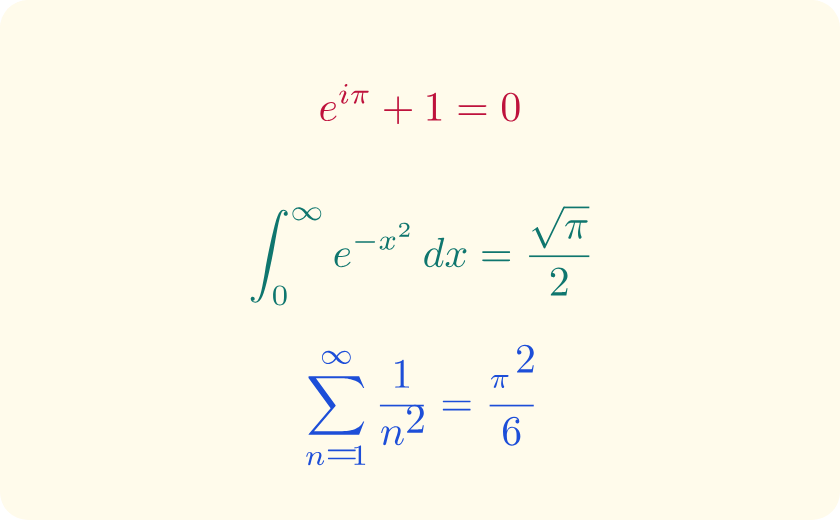
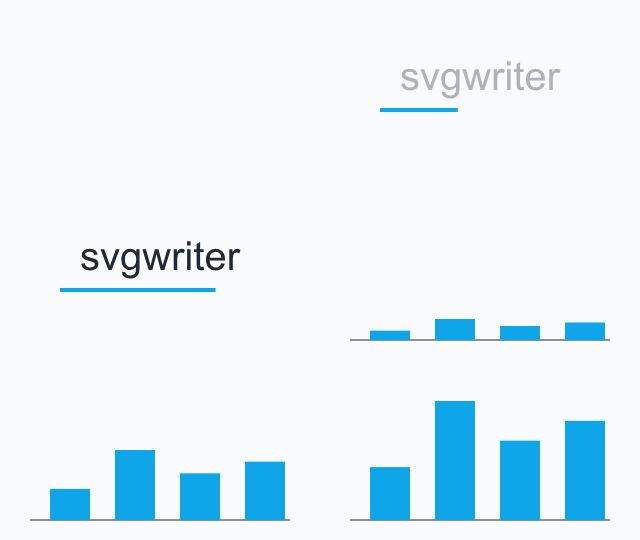
examples/ is a nineteen-step learning path, from shapes to formats, animation, scenes, interop, a logo, themes, PowerPoint and preset libraries; each step is a runnable script with a Jupyter notebook next to it that shows the results as pictures (see its README). All pictures below are rendered by svgwriter.
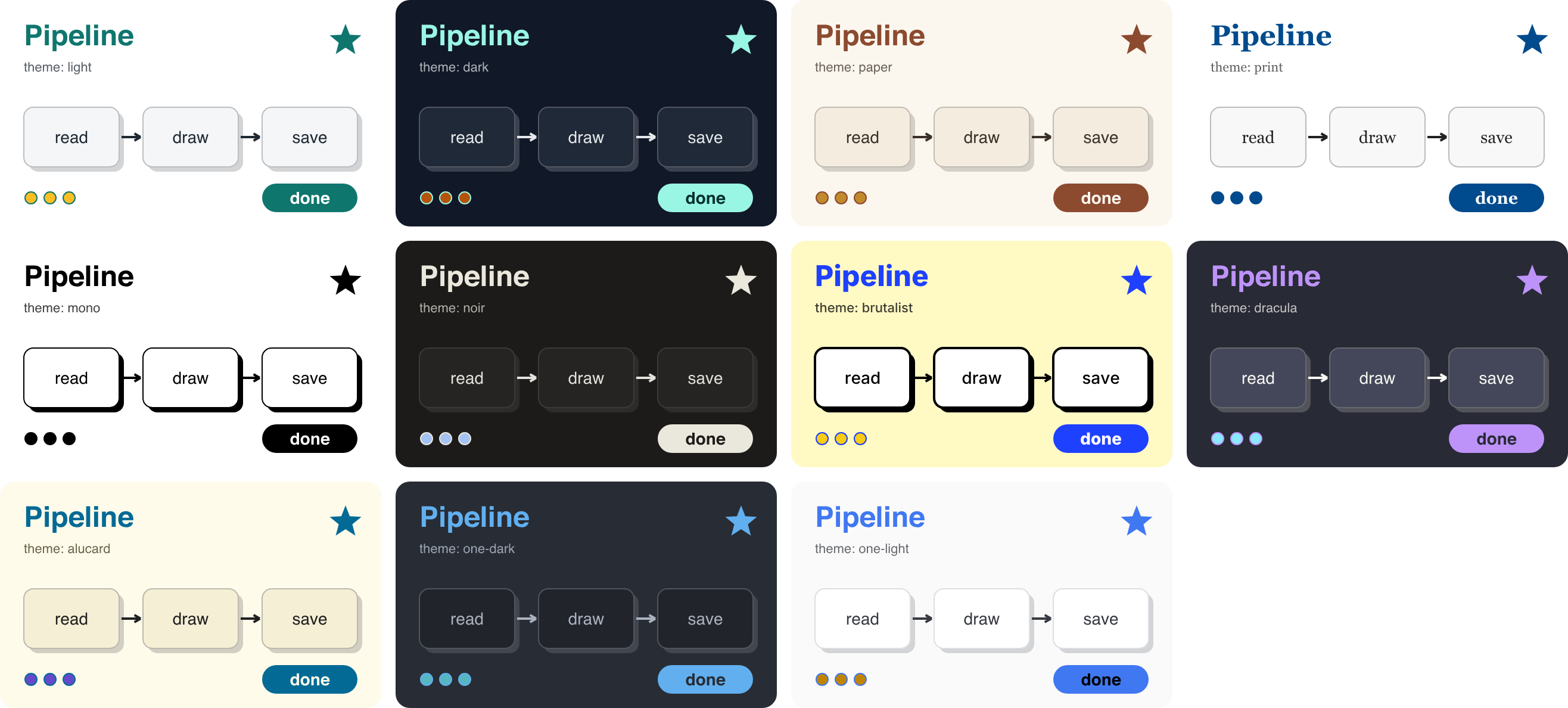
One drawing in every built-in theme
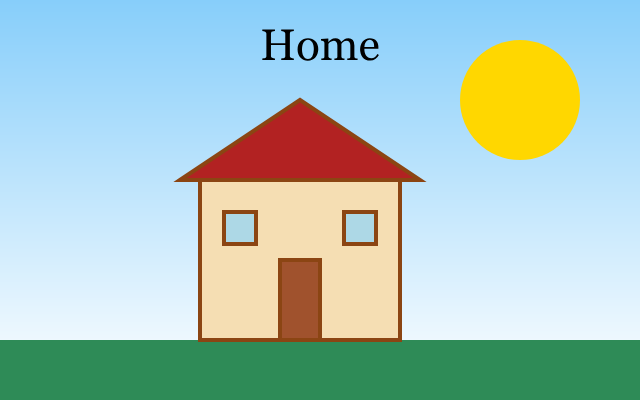
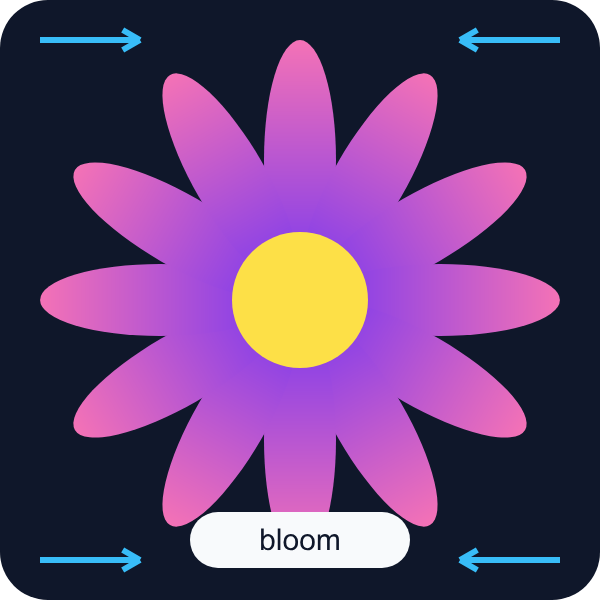

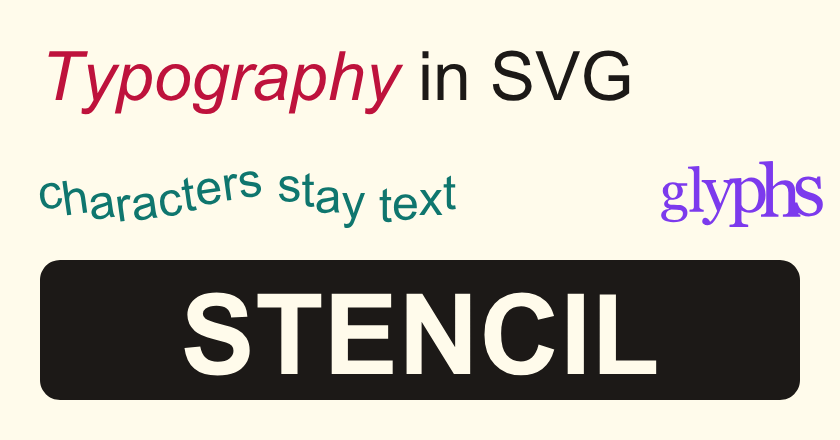



Regenerate the pictures (PNG, and the animations as GIF) with python scripts/dev.py svgwriter gallery.
Contributing
Development setup, commands and conventions are in the contributing guide.
MIT licensed.
1 maintainer

Metadata
1 maintainer
Release files for pysvgwriter 2.3.0
For a detailed explanation of source distributions (sdists) and built distributions (wheels), please see the package formats documentation.
Source distribution (sdist)
| File | Size | Uploaded | Provenance | Actions |
|---|---|---|---|---|
| pysvgwriter-2.3.0.tar.gz | 740.9 kB | With provenance | Details for pysvgwriter-2.3.0.tar.gz |
Built distribution (wheel)
| File | Interpreter | ABI | Platform | Actions Reset |
|---|---|---|---|---|
| pysvgwriter-2.3.0-py3-none-any.whl | Python 3 | none | any | Details for pysvgwriter-2.3.0-py3-none-any.whl |
Total release size: 1.8 MB
Release files / pysvgwriter-2.3.0.tar.gz
| Download URL | pysvgwriter-2.3.0.tar.gz |
|---|---|
| Size | 740.9 kB |
| Tags | Source |
|
SHA-256 checksum How to use checksums |
58fce9bfb72416b89ff55e199a0ef41018a8d0df4eeae4b166422ae4c58fc593
|
|
BLAKE2b-256 checksum How to use checksums |
d2100adf5061affdd0fbdab48fcc5126d7249e9a89d3444831acf4b6f4d746dc
|
| Upload date | |
|
Uploaded using Trusted Publishing? What is trusted publishing? |
Yes |
| Uploaded via |
twine/7.0.0 CPython/3.13.16
|
Provenance
Provenance describes where a file came from. On PyPI, provenance is shared via attestations, which provide a verifiable record of the build or publishing details. View details, limitations and caveats.


PyPI Publish Attestation
PyPI verified that this artifact, at this checksum, originated from the publisher listed below.
Signed by GitHub Actions, verified by PyPI on Nov 21, 2026.
Transparency logRelease files / pysvgwriter-2.3.0-py3-none-any.whl
| Download URL | pysvgwriter-2.3.0-py3-none-any.whl |
|---|---|
| Size | 1.1 MB |
| Tags | Python 3 |
|
SHA-256 checksum How to use checksums |
9d69665236ec3ae6a308c91f3aca6b9195fb5c677109cd8a9021b81a4374b045
|
|
BLAKE2b-256 checksum How to use checksums |
272653ce820d2d9661c9004d7460fb6865119b5ecd58ef4ca7d2042c22491a11
|
| Upload date | |
|
Uploaded using Trusted Publishing? What is trusted publishing? |
Yes |
| Uploaded via |
twine/7.0.0 CPython/3.13.16
|
Provenance
Provenance describes where a file came from. On PyPI, provenance is shared via attestations, which provide a verifiable record of the build or publishing details. View details, limitations and caveats.
PyPI Publish Attestation
PyPI verified that this artifact, at this checksum, originated from the publisher listed below.
Signed by GitHub Actions, verified by PyPI on Nov 21, 2026.
Transparency logSecurity for pysvgwriter 2.3.0
Provenance
Provenance describes where a file came from. On PyPI, provenance is shared via attestations, which provide a verifiable record of the build or publishing details. View details, limitations and caveats.
Full provenance
Both files in this release have been uploaded with provenance metadata.
Attestation for pysvgwriter-2.3.0.tar.gz
PyPI Publish Attestation
PyPI verified that this artifact, at this checksum, originated from the publisher listed below.
Signed by GitHub Actions, verified by PyPI on Nov 21, 2026.
Transparency logA note on package security
PyPI is a repository for distributing packages, not a service for auditing them. While third-party security researchers and our staff do their best to detect and remove malicious packages, PyPI cannot guarantee the quality, security or suitability of any given package.
To learn more about protecting yourself from malicious actors, visit our package security documentation.














