
PyThreatMatrix





Robust Python SDK and Command Line Client for interacting with ThreatMatrix's API.
Features
- Easy one-time configuration with self documented help and hints along the way.
- Request new analysis for observables and files.
- Select which analyzers you want to run for every analysis you perform.
- Choose whether you want to HTTP poll for the analysis to finish or not.
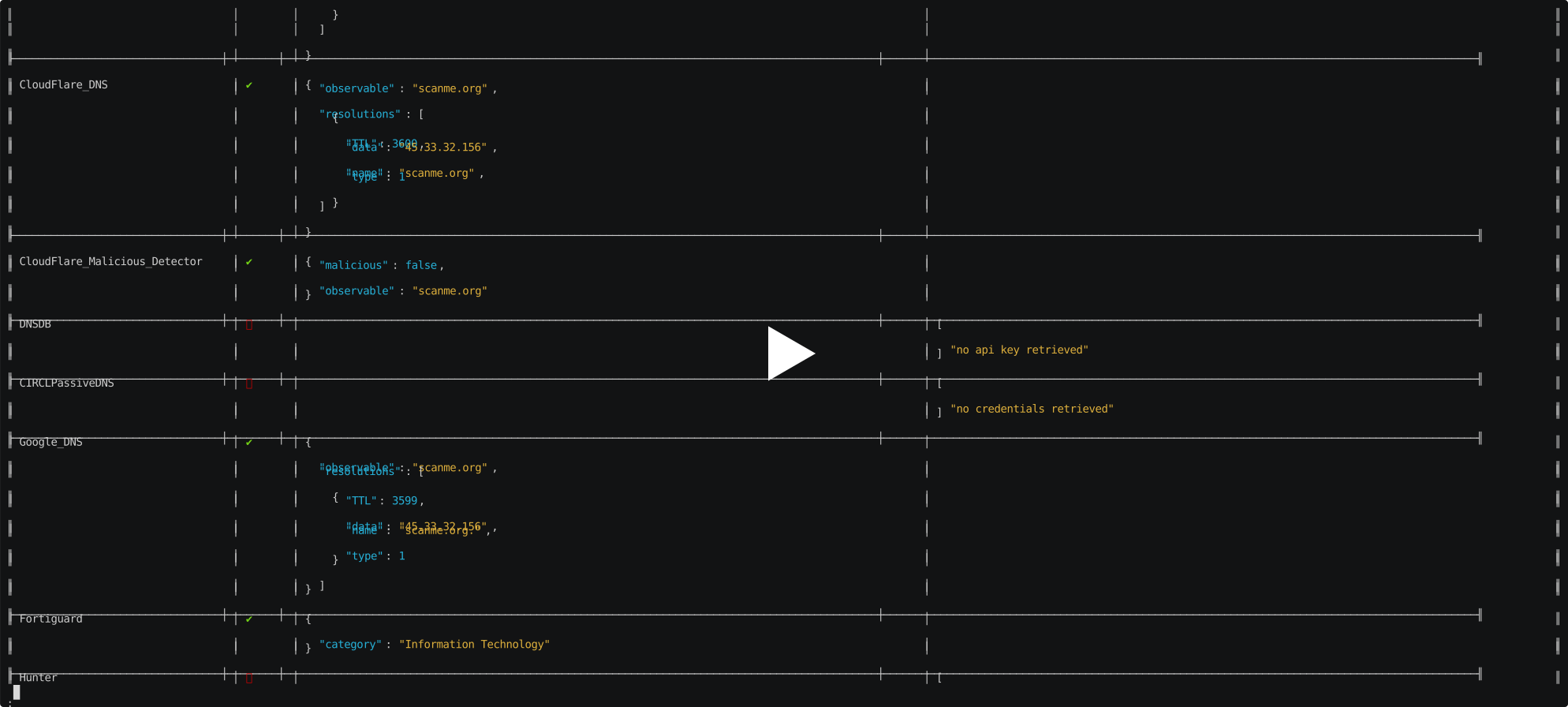
- List all jobs or view one job in a prettified tabular form.
- List all tags or view one tag in a prettified tabular form.
- Tabular view of the
analyzer_config.jsonandconnector_config.jsonfrom ThreatMatrix with RegEx matching capabilities.
Demo
Installation
$ pip3 install pythreatmatrix
For development/testing, pip3 install pythreatmatrix[dev]
Quickstart
As Command Line Client
On successful installation, The pythreatmatrix entryscript should be directly invokable. For example,
$ pythreatmatrix
Usage: pythreatmatrix [OPTIONS] COMMAND [ARGS]...

Options:
  -d, --debug  Set log level to DEBUG
  --version    Show the version and exit.
  -h, --help   Show this message and exit.

Commands:
  analyse                Send new analysis request
  analyzer-healthcheck   Send healthcheck request for an analyzer...
  config                 Set or view config variables
  connector-healthcheck  Send healthcheck request for a connector
  get-analyzer-config    Get current state of `analyzer_config.json` from...
  get-connector-config   Get current state of `connector_config.json` from...
  jobs                   Manage Jobs
  tags                   Manage tags
As a library / SDK
from pythreatmatrix import ThreatMatrix
obj = ThreatMatrix("<your_api_key>", "<your_threatmatrix_instance_url>", "optional<path_to_pem_file>", "optional<proxies>")
For more comprehensive documentation, please see https://pythreatmatrix.readthedocs.io/.
Changelog
View CHANGELOG.md.
FAQ
Generate API key
You need a valid API key to interact with the ThreatMatrix server.
Keys should be created from the admin interface of ThreatMatrix: you have to go in the Durin section (click on Auth tokens) and generate a key there.
Incompatibility after version 3.0
We did a complete rewrite of the PyThreatMatrix client and CLI both for the version 3.0.0. We very much recommend you to update to the latest version to enjoy all new features.
(old auth method) JWT Token Authentication
this auth was available in ThreatMatrix versions <1.8.0 and pythreatmatrix versions <2.0.0
From the admin interface of ThreatMatrix, you have to go in the Outstanding tokens section and generate a token there.
You can use it by pasting it into the file api_token.txt.
1 maintainer

Metadata
1 maintainer
Release files for pythreatmatrix 5.0.0
For a detailed explanation of source distributions (sdists) and built distributions (wheels), please see the package formats documentation.
Source distribution (sdist)
| File | Size | Uploaded | |
|---|---|---|---|
| pythreatmatrix-5.0.0.tar.gz | 44.9 kB | Details |
Built distribution (wheel)
| File | Interpreter | ABI | Platform | Reset |
|---|---|---|---|---|
| pythreatmatrix-5.0.0-py3-none-any.whl | Python 3 | none | any | Details |
Total release size: 92.9 kB
Release files / pythreatmatrix-5.0.0.tar.gz
| Download URL | pythreatmatrix-5.0.0.tar.gz |
|---|---|
| Size | 44.9 kB |
| Tags | Source |
|
SHA-256 checksum How to use checksums |
5d0dcd776b91c5d815d3f4876ccce165af100e68a231ba77a4739e8716a3c3a5
|
|
BLAKE2b-256 checksum How to use checksums |
d24f159776362c720d3dfd6b8df0eb01c240c96a898a97fe2daa4e877436fa29
|
| Upload date | |
|
Uploaded using Trusted Publishing? What is trusted publishing? |
No |
| Uploaded via |
twine/5.1.1 CPython/3.12.4
|
Release files / pythreatmatrix-5.0.0-py3-none-any.whl
| Download URL | pythreatmatrix-5.0.0-py3-none-any.whl |
|---|---|
| Size | 48.0 kB |
| Tags | Python 3 |
|
SHA-256 checksum How to use checksums |
d686e409c72087d387f9856460ee016330e5e22a37c82523763544e229678275
|
|
BLAKE2b-256 checksum How to use checksums |
9797d393b14c38ea231c0ae359cd5892838a3c8fccf051b8b2365c875308a9ff
|
| Upload date | |
|
Uploaded using Trusted Publishing? What is trusted publishing? |
No |
| Uploaded via |
twine/5.1.1 CPython/3.12.4
|













