
Write HTML with Pythonic Code

Project description


Installation
$ pip install py-to-htmlExample
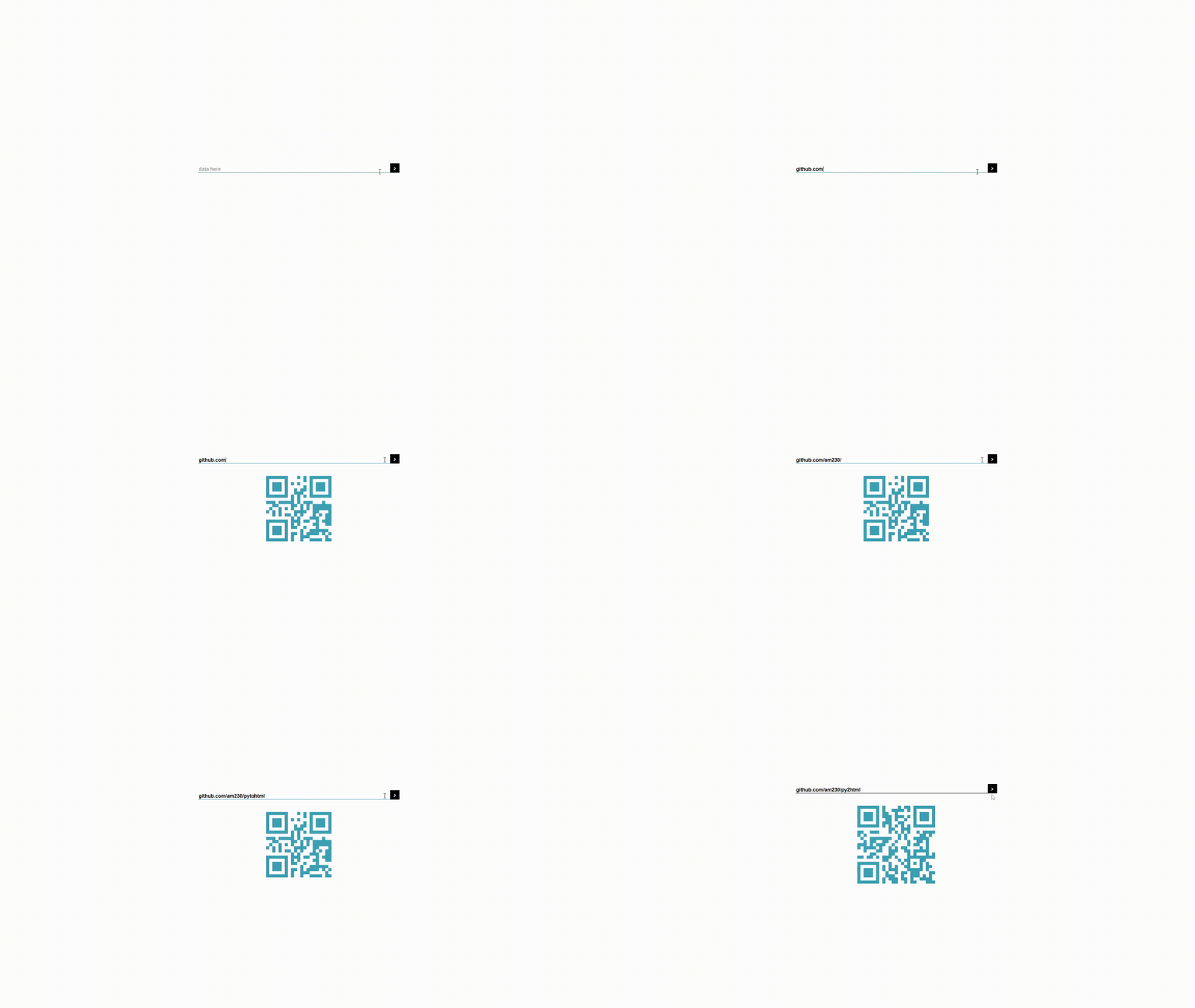
QR-Code Generator Source Code.
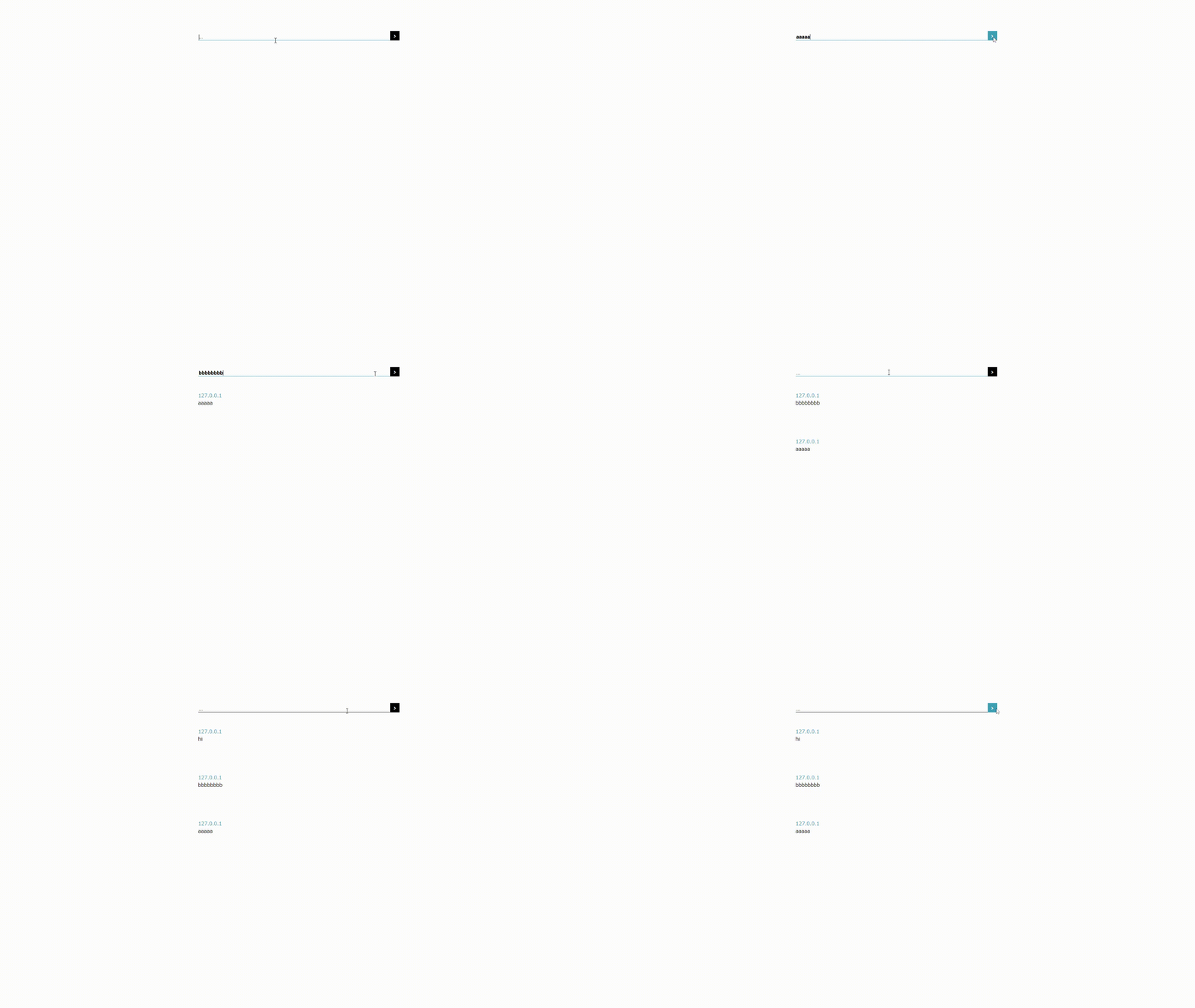
Syntax
from py2html.elements import html, head, body, meta, title, h1


print(
    html(lang="en")[
        head[
            meta(charset="UTF-8"),
            meta({"http-equiv": "X-UA-Compatible", "content": "IE=edge"}),
            meta(name="viewport", content="width=device-width, initial-scale=1.0"),
            title["py2html"]
        ],
        body[
            h1[
                "Hello, Py2HTML!"
            ]
        ]
    ].render()
)
*formatted output
<html lang="en">
<head>
<meta charset="UTF-8"></meta>
<meta http-equiv="X-UA-Compatible" content="IE=edge"></meta>
<meta name="viewport" content="width=device-width, initial-scale=1.0"></meta>
<title>py2html</title>
</head>
<body>
<h1>Hello, Py2HTML!</h1>
</body>
</html>Release history Release notifications | RSS feed


Download files
Download the file for your platform. If you're not sure which to choose, learn more about installing packages.
Source Distribution
pytohtml-1.0.3.tar.gz
(58.1 kB
view details)
File details
Details for the file pytohtml-1.0.3.tar.gz.
File metadata
- Download URL: pytohtml-1.0.3.tar.gz
- Upload date:
- Size: 58.1 kB
- Tags: Source
- Uploaded using Trusted Publishing? No
- Uploaded via: twine/4.0.1 CPython/3.11.2
File hashes
| Algorithm | Hash digest | |
|---|---|---|
| SHA256 |
172e8641b304781b313d2d28ef2cb2ea959faeb276f6bc128d8e7a1371ba05e2
|
|
| MD5 |
888ff67771c1ebbad1be939874a5d3a2
|
|
| BLAKE2b-256 |
95d64a8de3dc576c971e2008d198bc1615713226de08129556650cc44197dff1
|






