
pyultrahdr
Turn any ordinary SDR image into a real Ultra HDR JPEG — in pure Python, no libultrahdr required.
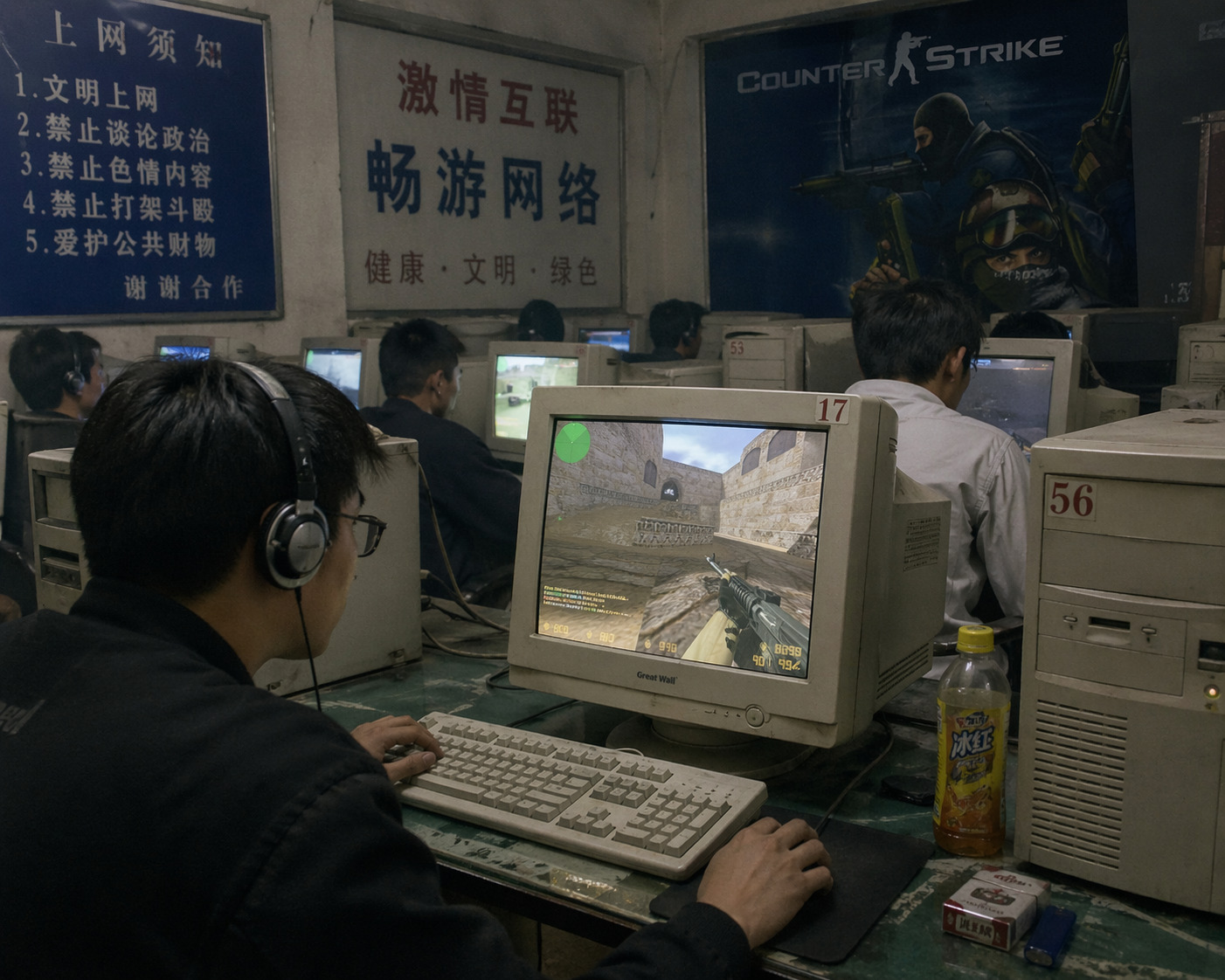
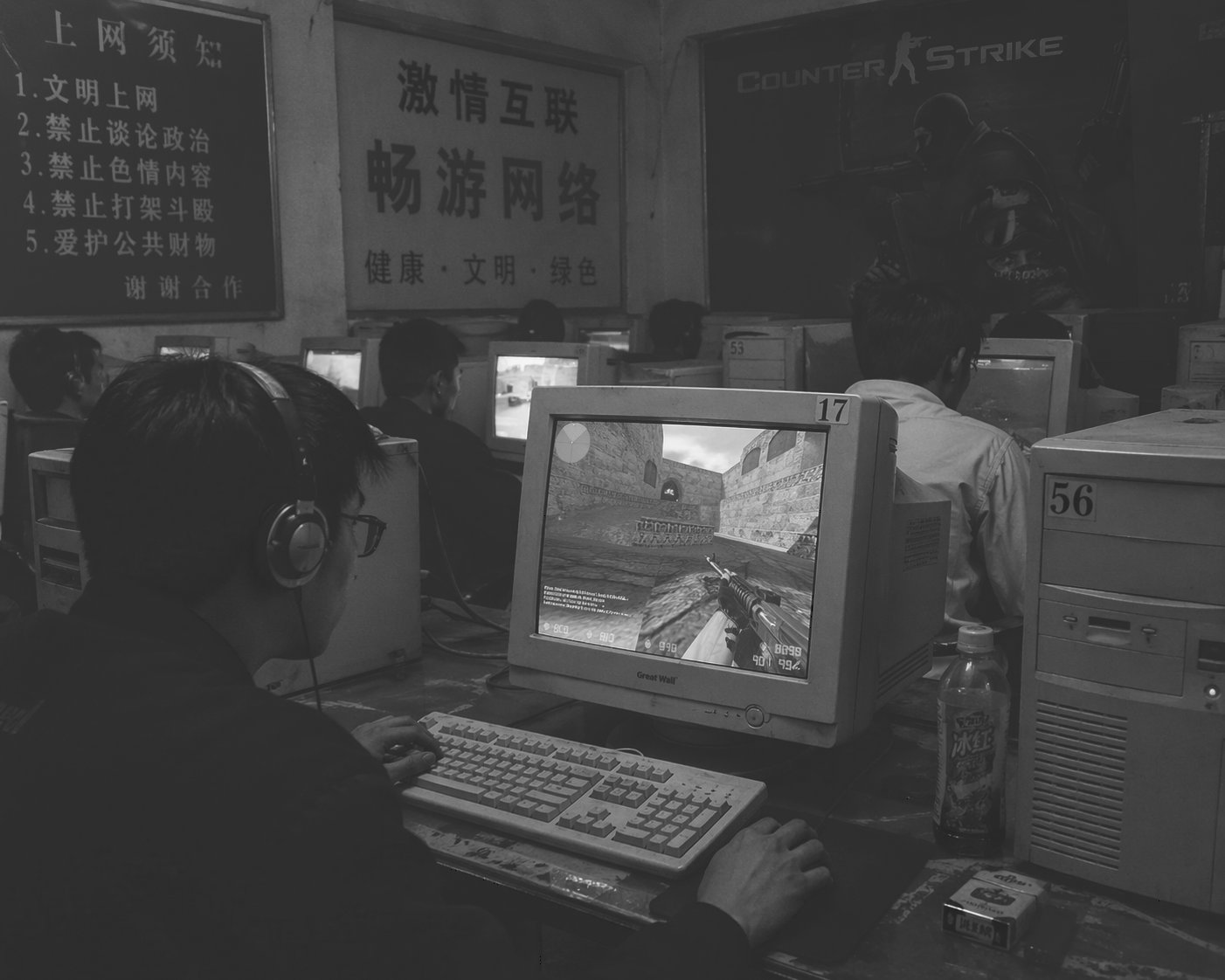
| Before — plain SDR | Gain map | After — Ultra HDR JPEG |
|---|---|---|
 |
 |
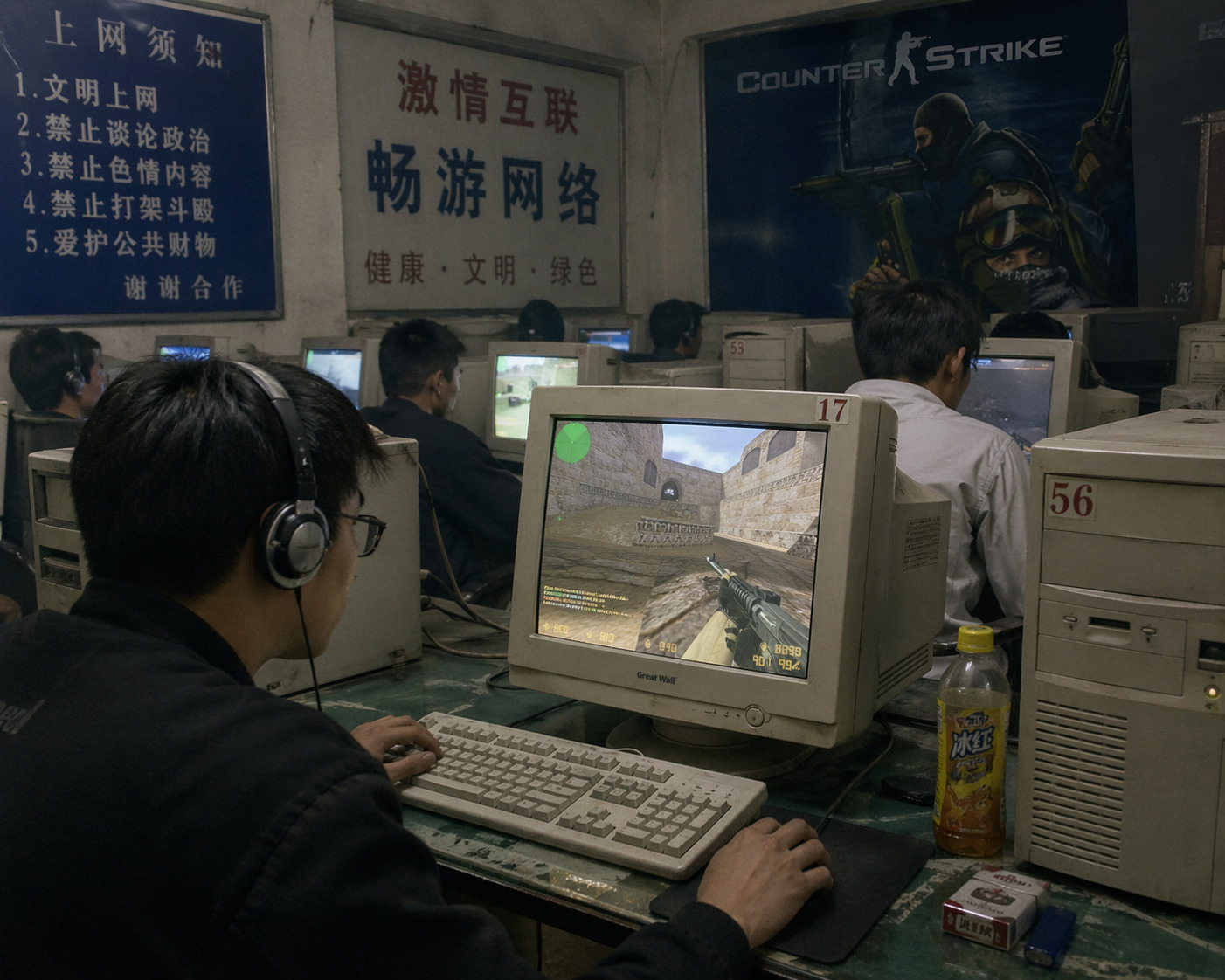 |
Open this README in Chrome on an HDR display (Windows 11 24H2 / macOS Sonoma / Android 14+ / iOS 17.4+) to see the right image light up. On an SDR display the two look identical — that's the point: Ultra HDR degrades gracefully everywhere and pops wherever HDR is available.
The output is a standard JPEG on the surface, but on an HDR display the highlights punch up to ~1000 nits. On SDR displays it looks like a perfectly normal photo. One file, two worlds.
python sdr_to_hdr.py your_photo.jpg
# → your_photo_ultrahdr.jpg
Open that file in Chrome on an HDR monitor. The sun will actually be bright.
Why this exists
Google's Ultra HDR format (also standardised as ISO 21496-1) is the easiest way to ship HDR photos on the web today — it's just a regular JPEG plus an embedded gain map, so it degrades gracefully everywhere. But the only production-quality tooling is Google's C++ libultrahdr, which is painful to build, wrap, and deploy — especially on Windows.
pyultrahdr is a ~230-line Python script that produces byte-compatible Ultra HDR JPEGs from any SDR input. Zero C dependencies, zero build system, just numpy and Pillow. Drop it into a pipeline, a Jupyter notebook, or a batch job.
Features
- Pure Python.
numpy+Pillow. Works on Windows/macOS/Linux out of the box. - Byte-compatible MPF/XMP. The Multi-Picture Format APP2 segment and
hdrgm:XMP metadata are structured to match Google's reference samples — verified by hex-diffing against real Ultra HDR files from the wild. - Monotonic inverse tone mapping. Every pixel gets a visible boost; no knee-curve artefacts that leave mid-tones looking flat.
- BT.709 → BT.2020 gamut expansion in linear light.
- Configurable peak brightness (default 1000 nits) and SDR reference white (default 203 nits, per BT.2408).
- Single-file script — copy, paste, ship.
Install
Requires Python 3.9 or later.
pip install pyultrahdr
pyultrahdr your_photo.jpg
The same command is available as python -m pyultrahdr. For Python pipelines,
import the conversion helpers from pyultrahdr (for example,
from pyultrahdr import build_ultra_hdr, compute_gain_map, inverse_tone_map).
To use the standalone script instead:
pip install numpy pillow
Then grab the script:
curl -O https://raw.githubusercontent.com/hanfeisun/pyultrahdr/main/sdr_to_hdr.py
Usage
python sdr_to_hdr.py input.png
Flags:
| Flag | Default | What it does |
|---|---|---|
--peak-nits |
1000 |
Target HDR peak brightness |
--sdr-white |
203 |
SDR reference white in nits (BT.2408) |
--quality |
92 |
Base JPEG quality (1-100) |
--gainmap-quality |
85 |
Gain map JPEG quality (1-100) |
--save-gainmap |
off | Also write the gain map as a standalone grayscale JPEG (input_gainmap.jpg) |
The saved gain map is the same 8-bit image that gets embedded: black = no boost, white = GainMapMax stops of boost. It's handy for inspecting or tuning the inverse tone mapping, or for feeding other gain map tools.
Batch convert a folder:
from pathlib import Path
import subprocess, sys

for p in Path('photos').glob('*.jpg'):
    subprocess.run([sys.executable, 'sdr_to_hdr.py', str(p)])
How to view the result
- Chrome 116+ on an HDR-capable display (Windows 11 24H2, macOS Sonoma+, ChromeOS). Make sure HDR is toggled on in your OS display settings.
- Android 14+ Gallery / Google Photos.
- iOS 17.4+ Photos.
- Windows 11 Photos app (24H2 and later).
You can test your own HDR chain with samples from gregbenzphotography.com/hdr-demo or the MishaalRahmanGH/Ultra_HDR_Samples repo.
How it works
 SDR sRGB 8-bit
      │
      ▼  sRGB EOTF
 linear [0,1]
      │
      ▼  inverse tone mapping:  boost(L) = s + (p - s) · L^γ
 HDR in nits
      │
      ▼  BT.709 → BT.2020 matrix
 HDR BT.2020 (nits)
      │
      ▼  per-pixel log2(HDR / SDR)  → gain map
 gain map (grayscale, 8-bit)
      │
      ▼  assemble:  SOI + XMP(hdrgm:) + MPF(APP2) + baseJPEG + gainmapJPEG
 Ultra HDR JPEG
The resulting file has:
- A normal baseline JPEG (your SDR image, re-encoded).
- An XMP APP1 block with Adobe's
hdrgm:1.0namespace describing the gain map parameters (GainMapMin,GainMapMax,HDRCapacityMin,HDRCapacityMax,OffsetSDR,OffsetHDR). - An MPF APP2 block (CIPA DC-007 Multi-Picture Format) pointing from the primary image to the secondary (gain map) image.
- The gain map itself as a second JPEG concatenated to the end.
An HDR-aware decoder reads the gain map, applies it per-pixel (in log2-linear space) to reconstruct HDR radiance, and sends PQ/HDR10 signal to the display. An SDR decoder just sees the first JPEG and ignores the rest.
Why not just a PQ PNG / AVIF / JXL?
- PNG/AVIF/JXL with PQ works, but only the handful of apps that understand HDR containers will render correctly. Everywhere else the image looks washed out.
- Ultra HDR degrades gracefully to a normal SDR JPEG everywhere, and lights up on HDR-capable platforms. That's why the web is converging on it.
Limitations
- The inverse tone mapping is heuristic. It looks great on natural photos and screenshots, but it's not a learned model — don't expect it to recover clipped highlights that were never captured. If you need a learned ITM, look at ExpandNet, HDRCNN, or SingleHDR and feed their output into this script's assembly stage.
- The gain map is single-channel (luminance). RGB gain maps are allowed by the spec but rare in the wild.
License
MIT. See LICENSE.
References
- Google, Ultra HDR Image Format v1.0
- ISO/IEC 21496-1 — Gain map metadata for image conversion
- Adobe, Gain Map Specification (
hdrgm:) - CIPA DC-007 — Multi-Picture Format
- ITU-R BT.2408 — SDR reference white at 203 nits
- Banterle et al., Advanced High Dynamic Range Imaging (inverse tone mapping background)
If this saved you a day of wrestling with C++ toolchains, star the repo. PRs welcome.
1 maintainer

Metadata
1 maintainer
Release files for pyultrahdr 0.1.0
For a detailed explanation of source distributions (sdists) and built distributions (wheels), please see the package formats documentation.
Source distribution (sdist)
| File | Size | Uploaded | |
|---|---|---|---|
| pyultrahdr-0.1.0.tar.gz | 9.5 kB | Details |
Built distribution (wheel)
| File | Interpreter | ABI | Platform | Reset |
|---|---|---|---|---|
| pyultrahdr-0.1.0-py3-none-any.whl | Python 3 | none | any | Details |
Total release size: 19.7 kB
Release files / pyultrahdr-0.1.0.tar.gz
| Download URL | pyultrahdr-0.1.0.tar.gz |
|---|---|
| Size | 9.5 kB |
| Tags | Source |
|
SHA-256 checksum How to use checksums |
d963efd386a8cfe917e5704328629f8509a6f185c6d564d395a318267813cc6a
|
|
BLAKE2b-256 checksum How to use checksums |
2ccff74f8c3e5e71ba0474619d8afb88e04a79eab246eef9541bfc73392f2329
|
| Upload date | |
|
Uploaded using Trusted Publishing? What is trusted publishing? |
No |
| Uploaded via |
twine/7.0.0 CPython/3.12.14
|
Release files / pyultrahdr-0.1.0-py3-none-any.whl
| Download URL | pyultrahdr-0.1.0-py3-none-any.whl |
|---|---|
| Size | 10.2 kB |
| Tags | Python 3 |
|
SHA-256 checksum How to use checksums |
f08d38ffd3f80914fc2d359b9b3ea0009f0d3d39b440a2c1d6c7db0649a65fd6
|
|
BLAKE2b-256 checksum How to use checksums |
1a0a96a064ae0416349ef8975992ba9b24d67eaba1d131f0fc398a4f5260b650
|
| Upload date | |
|
Uploaded using Trusted Publishing? What is trusted publishing? |
No |
| Uploaded via |
twine/7.0.0 CPython/3.12.14
|













