
PyVista xarray



xarray DataArray accessors for PyVista to visualize datasets in 3D
🚀 Usage
You must import pvxarray in order to register the DataArray accessor with
xarray. After which, a pyvista namespace of accessors will be available.
Try on MyBinder: https://mybinder.org/v2/gh/pyvista/pyvista-xarray/HEAD
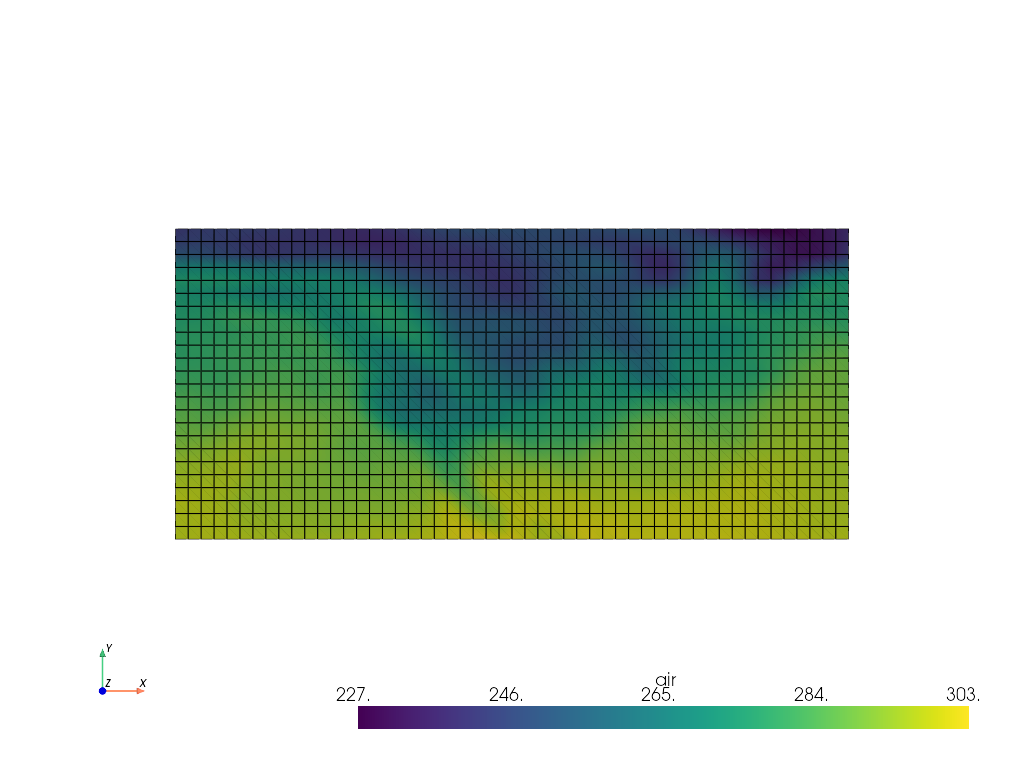
The following is an example to visualize a RectilinearGrid with PyVista:
import pvxarray
import xarray as xr

ds = xr.tutorial.load_dataset("air_temperature")
da = ds.air[dict(time=0)]  # Select DataArray for a timestep

# Plot in 3D
da.pyvista.plot(x="lon", y="lat", show_edges=True, cpos='xy')

# Or grab the mesh object for use with PyVista
mesh = da.pyvista.mesh(x="lon", y="lat")
Or you can read VTK meshes directly to xarray:
import xarray as xr

ds = xr.open_dataset("data.vtk", engine="pyvista")
ds["data array"].pyvista.plot(x="x", y="y", z="z")
⬇️ Installation
🐍 Installing with conda
Conda makes managing pyvista-xarray's dependencies across platforms quite
easy and this is the recommended method to install:
conda install -c conda-forge pyvista-xarray
🎡 Installing with pip
If you prefer pip, then you can install from PyPI: https://pypi.org/project/pyvista-xarray/
pip install pyvista-xarray
Upstream Work
Many of the examples leverage brand new features in PyVista v0.38.1 and
GeoVista which may not yet be released when you're reading this. Here is a list
of pull requests needed for some of the examples:
- GeoVista algorithm support: https://github.com/bjlittle/geovista/pull/127
Work that was required and merged:
- https://github.com/pyvista/pyvista/pull/2698
- https://github.com/pyvista/pyvista/pull/2697
- https://github.com/pyvista/pyvista/pull/3318
- https://github.com/pyvista/pyvista/pull/3556
- https://github.com/pyvista/pyvista/pull/3385
💭 Feedback
Please share your thoughts and questions on the Discussions board. If you would like to report any bugs or make feature requests, please open an issue.
If filing a bug report, please share a scooby Report:
import pvxarray
print(pvxarray.Report())
🏏 Further Examples
The following are a few simple examples taken from the xarray and
rioxarray documentation. There are also more sophisticated examples
in the examples/ directory in this repository.
Simple RectilinearGrid
import numpy as np
import pvxarray
import xarray as xr

lon = np.array([-99.83, -99.32])
lat = np.array([42.25, 42.21])
z = np.array([0, 10])
temp = 15 + 8 * np.random.randn(2, 2, 2)

ds = xr.Dataset(
    {
        "temperature": (["z", "x", "y"], temp),
    },
    coords={
        "lon": (["x"], lon),
        "lat": (["y"], lat),
        "z": (["z"], z),
    },
)

mesh = ds.temperature.pyvista.mesh(x="lon", y="lat", z="z")
mesh.plot()
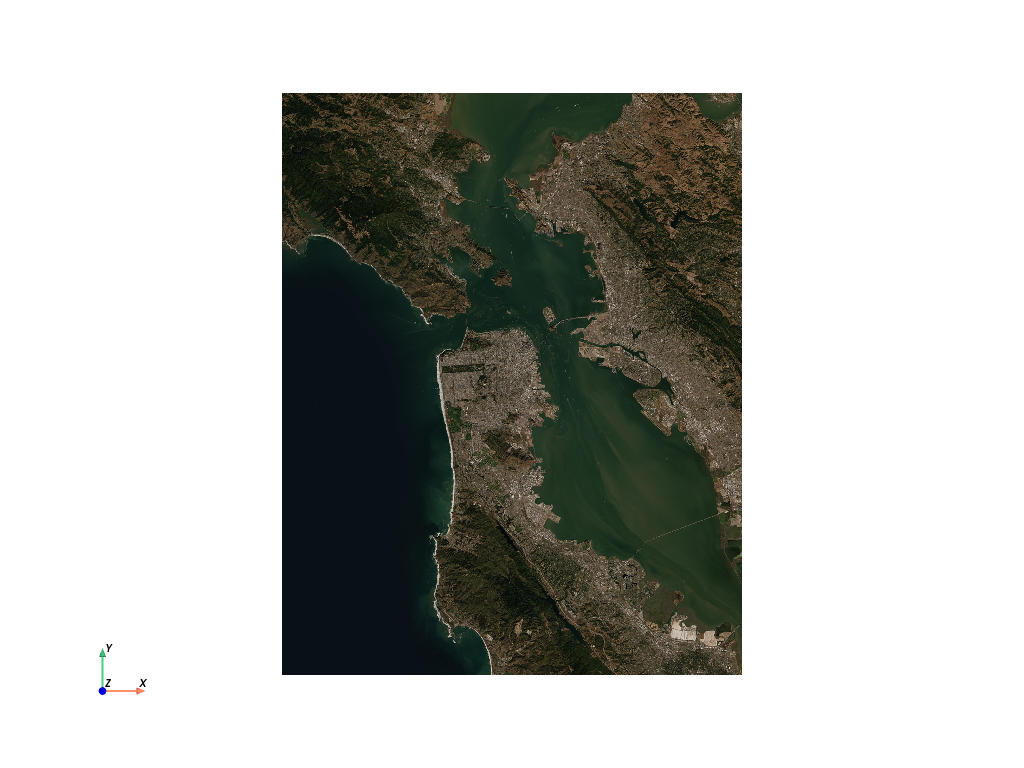
Raster with rioxarray
import pvxarray
import rioxarray
import xarray as xr

da = rioxarray.open_rasterio("TC_NG_SFBay_US_Geo_COG.tif")
da = da.rio.reproject("EPSG:3857")

# Grab the mesh object for use with PyVista
mesh = da.pyvista.mesh(x="x", y="y", component="band")

mesh.plot(scalars="data", cpos='xy', rgb=True)
import pvxarray
import rioxarray

da = rioxarray.open_rasterio("Elevation.tif")
da = da.rio.reproject("EPSG:3857")

# Grab the mesh object for use with PyVista
mesh = da.pyvista.mesh(x="x", y="y")

# Warp top and plot in 3D
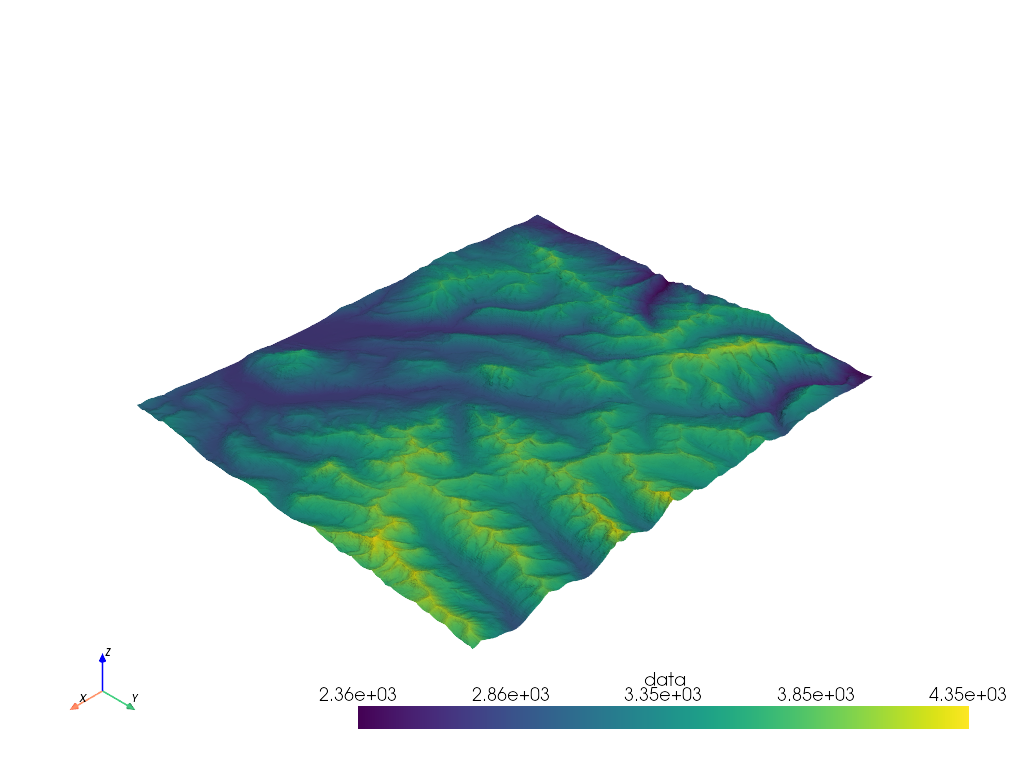
mesh.warp_by_scalar().plot()
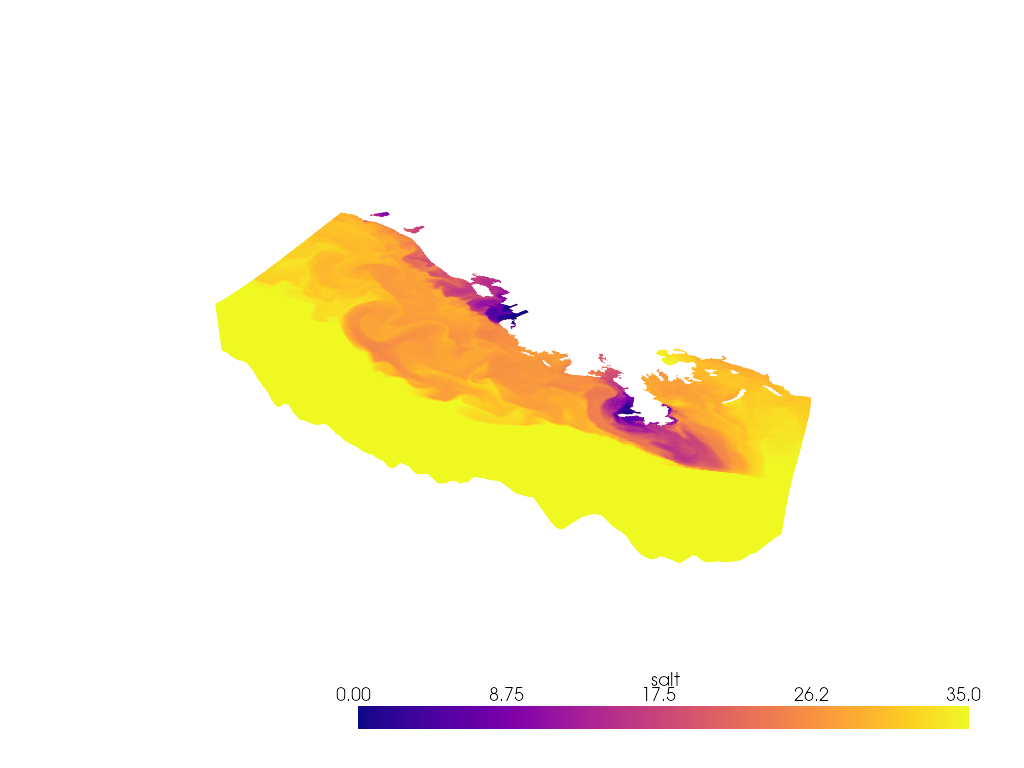
StructuredGrid
import pvxarray
import pyvista as pv
import xarray as xr

ds = xr.tutorial.open_dataset("ROMS_example.nc", chunks={"ocean_time": 1})

if ds.Vtransform == 1:
    Zo_rho = ds.hc * (ds.s_rho - ds.Cs_r) + ds.Cs_r * ds.h
    z_rho = Zo_rho + ds.zeta * (1 + Zo_rho / ds.h)
elif ds.Vtransform == 2:
    Zo_rho = (ds.hc * ds.s_rho + ds.Cs_r * ds.h) / (ds.hc + ds.h)
    z_rho = ds.zeta + (ds.zeta + ds.h) * Zo_rho

ds.coords["z_rho"] = z_rho.transpose()  # needing transpose seems to be an xarray bug

da = ds.salt[dict(ocean_time=0)]

# Make array ordering consistent
da = da.transpose("s_rho", "xi_rho", "eta_rho", transpose_coords=False)

# Grab StructuredGrid mesh
mesh = da.pyvista.mesh(x="lon_rho", y="lat_rho", z="z_rho")

# Plot in 3D
p = pv.Plotter()
p.add_mesh(mesh, lighting=False, cmap='plasma', clim=[0, 35])
p.view_vector([1, -1, 1])
p.set_scale(zscale=0.001)
p.show()
Download files
Download the file for your platform. If you're not sure which to choose, learn more about installing packages.
Source Distribution
Built Distribution
Filter files by name, interpreter, ABI, and platform.
If you're not sure about the file name format, learn more about wheel file names.
Copy a direct link to the current filters
File details
Details for the file pyvista_xarray-0.1.8.tar.gz.
File metadata
- Download URL: pyvista_xarray-0.1.8.tar.gz
- Upload date:
- Size: 19.5 kB
- Tags: Source
- Uploaded using Trusted Publishing? No
- Uploaded via:
twine/6.2.0 CPython/3.12.12
File hashes
| Algorithm | Hash digest | |
|---|---|---|
| SHA256 |
04ba84134a93c47ac5b8593bb31e4b6f5ad59ce72fd25100238ae96abecd5f52
|
|
| MD5 |
00f740fb200707f7d7bf22606d6f7a37
|
|
| BLAKE2b-256 |
212c9e4f6aa24e28c90849af3c856a3dd875c8aca5136f4f70dc016014bdc7ad
|
File details
Details for the file pyvista_xarray-0.1.8-py3-none-any.whl.
File metadata
- Download URL: pyvista_xarray-0.1.8-py3-none-any.whl
- Upload date:
- Size: 17.7 kB
- Tags: Python 3
- Uploaded using Trusted Publishing? No
- Uploaded via:
twine/6.2.0 CPython/3.12.12
File hashes
| Algorithm | Hash digest | |
|---|---|---|
| SHA256 |
a69c15e5aca2de305f3932d6515e00cd097672cbc943e364f6f52ba2e9688e91
|
|
| MD5 |
2621fbc28e67eb6c7c21d8a6bec5841b
|
|
| BLAKE2b-256 |
dcf8df5868fa1d1d66e4d7493e315b6941dcc114b097880ca5d6dee289fadbee
|














