
docker-compose style composer for qemu

Project description
qemu-compose
qemu-compose aims to provide a docker-compose style composer for qemu command, with advanced scripting feature as well as http support for cloud init or general purpose provisioning.
Bring up a qemu VM by providing a qemu-compose.yml and run qemu-compose up
Advantages
- Very simple and robust, written of several pure python scripts, depends on
qemucommands only. - No libvirt stuff, no daemon process, no xml config, no complex abstraction, just a simple wrapper around qemu args.
- support
before_scriptandafter_scriptfor setup and cleanup - support
boot_commandsfor vm provisioning (implemented using tty communication, gui not supported yet, and use jsonlisp for expressive power which apparently is turing-complete) - support
http_servefor cloudinit - env interpolation for advanced configuration
Installation
$ pip install qemu-compose
Examples and Screenshot
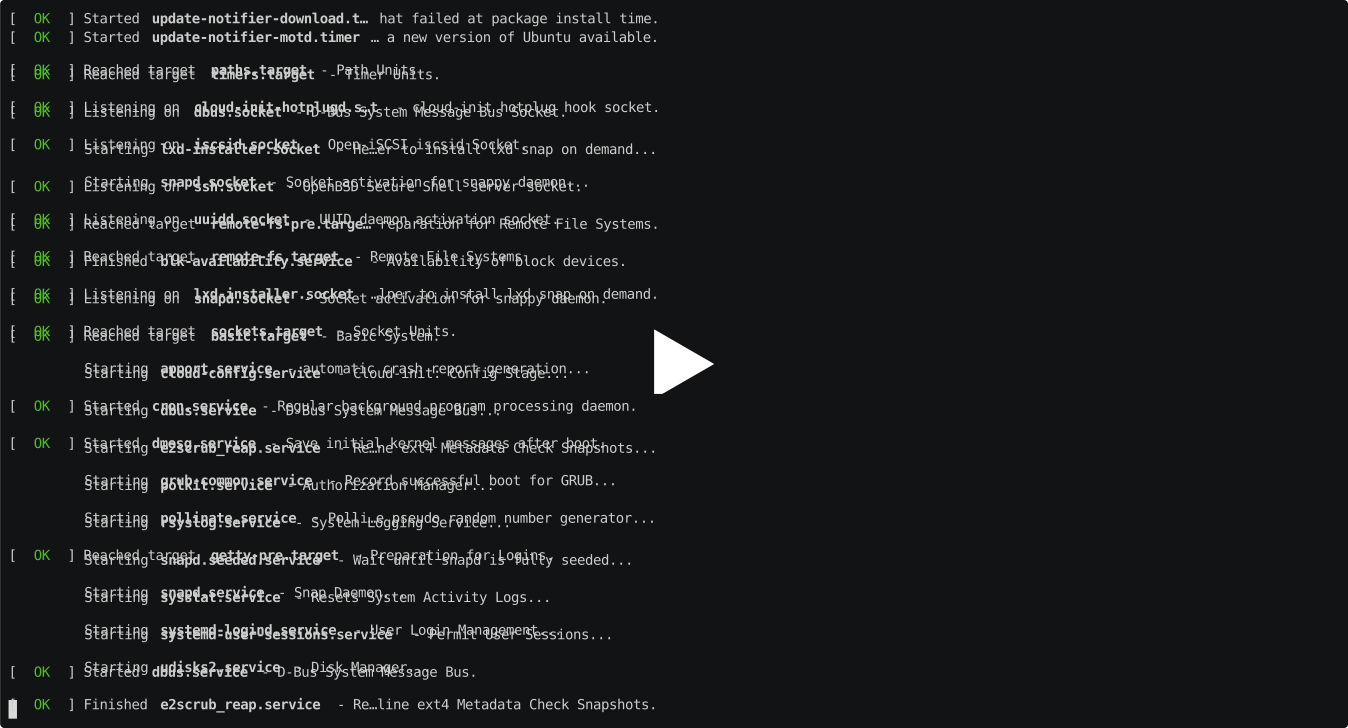
bring up ubuntu cloudimg qemu vm and run a interactive shell
$ cd ./script/ubuntu-cloudimg__amd64/
$ qemu-compose up
Demo:
SSH Helper
qemu-compose provides a helper to invoke ssh with the instance key and safe defaults.
- Usage:
qemu-compose ssh [OPTIONS] VMID COMMAND [ARG...] - Defaults added by qemu-compose:
-o StrictHostKeyChecking=no-o UserKnownHostsFile=/dev/null-i ~/.local/share/qemu-compose/instance/VMID/ssh-key- appends
root@vsock%<cid>as the default destination (falls back toroot@vsock%${cid}if CID is unknown)
Examples:
# Print the default ssh command that would be used for a given VMID
$ qemu-compose ssh <vmid>
ssh -o StrictHostKeyChecking=no -o UserKnownHostsFile=/dev/null -i ~/.local/share/qemu-compose/instance/<vmid>/ssh-key root@vsock%<cid>

# Connect using vsock destination (cid recorded when the VM booted)
$ qemu-compose ssh <vmid> root@vsock%<cid>

# Connect over TCP instead (override destination and add your own options)
$ qemu-compose ssh <vmid> -p 2222 root@127.0.0.1

# Run a remote command
$ qemu-compose ssh <vmid> root@vsock%<cid> uname -a
Notes:
- The instance key is generated at first boot and stored under
~/.local/share/qemu-compose/instance/<vmid>/ssh-key. - Any ssh options you pass will be forwarded; the last-specified option wins.
Down Command
Stop and remove a VM instance.
$ qemu-compose down [identifier] [options]
Options:
identifier: Instance ID, unique prefix, or assigned name (optional if config file exists)-f, --file FILE: Compose configuration file to parse for instance name--force: Force removal without confirmation
Examples:
# Stop and remove instance by name
$ qemu-compose down my-vm

# Use config file to auto-detect instance name
$ cd ./script/ubuntu-cloudimg__amd64/
$ qemu-compose down

# Use specified config file
$ qemu-compose down -f /path/to/qemu-compose.yml

# Force removal
$ qemu-compose down --force my-vm
Note: If no identifier is provided, qemu-compose will look for qemu-compose.yml or qemu-compose.yaml in the current directory and use the name field as the instance identifier.
Tag Command
Create a tag that refers to an image, similar to docker tag.
$ qemu-compose tag SOURCE_IMAGE[:TAG] TARGET_IMAGE[:TAG]
SOURCE_IMAGE[:TAG]: Source image identifier (can be image ID, name, or name:tag)TARGET_IMAGE[:TAG]: Target image name and optional tag (defaults tolatestif not specified)
Behavior:
- If the target tag already exists on another image, it will be moved to the source image
- Tags are stored in the image's
manifest.jsonfile under therepo_tagsfield
Examples:
# Tag an image by ID
$ qemu-compose tag 94a0434d0f73 devbox:archlinux

# Tag an image by name
$ qemu-compose tag my-image:v1 my-image:latest

# Create a new tag for an existing image
$ qemu-compose tag ubuntu:20.04 ubuntu:focal

# Replace an existing tag (moves tag from one image to another)
$ qemu-compose tag new-image:v1 existing-tag:latest
Notes:
- Image IDs can be specified as full SHA256 digest or unique prefix
- When a tag already exists on a different image, the tag is moved (not copied) to the new image
- Use
qemu-compose imagesto list all images and their tags
Release history Release notifications | RSS feed


Download files
Download the file for your platform. If you're not sure which to choose, learn more about installing packages.
Source Distribution
Built Distribution
Filter files by name, interpreter, ABI, and platform.
If you're not sure about the file name format, learn more about wheel file names.
Copy a direct link to the current filters
File details
Details for the file qemu_compose-0.9.2.tar.gz.
File metadata
- Download URL: qemu_compose-0.9.2.tar.gz
- Upload date:
- Size: 107.8 kB
- Tags: Source
- Uploaded using Trusted Publishing? Yes
- Uploaded via: twine/6.1.0 CPython/3.13.12
File hashes
| Algorithm | Hash digest | |
|---|---|---|
| SHA256 |
c8d5d9f5c75b5213bc7e852df88bcef2bd0c38f1e837d73fce37cb839750fc23
|
|
| MD5 |
c1ad6d9f7f447839f0ee156ed4b43917
|
|
| BLAKE2b-256 |
6e2cee7196668831da590ceb94b629a4161af57712a2b15c4729edcaa9bbeb06
|
Provenance
The following attestation bundles were made for qemu_compose-0.9.2.tar.gz:
Publisher:
pypi.yml on zTrix/qemu-compose
-
Statement:
-
Statement type:
https://in-toto.io/Statement/v1 -
Predicate type:
https://docs.pypi.org/attestations/publish/v1 -
Subject name:
qemu_compose-0.9.2.tar.gz -
Subject digest:
c8d5d9f5c75b5213bc7e852df88bcef2bd0c38f1e837d73fce37cb839750fc23 - Sigstore transparency entry: 1447931640
- Sigstore integration time:
-
Permalink:
zTrix/qemu-compose@c4cc830b15aac57bbb81c048befe6245e11f5b54 -
Branch / Tag:
refs/tags/v0.9.2 - Owner: https://github.com/zTrix
-
Access:
public
-
Token Issuer:
https://token.actions.githubusercontent.com -
Runner Environment:
github-hosted -
Publication workflow:
pypi.yml@c4cc830b15aac57bbb81c048befe6245e11f5b54 -
Trigger Event:
release
-
Statement type:
File details
Details for the file qemu_compose-0.9.2-py3-none-any.whl.
File metadata
- Download URL: qemu_compose-0.9.2-py3-none-any.whl
- Upload date:
- Size: 134.2 kB
- Tags: Python 3
- Uploaded using Trusted Publishing? Yes
- Uploaded via: twine/6.1.0 CPython/3.13.12
File hashes
| Algorithm | Hash digest | |
|---|---|---|
| SHA256 |
c72b115d9899c20190e235045af30c96d3d60e8db5ef261c05da2787026a83b0
|
|
| MD5 |
e231b24c45b52e05cb0390753934f77e
|
|
| BLAKE2b-256 |
9e36eaddb95f8474e89b8e03749a895585d6bb8526e92972930c55f5e032e4a5
|
Provenance
The following attestation bundles were made for qemu_compose-0.9.2-py3-none-any.whl:
Publisher:
pypi.yml on zTrix/qemu-compose
-
Statement:
-
Statement type:
https://in-toto.io/Statement/v1 -
Predicate type:
https://docs.pypi.org/attestations/publish/v1 -
Subject name:
qemu_compose-0.9.2-py3-none-any.whl -
Subject digest:
c72b115d9899c20190e235045af30c96d3d60e8db5ef261c05da2787026a83b0 - Sigstore transparency entry: 1447931773
- Sigstore integration time:
-
Permalink:
zTrix/qemu-compose@c4cc830b15aac57bbb81c048befe6245e11f5b54 -
Branch / Tag:
refs/tags/v0.9.2 - Owner: https://github.com/zTrix
-
Access:
public
-
Token Issuer:
https://token.actions.githubusercontent.com -
Runner Environment:
github-hosted -
Publication workflow:
pypi.yml@c4cc830b15aac57bbb81c048befe6245e11f5b54 -
Trigger Event:
release
-
Statement type:






