

QGIS Deployment Toolbelt (QDT)











QGIS Deployment Toolbelt (QDT) is a cross-platform (primarily Windows-focused) command-line tool that streamlines the deployment and management of QGIS profiles, plugins, and related settings within organizations.
It helps standardize user environments, simplify updates, and integrate with IT deployment strategies like GPO, SCCM, or InTune.
⭐ Why QDT?
- Save hours of manual QGIS configuration and profile management
- Reduce configuration errors and user friction
- Scale QGIS deployments in professional environments easily
- Reconciling GIS service expectations and IT constraints
- Community driven development and developed by experienced QGIS teams (especially Oslandia)
Come, talk and ask, we're a friendly (small) group of persons behind:
- GitHub Issues and Discussions
- Matrix channel: https://matrix.to/#/#qdt:matrix.org
🤝 They use and trust QDT
Here comes some of known organization which do use QDT to deploy QGIS profiles seamlessly:













✨ Features
- Manage QGIS profiles easily: define, store, and deploy profiles with a simple
profile.jsonfile. You can also use the Profile Manager plugin to export your existing profiles right from QGIS. - Version control integration: Git-powered backend for tracking changes and enabling collaborative profile management.
- IT-friendly: designed to work with Active Directory, GPOs, SCCM, InTune, and other enterprise tools.
- Seamless user experience: deliver a consistent QGIS experience across your organization with minimal friction.
- Advanced configuration handling: use variabilized
QGIS3.inifiles to handle dynamic or environment-specific settings. - Conditional deployments: deploy specific profiles based on rules, environment variables, or user criteria.
- Optimized plugin management: reduce bandwidth usage by rationalizing plugin downloads and installations.
🚀 Try it quickly
You have multiple options to try QDT:
-
Using Python and the official modern CLI installer pipx:
pipx run qgis-deployment-toolbelt -s https://github.com/qgis-deployment/qgis-deployment-toolbelt-cli/raw/main/examples/scenarios/demo-scenario.qdt.yml
-
Using Python and the official package installer
pip:pip install qgis-deployment-toolbelt qdt -s https://github.com/qgis-deployment/qgis-deployment-toolbelt-cli/raw/main/examples/scenarios/demo-scenario.qdt.yml
-
Using a pre-built executable (downloadable through releases assets). For example on Windows:
./Windows_QGISDeploymentToolbelt_0-37-0.exe -s https://github.com/qgis-deployment/qgis-deployment-toolbelt-cli/raw/main/examples/scenarios/demo-scenario.qdt.yml
Once completed, check:
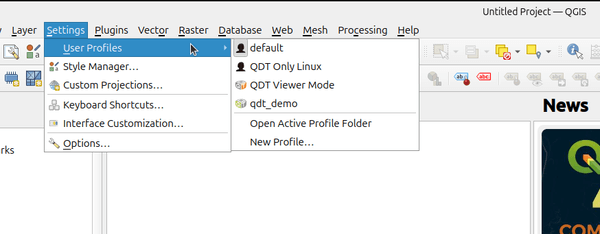
- The Start menu / Desktop for new shortcuts.
- The QGIS Profiles menu for new profiles.
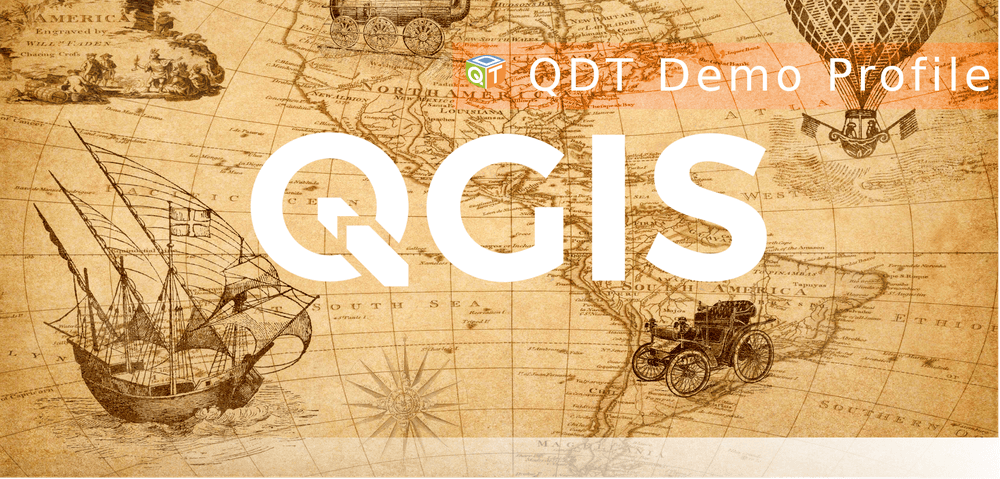
Splash screen when launching the Demo Profile:
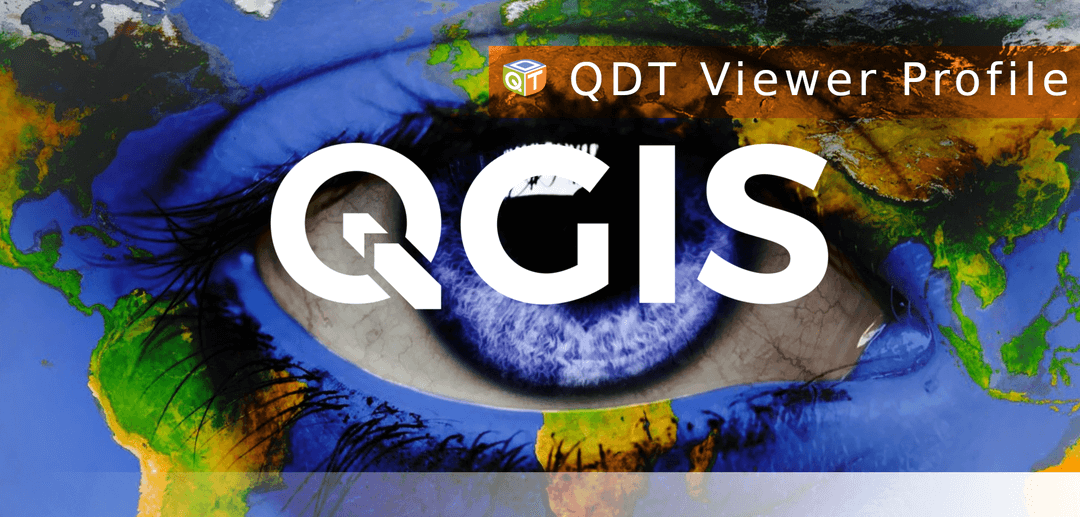
Splash screen for the Viewer Profile:
Have you tried it on Linux? Well, you should find an additional profile simply named "QDT Only Linux".
[!TIP] Interested? For further details, read the documentation :books:.
🤝 Contribute
Want to help? Come on it's definitely open, everything here is under Apache 2.0 license.
Check out the contribution guide and "Development" section in the documentation.


Release files for qgis-deployment-toolbelt 0.45.0
For a detailed explanation of source distributions (sdists) and built distributions (wheels), please see the package formats documentation.
Source distribution (sdist)
| File | Size | Uploaded | |
|---|---|---|---|
| qgis_deployment_toolbelt-0.45.0.tar.gz | 13.9 MB | Details |
Built distribution (wheel)
| File | Interpreter | ABI | Platform | Reset |
|---|---|---|---|---|
| qgis_deployment_toolbelt-0.45.0-py3-none-any.whl | Python 3 | none | any | Details |
Total release size: 14.0 MB
Release files / qgis_deployment_toolbelt-0.45.0.tar.gz
| Download URL | qgis_deployment_toolbelt-0.45.0.tar.gz |
|---|---|
| Size | 13.9 MB |
| Tags | Source |
|
SHA-256 checksum How to use checksums |
e1d80a54c947341868187aed5a91f8564f27350e48bfed365f66870c7573e278
|
|
BLAKE2b-256 checksum How to use checksums |
fbc8cd881eb75d7f331a7b2d7ace32924b51592164a356286022237a814f442f
|
| Upload date | |
|
Uploaded using Trusted Publishing? What is trusted publishing? |
Yes |
| Uploaded via |
twine/7.0.0 CPython/3.13.14
|
Provenance
Provenance describes where a file came from. On PyPI, provenance is shared via attestations, which provide a verifiable record of the build or publishing details. View details, limitations and caveats.


PyPI Publish Attestation
PyPI verified that this artifact, at this checksum, originated from the publisher listed below.
Signed by GitHub Actions, verified by PyPI on Sep 11, 2026.
Transparency logRelease files / qgis_deployment_toolbelt-0.45.0-py3-none-any.whl
| Download URL | qgis_deployment_toolbelt-0.45.0-py3-none-any.whl |
|---|---|
| Size | 131.9 kB |
| Tags | Python 3 |
|
SHA-256 checksum How to use checksums |
69cf9ef519a3025f925da2054fd9227d847f1c889045d1558b28a8754d99990c
|
|
BLAKE2b-256 checksum How to use checksums |
cb66d6ac4e3827c900c3cae67b984e5887ea9305e56151ffa6968c7d880246df
|
| Upload date | |
|
Uploaded using Trusted Publishing? What is trusted publishing? |
Yes |
| Uploaded via |
twine/7.0.0 CPython/3.13.14
|
Provenance
Provenance describes where a file came from. On PyPI, provenance is shared via attestations, which provide a verifiable record of the build or publishing details. View details, limitations and caveats.
PyPI Publish Attestation
PyPI verified that this artifact, at this checksum, originated from the publisher listed below.
Signed by GitHub Actions, verified by PyPI on Sep 11, 2026.
Transparency log













