




An open-source quantum Music Video tool
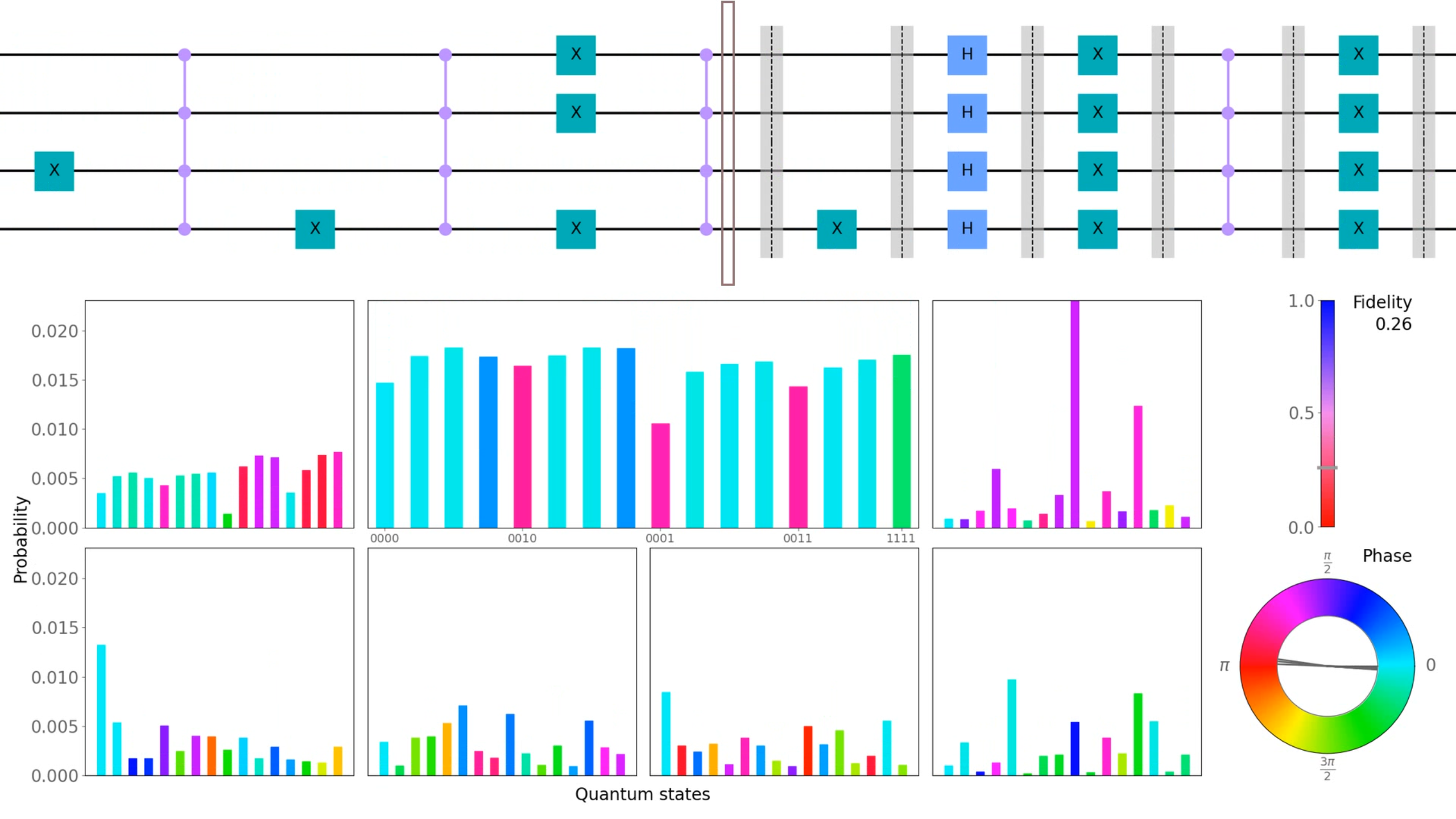
qMuVi is a python library that can be used in your qiskit project to transform quantum circuits into music videos.
Quantum computing is notorious for being unintuitive and difficult to imagine. This tool attempts to create a connection between a human observer and the complex workings of quantum computation. By transforming quantum circuits into music videos, it allows you to "hear" and "see" how a quantum state evolves as it is processed by a quantum algorithm.
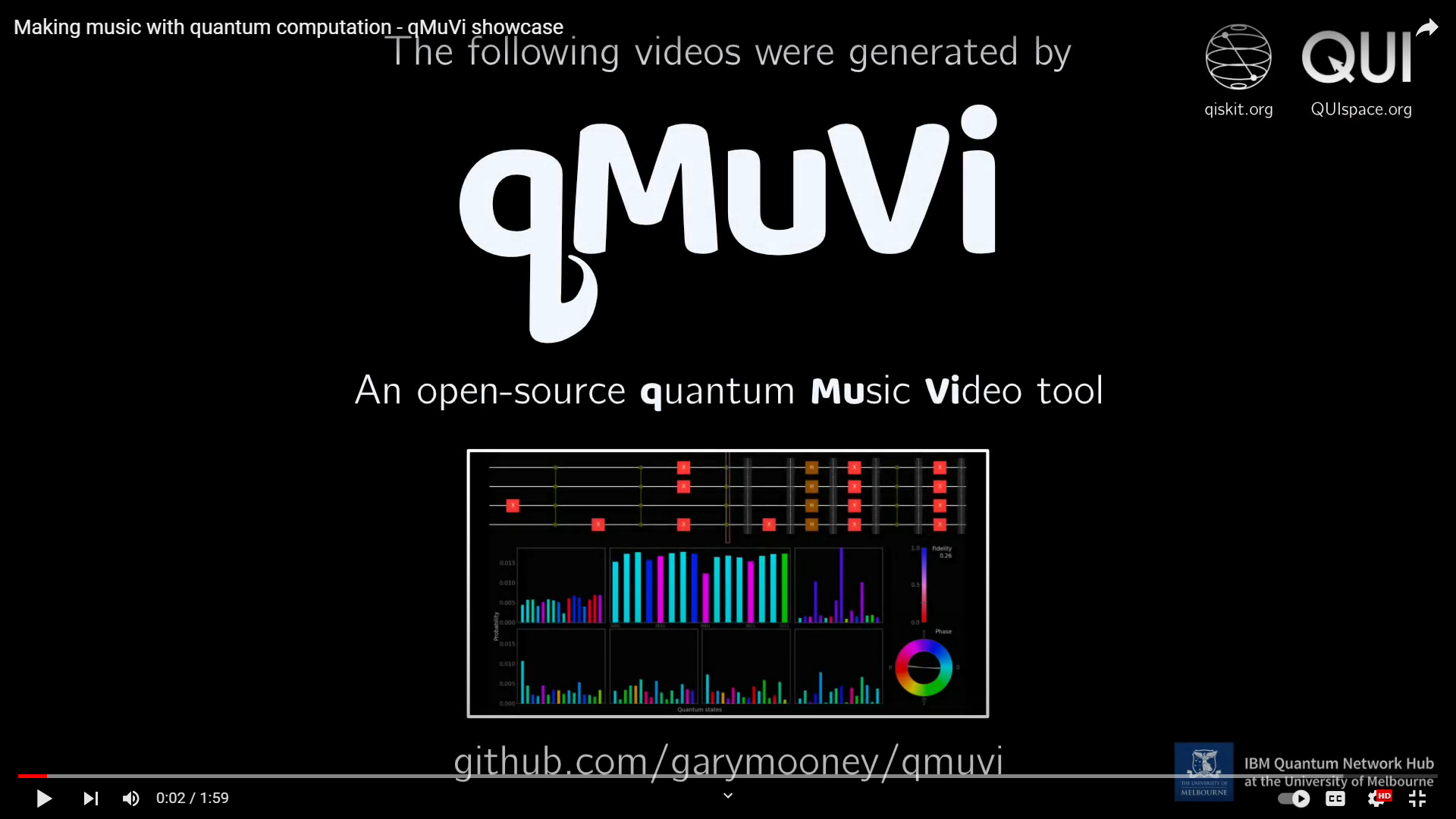
Showcase video:
Setup
To install qMuVi, you can use pip:
pip install qmuvi
macOS (Apple Silicon/ARM64)
For macOS systems with 64-bit ARM processors (M1, M2, M3 chips), TiMidity++ must be installed manually:
brew install timidity
Linux
For Linux, qMuVi requires timidity to be installed separately. Instructions for common distributions:
pacman -S timidity++ # Arch Linux
dnf install timidity++ # Fedora
apt-get install timidity # Debian and Ubuntu
zypper install timidity # OpenSUSE
Install From Source
For the latest version from source, you can install using poetry:
- Ensure poetry is installed.
- Clone the qMuVi repo and navigate to root.
git clone https://github.com/garymooney/qmuvi.git
cd qmuvi
- Install qMuVi using poetry.
poetry install -E test -E doc -E dev
Note. Use poetry run to execute commands within the virtual environment managed by poetry (if not already in a virtual environment).
- Run the tests to verify that everything is working.
poetry run pytest -s tests
Usage
import qmuvi
from qiskit import QuantumCircuit

circ = QuantumCircuit(2)
# Barrier gates tell qMuVi where to sample the state in the circuit
circ.barrier()
circ.h(0)
circ.barrier()
circ.cx(0, 1)
circ.barrier()

qmuvi.generate_qmuvi(circ, "bell_state")
Running the script will output the generated files, including the MP4 video, into a folder with the specified name "bell_state".
Examples can be found in the examples folder with rendered outputs displayed in qmuvi_gallery.
Documentation: https://garymooney.github.io/qmuvi
Properties
Properties in qMuVi can be customised using optional arguments in the generate_qmuvi method.
qMuVi provides simple customisation options such as invert_colours, fps, smooth_transitions, and show_measured_probabilities_only, along with more advanced options which are described below.
Property - noise_model
A Qiskit NoiseModel object. A simple depolarising noise model can be obtained using the get_simple_noise_model method in the qmuvi.quantum_simulation module, or you can make your own.
How it works: To sample quantum states, qMuVi uses the qiskit AerSimulator to simulate the circuits. A noise model can be passed to the simulator to include noise in the computations, which is translated to the generated output in qMuVi.
Example:
import qmuvi
from qmuvi.quantum_simulation import get_simple_noise_model
# define quantum circuit ...
noise_model = get_simple_noise_model(gate_error_rate_1q = 0.01,
                                     gate_error_rate_cnot = 0.02)

qmuvi.generate_qmuvi(circ, "simple_qft3", noise_model = noise_model)
Property - rhythm
A list of tuples in the form (sound_time, rest_time).
How it works: Each tuple (sound_time, rest_time) in the list corresponds to a sampled quantum
state in the circuit. The sound_time is how long the sound will play for and the rest_time is the wait
time afterwards before playing the next sound. Times are in units of ticks where 480 ticks is 1 second.
Example:
import qmuvi
# define quantum circuit ...
rhythm = [[200,40]]*7+[[960,0]]

qmuvi.generate_qmuvi(circ, "simple_qft3", rhythm = rhythm)
Property - instruments
A list of instruments as _int_s defined by the General MIDI standard. Premade instrument collections can be obtained using the get_instrument_collection method, or you can make your own.
| Instrument collections | ||
| 'piano' | 'tuned_perc' | 'organ' |
| 'guitar' | 'bass' | 'strings' |
| 'ensemble' | 'brass' | 'reed' |
| 'pipe' | 'synth_lead' | 'synth_pad' |
| 'synth_effects' | 'ethnic' | 'percussive' |
| 'sound_effects' | 'windband' | |
How it works: An instrument collection is assigned to each pure state in the quantum state decomposition and the phase of the basis state determines the instrument in the collection.
Example:
import qmuvi
# define quantum circuit ...
instruments = [qmuvi.get_instrument_collection("pipe"),
               qmuvi.get_instrument_collection("reed"),
               qmuvi.get_instrument_collection("brass"),
               qmuvi.get_instrument_collection("organ")]

qmuvi.generate_qmuvi(circ, "simple_qft3", instruments = instruments)
Property - note_map
A callable object that maps state numbers to note numbers. Premade note maps can be found in the qmuvi.musical_processing module, or you can make your own.
| Note Maps |
|---|
note_map_chromatic_middle_c |
note_map_c_major |
note_map_f_minor |
note_map_c_major_arpeggio |
How it works: The note map is used to convert the basis state numbers to the note numbers when generating the MIDI. A note number of 60 is middle C. You can make your own by for example defining a lambda function: note_map = lambda n: n+60 or a method with the signiture note_map(n: int) -> int.
Example:
import qmuvi
from qmuvi.musical_processing import note_map_c_major_arpeggio
# define quantum circuit ...

qmuvi.generate_qmuvi(circ, "simple_qft3", note_map = note_map_c_major_arpeggio)
Features
- Quantum Circuit (Qiskit) $\rightarrow$ Music Video File (as MP4).
- Quantum Circuit (Qiskit) $\rightarrow$ Music Files (as MIDI and WAV).
1 maintainer

Metadata
1 maintainer
Release files for qmuvi 0.3.0
For a detailed explanation of source distributions (sdists) and built distributions (wheels), please see the package formats documentation.
Source distribution (sdist)
| File | Size | Uploaded | |
|---|---|---|---|
| qmuvi-0.3.0.tar.gz | 31.1 MB | Details |
Built distribution (wheel)
| File | Interpreter | ABI | Platform | Reset |
|---|---|---|---|---|
| qmuvi-0.3.0-py3-none-any.whl | Python 3 | none | any | Details |
Total release size: 62.5 MB
Release files / qmuvi-0.3.0.tar.gz
| Download URL | qmuvi-0.3.0.tar.gz |
|---|---|
| Size | 31.1 MB |
| Tags | Source |
|
SHA-256 checksum How to use checksums |
e997652677fbcf20333b5e603114ff0318263830218714dc1c67795175260098
|
|
BLAKE2b-256 checksum How to use checksums |
b577ab76c814ea2d2f152707b439fec9da240e6948c264e3341e50a563c12fed
|
| Upload date | |
|
Uploaded using Trusted Publishing? What is trusted publishing? |
No |
| Uploaded via |
poetry/1.4.2 CPython/3.11.0 Windows/10
|
Release files / qmuvi-0.3.0-py3-none-any.whl
| Download URL | qmuvi-0.3.0-py3-none-any.whl |
|---|---|
| Size | 31.4 MB |
| Tags | Python 3 |
|
SHA-256 checksum How to use checksums |
0265abce2a85589f059f5a5d6695dab07113200a489415cebb4f134a9aa4db51
|
|
BLAKE2b-256 checksum How to use checksums |
a42392a35048d5cf822861b66fbd475d7590ba7857cc0afdbc1deb3b4516ccdd
|
| Upload date | |
|
Uploaded using Trusted Publishing? What is trusted publishing? |
No |
| Uploaded via |
poetry/1.4.2 CPython/3.11.0 Windows/10
|














