
QPyPack
简体中文 | English | 繁體中文 | 日本語 | 한국어 | Français | Deutsch | Español | Русский | Português








A Modern, Cross-Platform Python Packaging GUI
Powered by PyInstaller and Nuitka, featuring visual configuration, static dependency analysis, and automated build workflows.
📌 Overview
QPyPack is a cross-platform graphical packaging tool designed for Python developers. By integrating both PyInstaller (bytecode bundling) and Nuitka (C/C++ native compilation) core engines, QPyPack abstracts low-level compiler toolchains, complex dependency tracking, sandbox isolation, and resource collection into an intuitive, reliable desktop interface.
Whether you are distributing simple automation scripts or complex enterprise applications (built with PySide6/PyQt, Playwright, CustomTkinter, FastAPI, etc.), QPyPack delivers a reproducible, high-success build experience across Windows, macOS, and Linux.
📸 Screenshots
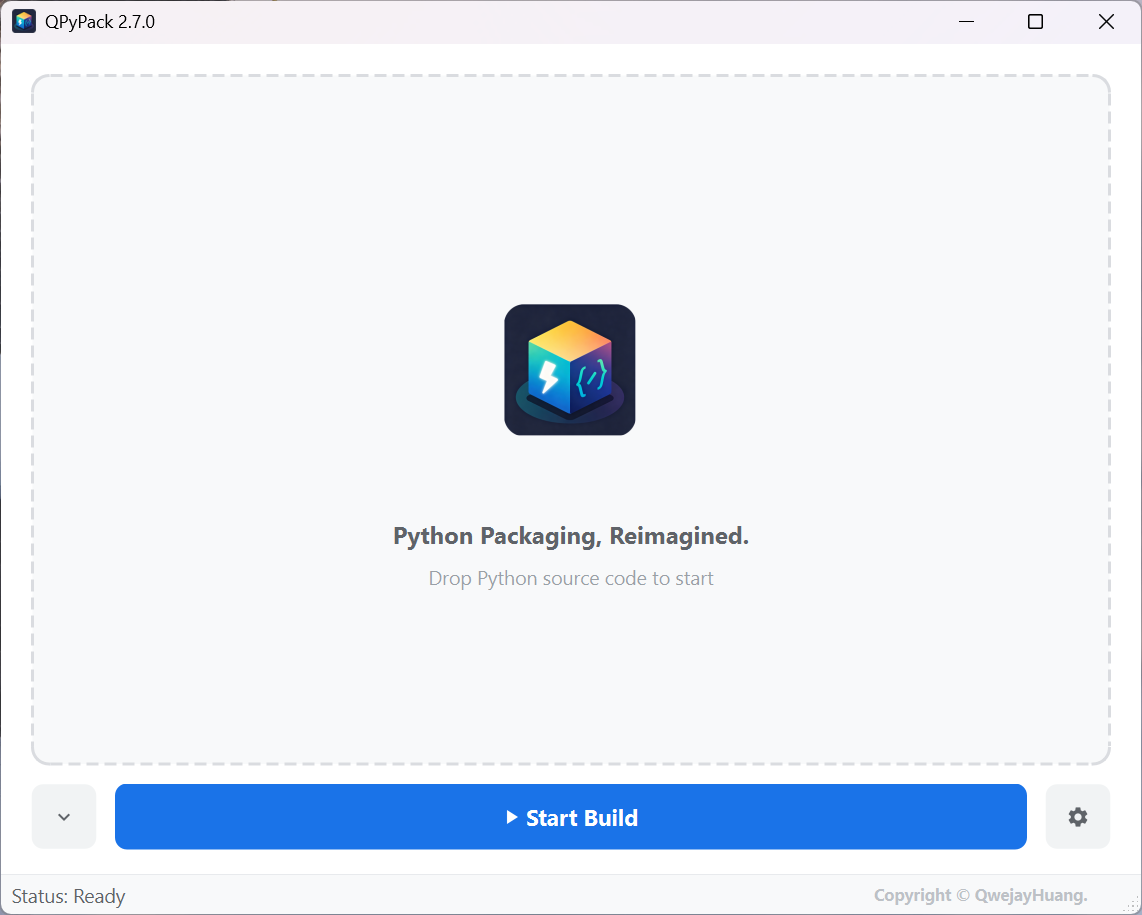
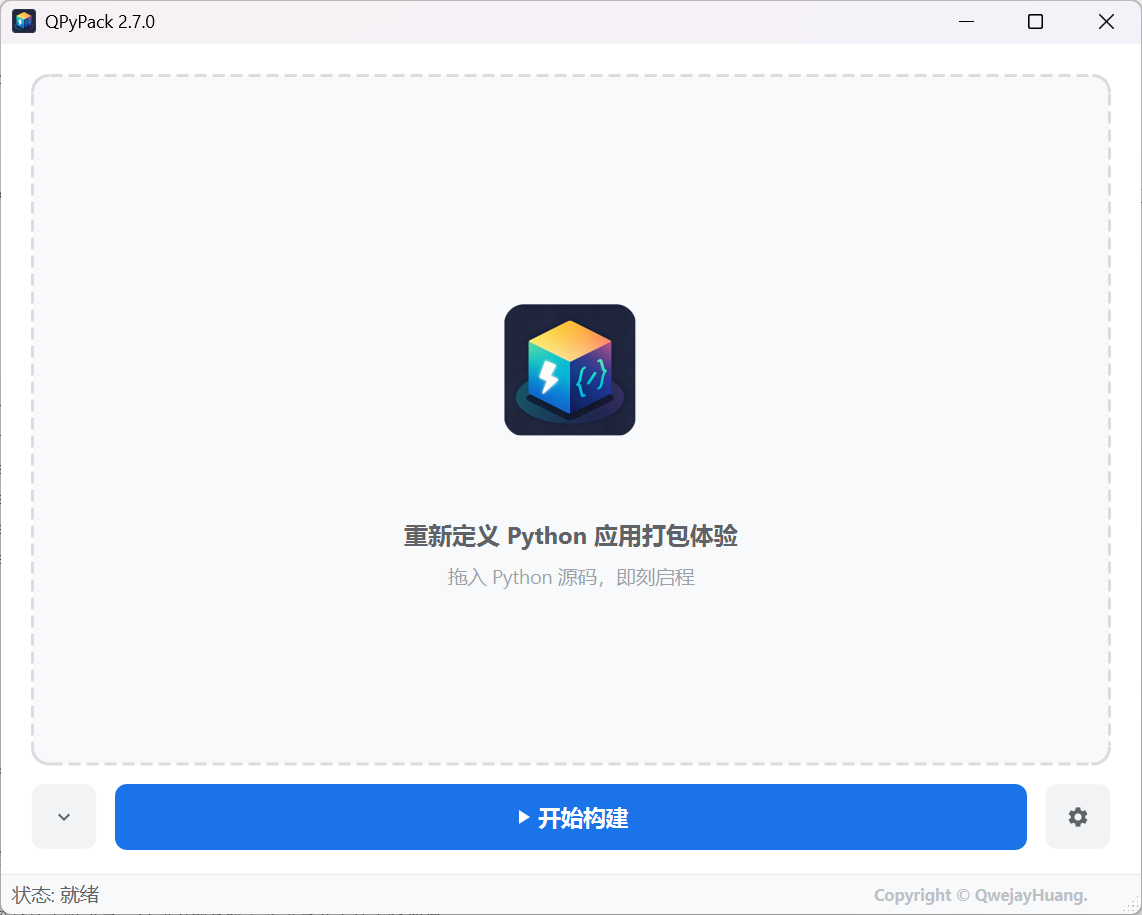
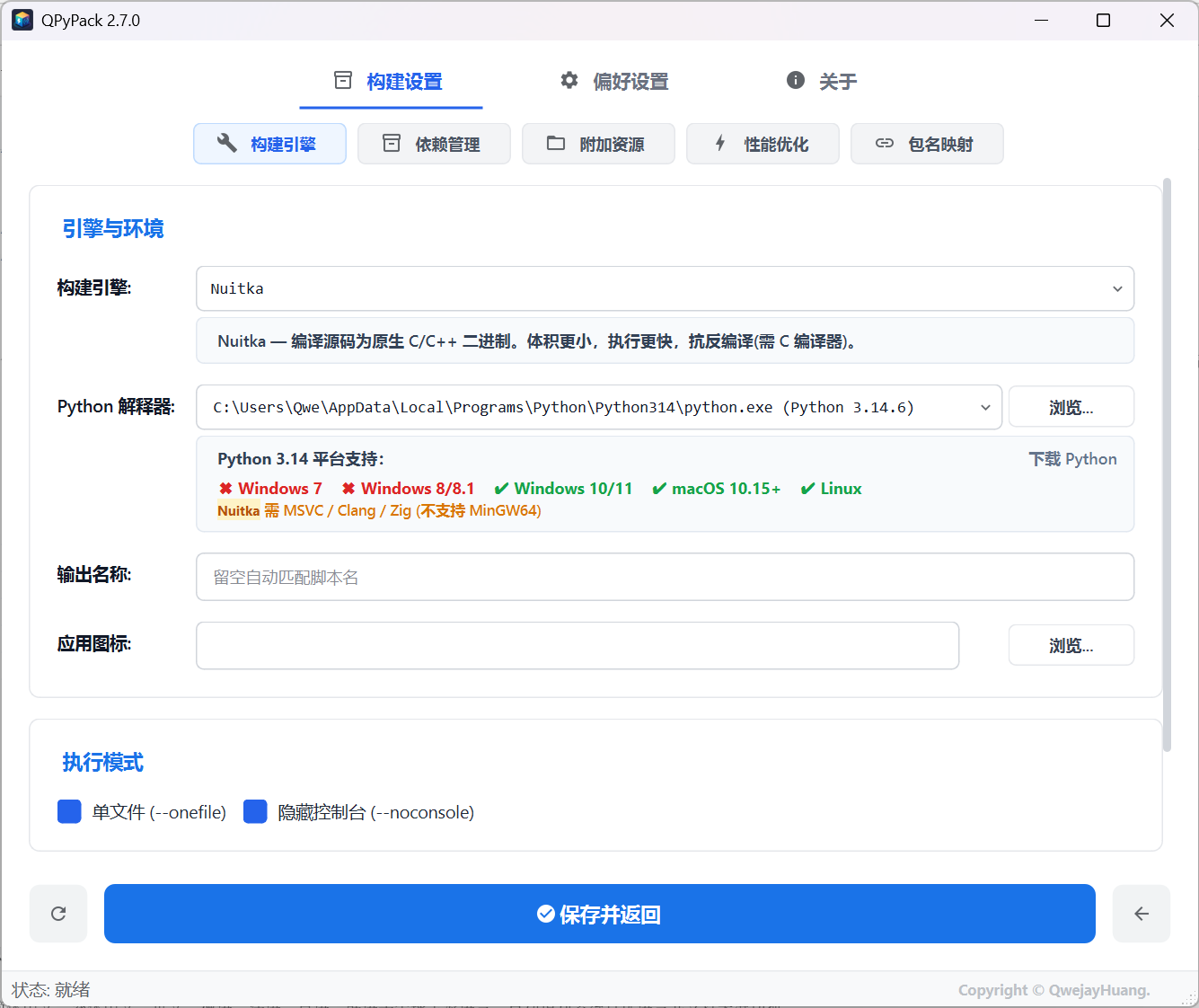
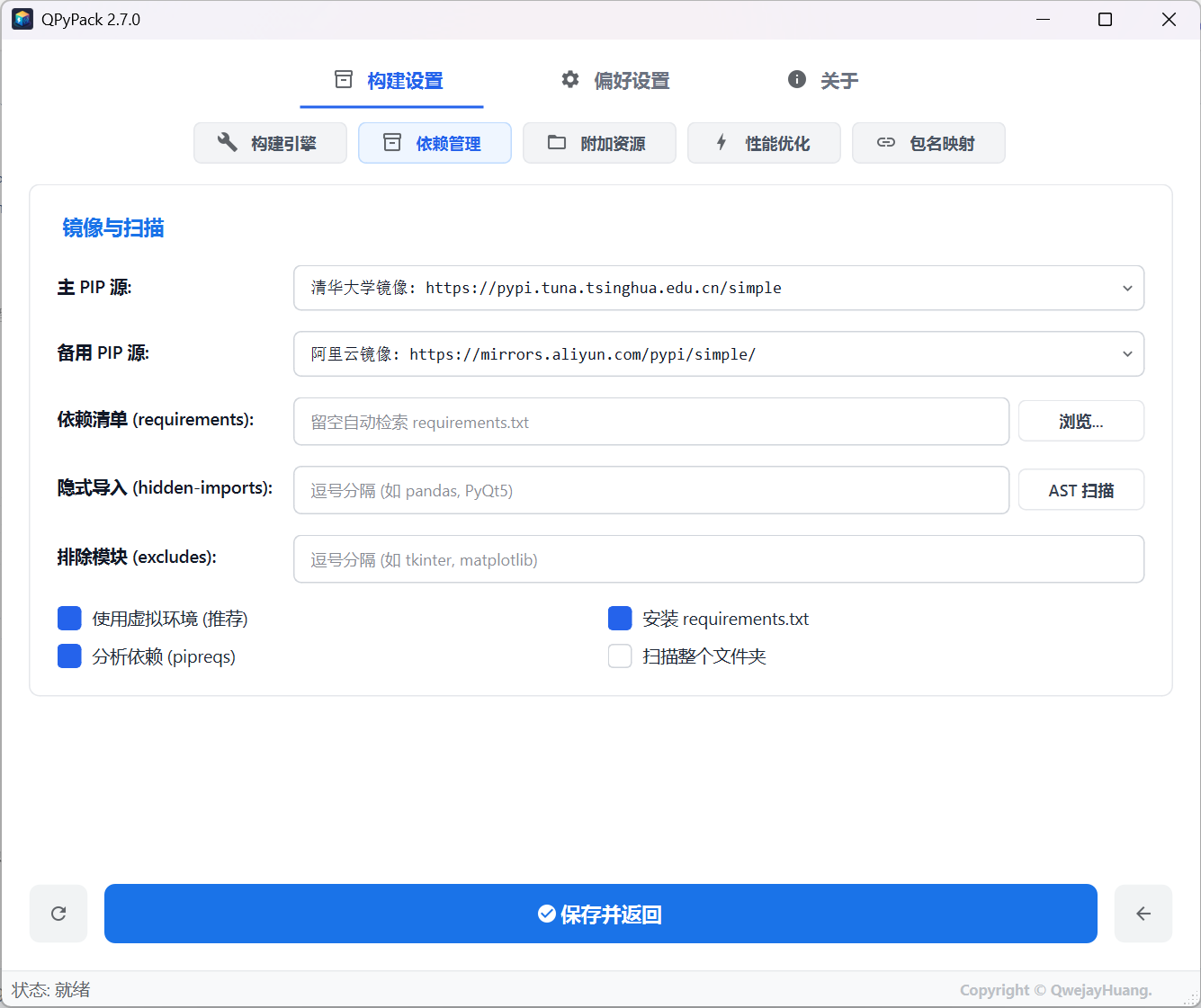
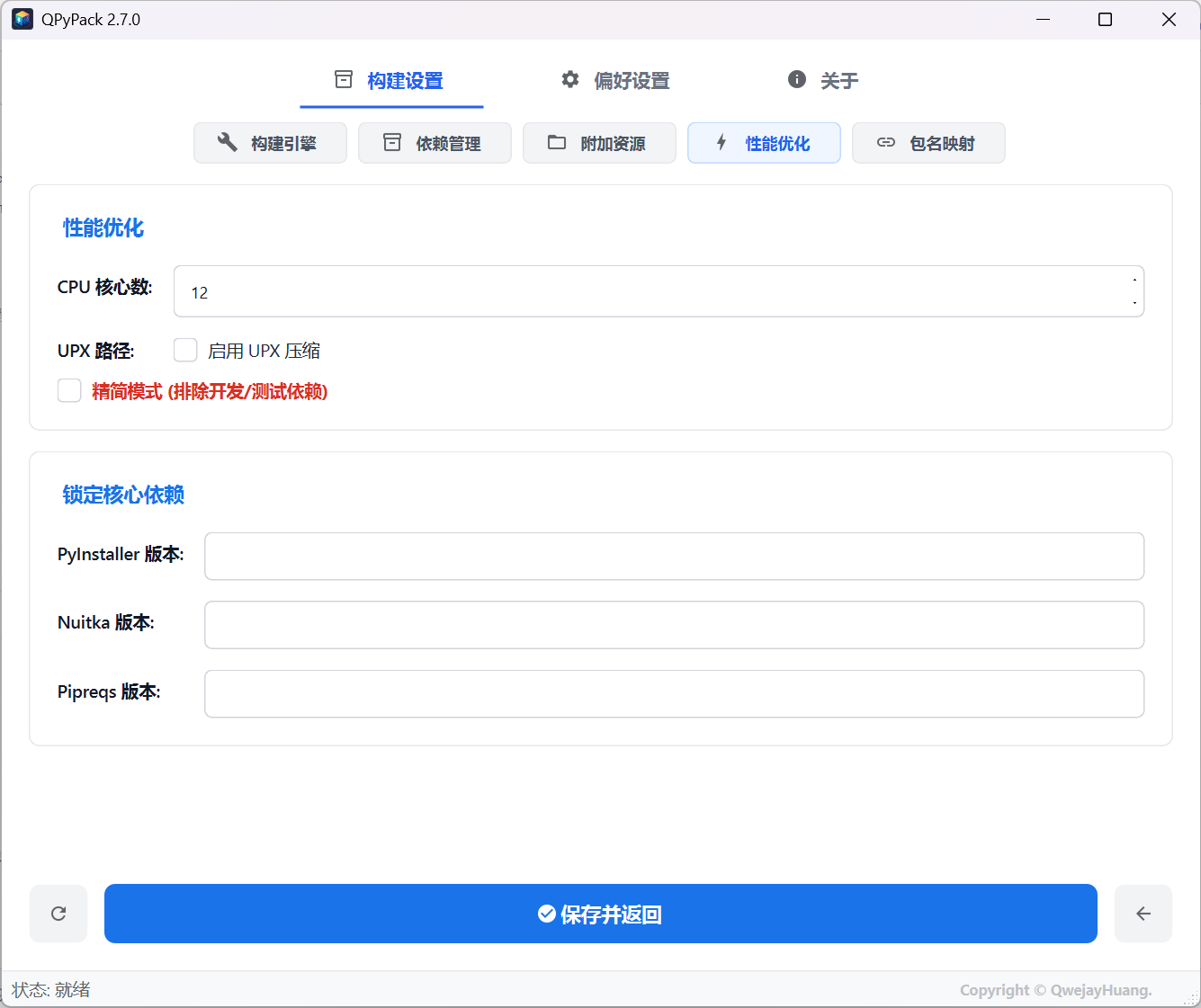
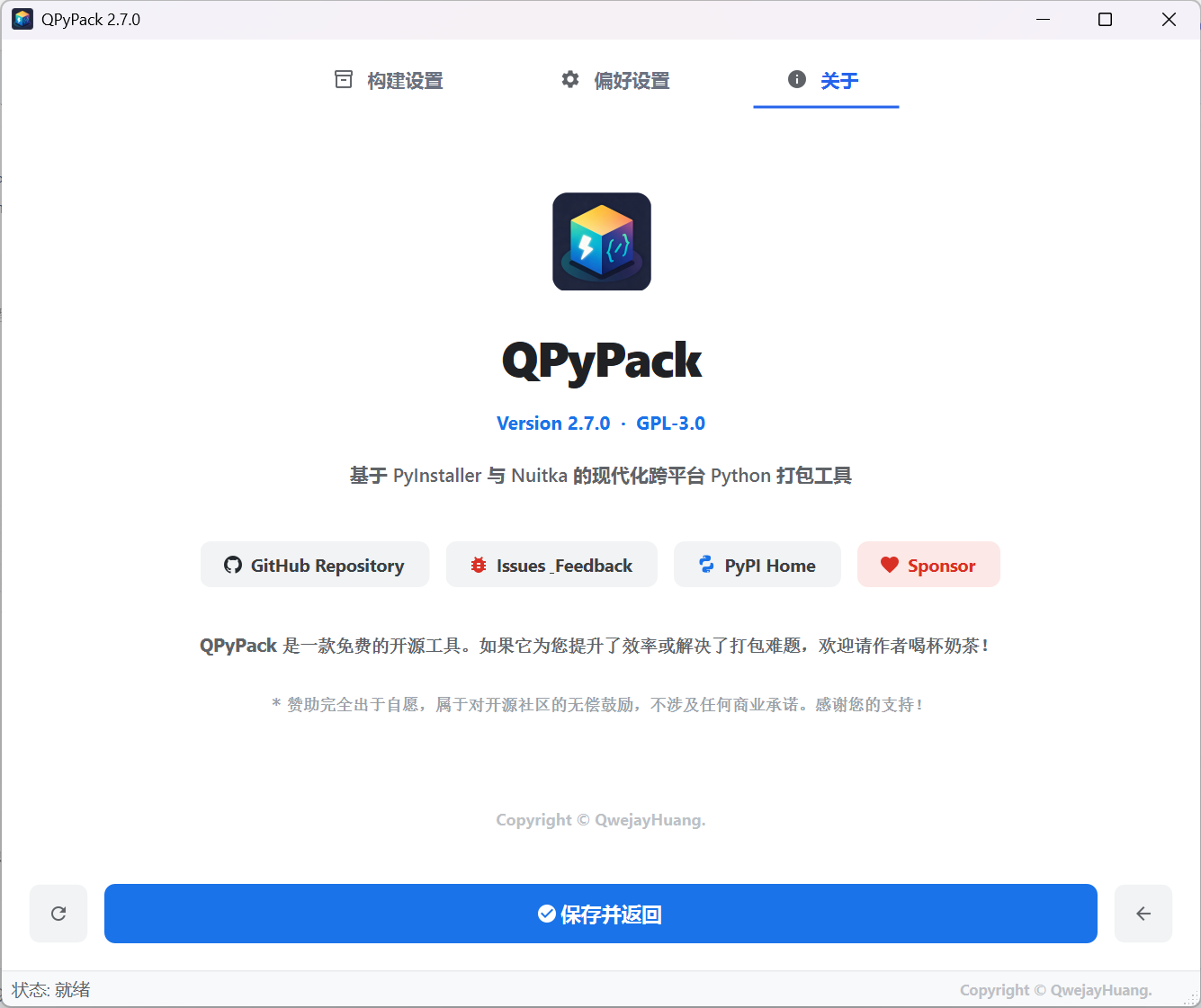
🛠️ Architecture & Key Features
1. Dual-Engine Compilation & Binary Optimization
- Dual Packaging Engines:
- PyInstaller: Fast compilation, zero compiler dependencies, and extensive ecosystem hook compatibility.
- Nuitka: Translates Python code into native C/C++ binaries, providing performance acceleration, compact size, and deep IP/reverse-engineering protection.
- LTO & Submodule Pruning: Lite Mode integrates
--lto=yes(Link-Time Optimization) and automatically identifies and excludes unused heavy Qt submodules (e.g.,QtWebEngineCore,Qt3DCore,QtQuick,QtLocation), preventing binary size bloat. - Flexible Binary Distribution: Supports Single-File (
--onefile) and Directory (--onedir) modes, with customizable internal asset directory paths (--contents-directory).
2. Static Dependency Analysis & Safety Net
- Native AST Static Scanner: Recursively parses Abstract Syntax Trees (AST) across source files and folders to discover explicit and hidden imports without executing the code.
- Package Distribution Mapper: Maps common import namespaces to their canonical PyPI distribution names (e.g.,
cv2$\to$opencv-python,PIL$\to$pillow,win32com$\to$pywin32), with full user customization. - Obsolete Backport Isolation: Automatically detects and shields legacy backport modules that conflict with modern standard libraries (e.g., isolating redundant
pathlibortypingpackages on Python 3.10+).
3. Toolchain Provisioning & Runtime Self-Healing
- Automated Compiler Provisioning: Detects local MSVC, Clang (LLVM), or GCC compilers. If no native C compiler is found, Nuitka automatically provisions a managed MinGW-w64 toolchain.
- Virtual Environment Management: Supports isolated sandboxes as well as reusable shared virtual environments, complete with a built-in clean-up utility for legacy project environments.
- Resource-Aware Concurrency:
- Evaluates system RAM and disk space prior to compilation, adaptively adjusting thread concurrency to prevent out-of-memory errors.
- Recovers from memory allocation failures (
ZstdError/ OOM) by automatically retrying in single-threaded low-memory mode. - Mitigates file-locking collisions caused by antivirus software or cloud sync drives during output assembly.
4. Code Signing & Project Presets
- Smart Code Signing: Automatically applies digital signatures to Windows binaries (supporting Signtool and PowerShell Authenticode engines with RFC 3161 timestamping) and handles macOS
codesignruntime signing. - Certificate Suite: Includes an integrated self-signed
.pfxcertificate generator and supports custom commercial certificate injection. - Preset Import / Export: Saves complete build parameters, asset mappings, and exclusions into shareable
.qpypackpreset files for CI/CD and team workflows.
5. UI/UX & Global Localization
- Drag-and-Drop Workflow: Dropping a
.py/.pywscript auto-parses metadata (__version__,__author__,__title__), initializes the workspace, and maps corresponding application icons. - Vector UI with HiDPI Support: Built entirely with Google Material SVG vector icons with native multi-monitor DPI scaling.
- Full Localization (i18n): Out-of-the-box support for 17 languages, including English, Simplified/Traditional Chinese, Japanese, Korean, German, French, Spanish, and Russian.
📊 Engine Comparison (PyInstaller vs. Nuitka)
| Metric | PyInstaller | Nuitka |
|---|---|---|
| Mechanism | Bundles Python interpreter + bytecode (.pyc) |
Compiles Python code to native C/C++ binaries |
| Build Time | Fast (typically 10 – 60 seconds) | Slower (requires C++ code generation & optimization) |
| C/C++ Compiler | Not required | Required (MSVC / GCC / Clang / MinGW-w64) |
| Source Protection | Basic (can be unpacked via decompilers) | High (compiled machine code; resistant to reverse engineering) |
| Execution Performance | Standard Python runtime speed | Fast startup; improved loop and compute efficiency |
| Ideal For | Rapid prototyping, internal tools, dynamic import scripts | Commercial distribution, proprietary algorithms, optimized size |
⚡ Quick Start
💡 First time using QPyPack? Check out the 📖 Quickstart Guide (QUICKSTART.md) for step-by-step instructions and recommended project configurations.
Method 1: Install via pip / pipx (Recommended)
Requires Python >= 3.8:
# Install QPyPack
pip install qpypack

# Launch the application
qpypack
Or run directly in an isolated environment via modern package managers:
# Using pipx
pipx run qpypack

# Using uv
uvx qpypack
Method 2: Standalone Executable
If you prefer not to install Python locally, download pre-built binary releases for Windows, macOS, or Linux:
👉 Download Standalone Release (GitHub Releases)
📋 Best Practices: Asset Resolution (sys._MEIPASS)
In Single-File mode (--onefile), bundled static assets (images, configuration files, model weights) are extracted to a temporary runtime sandbox directory. Use the following helper pattern to reliably resolve paths across development and production:
import sys
import os
from pathlib import Path

def get_asset_path(relative_path: str) -> Path:
    """Resolve asset paths across development, PyInstaller, and Nuitka."""
    if hasattr(sys, "_MEIPASS"):
        # PyInstaller temporary extraction directory
        base_path = Path(sys._MEIPASS)
    elif "__compiled__" in globals():
        # Nuitka native binary execution directory
        base_path = Path(sys.argv[0]).resolve().parent
    else:
        # Local development environment
        base_path = Path(__file__).resolve().parent
    return base_path / relative_path
📅 Changelog
For detailed release notes, new features, and bug fixes, please consult CHANGELOG.md.
💖 Contributing & Sponsorship
QPyPack is an open-source project maintained during personal time. If QPyPack has helped streamline your deployment workflow, voluntary sponsorships are warmly welcomed to support continuous development:
- 🌟 Star the Project: Give us a star on GitHub.
- 🐛 Feedback & Issues: Submit bug reports and feature requests via GitHub Issues.
- ⚡ Sponsor: Support the author via Afdian (爱发电) (WeChat Pay / Alipay).
Note: Sponsorship is voluntary and serves as encouragement for open-source maintenance without commercial service commitments. Thank you for your support!
📄 License
This project is licensed under the GNU General Public License v3.0 (GPL-3.0).
Copyright (C) 2026 QwejayHuang.
1 maintainer

Metadata
1 maintainer
Release files for qpypack 2.8.5
For a detailed explanation of source distributions (sdists) and built distributions (wheels), please see the package formats documentation.
Source distribution (sdist)
| File | Size | Uploaded | |
|---|---|---|---|
| qpypack-2.8.5.tar.gz | 929.7 kB | Details |
Built distribution (wheel)
| File | Interpreter | ABI | Platform | Reset |
|---|---|---|---|---|
| qpypack-2.8.5-py3-none-any.whl | Python 3 | none | any | Details |
Total release size: 1.9 MB
Release files / qpypack-2.8.5.tar.gz
| Download URL | qpypack-2.8.5.tar.gz |
|---|---|
| Size | 929.7 kB |
| Tags | Source |
|
SHA-256 checksum How to use checksums |
2d31455e0c659f59bb2ae856ae1f84596260c52ce399124c57ea324a1a47ee24
|
|
BLAKE2b-256 checksum How to use checksums |
e51747a87d05755fd35f1cf8ac46f9e3ccd4f1a1ea7827bdeb3f0c30cde1f74c
|
| Upload date | |
|
Uploaded using Trusted Publishing? What is trusted publishing? |
Yes |
| Uploaded via |
twine/7.0.0 CPython/3.13.14
|
Provenance
Provenance describes where a file came from. On PyPI, provenance is shared via attestations, which provide a verifiable record of the build or publishing details. View details, limitations and caveats.


PyPI Publish Attestation
PyPI verified that this artifact, at this checksum, originated from the publisher listed below.
Signed by GitHub Actions, verified by PyPI on Sep 10, 2026.
Transparency logRelease files / qpypack-2.8.5-py3-none-any.whl
| Download URL | qpypack-2.8.5-py3-none-any.whl |
|---|---|
| Size | 926.7 kB |
| Tags | Python 3 |
|
SHA-256 checksum How to use checksums |
5dd63cac5f0c7d920c620944687774fdc3cba61fd7b8d2bfaa1c8b53a7d2a822
|
|
BLAKE2b-256 checksum How to use checksums |
0ab636f520a363226095502c706b51ecf667dee1abfd1d104d27e40dd209dfc4
|
| Upload date | |
|
Uploaded using Trusted Publishing? What is trusted publishing? |
Yes |
| Uploaded via |
twine/7.0.0 CPython/3.13.14
|
Provenance
Provenance describes where a file came from. On PyPI, provenance is shared via attestations, which provide a verifiable record of the build or publishing details. View details, limitations and caveats.
PyPI Publish Attestation
PyPI verified that this artifact, at this checksum, originated from the publisher listed below.
Signed by GitHub Actions, verified by PyPI on Sep 10, 2026.
Transparency log













