
qrshare








Serve files or folders on local network with ease.
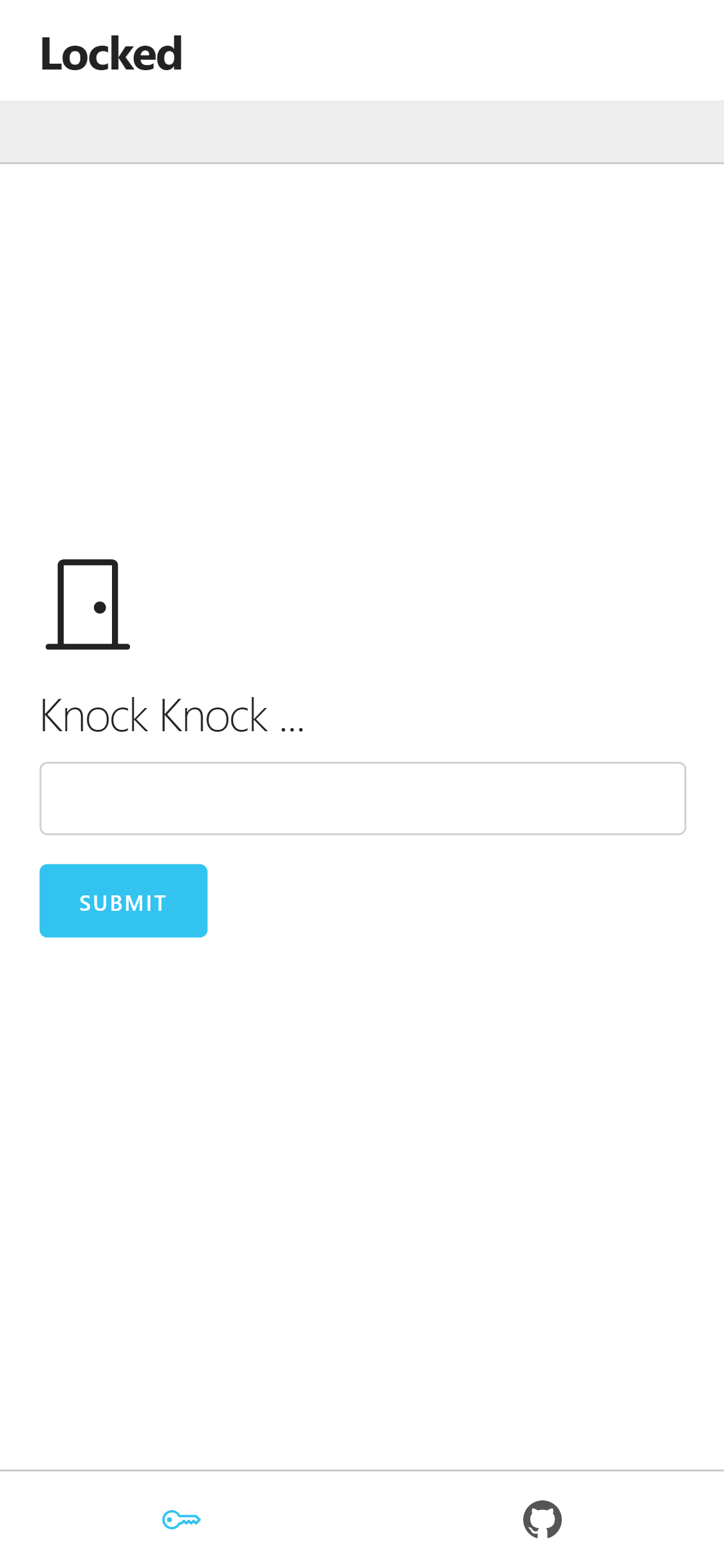
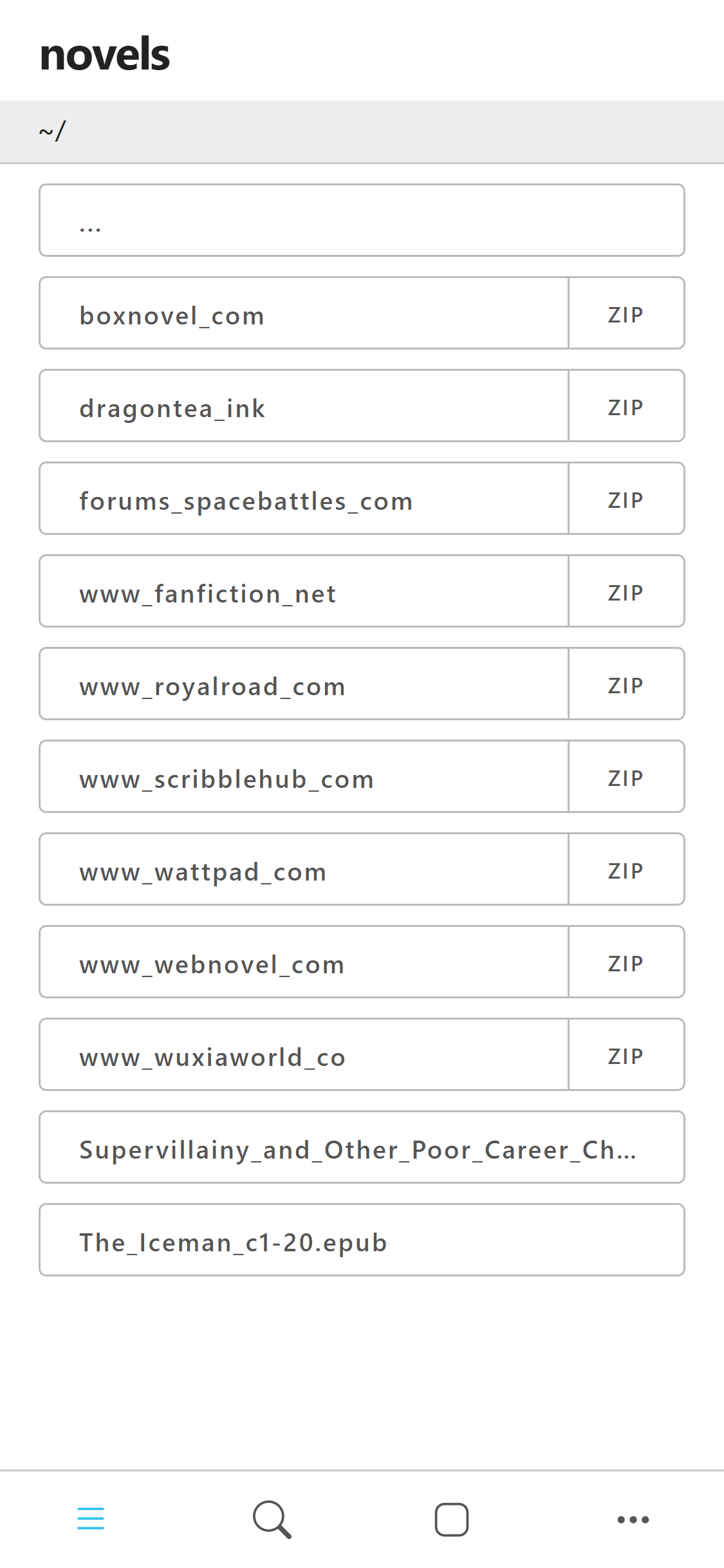
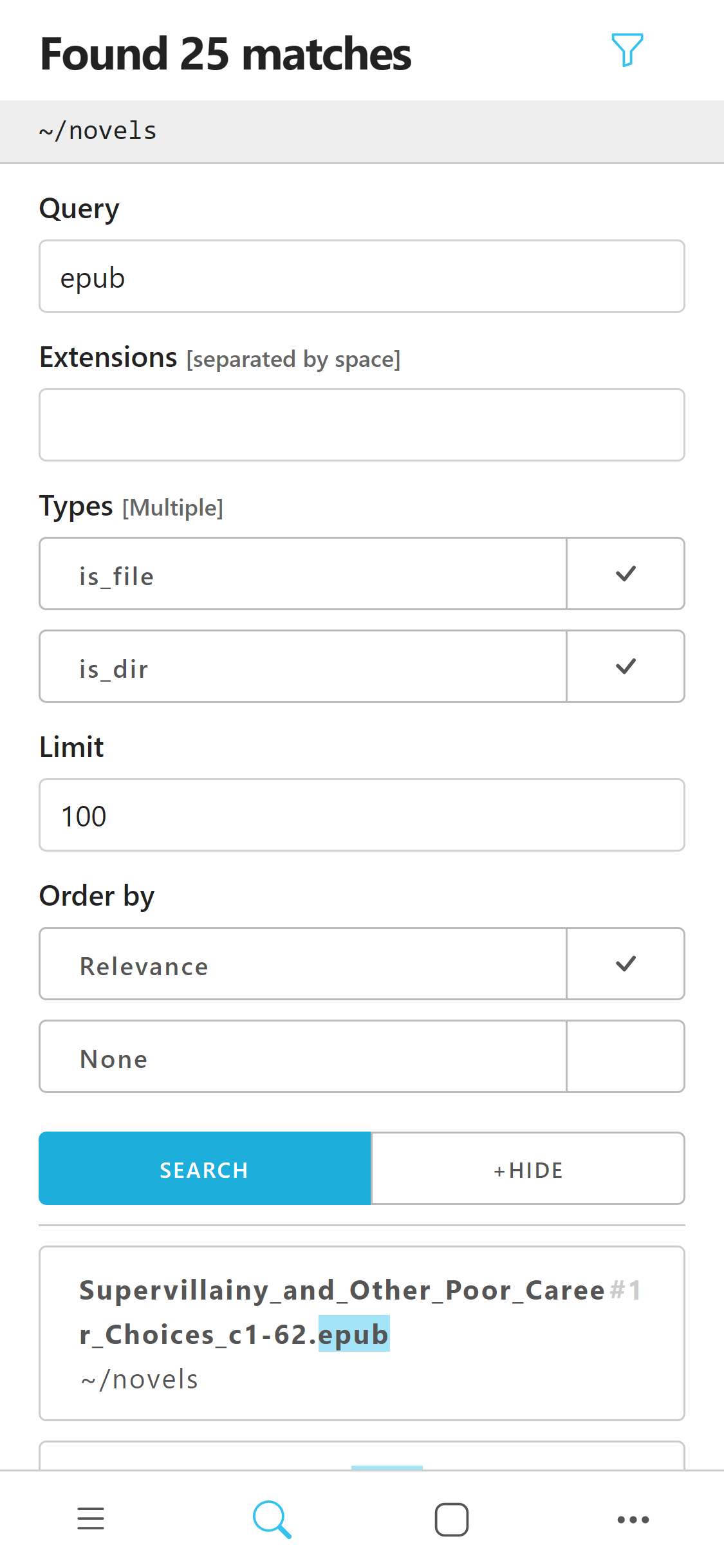
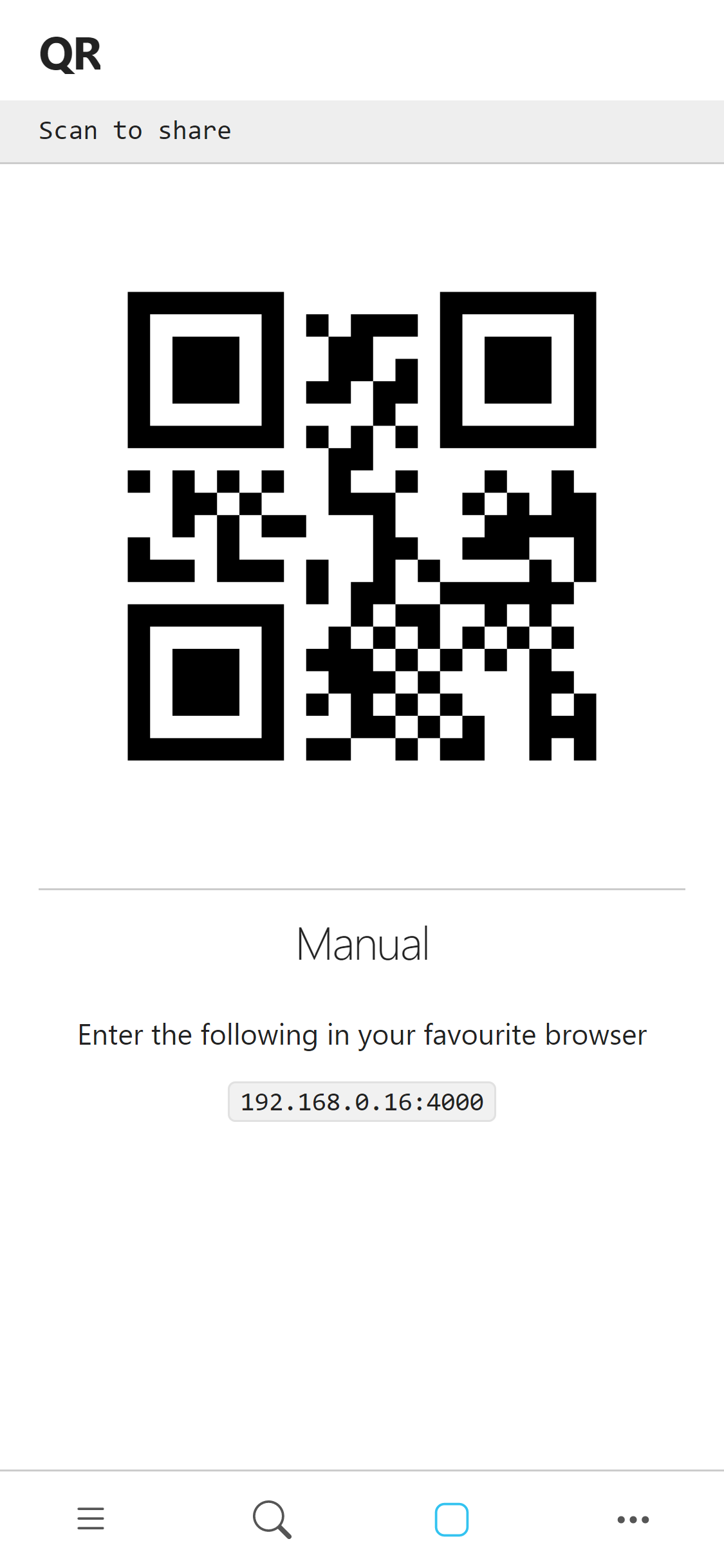
For extra security provide a password --password [password]
Install
pip install qrshare
Termux
-
Install Termux from Google Play.
-
Update packages:
apt update && apt upgrade -
Setup storage:
termux-setup-storage -
Install Python:
pkg install python -
Install qrshare:
pip install qrshare -
Use as described below in Terminal.
Usage
Terminal
Serve a specific directory or file
qrshare serve path/to/share
Serve the current directory
qrshare serve .
Send to
Windows only
Creating a shortcut in shell:sendto provides for easier use of convenience
commandline
qrshare config --sendto
manually
Press Windows + r and enter shell:sendto
%USERPROFILE%\AppData\Roaming\Microsoft\Windows\SendTo
Create shortcut with command qrshare serve in folder
now option qrshare should appear when you right click to a file or folder
Commandline
qrshare --help
Usage: __main__.py [OPTIONS] COMMAND [ARGS]...

Options:
  --help  Show this message and exit.

Commands:
  config  change user configurations
  serve   serve given list paths as per given options
qrshare serve --help
Usage: __main__.py serve [OPTIONS] PATHS...

  serve given list paths as per given options

Options:
  -p, --password TEXT  when provided every device require authentication
  --port INTEGER       waitress server port
  --help               Show this message and exit.
passwordis given preference over global password
qrshare config --help
Usage: __main__.py config [OPTIONS]

  change user configurations

Options:
  -p, --password TEXT  set a global password
  --remove-password    remove currently set global password
  --sendto             reset windows 'Send To' shortcut
  --open               open config directory
  --help               Show this message and exit.
global passwordcan be removed by setting it an empty string ("")
Code Example
from qrshare import App

app = App(paths, debug=True)
app.serve()
1 maintainer

Metadata
1 maintainer
Release files for qrshare 0.4.0
For a detailed explanation of source distributions (sdists) and built distributions (wheels), please see the package formats documentation.
Source distribution (sdist)
| File | Size | Uploaded | |
|---|---|---|---|
| qrshare-0.4.0.tar.gz | 183.2 kB | Details |
Built distribution (wheel)
| File | Interpreter | ABI | Platform | Reset |
|---|---|---|---|---|
| qrshare-0.4.0-py3-none-any.whl | Python 3 | none | any | Details |
Total release size: 390.9 kB














