
qt-themes
This is a collection of themes for Qt in Python.
The color schemes are applied with a QPalette which avoids the conflicts that can happen when using stylesheets.

Installation
Install using pip:
pip install qt-themes
Usage
Apply a theme for the QApplication:
from PySide6 import QtWidgets
import qt_themes

app = QtWidgets.QApplication()
qt_themes.set_theme('nord')
widget = QtWidgets.QWidget()
widget.show()
app.exec()
Get a color from a theme:
import qt_themes

theme = qt_themes.get_theme('atom_one')
green = theme.green
Additional themes can be provided using the environment variable QT_THEMES.
Themes
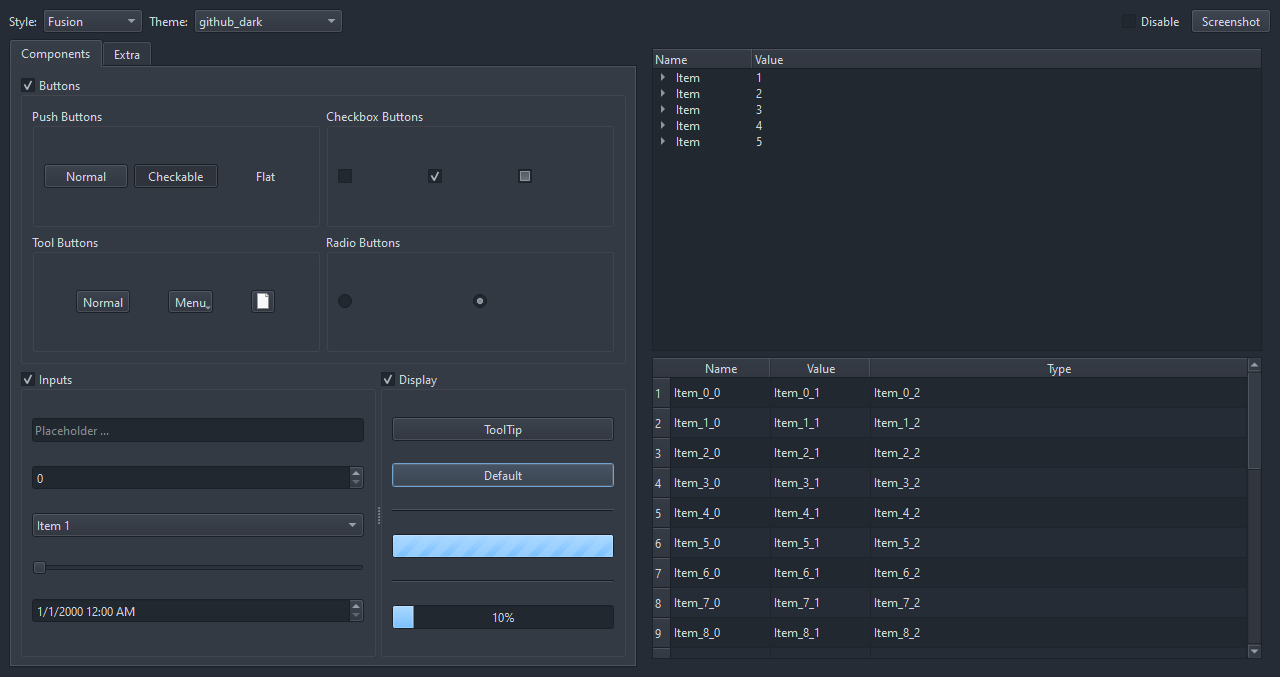
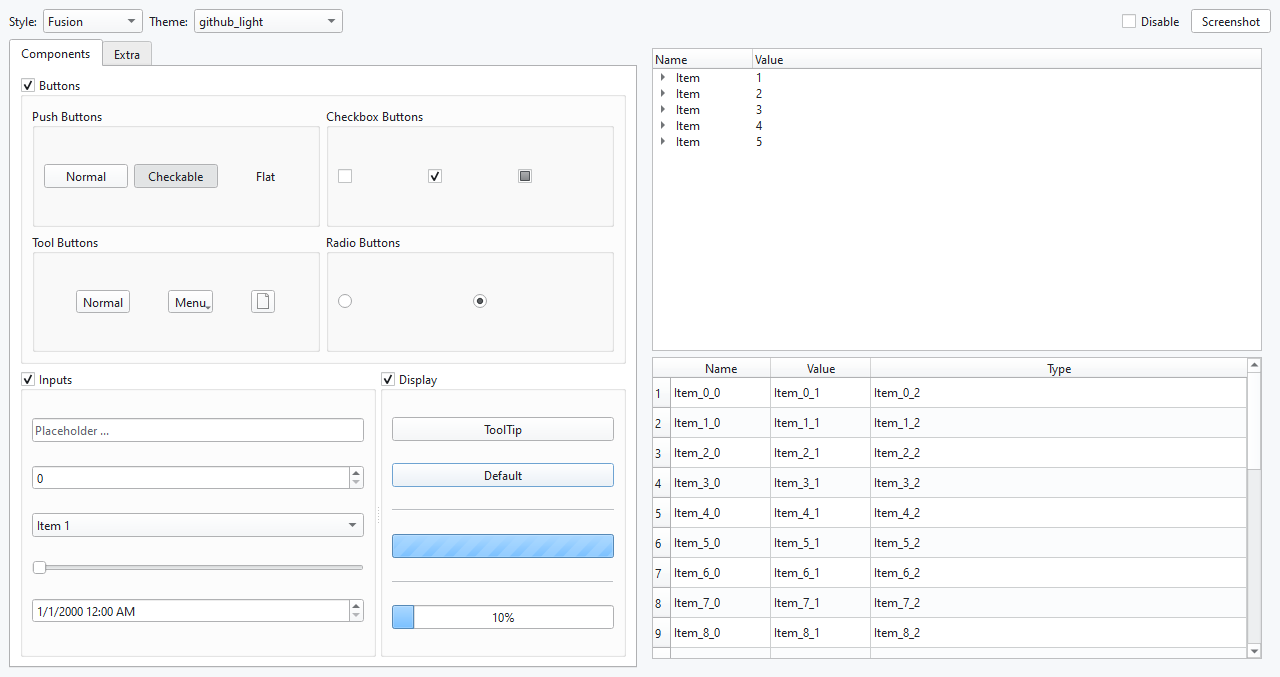
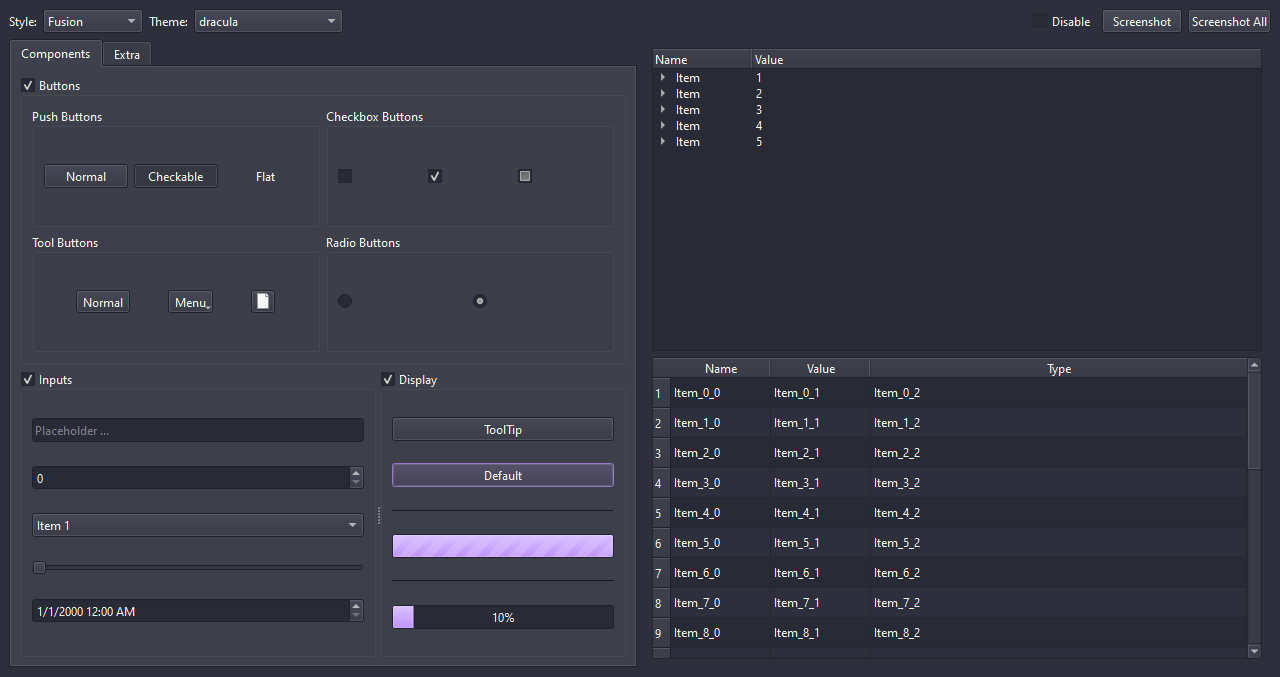
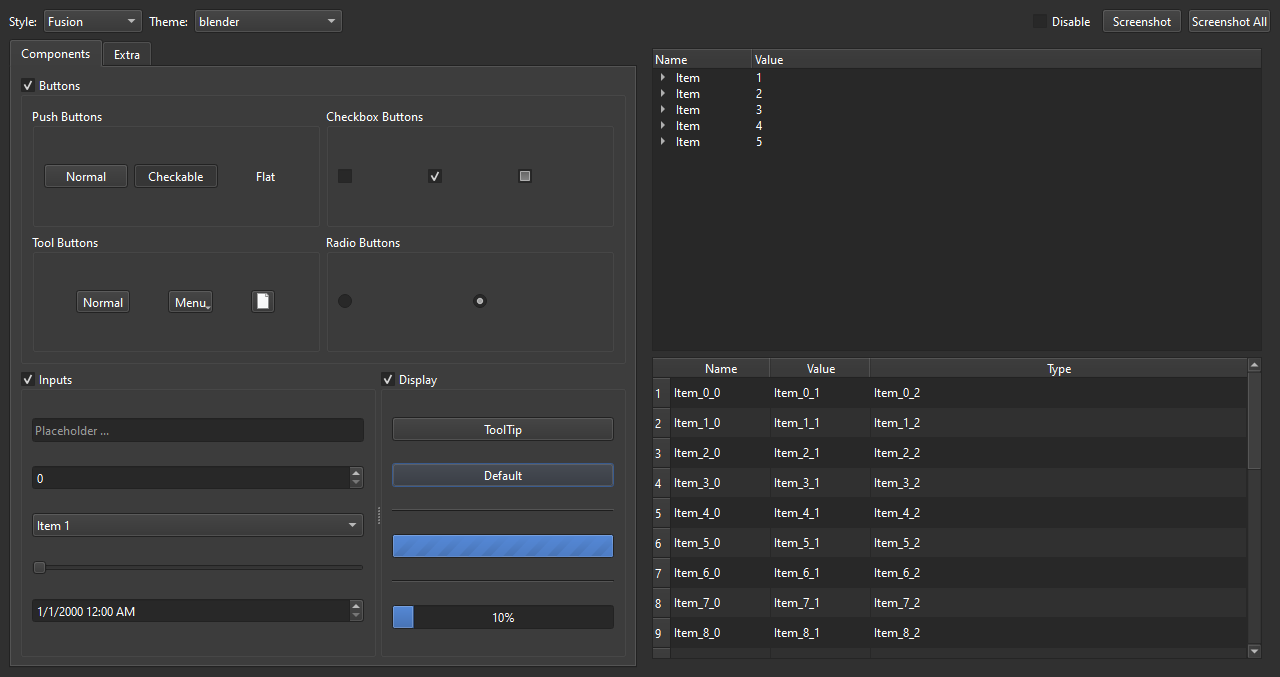
These are some of the themes that are included in the package.
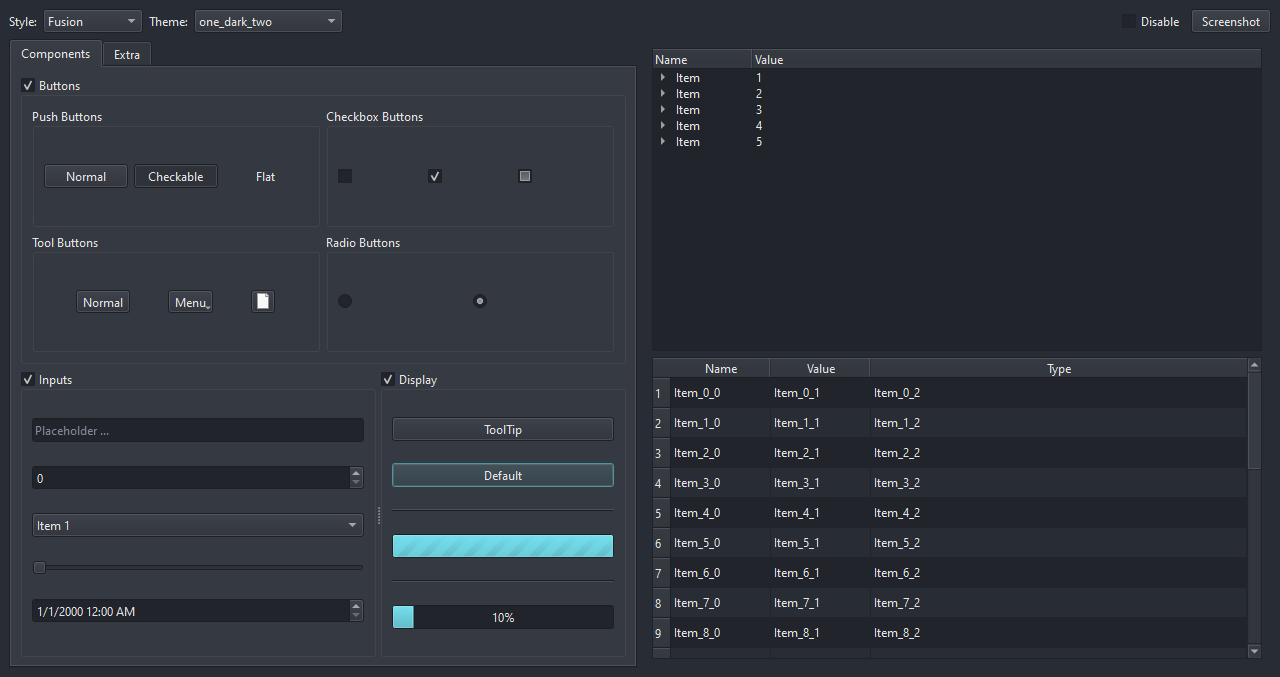
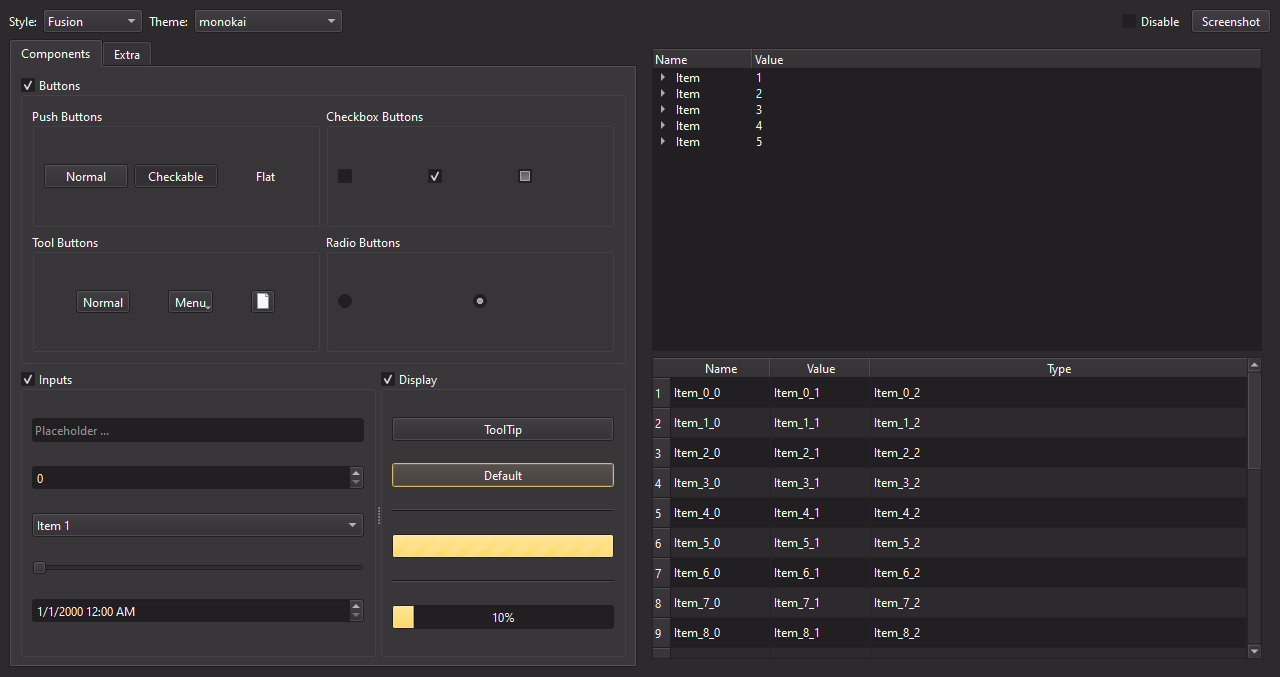
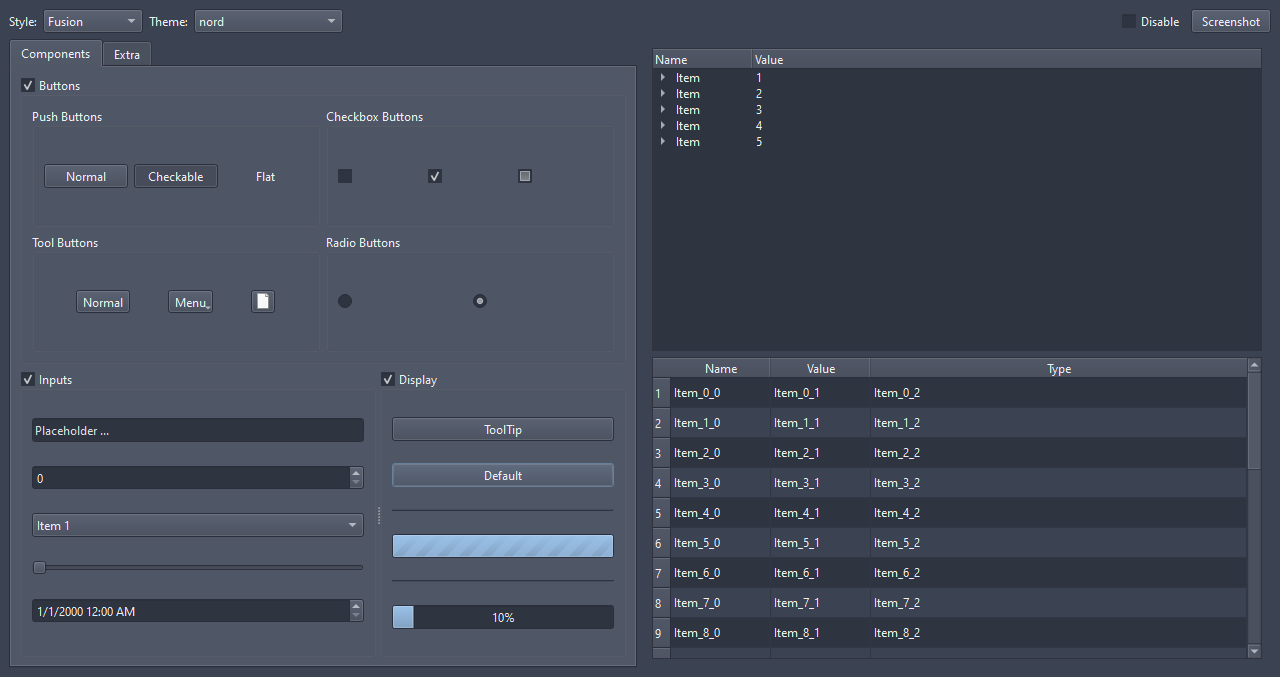
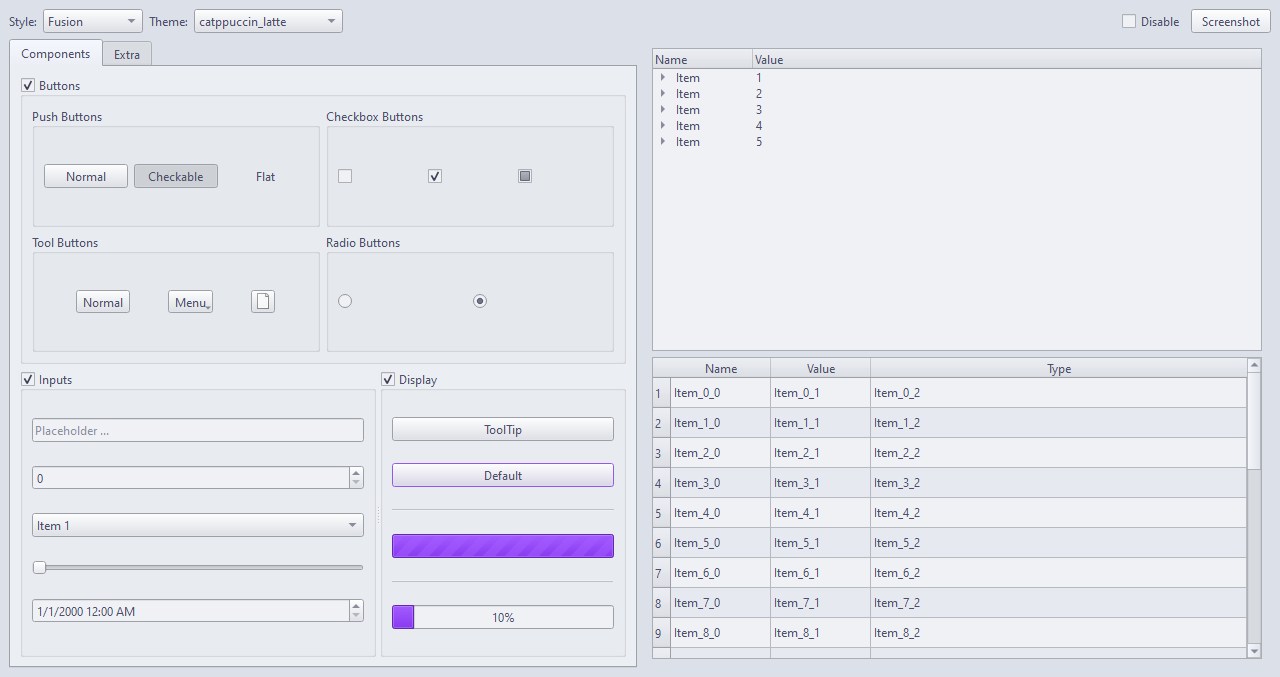
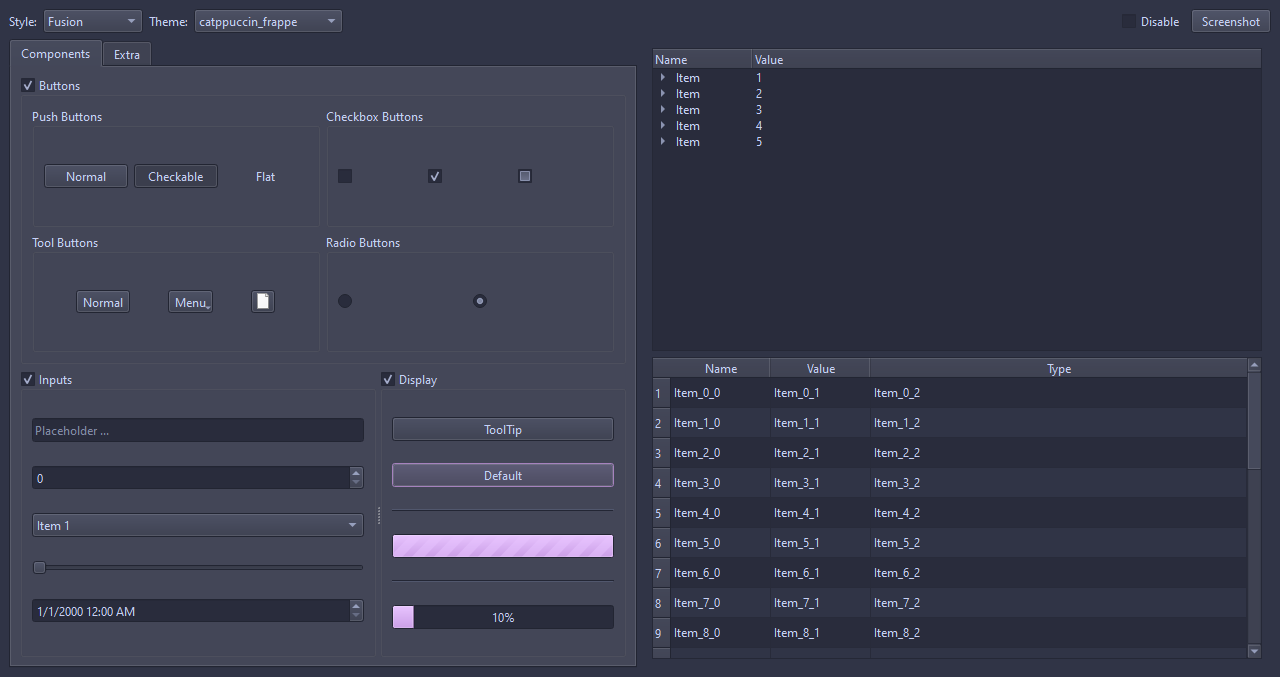
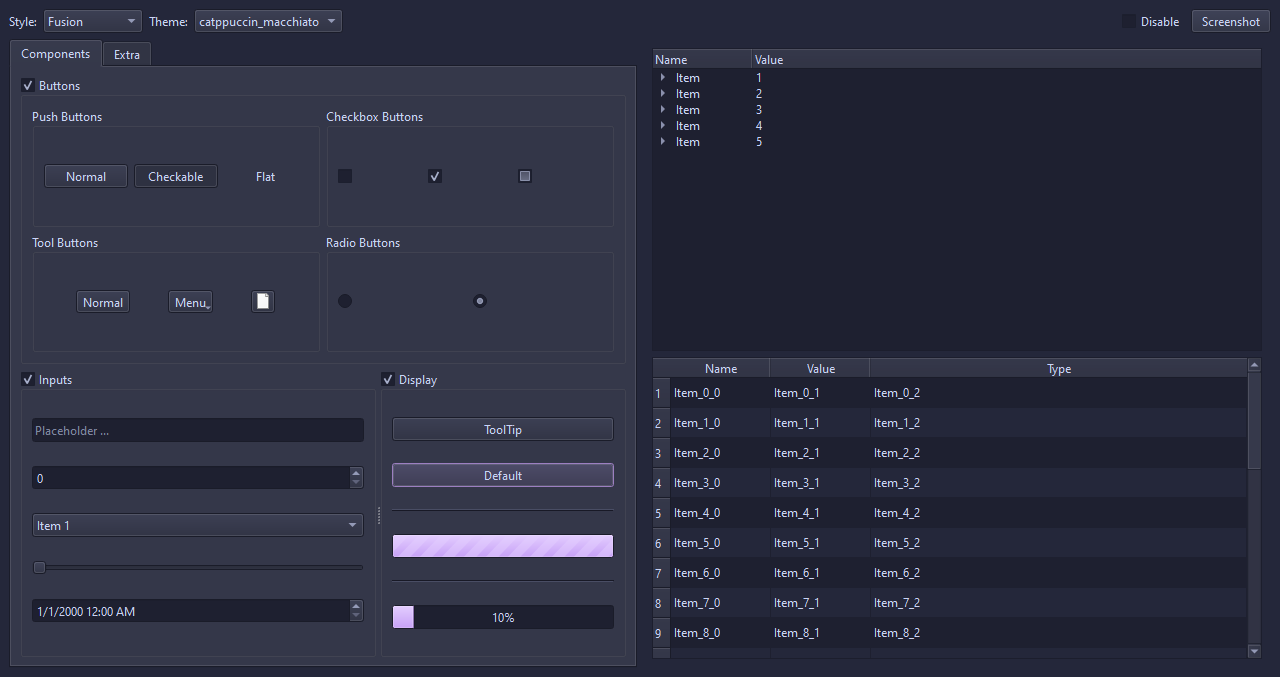
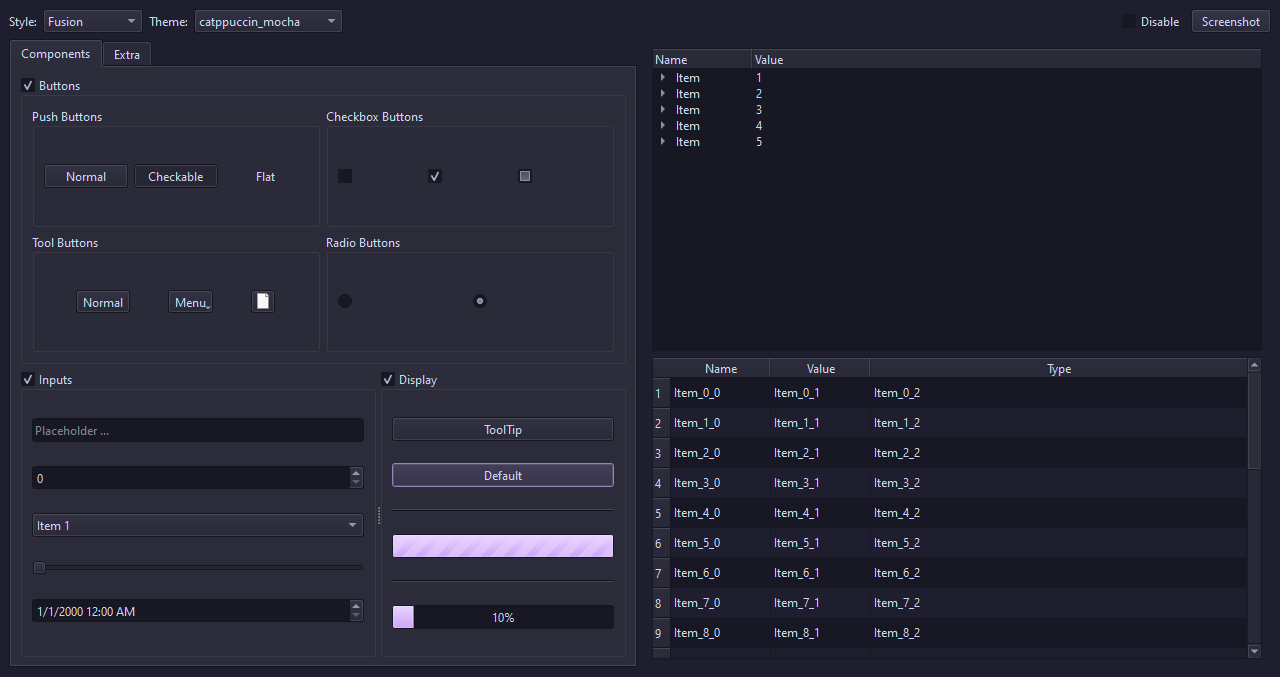
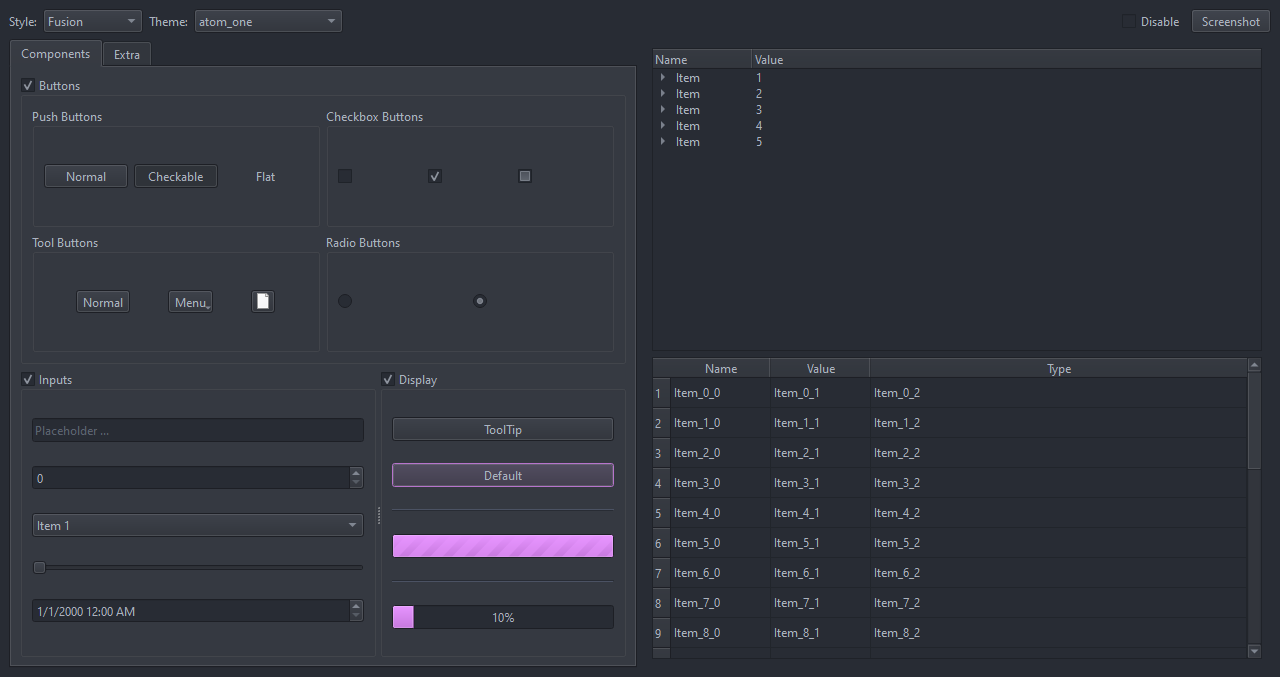
Contributing
To contribute please refer to the Contributing Guide.
License
MIT License. Copyright 2024 - Beat Reichenbach. See the License file for details.
1 maintainer

Metadata
1 maintainer
Release files for qt-themes 0.4.1
For a detailed explanation of source distributions (sdists) and built distributions (wheels), please see the package formats documentation.
Source distribution (sdist)
| File | Size | Uploaded | |
|---|---|---|---|
| qt_themes-0.4.1.tar.gz | 9.6 kB | Details |
Built distribution (wheel)
| File | Interpreter | ABI | Platform | Reset |
|---|---|---|---|---|
| qt_themes-0.4.1-py3-none-any.whl | Python 3 | none | any | Details |
Total release size: 21.0 kB
Release files / qt_themes-0.4.1.tar.gz
| Download URL | qt_themes-0.4.1.tar.gz |
|---|---|
| Size | 9.6 kB |
| Tags | Source |
|
SHA-256 checksum How to use checksums |
74351059d1b5bf26a5bf71131e70a3e5ac66908c37d190b865d178215575579c
|
|
BLAKE2b-256 checksum How to use checksums |
dd159a373063de1472808b02d7a4551418b478c8d824ec833bc9092e99125e3f
|
| Upload date | |
|
Uploaded using Trusted Publishing? What is trusted publishing? |
Yes |
| Uploaded via |
twine/7.0.0 CPython/3.13.14
|
Provenance
Provenance describes where a file came from. On PyPI, provenance is shared via attestations, which provide a verifiable record of the build or publishing details. View details, limitations and caveats.


PyPI Publish Attestation
PyPI verified that this artifact, at this checksum, originated from the publisher listed below.
Signed by GitHub Actions, verified by PyPI on Sep 27, 2026.
Transparency logRelease files / qt_themes-0.4.1-py3-none-any.whl
| Download URL | qt_themes-0.4.1-py3-none-any.whl |
|---|---|
| Size | 11.4 kB |
| Tags | Python 3 |
|
SHA-256 checksum How to use checksums |
5e77c8c3e7d04f9fd77b39e7434f14e72f378ec8fa1580b3021f9dcbb54e2979
|
|
BLAKE2b-256 checksum How to use checksums |
d9d8c33ab285a4fe74441a29ad246fb7cac00da2b6c4d7d0308bb4df66a7d3bb
|
| Upload date | |
|
Uploaded using Trusted Publishing? What is trusted publishing? |
Yes |
| Uploaded via |
twine/7.0.0 CPython/3.13.14
|
Provenance
Provenance describes where a file came from. On PyPI, provenance is shared via attestations, which provide a verifiable record of the build or publishing details. View details, limitations and caveats.
PyPI Publish Attestation
PyPI verified that this artifact, at this checksum, originated from the publisher listed below.
Signed by GitHub Actions, verified by PyPI on Sep 27, 2026.
Transparency log













