
Overview

quartodoc lets you quickly generate Python package API reference documentation using Markdown and Quarto. quartodoc is designed as an alternative to Sphinx.
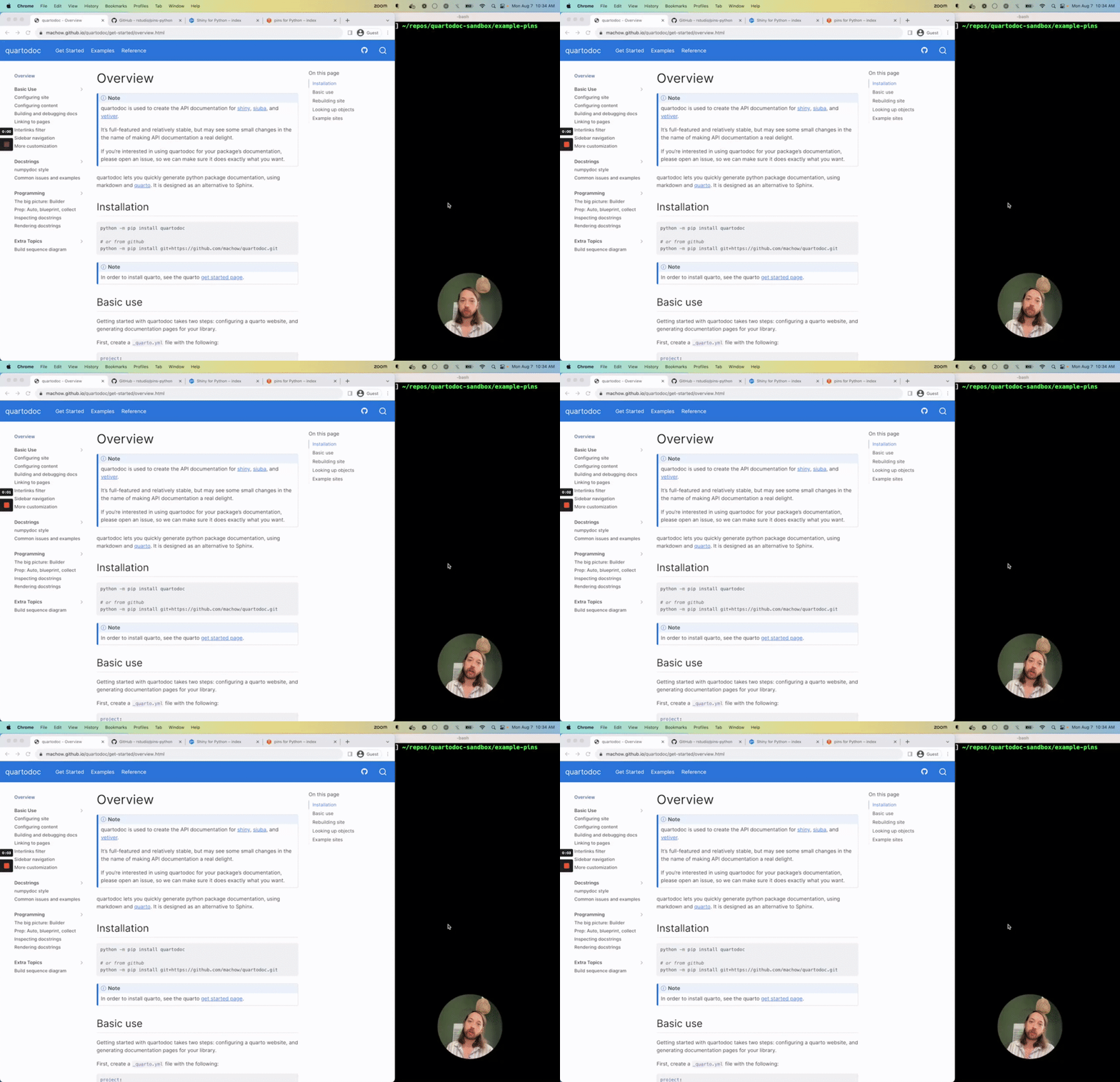
Check out the below screencast for a walkthrough of creating a documentation site, or read on for instructions.
Installation
python -m pip install quartodoc
or from GitHub
python -m pip install git+https://github.com/machow/quartodoc.git
[!IMPORTANT]
Install Quarto
If you haven’t already, you’ll need to install Quarto before you can use quartodoc.
Basic use
Getting started with quartodoc takes two steps: configuring quartodoc, then generating documentation pages for your library.
You can configure quartodoc alongside the rest of your Quarto site in
the
_quarto.yml
file you are already using for Quarto. To configure
quartodoc,
you need to add a quartodoc section to the top level your
_quarto.yml file. Below is a minimal example of a configuration that
documents the quartodoc package:
project:
  type: website

# tell quarto to read the generated sidebar
metadata-files:
  - reference/_sidebar.yml

# tell quarto to read the generated styles
format:
  html:
    css:
      - reference/_styles-quartodoc.css

quartodoc:
  # the name used to import the package you want to create reference docs for
  package: quartodoc

  # write sidebar and style data
  sidebar: reference/_sidebar.yml
  css: reference/_styles-quartodoc.css

  sections:
    - title: Some functions
      desc: Functions to inspect docstrings.
      contents:
        # the functions being documented in the package.
        # you can refer to anything: class methods, modules, etc..
        - get_object
        - preview
Now that you have configured quartodoc, you can generate the reference API docs with the following command:
quartodoc build
This will create a reference/ directory with an index.qmd and
documentation pages for listed functions, like get_object and
preview.
Finally, preview your website with quarto:
quarto preview
Rebuilding site
You can preview your quartodoc site using the following commands:
First, watch for changes to the library you are documenting so that your docs will automatically re-generate:
quartodoc build --watch
Second, preview your site:
quarto preview
Looking up objects
Generating API reference docs for Python objects involves two pieces of configuration:
- the package name.
- a list of objects for content.
quartodoc can look up a wide variety of objects, including functions, modules, classes, attributes, and methods:
quartodoc:
  package: quartodoc
  sections:
    - title: Some section
      desc: ""
      contents:
        - get_object        # function: quartodoc.get_object
        - ast.preview       # submodule func: quartodoc.ast.preview
        - MdRenderer        # class: quartodoc.MdRenderer
        - MdRenderer.render # method: quartodoc.MDRenderer.render
        - renderers         # module: quartodoc.renderers
The functions listed in contents are assumed to be imported from the
package.
Learning more
Go to the next page to learn how to configure quartodoc sites, or check out these handy pages:
- Examples page: sites using quartodoc.
- Tutorials page: screencasts of building a quartodoc site.
- Docstring issues and examples: common issues when formatting docstrings.
- Programming, the big picture: the nitty gritty of how quartodoc works, and how to extend it.
2 maintainers


Release files for quartodoc 0.11.1
For a detailed explanation of source distributions (sdists) and built distributions (wheels), please see the package formats documentation.
Source distribution (sdist)
| File | Size | Uploaded | |
|---|---|---|---|
| quartodoc-0.11.1.tar.gz | 778.6 kB | Details |
Built distribution (wheel)
| File | Interpreter | ABI | Platform | Reset |
|---|---|---|---|---|
| quartodoc-0.11.1-py3-none-any.whl | Python 3 | none | any | Details |
Total release size: 866.7 kB
Release files / quartodoc-0.11.1.tar.gz
| Download URL | quartodoc-0.11.1.tar.gz |
|---|---|
| Size | 778.6 kB |
| Tags | Source |
|
SHA-256 checksum How to use checksums |
c121626e1a36392d168631f33c4d3e7fd48d185de178859f8eafbda14fbfe92f
|
|
BLAKE2b-256 checksum How to use checksums |
ffb90bb44cc62a5d63728d04fd6b1e14bcb64945fabad4aa8c03b9d70315fb06
|
| Upload date | |
|
Uploaded using Trusted Publishing? What is trusted publishing? |
No |
| Uploaded via |
twine/6.1.0 CPython/3.12.9
|
Release files / quartodoc-0.11.1-py3-none-any.whl
| Download URL | quartodoc-0.11.1-py3-none-any.whl |
|---|---|
| Size | 88.1 kB |
| Tags | Python 3 |
|
SHA-256 checksum How to use checksums |
0776eb8e53d89385e2c9a8ae0ec08e8c307c1410dd1bd78bb28e8b1823dbb6ad
|
|
BLAKE2b-256 checksum How to use checksums |
75d90b48d4184f9ca6a996c4fac46897a968698c9d1e0f0e43a6906746201323
|
| Upload date | |
|
Uploaded using Trusted Publishing? What is trusted publishing? |
No |
| Uploaded via |
twine/6.1.0 CPython/3.12.9
|














