
quartopydoc lets you quickly generate Python package API reference documentation using Markdown and Quarto. It is designed as an alternative to Sphinx.
quartopydoc is a fork of quartodoc, created by Michael Chow at Posit but no longer maintained. Only the name of the distribution differs: you still import quartodoc, still run quartodoc build, and still configure a quartodoc: section in your _quarto.yml. For what this fork adds on top, see differences from quartodoc. For Posit’s more modern document generation package that is a successor to quartodoc, see Great Docs.
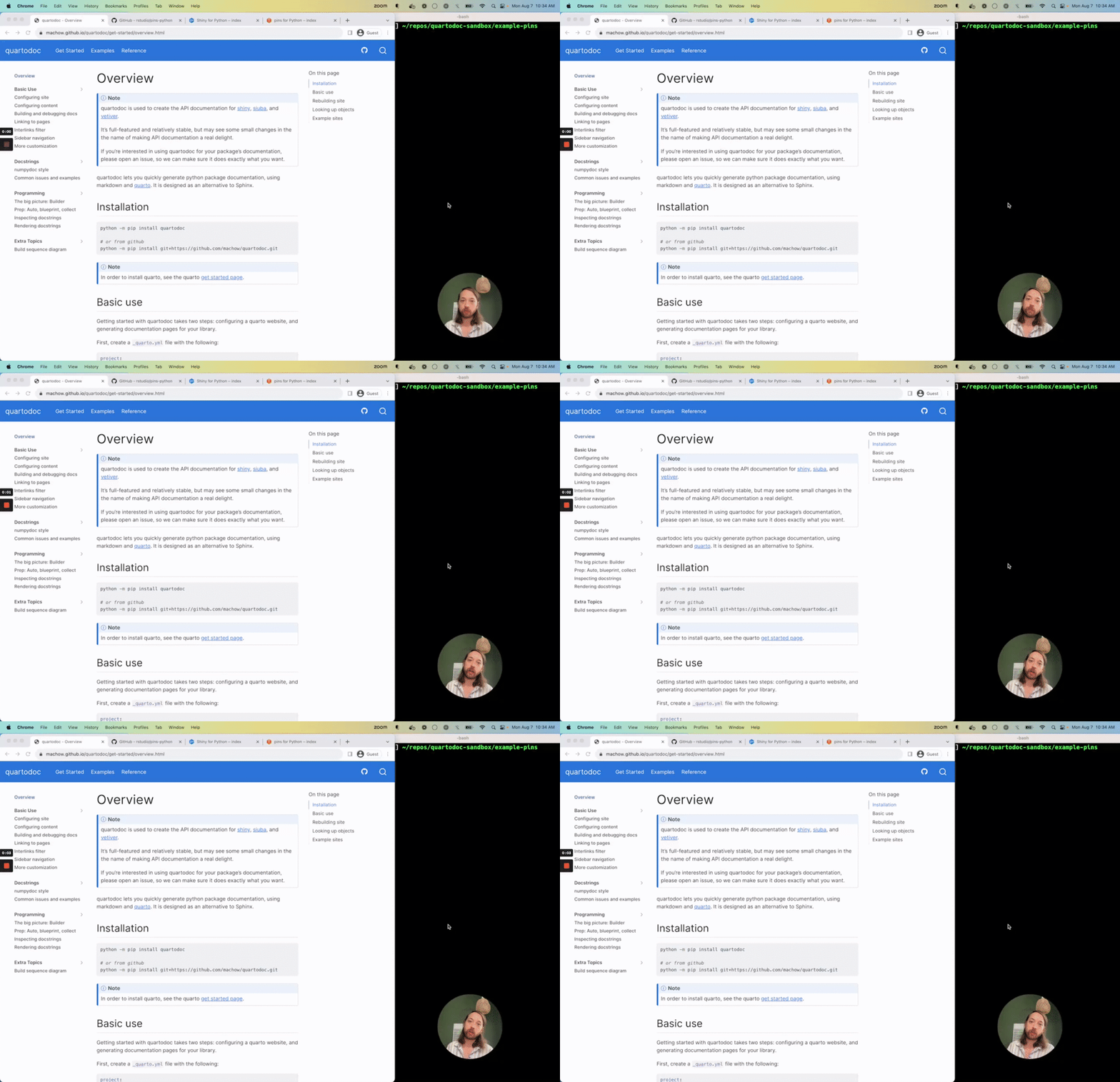
Check out the below screencast for a walkthrough of creating a documentation site, or read on for instructions.
Installation
python -m pip install quartopydoc
or from GitHub
python -m pip install git+https://github.com/sciris/quartopydoc.git
Note that the package is installed as quartopydoc, but imported as quartodoc.
Important: if you haven’t already, you’ll need to install Quarto before you can use quartodoc.
Basic use
Getting started with quartodoc takes two steps: configuring quartodoc, then generating documentation pages for your library.
You can configure quartodoc alongside the rest of your Quarto site in the _quarto.yml file you are already using for Quarto. To configure quartodoc, you need to add a quartodoc section to the top level your _quarto.yml file. Below is a minimal example of a configuration that documents the quartodoc package:
project:
  type: website

# tell quarto to read the generated sidebar
metadata-files:
  - reference/_sidebar.yml

# tell quarto to read the generated styles
format:
  html:
    css:
      - reference/_styles-quartodoc.css

quartodoc:
  # the name used to import the package you want to create reference docs for
  package: quartodoc

  # write sidebar and style data
  sidebar: reference/_sidebar.yml
  css: reference/_styles-quartodoc.css

  sections:
    - title: Some functions
      desc: Functions to inspect docstrings.
      contents:
        # the functions being documented in the package.
        # you can refer to anything: class methods, modules, etc..
        - get_object
        - preview
Now that you have configured quartodoc, you can generate the reference API docs with the following command:
quartodoc build
This will create a reference/ directory with an index.qmd and documentation pages for listed functions, like get_object and preview.
Finally, preview your website with quarto:
quarto preview
Rebuilding site
You can preview your quartodoc site using the following commands:
First, watch for changes to the library you are documenting so that your docs will automatically re-generate:
quartodoc build --watch
Second, preview your site:
quarto preview
Looking up objects
Generating API reference docs for Python objects involves two pieces of configuration:
- the package name.
- a list of objects for content.
quartodoc can look up a wide variety of objects, including functions, modules, classes, attributes, and methods:
quartodoc:
  package: quartodoc
  sections:
    - title: Some section
      desc: ""
      contents:
        - get_object        # function: quartodoc.get_object
        - ast.preview       # submodule func: quartodoc.ast.preview
        - MdRenderer        # class: quartodoc.MdRenderer
        - MdRenderer.render # method: quartodoc.MDRenderer.render
        - renderers         # module: quartodoc.renderers
The functions listed in contents are assumed to be imported from the package.
Instead of listing them out, you can set contents: auto to document every public submodule of the package:
quartodoc:
  package: quartodoc
  sections:
    - title: All modules
      desc: ""
      contents: auto
Differences from quartodoc
Everything documented for quartodoc still applies. On top of it, quartopydoc adds:
The qpyd and qpynb commands. Where quartodoc build generates your API reference pages, qpyd wraps the whole docs lifecycle — pre-render builds, rendering, previewing, publishing, and scaffolding a new docs folder — and qpynb runs, checks, converts, and cleans notebooks in parallel. See the qpyd CLI.
contents: auto. Document every public submodule of a package without listing them out, as shown above. Private modules and test modules are skipped.
griffe 2.x. quartopydoc requires griffe 2.0 or later, and tracks its current API.
Note: installing both quartopydoc and quartodoc into the same environment will conflict, since both provide the quartodoc package and the quartodoc command. All quartodoc functionality is available from quartopydoc.
Learning more
Go to the next page to learn how to configure quartodoc sites, or check out these handy pages:
- The qpyd CLI: building, previewing, and publishing a site, and managing notebooks.
- Examples page: sites using quartodoc.
- Tutorials page: screencasts of building a quartodoc site.
- Docstring issues and examples: common issues when formatting docstrings.
- Programming, the big picture: the nitty gritty of how quartodoc works, and how to extend it.
1 maintainer

Metadata
1 maintainer
Release files for quartopydoc 0.12.0
For a detailed explanation of source distributions (sdists) and built distributions (wheels), please see the package formats documentation.
Source distribution (sdist)
| File | Size | Uploaded | |
|---|---|---|---|
| quartopydoc-0.12.0.tar.gz | 817.8 kB | Details |
Built distribution (wheel)
| File | Interpreter | ABI | Platform | Reset |
|---|---|---|---|---|
| quartopydoc-0.12.0-py3-none-any.whl | Python 3 | none | any | Details |
Total release size: 951.7 kB
Release files / quartopydoc-0.12.0.tar.gz
| Download URL | quartopydoc-0.12.0.tar.gz |
|---|---|
| Size | 817.8 kB |
| Tags | Source |
|
SHA-256 checksum How to use checksums |
9ff3aac4d1732045b7d70eb69fe0b4719625aee85bf52184e2404b177b8cc856
|
|
BLAKE2b-256 checksum How to use checksums |
706adbc2098dcd21c5299fb56d99f03a709b40af487dac6c27fc2314aa1abcdb
|
| Upload date | |
|
Uploaded using Trusted Publishing? What is trusted publishing? |
No |
| Uploaded via |
twine/6.2.0 CPython/3.13.9
|
Release files / quartopydoc-0.12.0-py3-none-any.whl
| Download URL | quartopydoc-0.12.0-py3-none-any.whl |
|---|---|
| Size | 133.8 kB |
| Tags | Python 3 |
|
SHA-256 checksum How to use checksums |
e7e5f656ae5c5f2d5bcaa37d94f947d1ad3b9fc4fe13898c214ad8adc6ecdb31
|
|
BLAKE2b-256 checksum How to use checksums |
aeaf625fcaef502961bf7f09b5152dfdd328065c797d6d9ba7c55778796597f1
|
| Upload date | |
|
Uploaded using Trusted Publishing? What is trusted publishing? |
No |
| Uploaded via |
twine/6.2.0 CPython/3.13.9
|













