

quati: A python Quick Actions Toolkit for data engeneering


What is it?
quati is a multifaceted utility framework featuring a suite of high-performance functions engineered to streamline software development and operational automation. It encompasses a robust and adaptable infrastructure of modular tools, specialized libraries, and technical assets, empowering professionals to architect, implement, and orchestrate complex applications with heightened precision and reduced time-to-market.
Table of Contents
Main Features
Here are just a few of the things that quati does well:
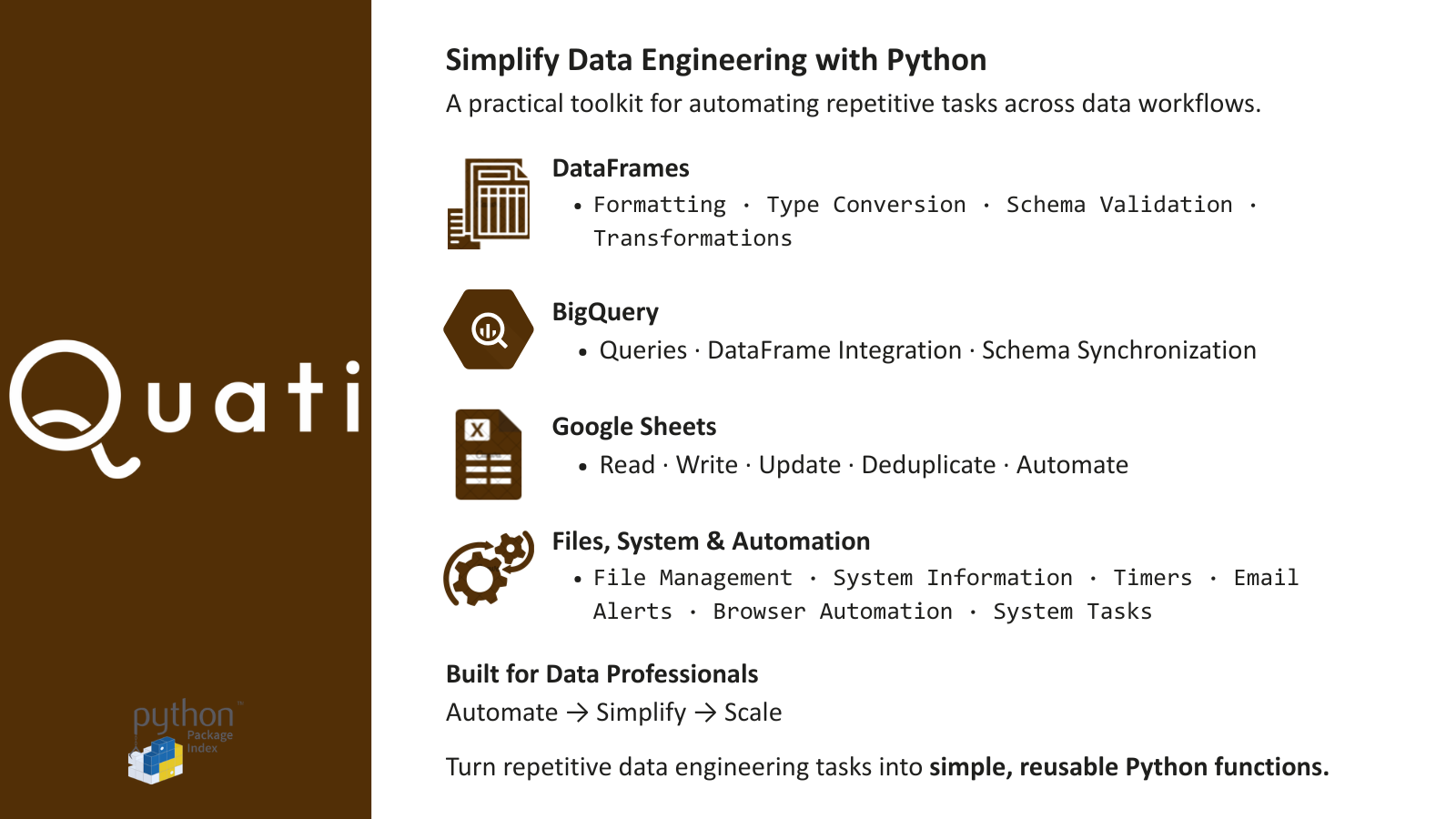
⠀⠀convert_magnitude_string(): Transforms string-based magnitude suffixes (K, M, B) into numerical integers
⠀⠀format_column_header(): Normalizes DataFrame column names by handling special characters and casing
⠀⠀sync_dataframe_to_bq_schema(): Aligns Pandas DataFrame data types with a specific BigQuery table schema
⠀⠀execute_bq_fetch(): Runs a BigQuery SQL query and returns the results as a Pandas DataFrame
⠀⠀acquire_gsheet_access(): Authorizes and retrieves a Google Sheets worksheet object
⠀⠀retrieve_gsheet_as_df(): Imports Google Sheets data directly into a Pandas DataFrame
⠀⠀remove_gsheet_duplicates(): Deduplicates sheet rows based on specific columns and updates the source
⠀⠀locate_next_empty_cell(): Identifies the next available cell ID for data insertion in a column
⠀⠀push_df_to_gsheet(): Updates a worksheet using a DataFrame starting from a reference pivot cell
⠀⠀Qmail.send_email_msg(): Sends structured HTML alerts (Types: error, warning, note, tip, important) with attachment support
⠀⠀erase_file(): Removes a specified file from the file system
⠀⠀modify_file_name(): Renames an existing file based on path and prefix
⠀⠀locate_and_verify_file(): Searches for a file and validates it against a minimum size threshold
⠀⠀display_timer(): Implements a wait period with an optional visual progress bar
⠀⠀fetch_host_details(): Extracts detailed system architecture and kernel information
⠀⠀launch_navigator(): Initializes a customized Chrome WebDriver instance
⠀⠀save_session_cookies(): Exports active browser session cookies to a local file
⠀⠀load_session_cookies(): Injects saved cookies into the browser to bypass authentication
⠀⠀is_node_present(): Validates the existence of a web element using XPath
⠀⠀dismiss_popup(): Automates popup closure via ESC key or targeted element clicks
Where to get it / Install
The source code is currently hosted on GitHub at: https://github.com/quati-dev/quati
- PyPI
 # PyPI
 pip install quati
- GitHub
 # or GitHub
 pip install git+https://github.com/quati-dev/quati.git
Documentation
License
Dependencies
See the full installation instructions for minimum supported versions of required, recommended and optional dependencies.
1 maintainer

Metadata
1 maintainer
Release files for quati 1.5.1
For a detailed explanation of source distributions (sdists) and built distributions (wheels), please see the package formats documentation.
Source distribution (sdist)
| File | Size | Uploaded | Provenance | Actions |
|---|---|---|---|---|
| quati-1.5.1.tar.gz | 19.5 kB | Without provenance | Details for quati-1.5.1.tar.gz |
Built distribution (wheel)
| File | Interpreter | ABI | Platform | Actions Reset |
|---|---|---|---|---|
| quati-1.5.1-py3-none-any.whl | Python 3 | none | any | Details for quati-1.5.1-py3-none-any.whl |
Total release size: 38.7 kB
Release files / quati-1.5.1.tar.gz
| Download URL | quati-1.5.1.tar.gz |
|---|---|
| Size | 19.5 kB |
| Tags | Source |
|
SHA-256 checksum How to use checksums |
7e4de60bfbd41c8e8de9c7fa04a0d13b4a06fd62198bce645c16d9bdc39560b6
|
|
BLAKE2b-256 checksum How to use checksums |
9baf9f0ebf811b8c01b4887ba2f0137fdbf7be8368bd7efd8fee525c21542419
|
| Upload date | |
|
Uploaded using Trusted Publishing? What is trusted publishing? |
No |
| Uploaded via |
twine/7.0.0 CPython/3.12.3
|
Release files / quati-1.5.1-py3-none-any.whl
| Download URL | quati-1.5.1-py3-none-any.whl |
|---|---|
| Size | 19.2 kB |
| Tags | Python 3 |
|
SHA-256 checksum How to use checksums |
4b81409ce9f3231e6e75560543bf641da0b35d8d17007d6987f6954ed01b37bd
|
|
BLAKE2b-256 checksum How to use checksums |
146f8ee1a7a0bbef2a5959a808b82903e8a10ec63f54065d5af73167d9126912
|
| Upload date | |
|
Uploaded using Trusted Publishing? What is trusted publishing? |
No |
| Uploaded via |
twine/7.0.0 CPython/3.12.3
|
Security for quati 1.5.1
Provenance
Provenance describes where a file came from. On PyPI, provenance is shared via attestations, which provide a verifiable record of the build or publishing details. View details, limitations and caveats.
No provenance found
None of the files in this release were uploaded with provenance metadata.
A note on package security
PyPI is a repository for distributing packages, not a service for auditing them. While third-party security researchers and our staff do their best to detect and remove malicious packages, PyPI cannot guarantee the quality, security or suitability of any given package.
To learn more about protecting yourself from malicious actors, visit our package security documentation.














