
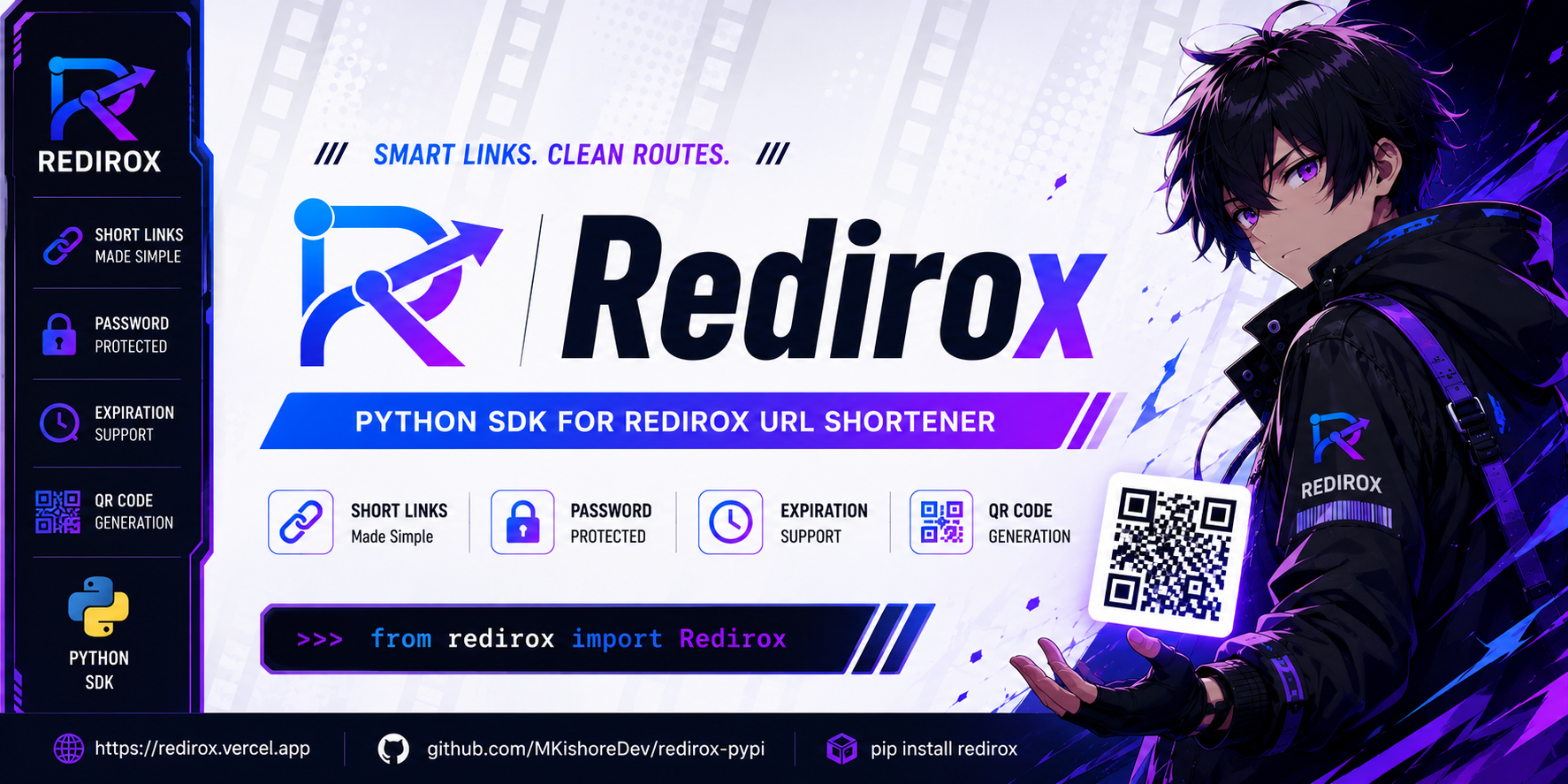
Redirox
🚀 Smart Links. Clean Routes.
Modern Python SDK for the Redirox URL Shortener






🌌 About
Redirox is a lightweight and modern URL shortener built for developers.
I always wondered:
“Can a URL shortener be both powerful and minimal?”
So I built Redirox with one goal:
- ⚡ Fast
- 🎯 Minimal
- 🔒 Secure
- 🧩 Developer friendly
The platform is live at:
The complete Redirox website is also fully open source.
💻 Website Repository: https://github.com/MKishoreDev/Redirox
After building the platform, I decided to create an official PyPI package so developers can integrate Redirox directly into Python applications, scripts, automation workflows, and Telegram bots.
✨ Features
- 🔗 Smart URL shortening
- 🔒 Password protected links
- ⏳ Expiration support
- 📱 QR code generation
- ⚡ Fast redirects
- 🪶 Lightweight SDK
- 🐍 Pythonic API
- 🤖 Telegram bot support using Pyrogram
- 🌐 Clean developer experience
📦 Installation
Basic Installation
pip install redirox
Install with Telegram Bot Support
pip install pyrogram tgcrypto
⚡ Quick Start
from redirox import Redirox

client = Redirox()

result = client.shorten(
    "https://google.com"
)

print(result)
🔗 Shorten URLs
from redirox import Redirox

client = Redirox()

result = client.shorten(
    "https://example.com"
)

print("Short URL:", result["short_url"])
🔒 Password Protected Links
from redirox import Redirox

client = Redirox()

result = client.shorten(
    "https://example.com",
    password="mypassword"
)

print(result)
⏳ Expiring Links
from redirox import Redirox
from datetime import datetime, timedelta, timezone

client = Redirox()

expires_at = (
    datetime.now(timezone.utc) + timedelta(hours=1)
).isoformat()

result = client.shorten(
    "https://example.com",
    expires_at=expires_at
)

print(result["expires_at"])
📱 Generate QR Codes
from redirox import Redirox

client = Redirox()

result = client.shorten(
    "https://github.com",
    generate_qr=True
)

print(result["qr_code"])
💾 Save QR Code as PNG
import base64

qr_data = result["qr_code"].split(",")[1]

with open("qr.png", "wb") as f:
    f.write(base64.b64decode(qr_data))

print("QR Code saved!")
📊 Get Link Information
from redirox import Redirox

client = Redirox()

info = client.info("abc123")

print("Original URL:", info["url"])
print("Total visits:", info["visits"])
print("Has password:", info["has_password"])
🔑 Verify Link Password
Verify passwords for protected links programmatically:
from redirox import Redirox, RediroxAuthError

client = Redirox()

try:
    check = client.verify("abc123", "mypassword")
    print("Password verified successfully! Destination:", check.get("url"))
except RediroxAuthError:
    print("Incorrect password!")
⚙️ Configuration & Custom Base URL
from redirox import Redirox

# Custom base URL and custom request timeout (in seconds)
client = Redirox(
    base_url="https://redirox.pages.dev",
    timeout=20
)
⚠️ Error Handling & Custom Exceptions
The Redirox SDK provides dedicated exception classes so your applications can catch and handle specific errors gracefully:
from redirox import (
    Redirox,
    RediroxValidationError,
    RediroxAuthError,
    RediroxNotFoundError,
    RediroxConnectionError,
    RediroxAPIError,
)

client = Redirox()

try:
    # 1. Shorten a link
    result = client.shorten("https://example.com", password="secretpassword")
    print("Created:", result["short_url"])

    # 2. Look up link metadata
    info = client.info(result["code"])
    print("Visits:", info["visits"])

    # 3. Verify link password
    client.verify(result["code"], "wrongpassword")

except RediroxValidationError as e:
    print("Validation error:", e)
except RediroxAuthError as e:
    print("Incorrect password:", e)
except RediroxNotFoundError as e:
    print("Link not found or expired:", e)
except RediroxConnectionError as e:
    print("Could not reach Redirox service:", e)
except RediroxAPIError as e:
    print(f"API Error ({e.status_code}):", e)
🤖 Telegram Bot Example (Pyrogram)
import base64

from pyrogram import Client, filters
from redirox import Redirox

app = Client(
    "redirox-bot",
    api_id=12345,
    api_hash="YOUR_API_HASH",
    bot_token="YOUR_BOT_TOKEN"
)

redirox = Redirox()


@app.on_message(filters.text & filters.private)
async def shorten_link(client, message):
    url = message.text.strip()

    try:
        result = redirox.shorten(
            url,
            generate_qr=True
        )

        short_url = result["short_url"]
        qr_code = result["qr_code"]

        # Decode QR Code
        qr_data = qr_code.split(",")[1]

        with open("qr.png", "wb") as f:
            f.write(base64.b64decode(qr_data))

        # Send QR Code Image
        await message.reply_photo(
            photo="qr.png",
            caption=(
                f"🔗 **Short URL:**\n"
                f"{short_url}"
            )
        )

    except Exception as e:
        await message.reply_text(
            f"❌ Error:\n{e}"
        )


app.run()
📩 Example Telegram Bot Response
The Telegram bot will:
- 🔗 Shorten the URL
- 📱 Generate a QR code
- 🖼 Send the QR code as an image
- ⚡ Return the shortened link instantly
Perfect for:
- Telegram utility bots
- Channel management tools
- Automation workflows
- Link sharing bots
📄 Example Response
{
    "code": "abc123",
    "short_url": "https://redirox.pages.dev/abc123",
    "url": "https://google.com",
    "qr_code": None,
    "expires_at": None,
    "has_password": False
}
🎯 Philosophy
Redirox focuses on simplicity.
No bloated dashboards.
No forced signups.
No unnecessary friction.
Just fast redirects, clean APIs, and developer-first workflows.
🌍 Open Source
Contributions are welcome!
You can help by:
- Fixing bugs
- Improving documentation
- Suggesting features
- Enhancing the SDK
- Creating integrations
Feel free to open issues or submit pull requests.
🔗 Links
| Platform | Link |
|---|---|
| 🌐 Website | https://redirox.pages.dev |
| 💻 Website Source | https://github.com/MKishoreDev/Redirox |
| 📦 PyPI | https://pypi.org/project/redirox/ |
| 🐍 SDK Repository | https://github.com/MKishoreDev/redirox-pypi |
📄 License
MIT License © Kishore M

❤️ Made with passion by Kishore M
1 maintainer

Metadata
1 maintainer
Release files for redirox 1.0.1
For a detailed explanation of source distributions (sdists) and built distributions (wheels), please see the package formats documentation.
Source distribution (sdist)
| File | Size | Uploaded | |
|---|---|---|---|
| redirox-1.0.1.tar.gz | 7.1 kB | Details |
Built distribution (wheel)
| File | Interpreter | ABI | Platform | Reset |
|---|---|---|---|---|
| redirox-1.0.1-py3-none-any.whl | Python 3 | none | any | Details |
Total release size: 14.7 kB
Release files / redirox-1.0.1.tar.gz
| Download URL | redirox-1.0.1.tar.gz |
|---|---|
| Size | 7.1 kB |
| Tags | Source |
|
SHA-256 checksum How to use checksums |
c5495553a6568d86b73123d4a2533846ea87cdd154eda29d1e483dcdfb7610c1
|
|
BLAKE2b-256 checksum How to use checksums |
c3c52f05fef337c9d29ef3f674e8a358211c97dbdc1dc7c9a0738215a7224471
|
| Upload date | |
|
Uploaded using Trusted Publishing? What is trusted publishing? |
No |
| Uploaded via |
twine/7.0.0 CPython/3.13.14
|
Release files / redirox-1.0.1-py3-none-any.whl
| Download URL | redirox-1.0.1-py3-none-any.whl |
|---|---|
| Size | 7.6 kB |
| Tags | Python 3 |
|
SHA-256 checksum How to use checksums |
6e430de7b80171584526a87b2bd38e34e70a9b985403a16d04d775d171380d31
|
|
BLAKE2b-256 checksum How to use checksums |
dec3dd1218d256f44a5b93082d30580f8cb27451c2fe8548eae82dfbc6d8ab4f
|
| Upload date | |
|
Uploaded using Trusted Publishing? What is trusted publishing? |
No |
| Uploaded via |
twine/7.0.0 CPython/3.13.14
|














