
A GUI to simplify the configuration and monitoring of RL training processes.

Reason this release was yanked:
problems with entry point
Project description

🚀 ReinforceUI Studio: Reinforcement Learning Made Simple
Intuitive, Powerful, and Hassle-Free RL Training & Monitoring – All in One Place.





⭐️ If you find this project useful, please consider giving it a star! It really helps!
📚 Full Documentation: https://docs.reinforceui-studio.com
🎬 Video Demo: YouTube Tutorial
What is ReinforceUI Studio?
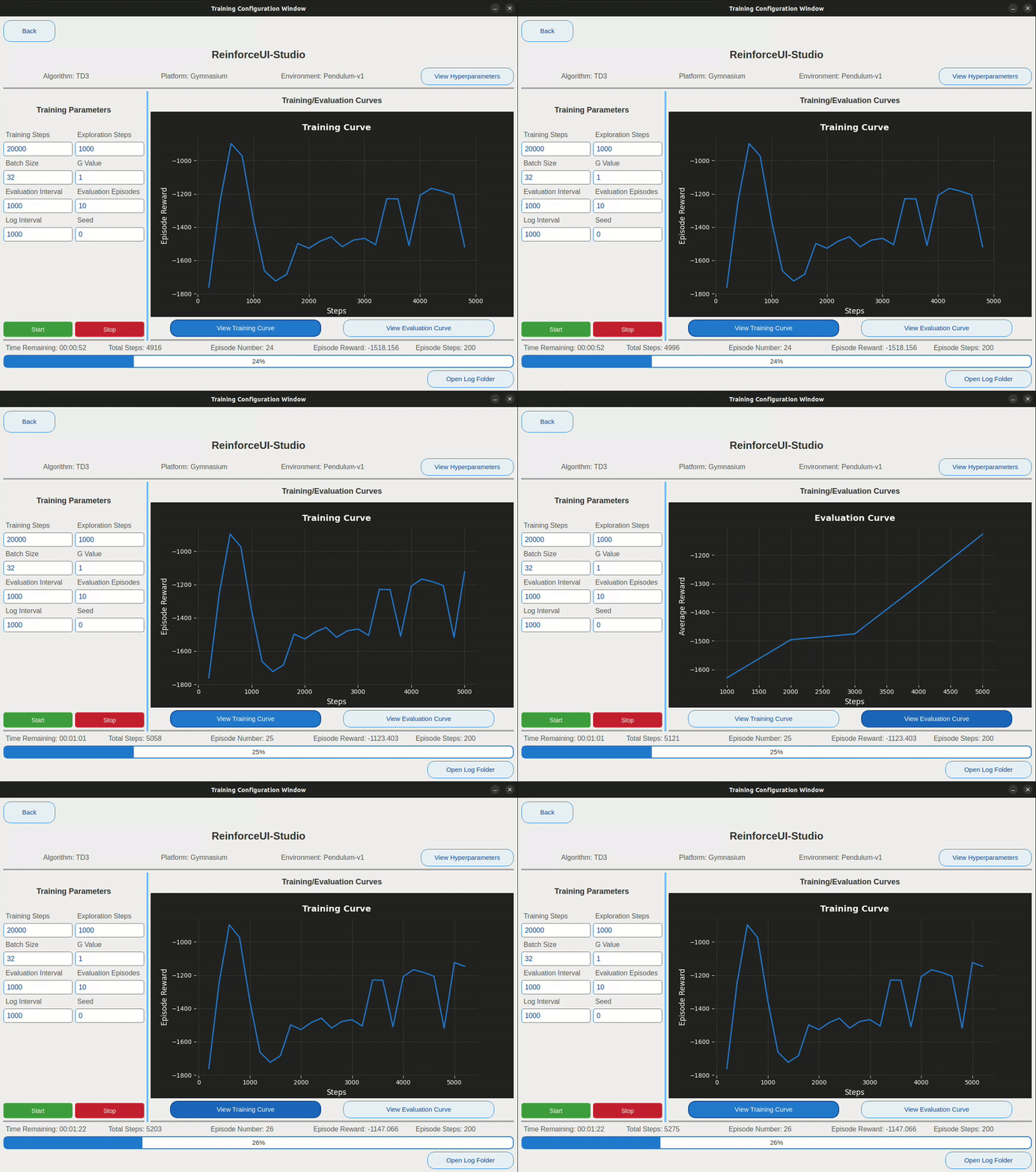
ReinforceUI Studio is a Python-based application designed to simplify Reinforcement Learning (RL) workflows through a beautiful, intuitive GUI. No more memorizing commands, no more juggling extra repos – just train, monitor, and evaluate in a few clicks!
Quickstart
Getting started with ReinforceUI Studio is fast and easy!
🖥️ Install and Run Locally
The recommended way to use ReinforceUI Studio is by running it locally. This gives you full control over the application, with no extra tools needed.
Follow these simple steps:
- Clone the repository and install dependencies
git clone https://github.com/dvalenciar/ReinforceUI-Studio.git
cd ReinforceUI-Studio
pip install -r requirements.txt
- Run the application
python main.py
That's it! You’re ready to start training and monitoring your Reinforcement Learning agents through an intuitive GUI.
✅ Tip: If you encounter any issues, check out the Installation Guide in the full documentation.
Why you should use ReinforceUI Studio
- 🚀 Instant RL Training: Configure environments, select algorithms, set hyperparameters – all in seconds.
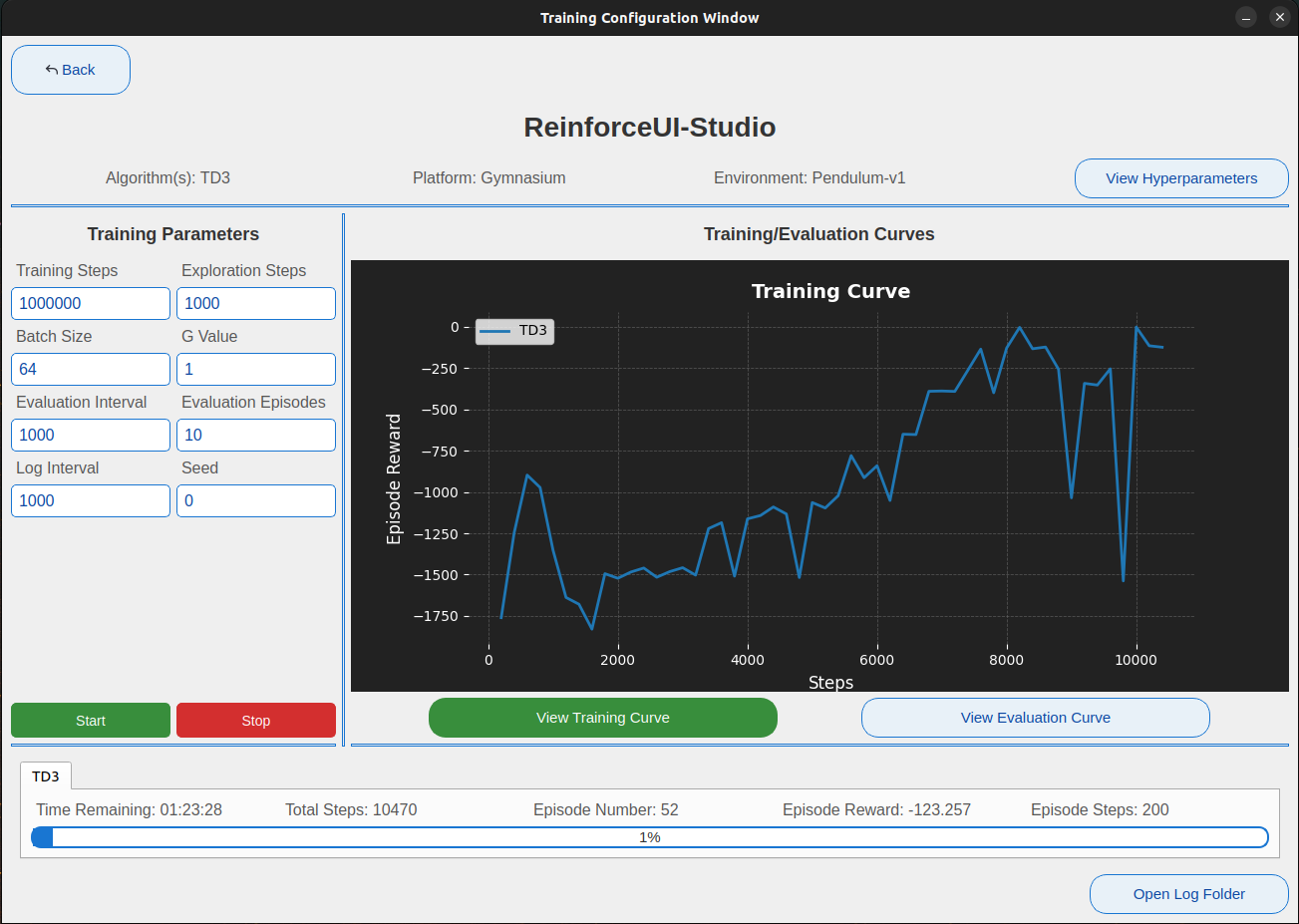
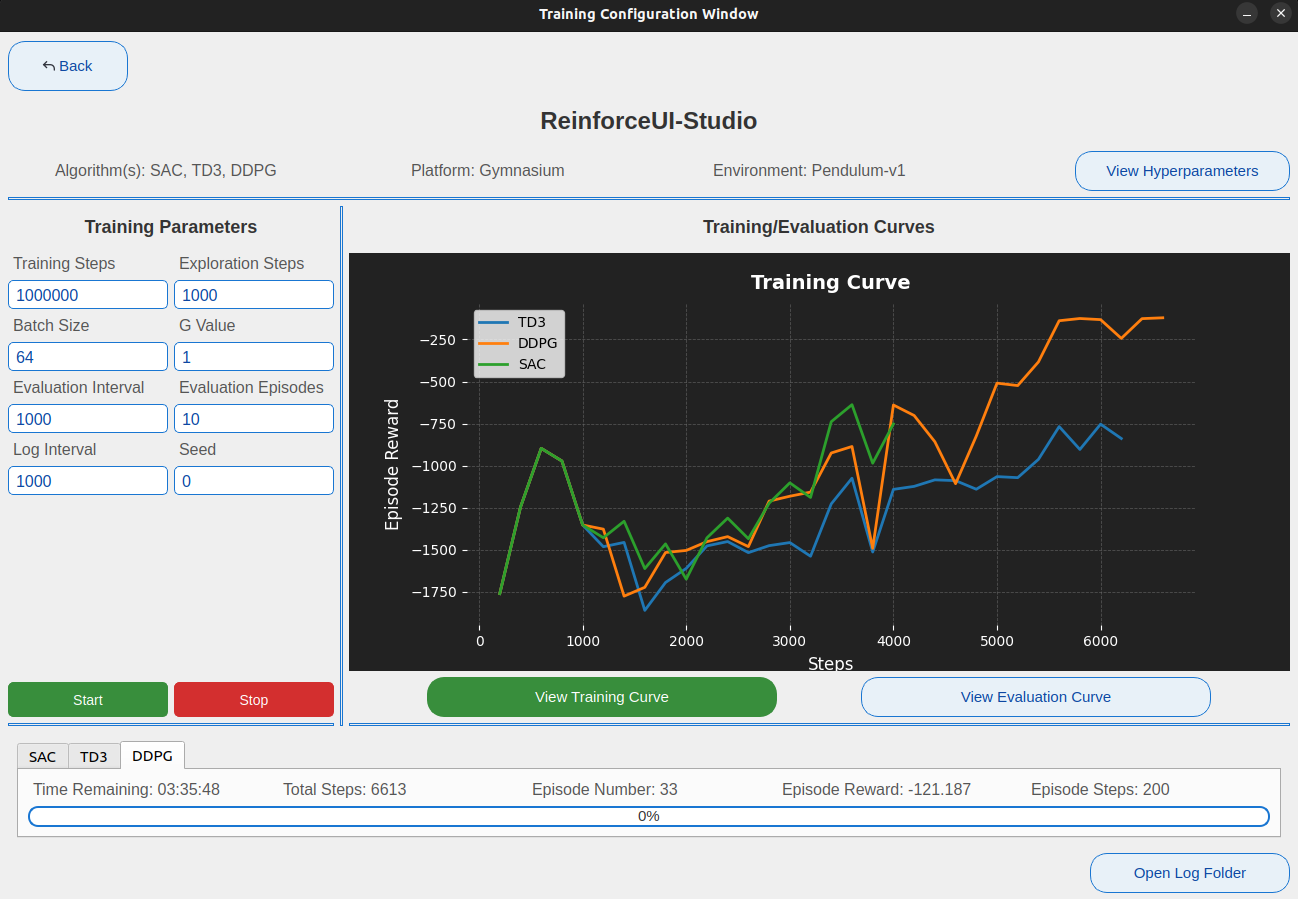
- 🖥️ Real-Time Dashboard: Watch your agents learn with live performance curves and metrics.
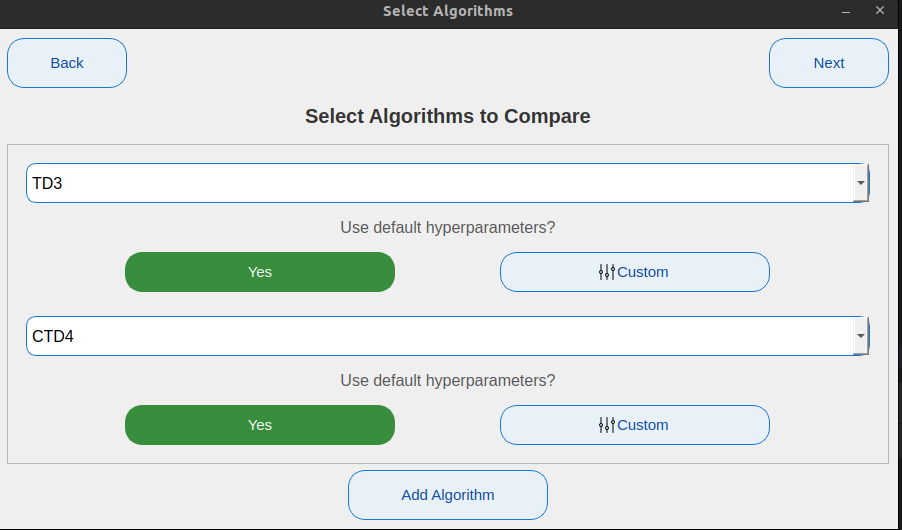
- 🧠 Multi-Algorithm Support: Train and compare multiple algorithms simultaneously.
- 📦 Full Logging: Automatically save models, plots, evaluations, videos, and training stats.
- 🔧 Easy Customization: Adjust hyperparameters or load optimized defaults.
- 🧩 Environment Support: Works with MuJoCo, OpenAI Gymnasium, and DeepMind Control Suite.
- 📊 Final Comparison Plots: Auto-generate publishable comparison graphs for your reports or papers.
Quick Overview: Single and Multi-Algorithm Training
-
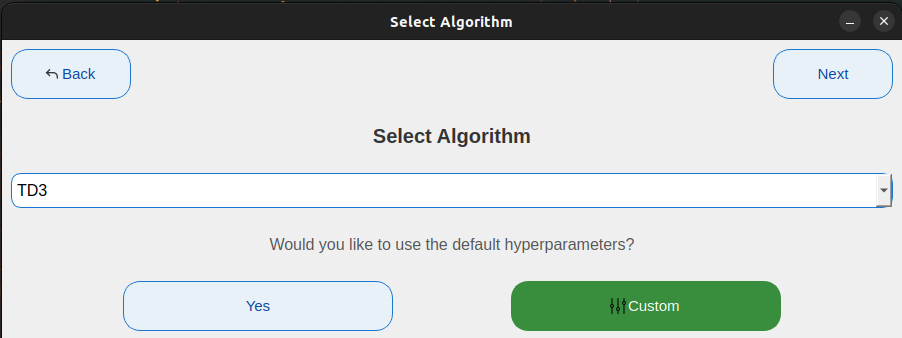
Single Training: Choose an algorithm, tweak parameters, train & visualize.
-
Multi-Training: Select several algorithms, run them simultaneously, and compare performances side-by-side.
| Selection Window | Main Window Display |
|---|---|
 |
 |
 |
 |
Supported Algorithms
ReinforceUI Studio supports the following algorithms:
| Algorithm | Description |
|---|---|
| CTD4 | Continuous Distributional Actor-Critic Agent with a Kalman Fusion of Multiple Critics |
| DDPG | Deep Deterministic Policy Gradient |
| DQN | Deep Q-Network |
| PPO | Proximal Policy Optimization |
| SAC | Soft Actor-Critic |
| TD3 | Twin Delayed Deep Deterministic Policy Gradient |
| TQC | Controlling Overestimation Bias with Truncated Mixture of Continuous Distributional Quantile Critics |
Results Examples
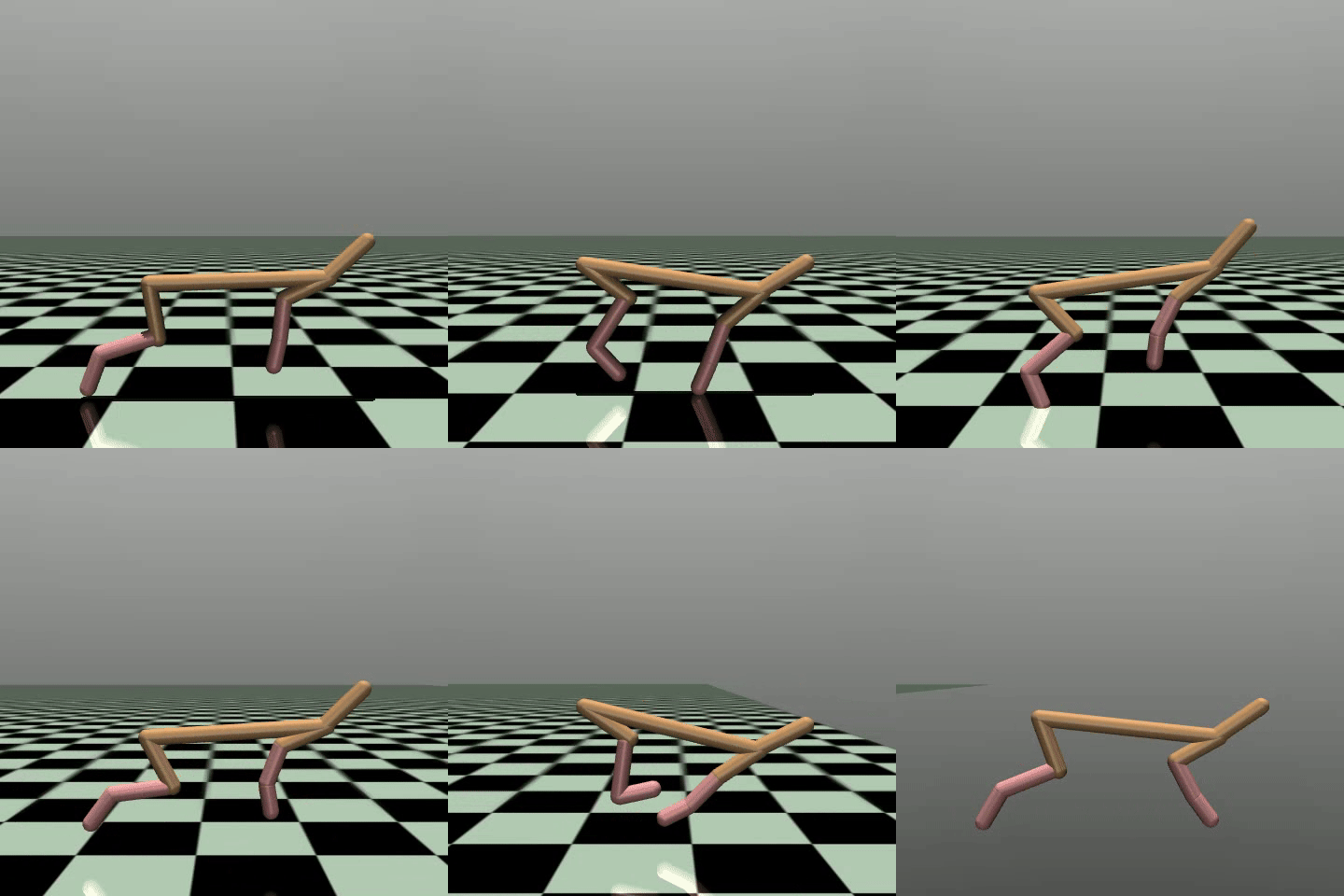
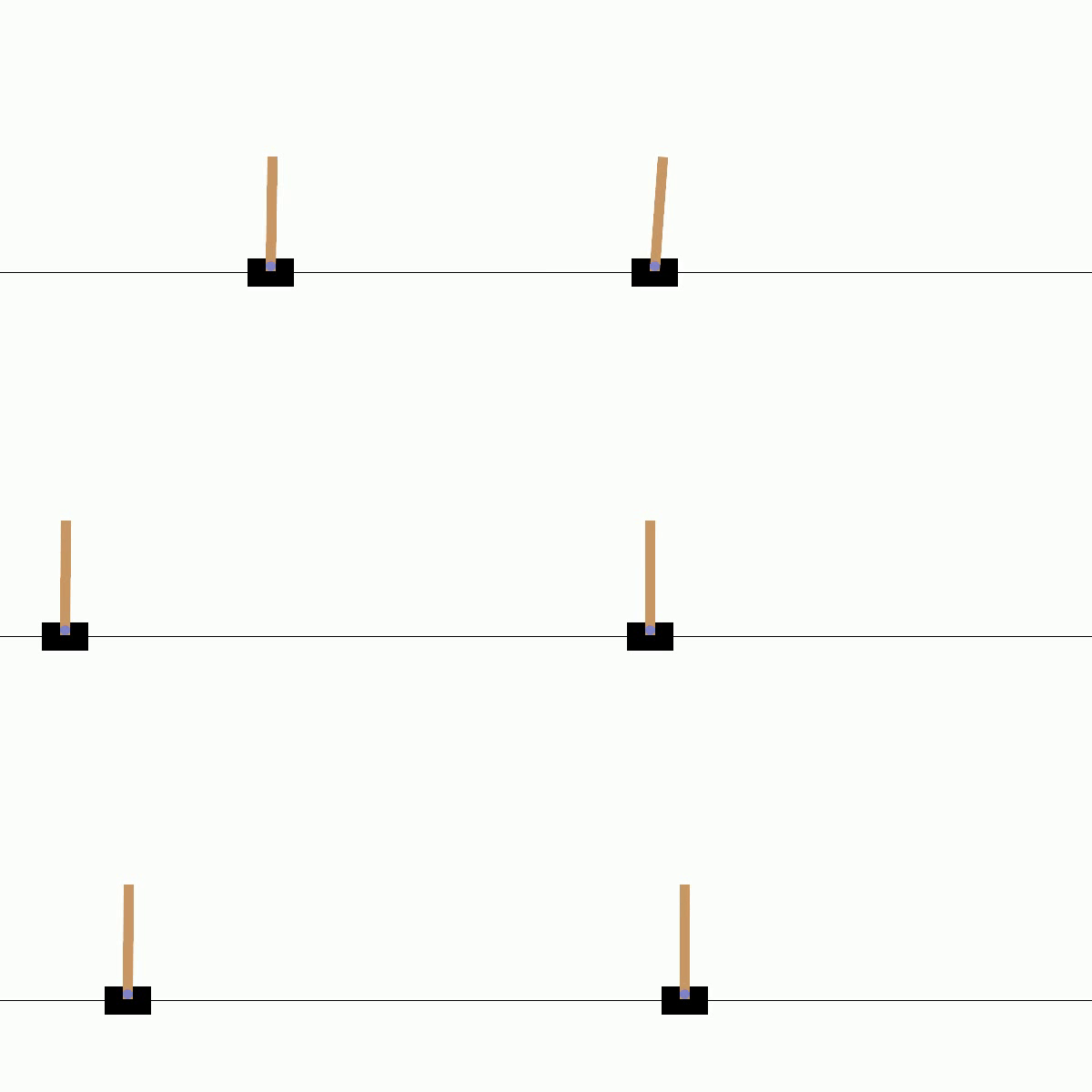
Below are some examples of results generated by ReinforceUI Studio, showcasing the evaluation curves along with snapshots of the policies in action.
| Algorithm | Platform | Environment | Curve | Video |
|---|---|---|---|---|
| SAC | DMCS | Walker Walk | 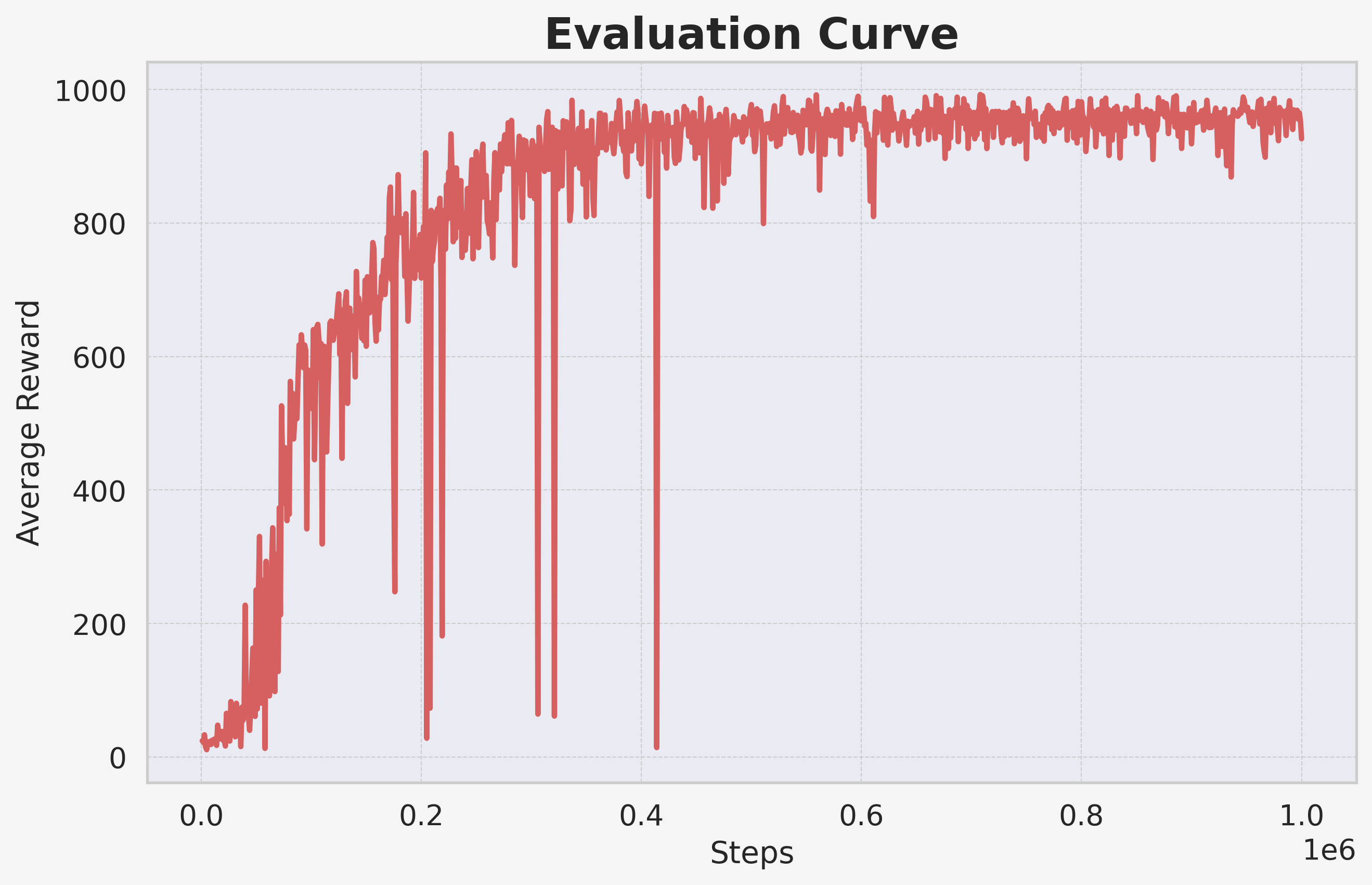 |
 |
| TD3 | MuJoCo | HalfCheetah v5 | 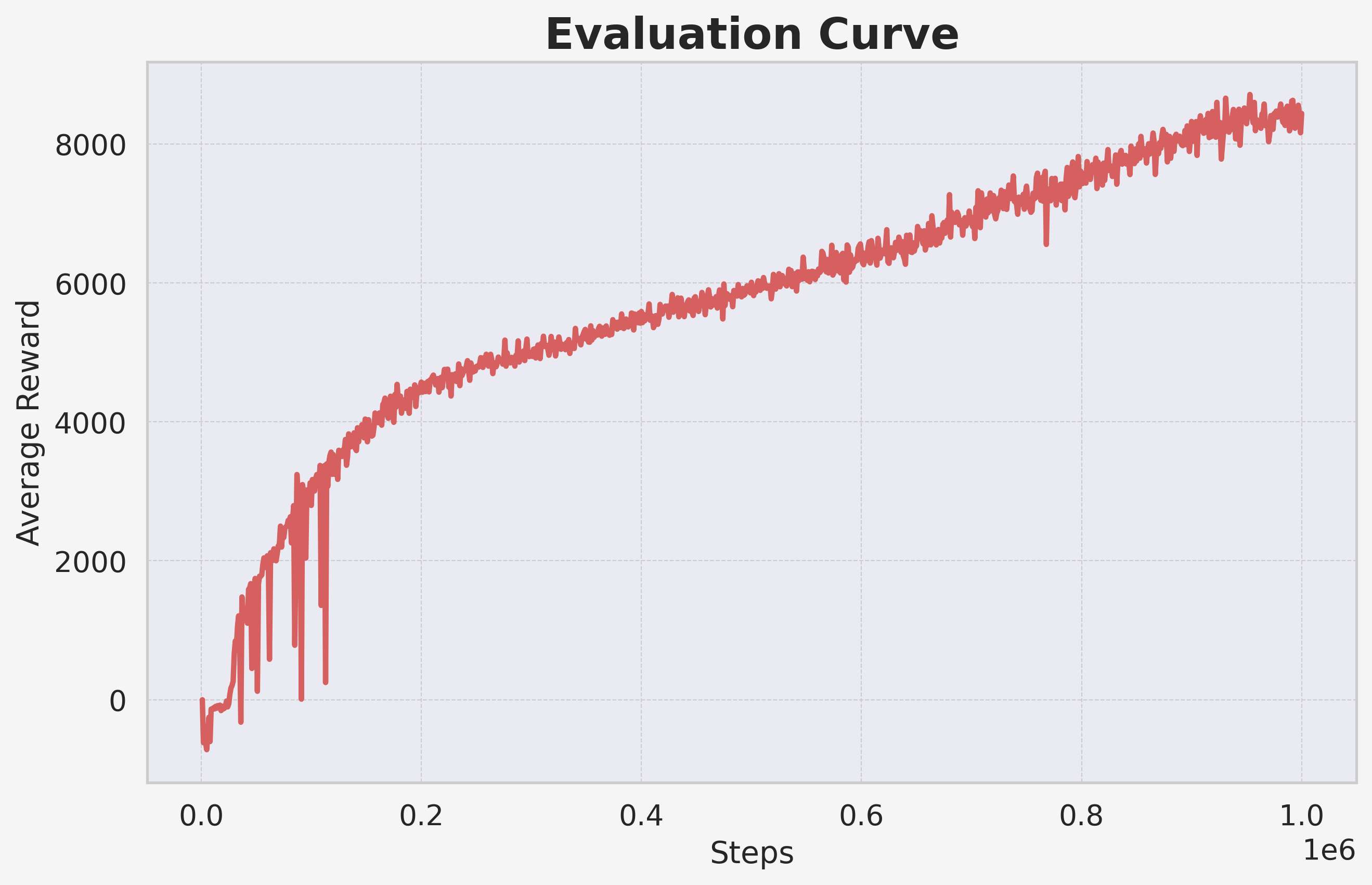 |
 |
| CDT4 | DMCS | Ball in cup catch | 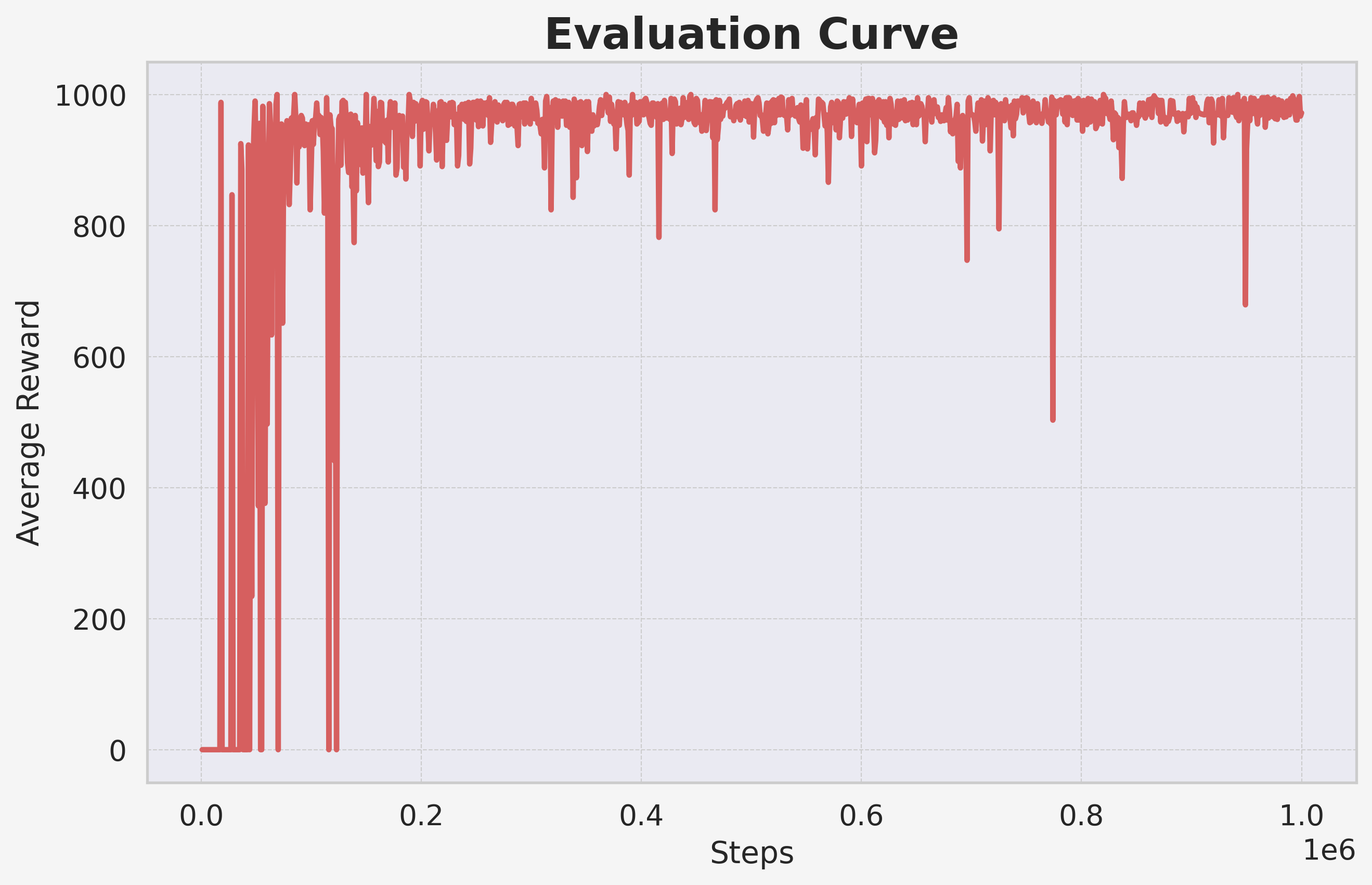 |
 |
| DQN | Gymnasium | CartPole v1 | 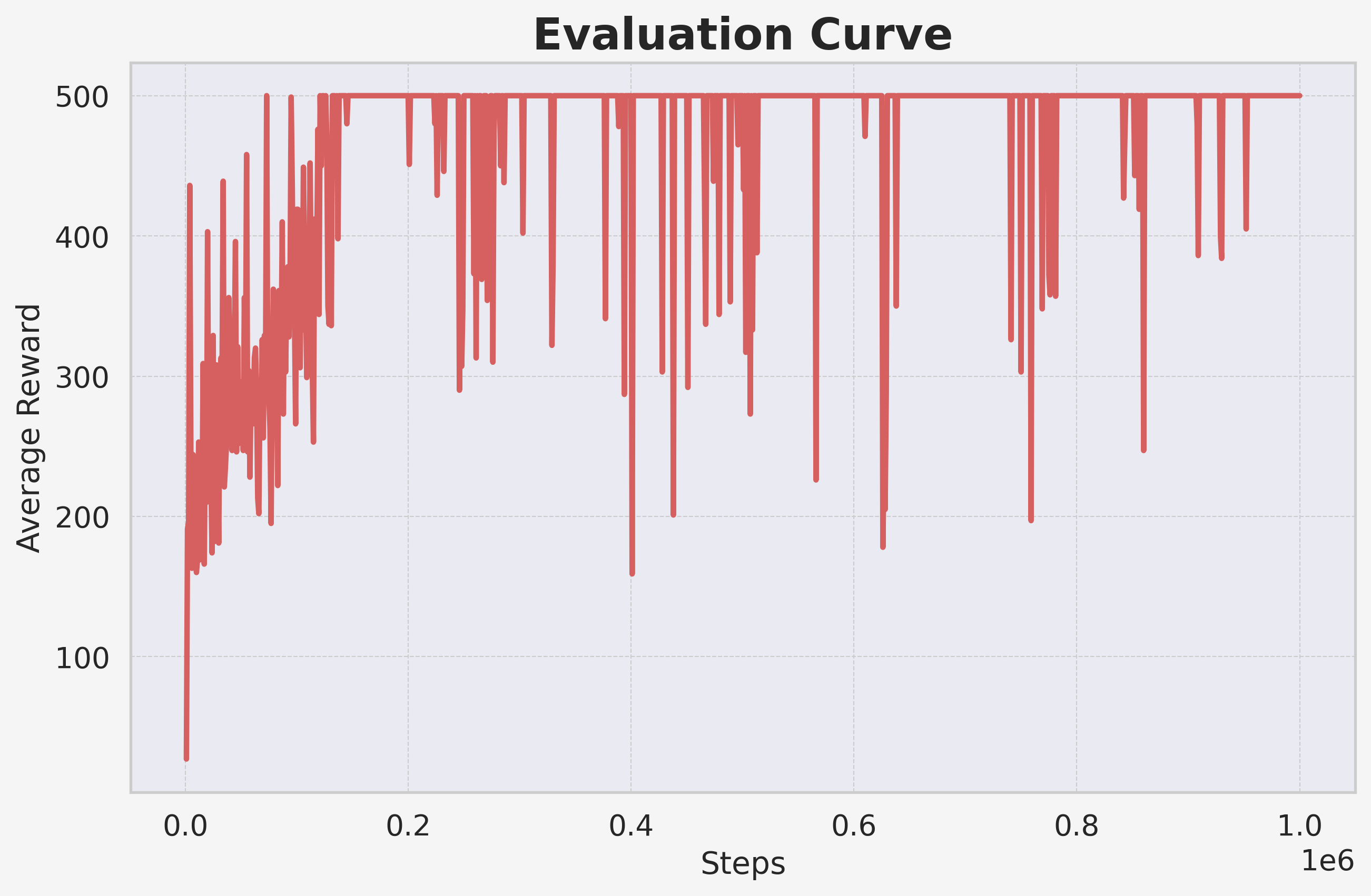 |
 |
Citation
If you find ReinforceUI Studio useful for your research or project, please kindly star this repo and cite is as follows:
@misc{reinforce_ui_studio_2025,
  title = { ReinforceUI Studio: Simplifying Reinforcement Learning Training and Monitoring},
  author = {David Valencia Redrovan},
  year = {2025},
  publisher = {GitHub},
  url = {https://github.com/dvalenciar/ReinforceUI-Studio.}
}
Why Star ⭐ this Repository?
Your support helps the project grow! If you like ReinforceUI Studio, please star ⭐ this repository and share it with friends, colleagues, and the RL community! Together, we can make Reinforcement Learning accessible to everyone!
License
ReinforceUI Studio is licensed under the MIT License. You are free to use, modify, and distribute this software, provided that the original copyright notice and license are included in any copies or substantial portions of the software.
Acknowledgements
This project was inspired by the CARES Reinforcement Learning Package from the University of Auckland
Release history Release notifications | RSS feed


Download files
Download the file for your platform. If you're not sure which to choose, learn more about installing packages.
Source Distribution
Built Distribution
Filter files by name, interpreter, ABI, and platform.
If you're not sure about the file name format, learn more about wheel file names.
Copy a direct link to the current filters
File details
Details for the file reinforceui_studio-1.3.1.tar.gz.
File metadata
- Download URL: reinforceui_studio-1.3.1.tar.gz
- Upload date:
- Size: 47.0 kB
- Tags: Source
- Uploaded using Trusted Publishing? No
- Uploaded via: twine/6.1.0 CPython/3.10.12
File hashes
| Algorithm | Hash digest | |
|---|---|---|
| SHA256 |
f539321ffb6dbc1c964dae5337c7710f5f7303489fd6538438e2c898eed226d9
|
|
| MD5 |
fba53d6e00cefd64604fd5fbf7dff803
|
|
| BLAKE2b-256 |
4e5af2e7e9e7dc75768b81e8b47c5d48954c402efd0d595f76c61d21ab370602
|
File details
Details for the file reinforceui_studio-1.3.1-py3-none-any.whl.
File metadata
- Download URL: reinforceui_studio-1.3.1-py3-none-any.whl
- Upload date:
- Size: 70.1 kB
- Tags: Python 3
- Uploaded using Trusted Publishing? No
- Uploaded via: twine/6.1.0 CPython/3.10.12
File hashes
| Algorithm | Hash digest | |
|---|---|---|
| SHA256 |
fc923fc3bc5b34aad626887980e9ca71c3c00991a0e10b113e7b74ff3c7cecba
|
|
| MD5 |
3fa588cd7370c77dc06323ae9f717ab9
|
|
| BLAKE2b-256 |
b89bf1e82dc4f5f0445072679e6d55da1c8d7e33b73cdc8977a44ecce35f0b67
|






