
RepoGif 🎥⭐
Generate beautiful animated GIFs that mimic GitHub repo stars/forks with realistic visuals.
Perfect for social sharing, repo previews, documentation, or just for fun.
Features
- 🌈 Gradient backgrounds with authentic GitHub styling
- 🎨 Web-based animation with HTML/CSS/JS for high-quality visuals
- ⚙️ Customizable repository name, star count, and fork count
- 🔍 High-fidelity captures using Puppeteer
Install
git clone https://github.com/yourname/RepoGif.git
cd RepoGif
pip install -e .
playwright install
Dependencies
- Pillow - Image processing
- imageio - GIF creation
- imageio-ffmpeg - Video encoding support
- numpy - Numerical operations
- playwright - Browser automation
Usage
Call from Python:
from repogif.generator import generate_repo_gif

generate_repo_gif(repo_name="RepoGif", stars=250, forks=30, out="output.gif")
Run from CLI (after install):
repogif
Advanced Options
You can customize various aspects of the generated GIF:
generate_repo_gif(
    repo_name="MyAwesomeProject",
    stars="5.8k",  # Supports string format for larger numbers
    forks=397,
    out="custom_animation.gif"
)
How It Works
RepoGif uses a multi-step process to create high-quality animations:
- Uses static HTML templates with customizable parameters via URL query strings
- Uses Playwright to capture two frames (unstarred and starred states)
- Creates final GIF using PIL with 1-second duration per frame
The template-based approach allows for visually appealing animations with:
- Gradient backgrounds
- Proper GitHub styling and iconography
- Realistic cursor positioning
- Star button interactions with visual feedback
Customization
The templates are located in repogif/templates/, with each template in its own directory:
- Each template has its own template.html file and necessary assets
- Templates can be customized via URL parameters:
- Repository name
- Star count
- Fork count
- Display dimensions
- You can also create new templates following the existing structure
👉 This repo is fully usable right now. Just run:
python examples/example.py
and you'll get a RepoGif output in the examples/ folder 🎥.
Templates
RepoGif offers a variety of templates to showcase your repository in different styles and formats. Choose the one that best suits your needs.
Template 1 - Simple Star Animation
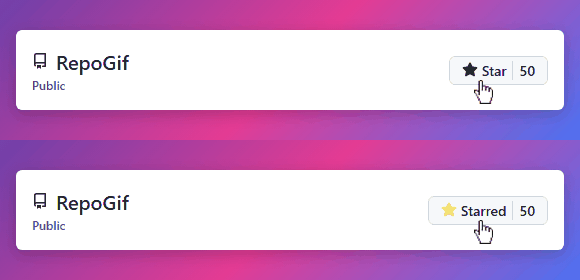
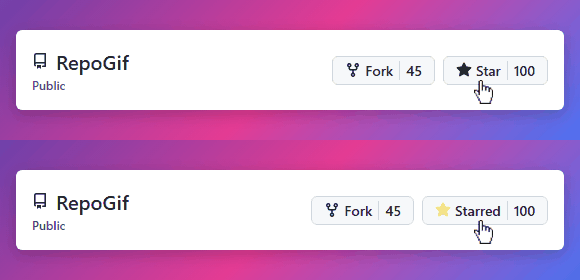
A simple 2-frame GIF showing star button animation with authentic GitHub styling.
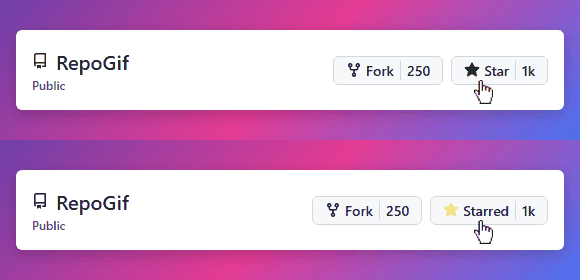
Default Dimensions: Variable based on content
Variants:
Template 2 - Square Badge
A square badge displaying repository statistics with clean, modern design.
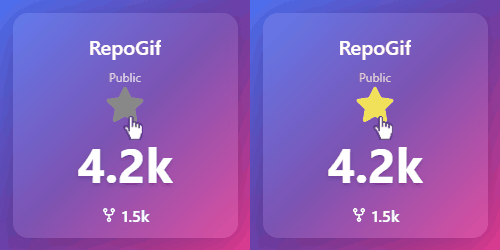
Default Dimensions: 250x250 pixels
Template 3 - Horizontal Banner
A wide banner perfect for repository headers or documentation pages.
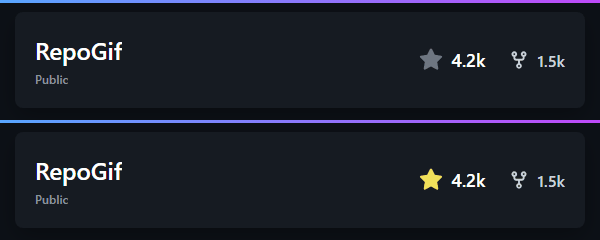
Default Dimensions: 600x120 pixels
Template 4 - Circular Badge
A circular badge with focused repository statistics in a compact form.
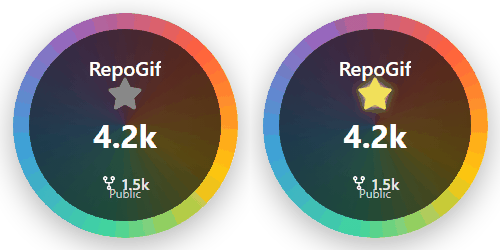
Default Dimensions: 250x250 pixels
Template 5 - Vertical Card
A vertical card layout with gradient background for an elegant presentation.
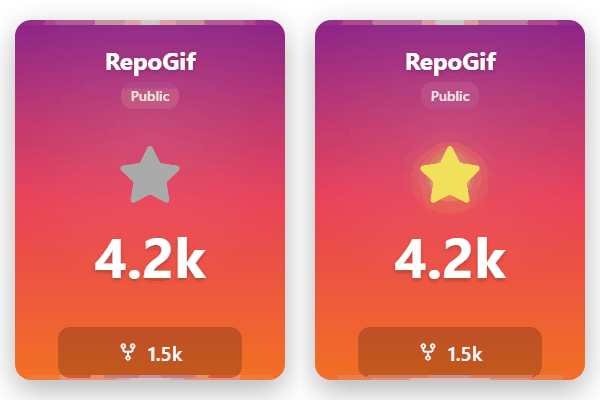
Default Dimensions: 300x400 pixels
Template 6 - Minimalist Tile
A clean, monochrome design focusing on essential repository information.
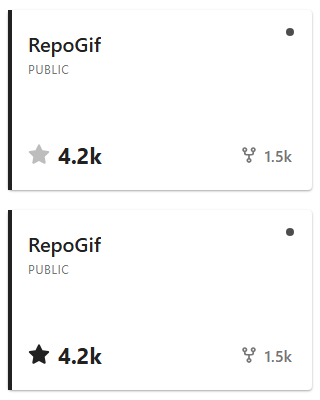
Default Dimensions: 320x200 pixels
Template 7 - Animated Badge
An eye-catching badge with pulsing star effect animation.
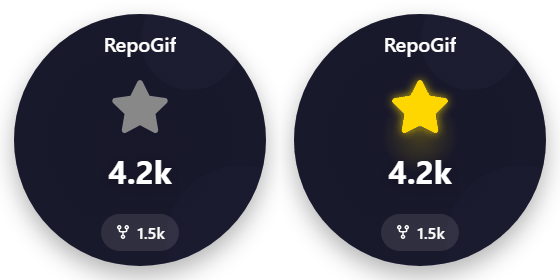
Default Dimensions: 280x280 pixels
Template 8 - Commit Pattern
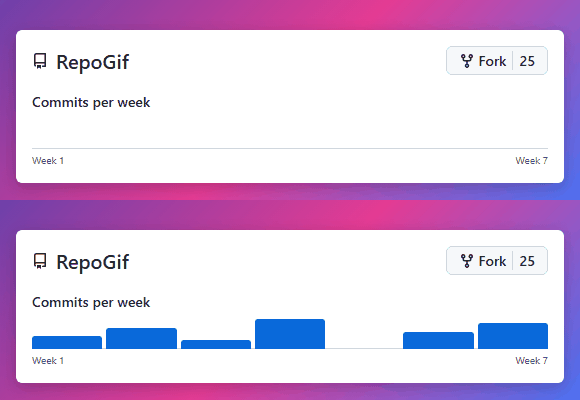
Variants:
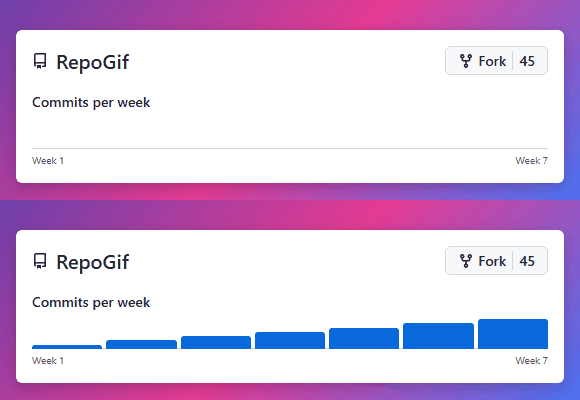
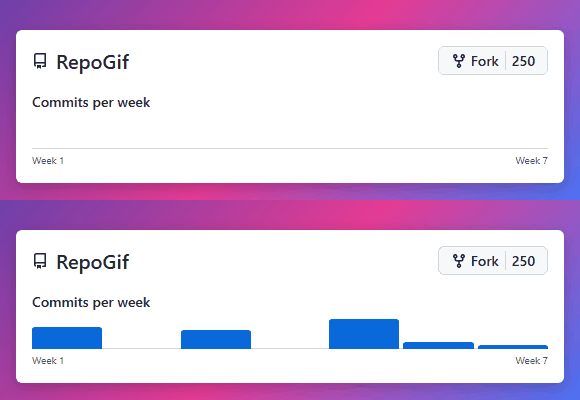
Template 9 - Contributors
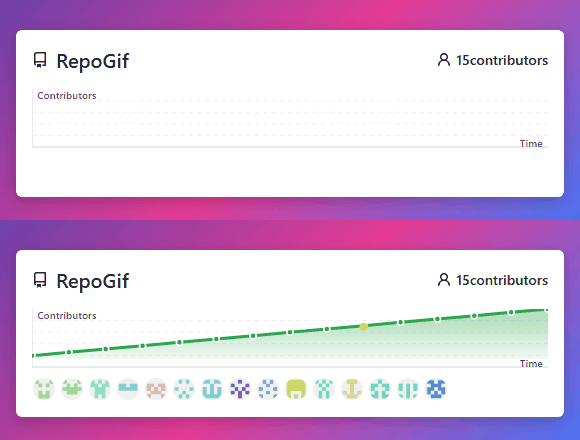
Variants:
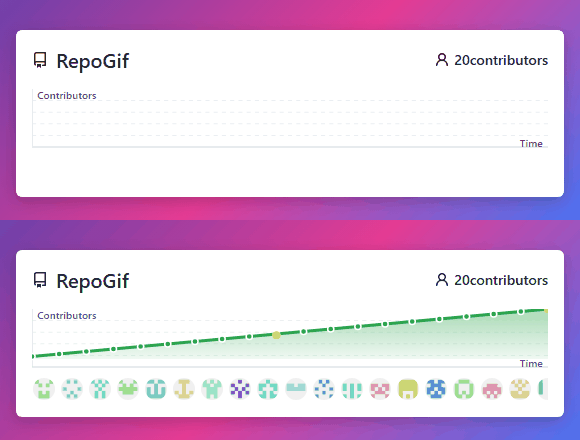
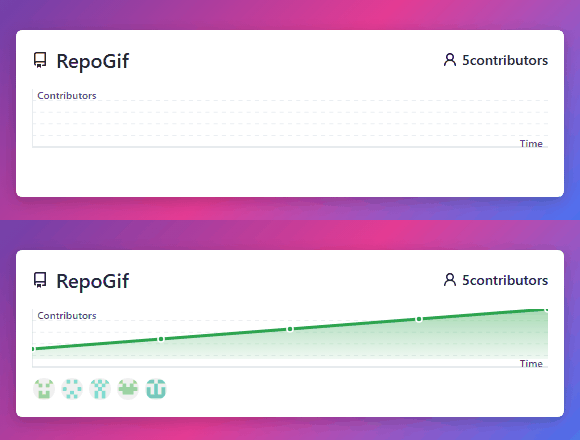
Troubleshooting
Common Issues
Blank or Corrupted GIF
This could be due to:
- Frame capture issues - Check for browser compatibility
- Puppeteer configuration - Try running with different arguments
- File path problems - Ensure all paths are correct
Example Output
When run, this package generates an animated GIF showing a GitHub repository with stars and forks, along with a realistic cursor animation.
1 maintainer

Metadata
1 maintainer
Release files for repogif 0.0.4
For a detailed explanation of source distributions (sdists) and built distributions (wheels), please see the package formats documentation.
Source distribution (sdist)
| File | Size | Uploaded | |
|---|---|---|---|
| repogif-0.0.4.tar.gz | 28.7 kB | Details |
Built distribution (wheel)
| File | Interpreter | ABI | Platform | Reset |
|---|---|---|---|---|
| repogif-0.0.4-py3-none-any.whl | Python 3 | none | any | Details |
Total release size: 75.2 kB
Release files / repogif-0.0.4.tar.gz
| Download URL | repogif-0.0.4.tar.gz |
|---|---|
| Size | 28.7 kB |
| Tags | Source |
|
SHA-256 checksum How to use checksums |
7136a8e2c2fb4f2f30f62df25ce8338a5934c632cac6a1372e96cc3ae02a6a9e
|
|
BLAKE2b-256 checksum How to use checksums |
ad80f309a23e4beaa5e96799e476cae6aa41d32ed309fcebc869185a70273a31
|
| Upload date | |
|
Uploaded using Trusted Publishing? What is trusted publishing? |
No |
| Uploaded via |
twine/6.2.0 CPython/3.13.7
|
Release files / repogif-0.0.4-py3-none-any.whl
| Download URL | repogif-0.0.4-py3-none-any.whl |
|---|---|
| Size | 46.5 kB |
| Tags | Python 3 |
|
SHA-256 checksum How to use checksums |
6457177bfd59421042d435dc527cac32a188dafdbcbb2ba491e8b8115885959f
|
|
BLAKE2b-256 checksum How to use checksums |
f1c1fa4267148145f91dded3e3453efe517cdb939106808f109e7f2a74b04b96
|
| Upload date | |
|
Uploaded using Trusted Publishing? What is trusted publishing? |
No |
| Uploaded via |
twine/6.2.0 CPython/3.13.7
|














