
RepoGif 🎥⭐
Generate beautiful animated GIFs that mimic GitHub repo stars/forks with realistic visuals.
Perfect for social sharing, repo previews, documentation, or just for fun.
Features
- 🌈 Gradient backgrounds with authentic GitHub styling
- 🎨 Web-based animation with HTML/CSS/JS for high-quality visuals
- ⚙️ Customizable repository name, star count, and fork count
- 🔍 High-fidelity captures using Puppeteer
Install
git clone https://github.com/yourname/RepoGif.git
cd RepoGif
pip install -e .
playwright install
Dependencies
- Pillow - Image processing
- imageio - GIF creation
- imageio-ffmpeg - Video encoding support
- numpy - Numerical operations
- playwright - Browser automation
Usage
Call from Python:
from repogif.generator import generate_repo_gif

generate_repo_gif(repo_name="RepoGif", stars=250, forks=30, out="output.gif")
Run from CLI (after install):
repogif
Advanced Options
You can customize various aspects of the generated GIF:
generate_repo_gif(
    repo_name="MyAwesomeProject",
    stars="5.8k",  # Supports string format for larger numbers
    forks=397,
    out="custom_animation.gif"
)
How It Works
RepoGif uses a multi-step process to create high-quality animations:
- Uses static HTML templates with customizable parameters via URL query strings
- Uses Playwright to capture two frames (unstarred and starred states)
- Creates final GIF using PIL with 1-second duration per frame
The template-based approach allows for visually appealing animations with:
- Gradient backgrounds
- Proper GitHub styling and iconography
- Realistic cursor positioning
- Star button interactions with visual feedback
Customization
The templates are located in repogif/templates/, with each template in its own directory:
- Each template has its own template.html file and necessary assets
- Templates can be customized via URL parameters:
- Repository name
- Star count
- Fork count
- Display dimensions
- You can also create new templates following the existing structure
👉 This repo is fully usable right now. Just run:
python examples/example.py
and you'll get a RepoGif output in the examples/ folder 🎥.
Templates
RepoGif offers a variety of templates to showcase your repository in different styles and formats. Choose the one that best suits your needs.
Template 1 - Simple Star Animation
A simple 2-frame GIF showing star button animation with authentic GitHub styling.
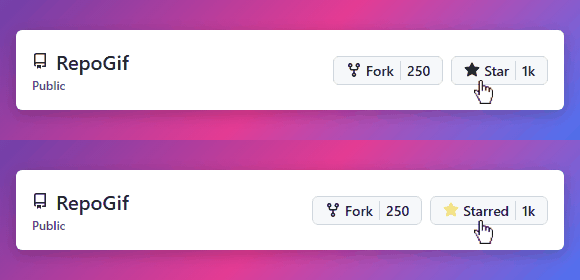
Default Dimensions: Variable based on content
Variants:
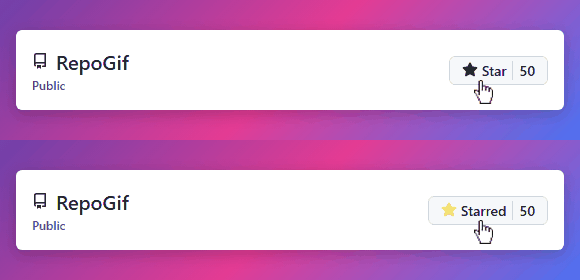
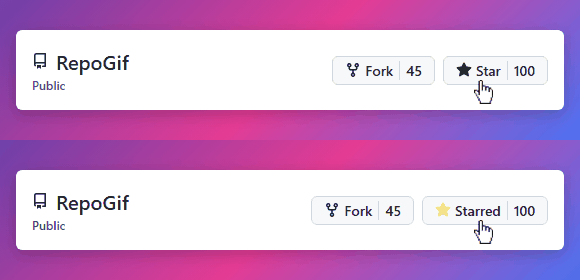
Template 2 - Square Badge
A square badge displaying repository statistics with clean, modern design.
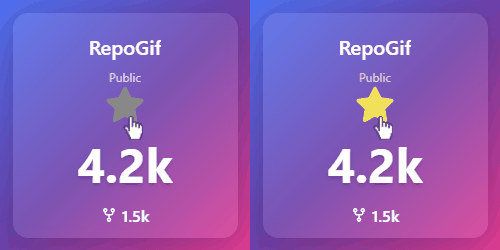
Default Dimensions: 250x250 pixels
Template 3 - Horizontal Banner
A wide banner perfect for repository headers or documentation pages.
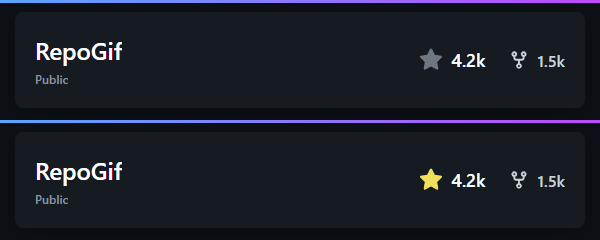
Default Dimensions: 600x120 pixels
Template 4 - Circular Badge
A circular badge with focused repository statistics in a compact form.
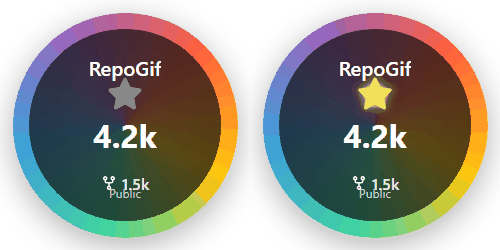
Default Dimensions: 250x250 pixels
Template 5 - Vertical Card
A vertical card layout with gradient background for an elegant presentation.
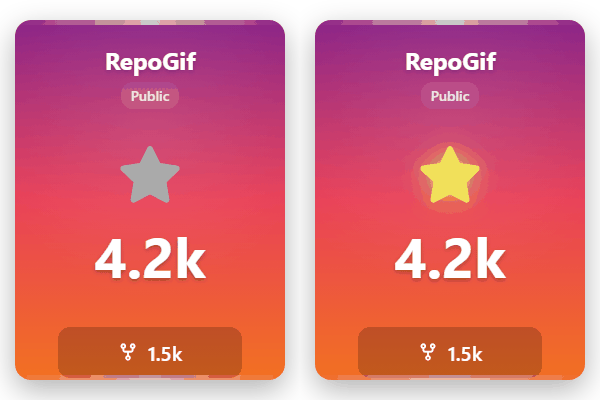
Default Dimensions: 300x400 pixels
Template 6 - Minimalist Tile
A clean, monochrome design focusing on essential repository information.
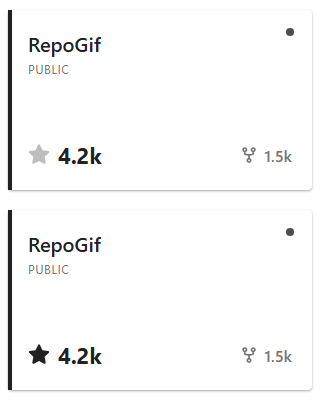
Default Dimensions: 320x200 pixels
Template 7 - Animated Badge
An eye-catching badge with pulsing star effect animation.
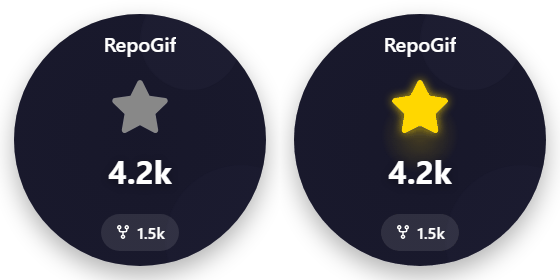
Default Dimensions: 280x280 pixels
Template 8 - Commit Pattern
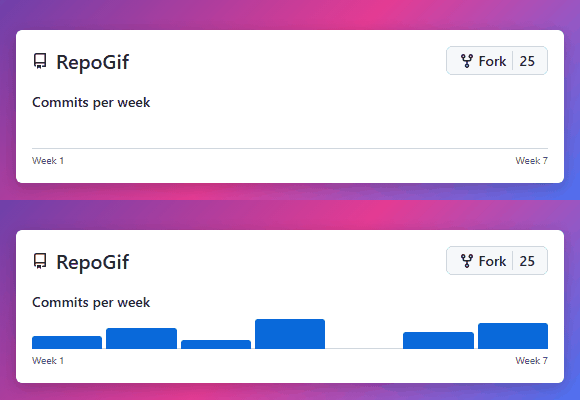
Variants:
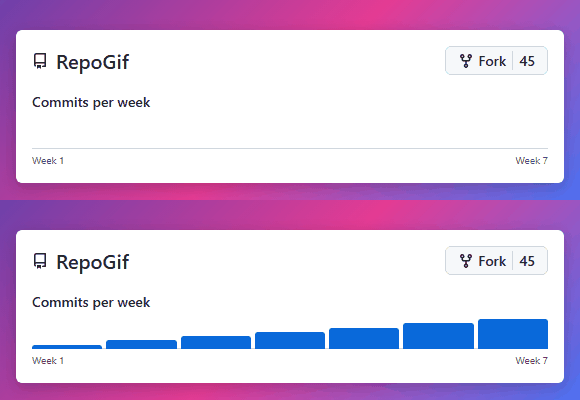
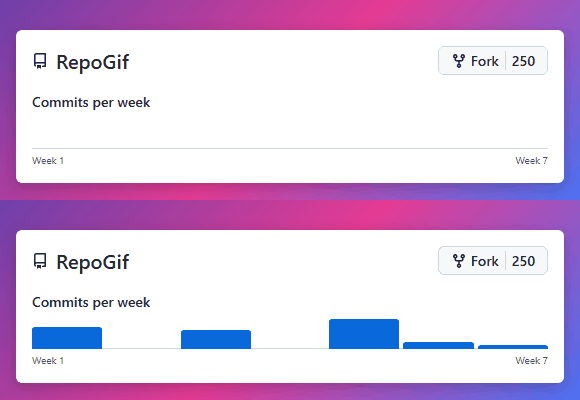
Template 9 - Contributors
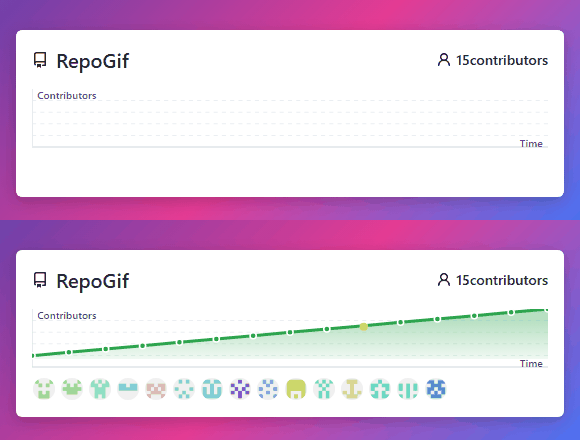
Variants:
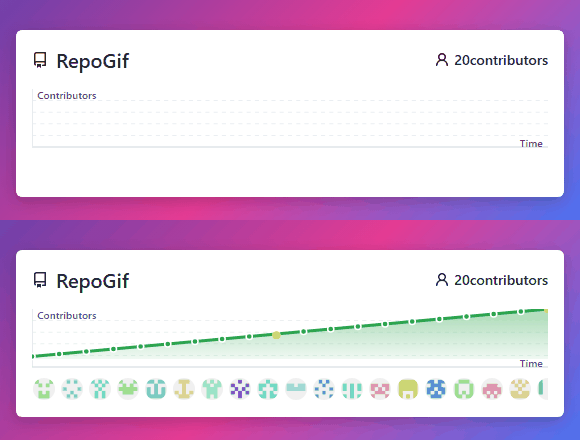
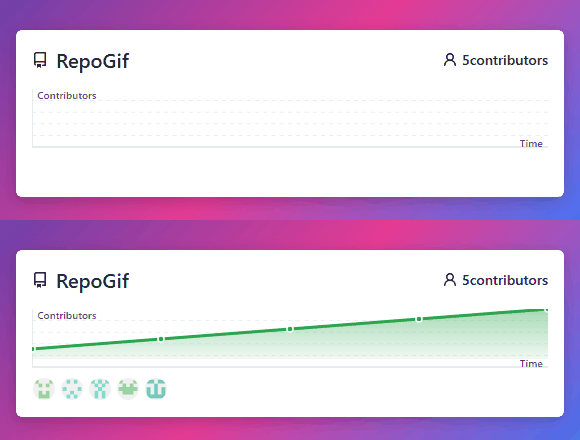
Template 10 - Modern Spotlight
A glass card for X posts. It renders at 2x and downscales to the output size, then eases across 30 frames: the star count climbs, the star fills, and the card picks up the accent color. The same frames are written as a GIF and an MP4.
X sizes: 1200×675 and 1080×1080. Frames are drawn at 2× and downscaled, so type stays sharp. GIF output is the exact size and stays under 15MB. The 1200×675 MP4 is 1200×676 because H.264 needs an even height.
Optional fields: description, language, topics, accent, owner, and a hero screenshot.
generate_repo_gif(
    repo_name="Pana",
    owner="jhd3197",
    description="Free multiplayer browser games for friends, with customizable capybaras. Share a link and play together.",
    language="JavaScript",
    topics=["multiplayer", "browser-games", "threejs"],
    stars=1,
    forks=0,
    accent="#ffc629",
    hero="examples/assets/pana-hub.jpg",
    hero_focus="94% 42%",
    out="examples/samples/pana-1200x675.gif",
    mp4="examples/samples/pana-1200x675.mp4",
    template="template10",
    width=1200,
    height=675,
)
Square posts use the same call with width=1080 and height=1080. examples/test_template10.py writes both sizes, as GIF and MP4, for Pana and Faro.
jhd3197/Pana


jhd3197/Faro


Troubleshooting
Common Issues
Blank or Corrupted GIF
This could be due to:
- Frame capture issues - Check for browser compatibility
- Puppeteer configuration - Try running with different arguments
- File path problems - Ensure all paths are correct
Example Output
When run, this package generates an animated GIF showing a GitHub repository with stars and forks, along with a realistic cursor animation.
1 maintainer

Metadata
1 maintainer
Release files for repogif 0.0.5
For a detailed explanation of source distributions (sdists) and built distributions (wheels), please see the package formats documentation.
Source distribution (sdist)
| File | Size | Uploaded | Provenance | Actions |
|---|---|---|---|---|
| repogif-0.0.5.tar.gz | 46.2 kB | Without provenance | Details for repogif-0.0.5.tar.gz |
Built distribution (wheel)
| File | Interpreter | ABI | Platform | Actions Reset |
|---|---|---|---|---|
| repogif-0.0.5-py3-none-any.whl | Python 3 | none | any | Details for repogif-0.0.5-py3-none-any.whl |
Total release size: 102.8 kB
Release files / repogif-0.0.5.tar.gz
| Download URL | repogif-0.0.5.tar.gz |
|---|---|
| Size | 46.2 kB |
| Tags | Source |
|
SHA-256 checksum How to use checksums |
0ef56988a5729df4adba6655e0e98da7a5526cc8897ed0439c534b5e74a61624
|
|
BLAKE2b-256 checksum How to use checksums |
59bed8ffe9e293fc6458f6d87a076e7758bbdf7676e4c95b0e895e5127efe53a
|
| Upload date | |
|
Uploaded using Trusted Publishing? What is trusted publishing? |
No |
| Uploaded via |
twine/7.0.0 CPython/3.15.1
|
Release files / repogif-0.0.5-py3-none-any.whl
| Download URL | repogif-0.0.5-py3-none-any.whl |
|---|---|
| Size | 56.6 kB |
| Tags | Python 3 |
|
SHA-256 checksum How to use checksums |
dea1725846c41e514130f5406d446e94d06517d720b7fc50e13ce46c95f03ce0
|
|
BLAKE2b-256 checksum How to use checksums |
d9e6f08cea7b2ca649251a34037843f299b681a62b64f5c93acdaf4cf9a3dff6
|
| Upload date | |
|
Uploaded using Trusted Publishing? What is trusted publishing? |
No |
| Uploaded via |
twine/7.0.0 CPython/3.15.1
|
Security for repogif 0.0.5
Provenance
Provenance describes where a file came from. On PyPI, provenance is shared via attestations, which provide a verifiable record of the build or publishing details. View details, limitations and caveats.
No provenance found
None of the files in this release were uploaded with provenance metadata.
A note on package security
PyPI is a repository for distributing packages, not a service for auditing them. While third-party security researchers and our staff do their best to detect and remove malicious packages, PyPI cannot guarantee the quality, security or suitability of any given package.
To learn more about protecting yourself from malicious actors, visit our package security documentation.














