
rich-codex ⚡️📖⚡️
A GitHub Action / command-line tool which generates screengrab images of a terminal window, containing command outputs or code snippets.
📚 Documentation: https://ewels.github.io/rich-codex/ 📚

Introduction
Having code examples in your documentation is a fantastic way to help users understand what to expect from your tool.
Using terminal screenshots is a good way to do this because:
- 🌈 Coloured terminal output is supported
- ↔️ You can fit in long lines without scrolling or cropping (images are auto-resized)
- 😎 They look cool
However, manually generating these screenshots is a pain 👎🏻 Remembering to update them every time you make a minor change means that they can easily get out of date.
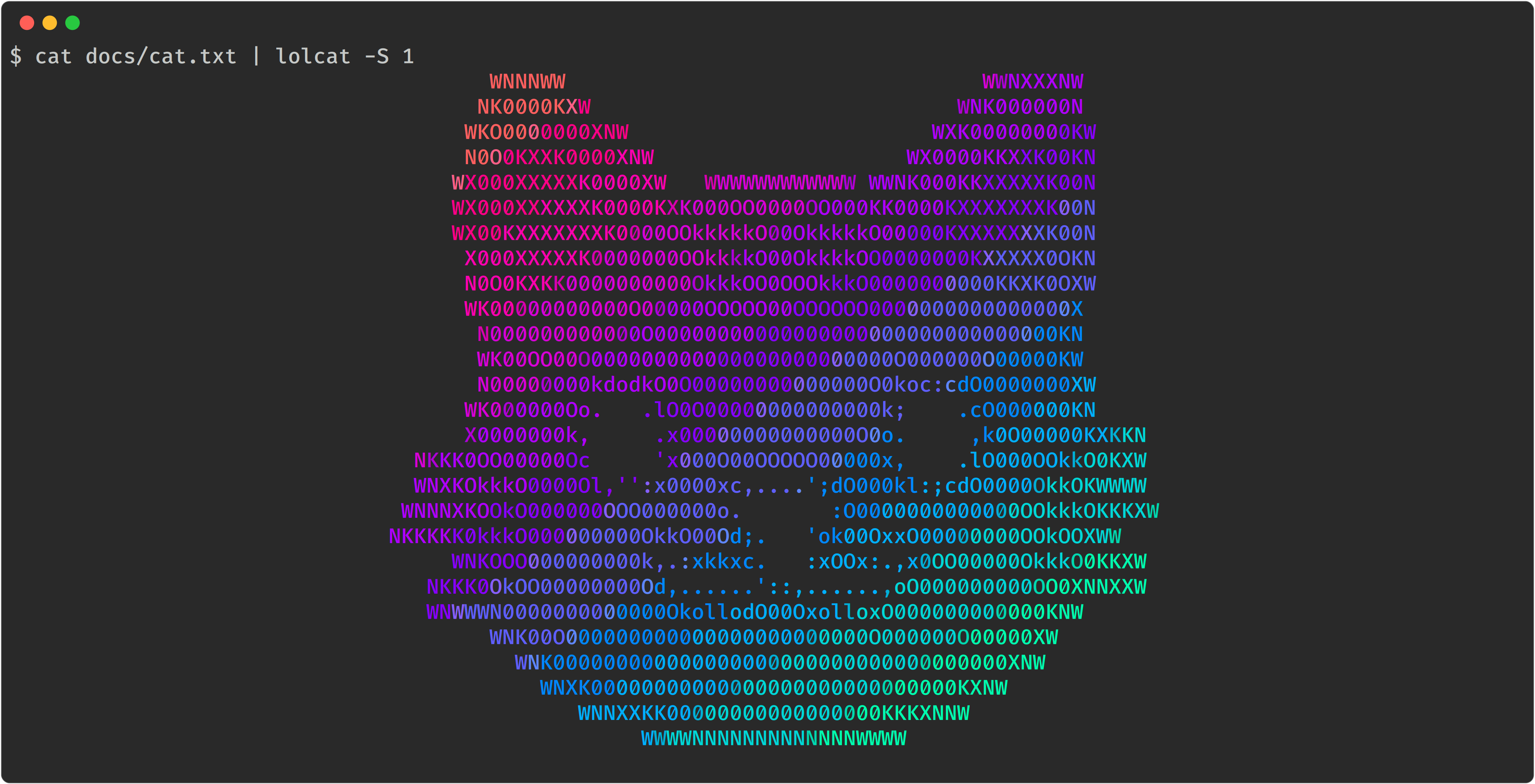
Rich-codex automates this process for you. It searches markdown code for images with shell commands or code snippets. It runs these commands and saves a terminal screen-grab at the embedded path.
Typical use cases:
- 📷 Example CLI tool outputs that automatically stay in sync with your package
- ♻️ Syntax-highlighted code snippets that are always up to date with your
examples/ - 🤩 Fast and simple images for your docs with minimal setup
Quickstart
-
📖 Write some markdown docs, use an image tag with a backtick command inside:

-
🤖 Add a GitHub Action to automatically run the command, generate the image and commit to the repo:
on: [push]
jobs:
  rich_codex:
    runs-on: ubuntu-latest
    steps:
      - uses: actions/checkout@v3

      - name: Install your custom tools
        run: pip install lolcat

      - name: Generate terminal images with rich-codex
        uses: ewels/rich-codex@v1
        with:
          commit_changes: "true"
-
🌈 Enjoy reading your documentation
How it works
Rich-codex is a command-line tool that you can run via a GitHub action or as a command line tool. It works with any markdown (including GitHub READMEs).
It collects either commands or code snippets, together with output filenames and configuration options. Commands are run in a subprocess and the standard output & standard error collected. These are then rendered as an image using Textualize/rich.
Rich-codex creates the images that your markdown docs expect. It doesn't require a HTML build-step and doesn't make any changes to your markdown or its output. As such, it's compatible with any documentation engine, including rendering markdown on github.com.
Rich-codex needs inputs (commands / snippets) and output filenames to work. These can be configured in four different ways:
- 🖼 Markdown images
- Search markdown files for image tags with command alt text. eg:

- Search markdown files for image tags with command alt text. eg:
- 💬 Markdown comments
- Search markdown files for special HTML comments.
- ➡️ Command-line / action inputs
- Specify a command or snippet using the action
withinputs.
- Specify a command or snippet using the action
- ⚙️ Config files
- Use one or more YAML config files for multiple images and more complex customisation.
Images can be generated as SVG, PNG or PDF (detected by filename extension).
Keep reading! 👉 https://ewels.github.io/rich-codex/
1 maintainer

Release files for rich-codex 1.2.0
For a detailed explanation of source distributions (sdists) and built distributions (wheels), please see the package formats documentation.
Source distribution (sdist)
| File | Size | Uploaded | |
|---|---|---|---|
| rich-codex-1.2.0.tar.gz | 22.1 kB | Details |
Built distribution (wheel)
| File | Interpreter | ABI | Platform | Reset |
|---|---|---|---|---|
| rich_codex-1.2.0-py3-none-any.whl | Python 3 | none | any | Details |
Total release size: 44.6 kB
Release files / rich-codex-1.2.0.tar.gz
| Download URL | rich-codex-1.2.0.tar.gz |
|---|---|
| Size | 22.1 kB |
| Tags | Source |
|
SHA-256 checksum How to use checksums |
843a31b2f9fb7f12cf4fea7e0da039a4aa7e5750a847f81e927f7675d2a8a1fc
|
|
BLAKE2b-256 checksum How to use checksums |
04215bbb1a069a90d9337f6fbaf3fb178c4ee9a1f69d8f6fe4de574c8d58e5ae
|
| Upload date | |
|
Uploaded using Trusted Publishing? What is trusted publishing? |
No |
| Uploaded via |
twine/4.0.1 CPython/3.9.13
|
Release files / rich_codex-1.2.0-py3-none-any.whl
| Download URL | rich_codex-1.2.0-py3-none-any.whl |
|---|---|
| Size | 22.5 kB |
| Tags | Python 3 |
|
SHA-256 checksum How to use checksums |
129153a7da5e2566ff0597563c6c096cf78db711bcd7f0061dc449e250632c6c
|
|
BLAKE2b-256 checksum How to use checksums |
ee284765964161cb7caab72a5c47fac06685510a348d7ca5d362404dfac39b74
|
| Upload date | |
|
Uploaded using Trusted Publishing? What is trusted publishing? |
No |
| Uploaded via |
twine/4.0.1 CPython/3.9.13
|














