
rich-codex ⚡️📖⚡️
A GitHub Action / command-line tool which generates screengrab images of a terminal window, containing command outputs or code snippets.
📚 Documentation: https://ewels.github.io/rich-codex/ 📚

Introduction
Having code examples in your documentation is a fantastic way to help users understand what to expect from your tool.
Using terminal screenshots is a good way to do this because:
- 🌈 Coloured terminal output is supported
- ↔️ You can fit in long lines without scrolling or cropping (images are auto-resized)
- 😎 They look cool
However, manually generating these screenshots is a pain 👎🏻 Remembering to update them every time you make a minor change means that they can easily get out of date.
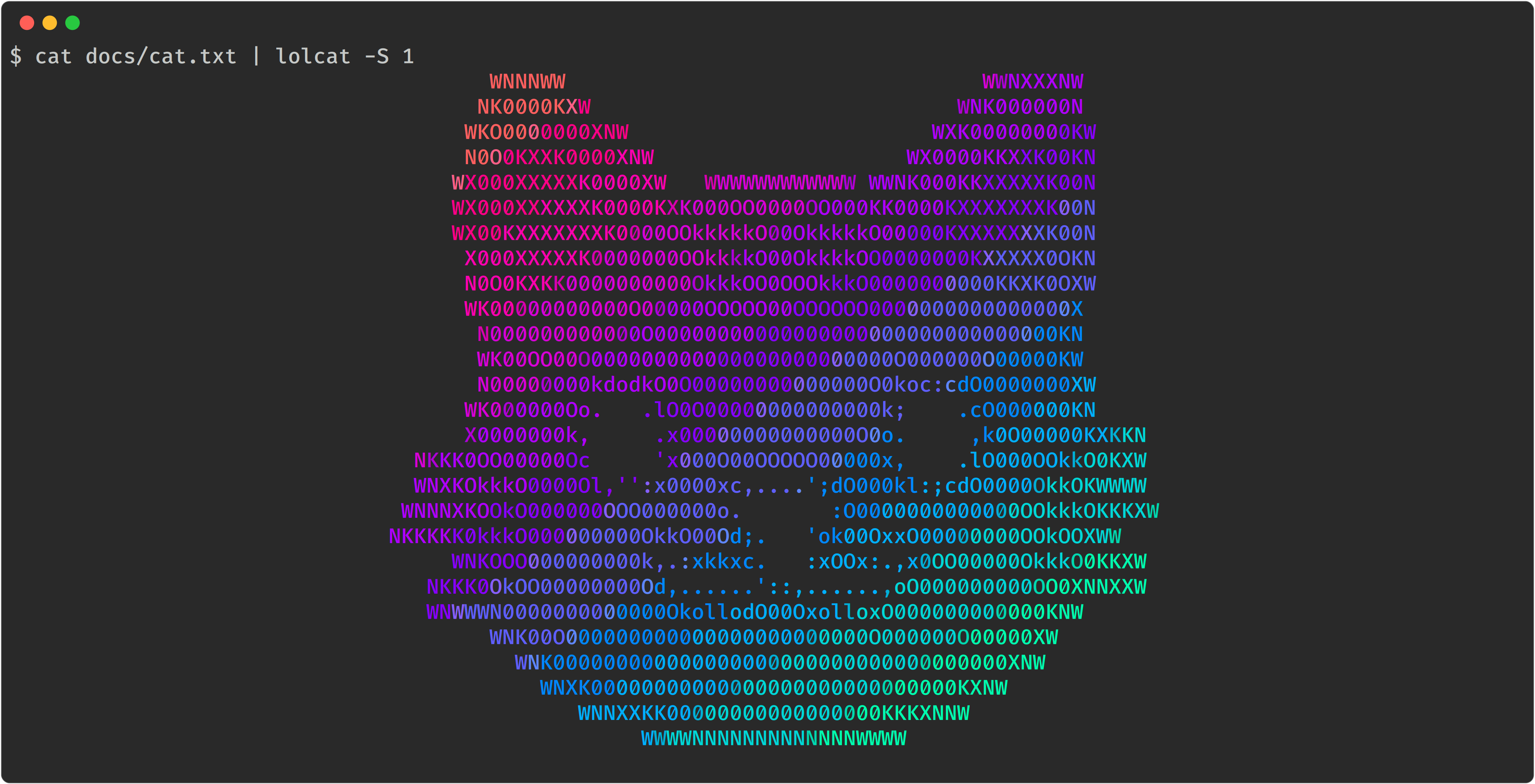
Rich-codex automates this process for you. It searches markdown code for images with shell commands or code snippets. It runs these commands and saves a terminal screen-grab at the embedded path.
Typical use cases:
- 📷 Example CLI tool outputs that automatically stay in sync with your package
- ♻️ Syntax-highlighted code snippets that are always up to date with your
examples/ - 🤩 Fast and simple images for your docs with minimal setup
Quickstart
-
📖 Write some markdown docs, use an image tag with a backtick command inside:

-
🤖 Add a GitHub Action to automatically run the command, generate the image and commit to the repo:
on: [push]
jobs:
  rich_codex:
    runs-on: ubuntu-latest
    steps:
      - uses: actions/checkout@v3

      - name: Install your custom tools
        run: pip install lolcat

      - name: Generate terminal images with rich-codex
        uses: ewels/rich-codex@v1
        with:
          commit_changes: "true"
-
🌈 Enjoy reading your documentation
How it works
Rich-codex is a command-line tool that you can run via a GitHub action or as a command line tool. It works with any markdown (including GitHub READMEs).
It collects either commands or code snippets, together with output filenames and configuration options. Commands are run in a subprocess and the standard output & standard error collected. These are then rendered as an image using Textualize/rich.
Rich-codex creates the images that your markdown docs expect. It doesn't require a HTML build-step and doesn't make any changes to your markdown or its output. As such, it's compatible with any documentation engine, including rendering markdown on github.com.
Rich-codex needs inputs (commands / snippets) and output filenames to work. These can be configured in four different ways:
- 🖼 Markdown images
- Search markdown files for image tags with command alt text. eg:

- Search markdown files for image tags with command alt text. eg:
- 💬 Markdown comments
- Search markdown files for special HTML / JSX comments.
- ➡️ Command-line / action inputs
- Specify a command or snippet using the action
withinputs.
- Specify a command or snippet using the action
- ⚙️ Config files
- Use one or more YAML config files for multiple images and more complex customisation.
Images can be generated as SVG or PNG (detected by filename extension).
Keep reading! 👉 https://ewels.github.io/rich-codex/
1 maintainer

Release files for rich-codex 1.4.0
For a detailed explanation of source distributions (sdists) and built distributions (wheels), please see the package formats documentation.
Source distribution (sdist)
| File | Size | Uploaded | |
|---|---|---|---|
| rich_codex-1.4.0.tar.gz | 3.4 MB | Details |
Built distribution (wheel)
| File | Interpreter | ABI | Platform | Reset |
|---|---|---|---|---|
| rich_codex-1.4.0-py3-none-any.whl | Python 3 | none | any | Details |
Total release size: 6.7 MB
Release files / rich_codex-1.4.0.tar.gz
| Download URL | rich_codex-1.4.0.tar.gz |
|---|---|
| Size | 3.4 MB |
| Tags | Source |
|
SHA-256 checksum How to use checksums |
4b969084c7f9733fc8c55b9563042ad18aa8b9e8c462f9e1b079458c9fc9159f
|
|
BLAKE2b-256 checksum How to use checksums |
b2fc031837321f6f6208216895a62cc915a984cc490f926d7912444cd1bbff19
|
| Upload date | |
|
Uploaded using Trusted Publishing? What is trusted publishing? |
Yes |
| Uploaded via |
twine/7.0.0 CPython/3.13.14
|
Provenance
Provenance describes where a file came from. On PyPI, provenance is shared via attestations, which provide a verifiable record of the build or publishing details. View details, limitations and caveats.


PyPI Publish Attestation
PyPI verified that this artifact, at this checksum, originated from the publisher listed below.
Signed by GitHub Actions, verified by PyPI on Sep 15, 2026.
Transparency logRelease files / rich_codex-1.4.0-py3-none-any.whl
| Download URL | rich_codex-1.4.0-py3-none-any.whl |
|---|---|
| Size | 3.4 MB |
| Tags | Python 3 |
|
SHA-256 checksum How to use checksums |
e97af500ce09d3a23baf289871eb36213b27d3cdf35ead0cfe41f334dd868e4f
|
|
BLAKE2b-256 checksum How to use checksums |
5794f6192473abc26ea6caf69e14380a99b38bfbb9b055daed568b755d554bdf
|
| Upload date | |
|
Uploaded using Trusted Publishing? What is trusted publishing? |
Yes |
| Uploaded via |
twine/7.0.0 CPython/3.13.14
|
Provenance
Provenance describes where a file came from. On PyPI, provenance is shared via attestations, which provide a verifiable record of the build or publishing details. View details, limitations and caveats.
PyPI Publish Attestation
PyPI verified that this artifact, at this checksum, originated from the publisher listed below.
Signed by GitHub Actions, verified by PyPI on Sep 15, 2026.
Transparency log













