
Riley-AI



Current source version: 0.16.0.
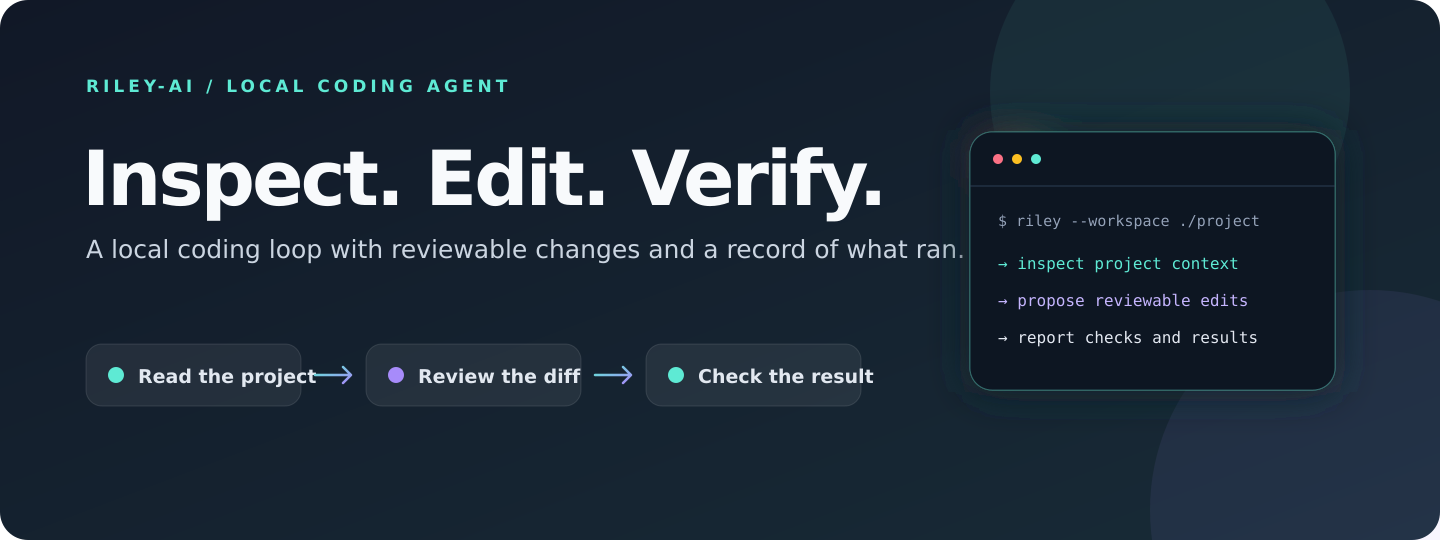
A local coding assistant with reviewable edits, recorded command results, and your explicit choice of local or hosted model.
Quick start · Coding guide · Web privacy · API
Riley-AI is a Python assistant with a terminal client, a unified browser conversation, coding tools, and an HTTP API. Use a downloaded Ollama model for local inference or explicitly select a hosted provider. Coding tasks can inspect a project, edit UTF-8 files, run sandboxed commands, and keep a durable record for review and recovery.
Coding is an early release for one developer on Linux or WSL2. Commands require Bubblewrap and working user namespaces. Keep coding on loopback and read the security model before using it with sensitive projects.
Model choices
Use local Ollama or downloaded Hugging Face GGUF models, or explicitly select Google Gemini, Anthropic Claude, OpenAI, or Hugging Face hosted inference. Credentials are scoped to the selected provider; failures never select a replacement service. See model providers for setup and supported controls. Hosted services receive the prompts and context you send.
Quick start
Install Python 3.12+ and uv. Coding commands also need ripgrep for file discovery, optional Git for repository inspection, and Bubblewrap for shell commands. Install your project's own development tools and dependencies before starting Riley-AI. Pull an Ollama model with tool support, or prepare the selected hosted provider's API key.
From source
git clone https://codeberg.org/ChocolatePastry/riley-ai.git
cd riley-ai
uv sync --locked

# Terminal coding task
uv run riley --cli --workspace /path/to/project --provider ollama --model YOUR_LOCAL_MODEL

# One browser conversation at http://127.0.0.1:8000/; project defaults to this directory
uv run riley --provider ollama --model YOUR_LOCAL_MODEL

# Choose a different initial project folder
uv run riley --workspace /path/to/project --provider ollama --model YOUR_LOCAL_MODEL

# Inspect and propose work without edits or commands
uv run riley --cli --workspace /path/to/project --mode plan --provider ollama --model YOUR_LOCAL_MODEL
For Gemini, set GOOGLE_API_KEY and select
--provider google --model YOUR_GEMINI_MODEL. Terminal coding offers /settings and /provider, with launch arguments for startup defaults. In the browser, Settings selects the
provider and model for both replies and new project work. Existing project
conversations require their recorded provider and model for continuation.
From PyPI
Install the release matching these guides in an isolated tool environment:
uv tool install 'riley-ai>=0.16.0'
riley --help
riley --cli --workspace /path/to/project --provider ollama --model YOUR_LOCAL_MODEL
Alternatively, use python -m pip install 'riley-ai>=0.16.0' in a Python 3.12+
virtual environment. Use documentation matching your installed version.
Installed-package
commands use riley; uv run commands above assume a source checkout.
Ordinary chat
The browser uses one conversation for chat and project work. Add --chat-only
to disable project access, or --cli for terminal chat and guided project access:
uv run riley --provider ollama --model YOUR_LOCAL_MODEL
uv run riley --cli --provider ollama --model YOUR_LOCAL_MODEL
The browser opens at http://127.0.0.1:8000/ (/coding is an alias). Each chat
session owns its settings and conversation. Ordinary questions use the profile's
encrypted history without starting project tools or inspecting files. Connect
Project by confirming its folder in the browser before requesting file work.
Empty folders work without Git. Riley stays within
the selected folder. In either interface, /cd PATH opens a folder connection
and asks for confirmation before switching the folder for future tasks. Follow-up messages continue completed project work in the
same conversation. Answers and provider-supplied reasoning are displayed separately.
See setup and chat usage
for credentials, terminal commands, encrypted history, and troubleshooting.
Working on a project
- Inspect: Riley-AI reads project context and applicable instructions.
- Edit: Agent mode applies hash-checked text changes; plan mode stays read-only.
- Check: Commands run offline through Bubblewrap. Each network-enabled command or coding web request requires approval for that invocation.
- Review: Inspect journaled patches, current Git changes, and command output. You decide what to keep and commit.
Closing the browser detaches the viewer. Stop cancels a task and keeps completed changes; resume explicitly after reviewing an interrupted task. Patch undo checks current file hashes and preserves conflicting user edits. Shell side effects are not automatically reversible. Riley-AI does not commit or push project changes.
A failed sandbox preflight disables commands without an unsandboxed fallback. Coding does not provide hostile-code isolation, aggregate resource quotas, remote execution, IDE integration, or native macOS/Windows sandboxing.
Web tools and data
Public-page reading is opt-in and returns source URLs and links. Local SearXNG search and local JavaScript rendering each require an additional setting. Search has no silent external fallback, and static reading needs no embedding model. See web reading and privacy for setup and supported pages.
Choose a local username and password to keep conversations and project activity in an encrypted SQLCipher vault. The browser and terminal also offer a temporary encrypted guest session: its chat/activity data is discarded on exit, expiry, or server shutdown; project files you edit remain. Passwords unlock the vault and are not saved as recoverable passwords. See storage and recovery.
Conversation retrieval uses local Ollama embeddings and a sqlite-vec index inside
the same encrypted vault. Install embeddinggemma deliberately to enable it;
Riley does not download a model or switch to hosted embeddings automatically.
If retrieval is unavailable, encrypted history remains available and Riley shows
the limitation. Context compaction bounds what is sent to the model without
silently deleting older conversations.
Local Ollama inference can keep model traffic on your machine. A selected hosted provider receives prompts and context used in answers. Remote Ollama endpoints and cloud-tagged models are rejected. Visited sites see your public IP and URL.
SearXNG search needs a separately running local service; Riley does not install
or start it. Reading a known URL with /read_web needs no search service. DuckDuckGo is
also available as an explicit opt-in; it receives the query and public IP directly.
Conversation and progress
The browser uses charcoal surfaces, blue accents, and a bottom composer.
Tools offers the same actions as slash commands without requiring command
syntax. Settings groups Model, Tools, and Display & history; web access can be
enabled there without restarting. Search offers direct DuckDuckGo without an
account/key, Brave Search with a separate API key, and optional local SearXNG. Type / for commands; /provider opens provider
choices. Terminal /settings offers keyboard menus, Shift+Left preserves a draft
while opening them, and /statusline customizes the existing header status details in either interface. Commands guide
you through missing values. /clear asks before clearing history and recorded
activity; project files and settings are kept. Both interfaces expose the same 21 commands, before and after connecting a folder. /new starts a fresh conversation and queue while retaining the previous conversation, work, folder, and permissions. Finish or explicitly stop active work before switching; pending work stays available for later continuation.
Activity stays compact during generation. In the browser, Thinking… opens
provider reasoning while it streams; it collapses into View reasoning when
the answer starts. Retained reasoning can be reopened later;
collapsing it does not delete it. Interactive terminal chat and coding use a
full-screen interface with a live header, scrollable history, and a composer that
keeps a persistent work list. Enter queues requests while busy; use Steer or
Ctrl+Shift+Enter in the browser, or /steer TEXT in the CLI, for active corrections.
Stop retains the backlog and partial output; continue explicitly. Queued settings
apply in order, after active work. Double Escape in an empty CLI composer opens
the message editor; processed-message edits create a separate branch. /reasoning displays the last retained summary.
Project activity appears inline in the same conversation, with recent tasks, readable tool results, elapsed time, Stop/Resume controls, a Changes drawer, and an Activity log of stages and timing. A live event connection means the server is reachable, not that the model is making progress. Browser project connection uses the local session and folder confirmation. Terminal coding shows model/tool stages and command results.
Documentation
For using Riley-AI:
| Guide | Use it to |
|---|---|
| Setup and chat usage | Install Riley-AI, select a provider, and configure chat. |
| Coding agent | Run, review, cancel, and resume project tasks. |
| Web reading and privacy | Enable page reading, search, and local rendering. |
| Security and data | Understand permissions, retention, and deployment limits. |
| HTTP API | Use local profiles, isolated conversations, and scoped project endpoints. |
For contributing:
| Guide | Use it to |
|---|---|
| Architecture | Follow component ownership and lifecycle boundaries. |
| Testing | Run deterministic checks and separate integration evaluations. |
| Contributing | Prepare a focused change and its documentation. |
The installed package includes these guides under share/doc/riley-ai/ inside its
installation environment. Use the source checkout for development and evaluations.
License
Riley-AI is licensed under GPL-3.0-only.
Model and display defaults belong to the local account and are shared by browser and CLI. Saving updates the current conversation and account defaults; existing conversations keep their snapshots. Keys stay in the unlocked session unless you choose encrypted account storage. Web/search permission starts off for each new conversation and expires after 15 idle minutes once active work settles. The host clock supplies fresh date/timezone context to each model request.
1 maintainer

Metadata
1 maintainer
Release files for riley-ai 0.17.0
For a detailed explanation of source distributions (sdists) and built distributions (wheels), please see the package formats documentation.
Source distribution (sdist)
| File | Size | Uploaded | Provenance | Actions |
|---|---|---|---|---|
| riley_ai-0.17.0.tar.gz | 779.2 kB | Without provenance | Details for riley_ai-0.17.0.tar.gz |
Built distribution (wheel)
| File | Interpreter | ABI | Platform | Actions Reset |
|---|---|---|---|---|
| riley_ai-0.17.0-py3-none-any.whl | Python 3 | none | any | Details for riley_ai-0.17.0-py3-none-any.whl |
Total release size: 1.4 MB
Release files / riley_ai-0.17.0.tar.gz
| Download URL | riley_ai-0.17.0.tar.gz |
|---|---|
| Size | 779.2 kB |
| Tags | Source |
|
SHA-256 checksum How to use checksums |
b44055bb5722f1b6ff2c204555c81eb0a64e886fe34a8f21240969ebc0ad8f08
|
|
BLAKE2b-256 checksum How to use checksums |
161856a06e34ddebed3e8ff94e4113a35573799634a6f131640db62c351bd308
|
| Upload date | |
|
Uploaded using Trusted Publishing? What is trusted publishing? |
No |
| Uploaded via |
twine/6.2.0 CPython/3.14.9
|
Release files / riley_ai-0.17.0-py3-none-any.whl
| Download URL | riley_ai-0.17.0-py3-none-any.whl |
|---|---|
| Size | 645.1 kB |
| Tags | Python 3 |
|
SHA-256 checksum How to use checksums |
0f39e7e75b9375ac103625c9358c90fa83df8d8bde587ab395ce929cf408c95e
|
|
BLAKE2b-256 checksum How to use checksums |
89360d057c95481734e8fe67b3ad49a1e064b093f7464a0726fe481efecdcc2c
|
| Upload date | |
|
Uploaded using Trusted Publishing? What is trusted publishing? |
No |
| Uploaded via |
twine/6.2.0 CPython/3.14.9
|
Security for riley-ai 0.17.0
Provenance
Provenance describes where a file came from. On PyPI, provenance is shared via attestations, which provide a verifiable record of the build or publishing details. View details, limitations and caveats.
No provenance found
None of the files in this release were uploaded with provenance metadata.
A note on package security
PyPI is a repository for distributing packages, not a service for auditing them. While third-party security researchers and our staff do their best to detect and remove malicious packages, PyPI cannot guarantee the quality, security or suitability of any given package.
To learn more about protecting yourself from malicious actors, visit our package security documentation.














