
Raspberry Pi 7" LCD emulator for rpi-backlight




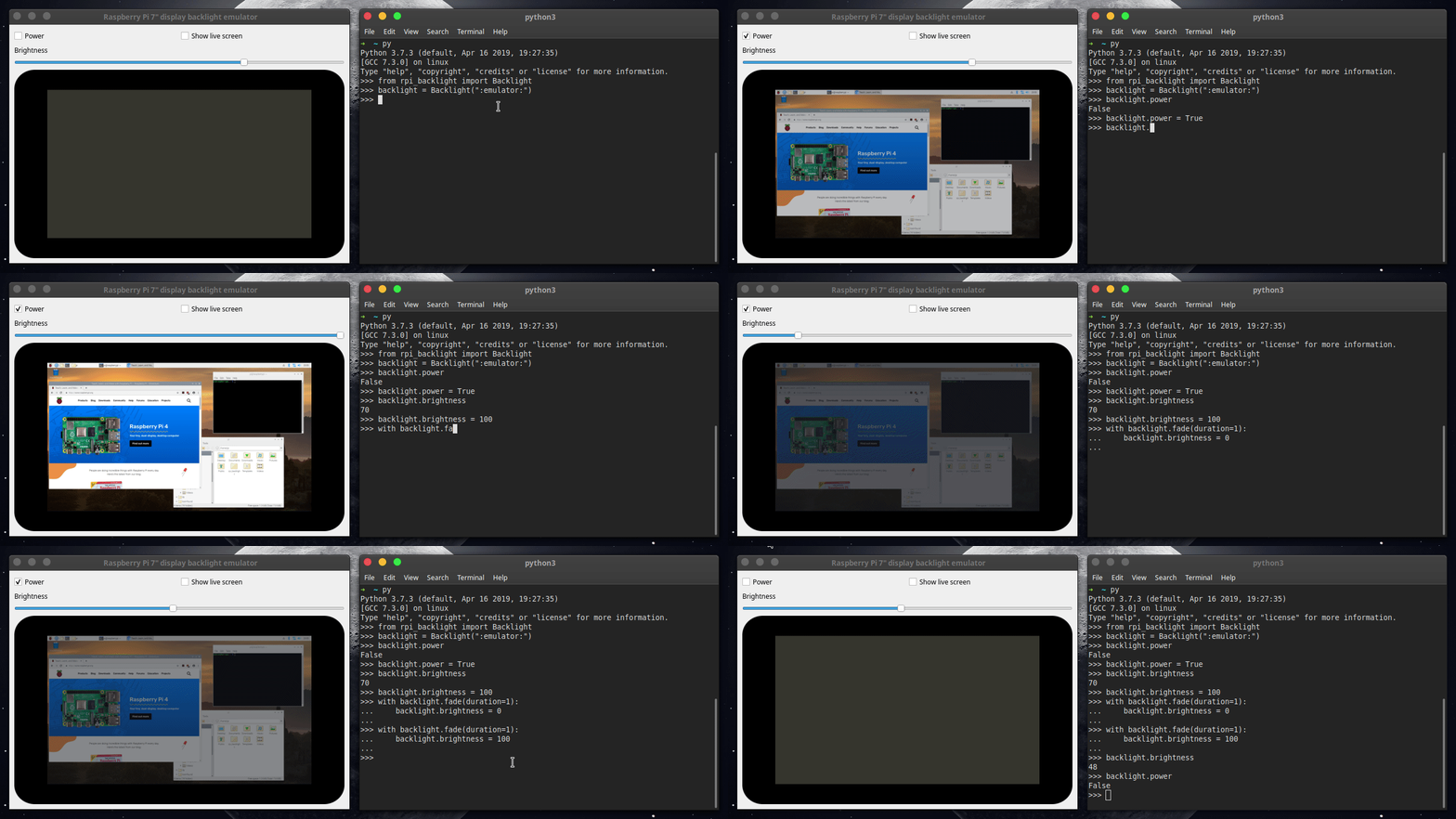
This is an emulator for the Raspberry Pi 7" LCD to test and develop
rpi-backlight without having a physical
display connected or even running on the Pi.
Requirements
Python 3.5+ is required, along with the packages PySide2,
watchdog and
rpi-backlight>=2.0.0
(see below).
Installation
PySide2 wheels for x86/x64 are available on PyPI, so you can simply run:
$ pip3 install rpi-backlight-emulator
On ARM (e.g. Raspberry Pi) it's more complicated (and only the new Debian/Raspbian Buster will work, Stretch won't - you'd have to install PySide2 from source):
$ sudo apt install python3-pyside2.qtcore python3-pyside2.qtgui python3-pyside2.qtwidgets
$ pip3 install watchdog rpi-backlight>=2.0.0
$ pip3 install --no-deps rpi-backlight-emulator
Usage
Run:
$ rpi-backlight-emulator
Note: on Windows, you'll need administrator privileges to create symbolic links, which this program does - so you'll have to execute the above as administrator.
Next, open a Python shell and create a rpi_backlight.Backlight instance using the
emulator:
>>> from rpi_backlight import Backlight
>>> backlight = Backlight(":emulator:")
>>>
Now, continue like you're connected to a real display!
You can make changes to the display using the emulator, they'll be reflected in the Python-API and vice versa.
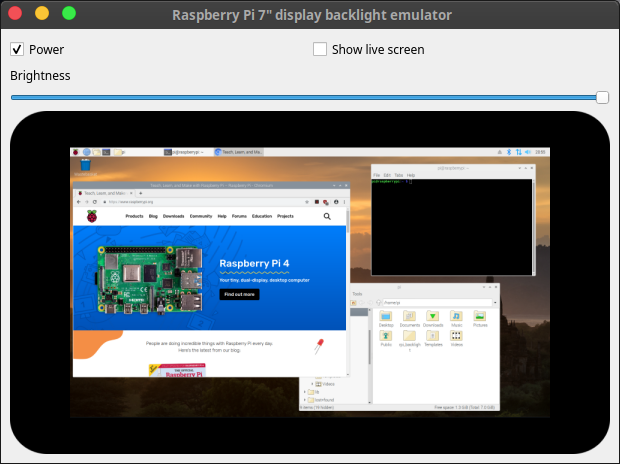
Enable Show live screen to replace the static Raspbian Buster screenshot with a live
preview of your monitor.
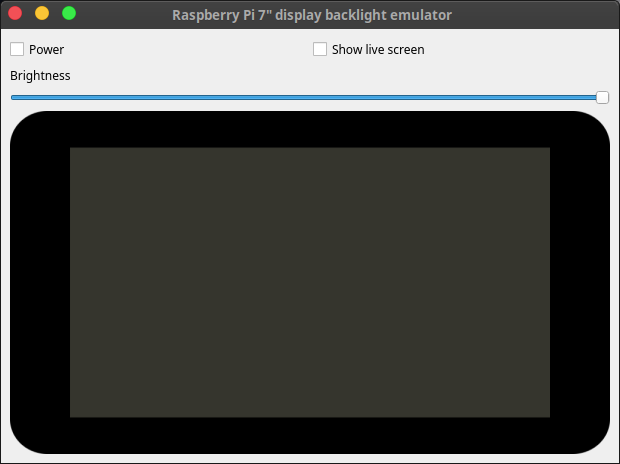
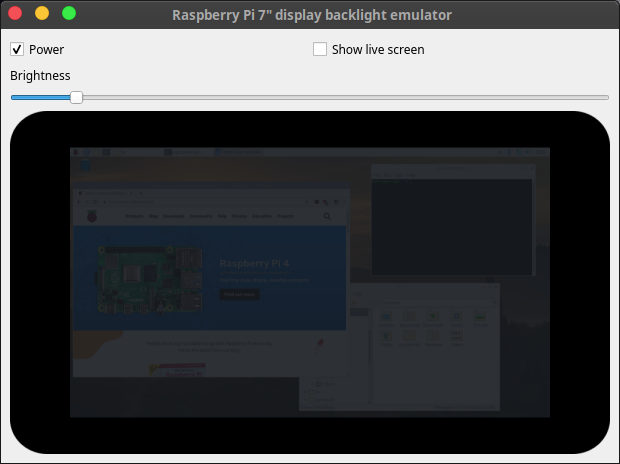
Screenshots
License
The source code and all other files in this repository are licensed under the MIT
license, so you can easily use it in your own projects. See LICENSE for
more information.
1 maintainer

Metadata
1 maintainer
Release files for rpi-backlight-emulator 1.2.0
For a detailed explanation of source distributions (sdists) and built distributions (wheels), please see the package formats documentation.
Source distribution (sdist)
| File | Size | Uploaded | |
|---|---|---|---|
| rpi-backlight-emulator-1.2.0.tar.gz | 1.1 MB | Details |
Built distribution (wheel)
| File | Interpreter | ABI | Platform | Reset |
|---|---|---|---|---|
| rpi_backlight_emulator-1.2.0-py3-none-any.whl | Python 3 | none | any | Details |
Total release size: 2.2 MB
Release files / rpi-backlight-emulator-1.2.0.tar.gz
| Download URL | rpi-backlight-emulator-1.2.0.tar.gz |
|---|---|
| Size | 1.1 MB |
| Tags | Source |
|
SHA-256 checksum How to use checksums |
0b18c7fb58209e34de86a84cf7f97c133d2944f7d9f91697c5396f9f32215694
|
|
BLAKE2b-256 checksum How to use checksums |
0d12758a6c76d24f1c657132f19d17ff122d326f8c5f3611f293f85ff61c2a4e
|
| Upload date | |
|
Uploaded using Trusted Publishing? What is trusted publishing? |
No |
| Uploaded via |
twine/1.13.0 pkginfo/1.5.0.1 requests/2.21.0 setuptools/41.0.0 requests-toolbelt/0.9.1 tqdm/4.31.1 CPython/3.7.3
|
Release files / rpi_backlight_emulator-1.2.0-py3-none-any.whl
| Download URL | rpi_backlight_emulator-1.2.0-py3-none-any.whl |
|---|---|
| Size | 1.1 MB |
| Tags | Python 3 |
|
SHA-256 checksum How to use checksums |
33c8e892897fffaf73284a6ea8fdbb3199bdac3edd69708dd177abaec186dbb3
|
|
BLAKE2b-256 checksum How to use checksums |
9438c85a50deb02e3274f75a650a0903c46027e355355f34c4e19b0f8fc0096c
|
| Upload date | |
|
Uploaded using Trusted Publishing? What is trusted publishing? |
No |
| Uploaded via |
twine/1.13.0 pkginfo/1.5.0.1 requests/2.21.0 setuptools/41.0.0 requests-toolbelt/0.9.1 tqdm/4.31.1 CPython/3.7.3
|














