Determine an approximate route between two points on earth.

Project description
scgraph


Supply chain graph package for Python
Documentation
Getting Started: https://github.com/connor-makowski/scgraph
Low Level: https://connor-makowski.github.io/scgraph/scgraph/core.html
Key Features
- Calculate the shortest path between two points on earth using a latitude / longitude pair
- Inputs:
- A latitude / longitude pair for the origin
- A latitude / longitude pair for the destination
- Calculation:
- Algorithms:
- Dijkstra's algorithm (Modified for sparse networks)
- Modified to support sparse network data structures
- Makowski's Modified Sparse Dijkstra algorithm
- Modified for O(n) performance on particularly sparse networks
- Possible future support for other algorithms
- Dijkstra's algorithm (Modified for sparse networks)
- Distances:
- Uses the haversine formula to calculate the distance between two points on earth
- Algorithms:
- Returns:
path:- A list of dictionaries (
latitudeandlongitude) that make up the shortest path
- A list of dictionaries (
length:- The distance in kilometers between the two points
- Inputs:
- Antimeridian support
- Arbitrary start and end points
- Arbitrary network data sets
Setup
Make sure you have Python 3.6.x (or higher) installed on your system. You can download it here.
Installation
pip install scgraph
Use with Google Colab
See the example here
Getting Started
Basic Usage
Get the shortest path between two points on earth using a latitude / longitude pair In this case, calculate the shortest maritime path between Shanghai, China and Savannah, Georgia, USA.
# Use a maritime network geograph
from scgraph.geographs.marnet import marnet_geograph

# Get the shortest path between
output = marnet_geograph.get_shortest_path(
    origin_node={"latitude": 31.23,"longitude": 121.47},
    destination_node={"latitude": 32.08,"longitude": -81.09},
    output_units='km'
)
print('Length: ',output['length']) #=> Length:  19596.4653
In the above example, the output variable is a dictionary with three keys: length and coordinate_path.
length: The distance between the passed origin and destination when traversing the graph along the shortest path- Notes:
- This will be in the units specified by the
output_unitsparameter. output_unitsoptions:km(kilometers - default)m(meters)mi(miles)ft(feet)
- This will be in the units specified by the
- Notes:
coordinate_path: A list of lists [latitude,longitude] that make up the shortest path
For more examples including viewing the output on a map, see the example notebook.
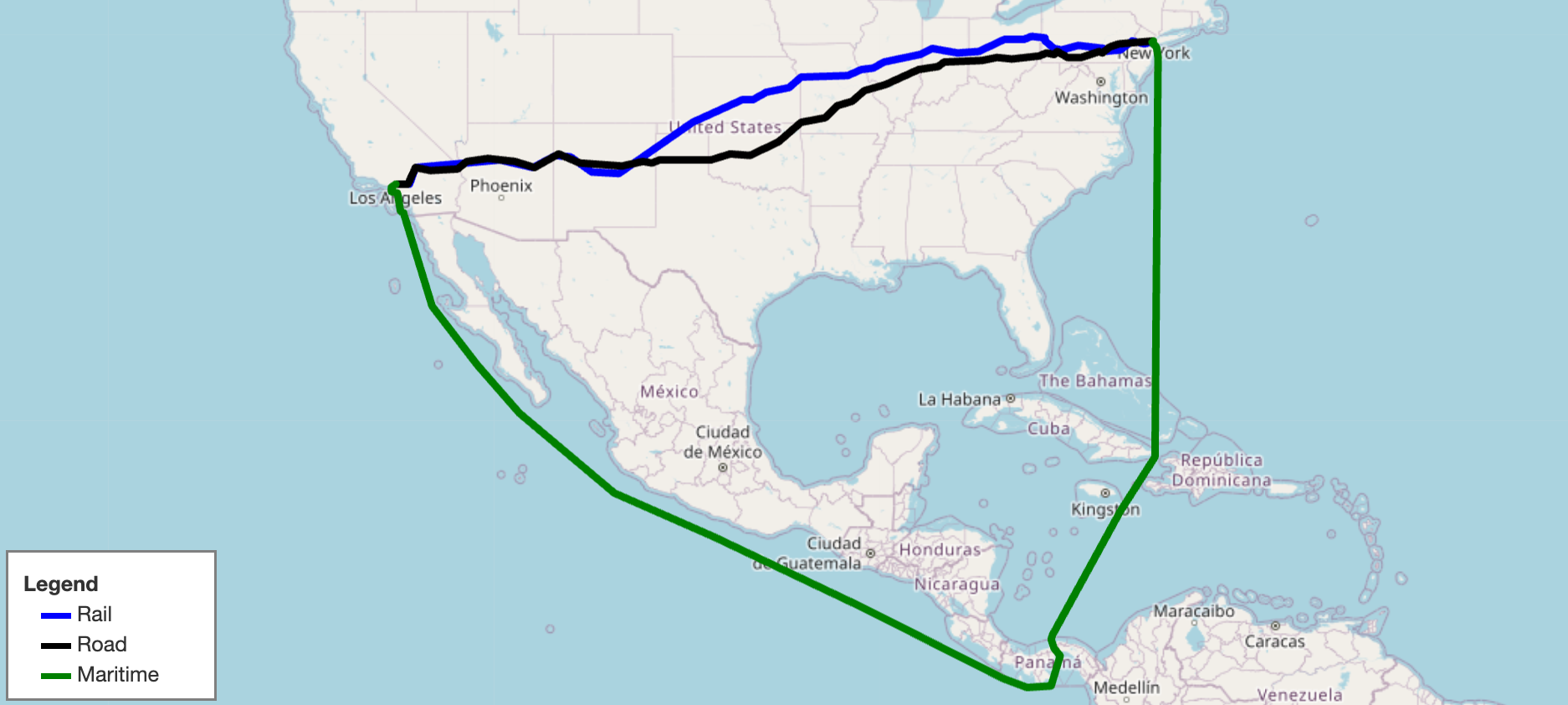
Included GeoGraphs
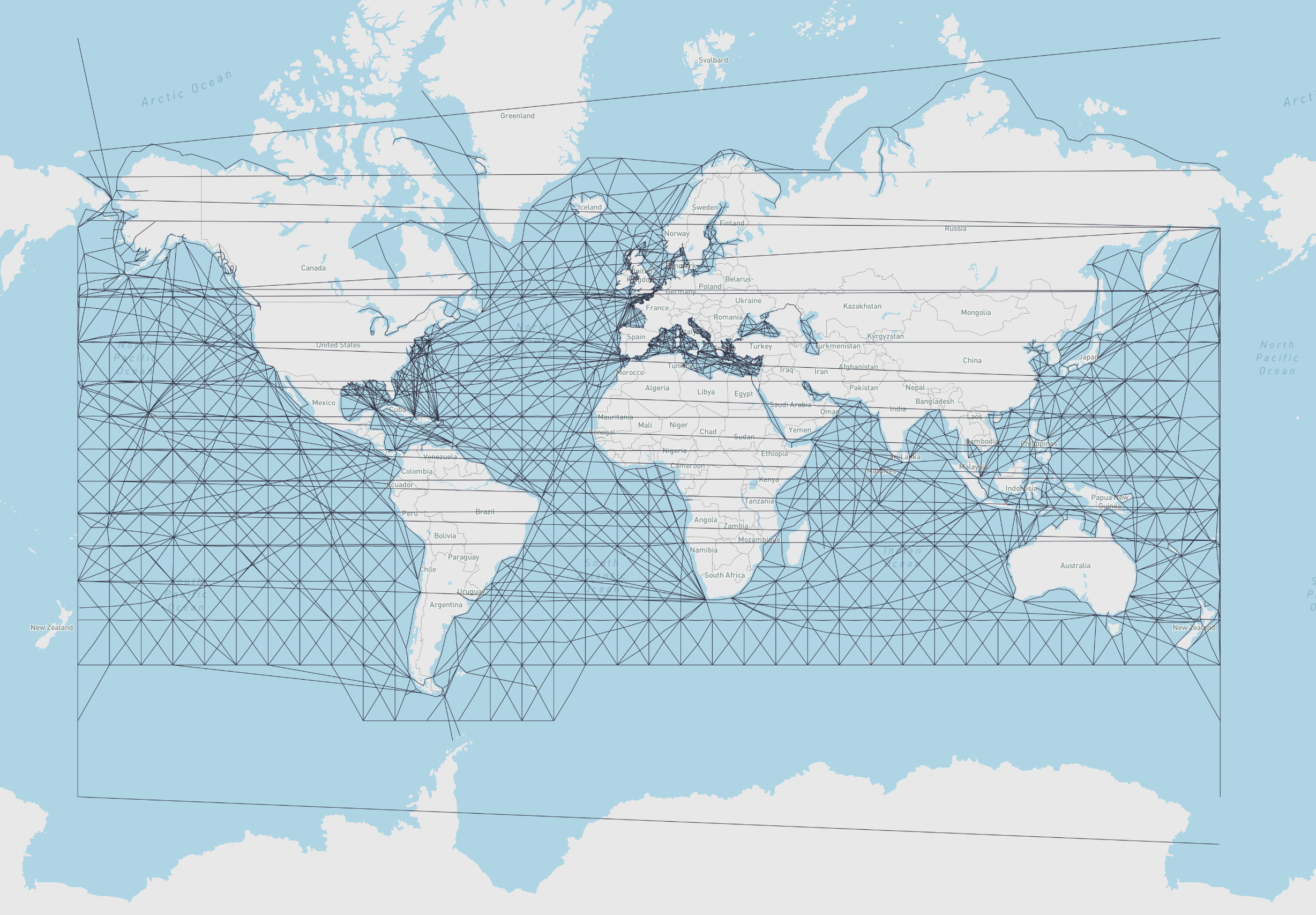
- marnet_geograph:
- What: A maritime network data set from searoute
- Use:
from scgraph.geographs.marnet import marnet_geograph - Attribution: searoute
- Length Measurement: Kilometers
- Marnet Picture
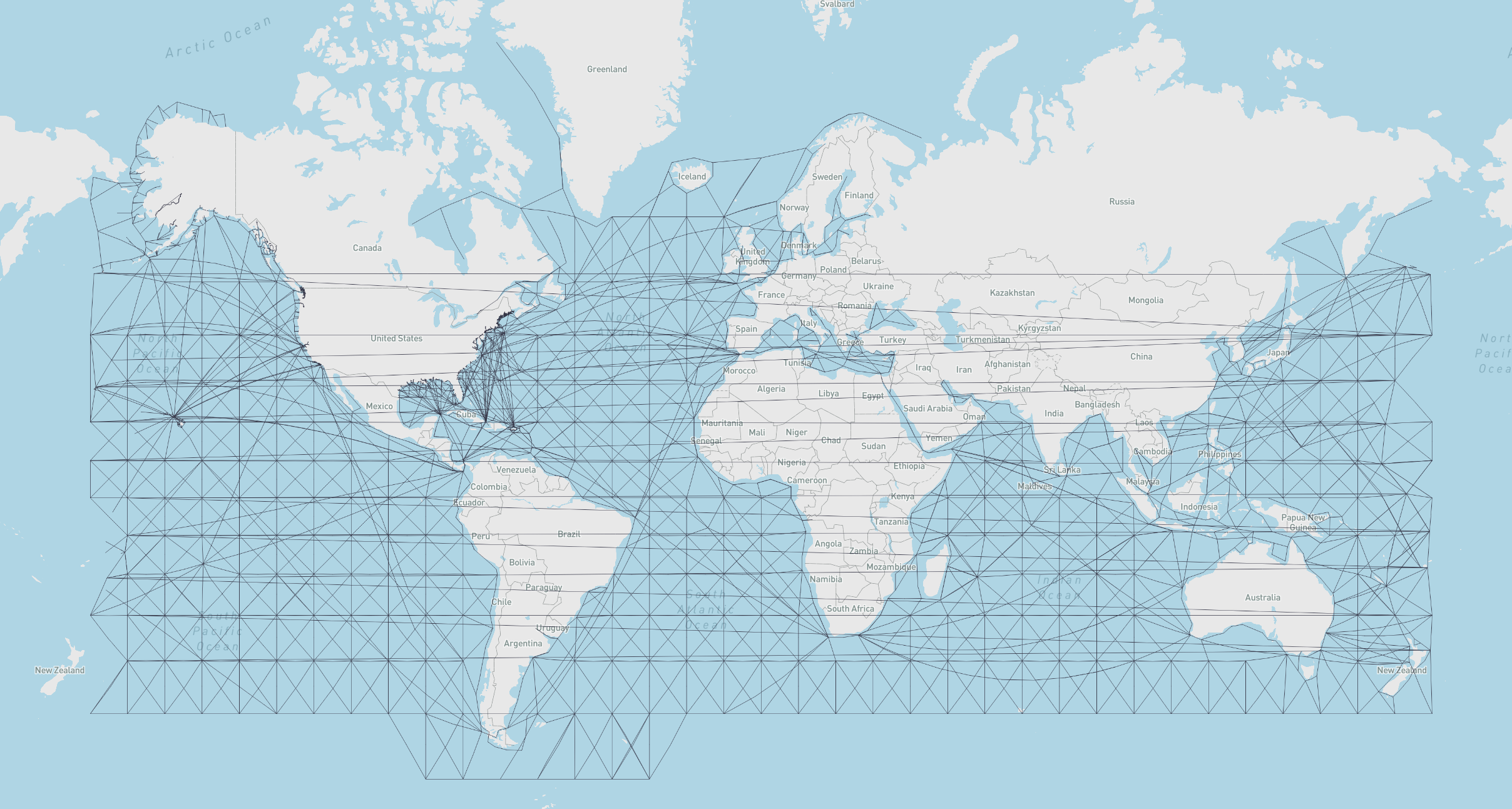
- oak_ridge_maritime_geograph:
- What: A maritime data set from the Oak Ridge National Laboratory campus
- Use:
from scgraph.geographs.oak_ridge_maritime import oak_ridge_maritime_geograph - Attribution: Oak Ridge National Laboratory with data from Geocommons
- Length Measurement: Kilometers
- Oak Ridge Maritime Picture
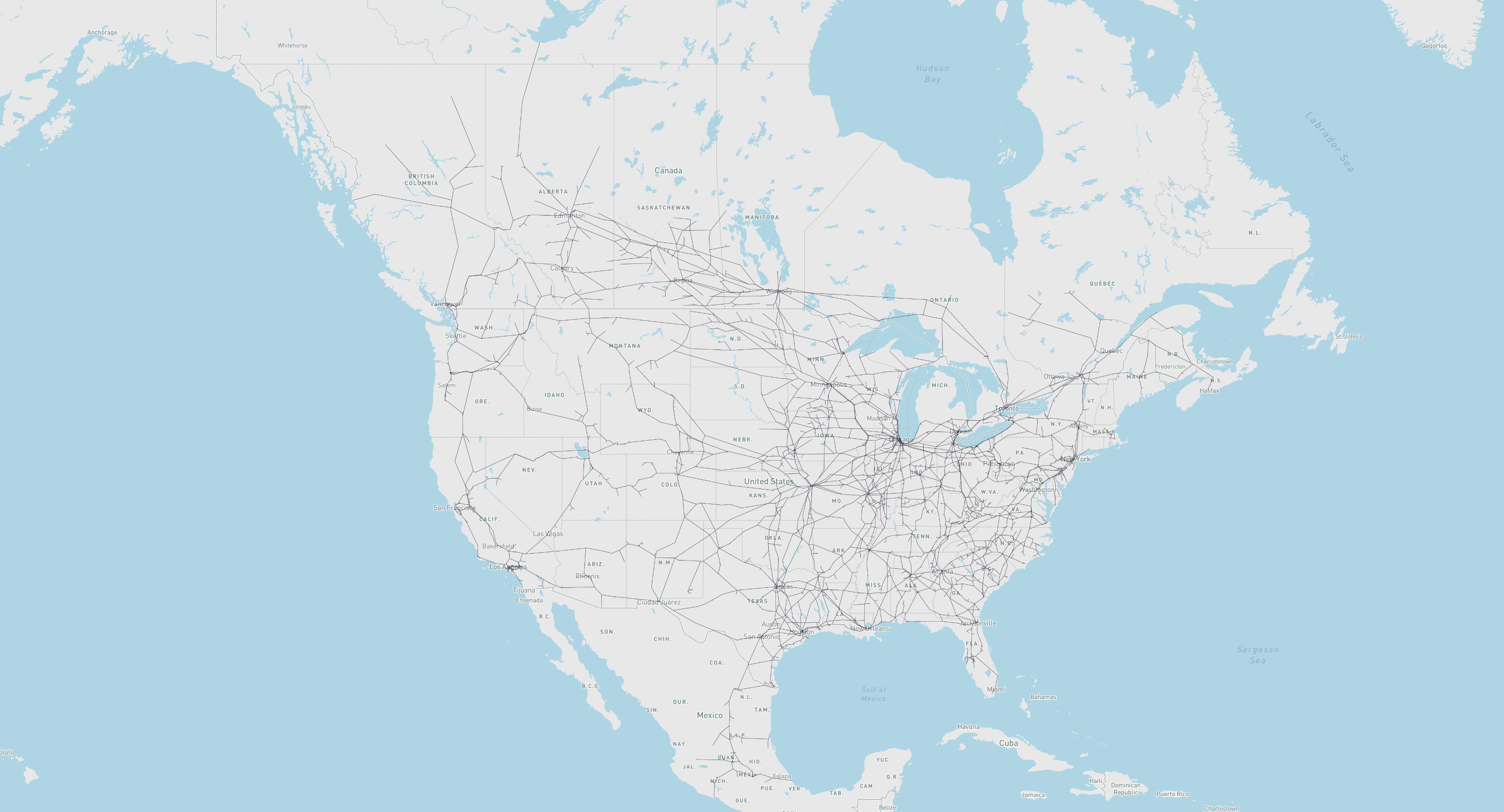
- north_america_rail_geograph:
- What: Class 1 Rail network for North America
- Use:
from scgraph.geographs.north_america_rail import north_america_rail_geograph - Attribution: U.S. Department of Transportation: ArcGIS Online
- Length Measurement: Kilometers
- North America Rail Picture
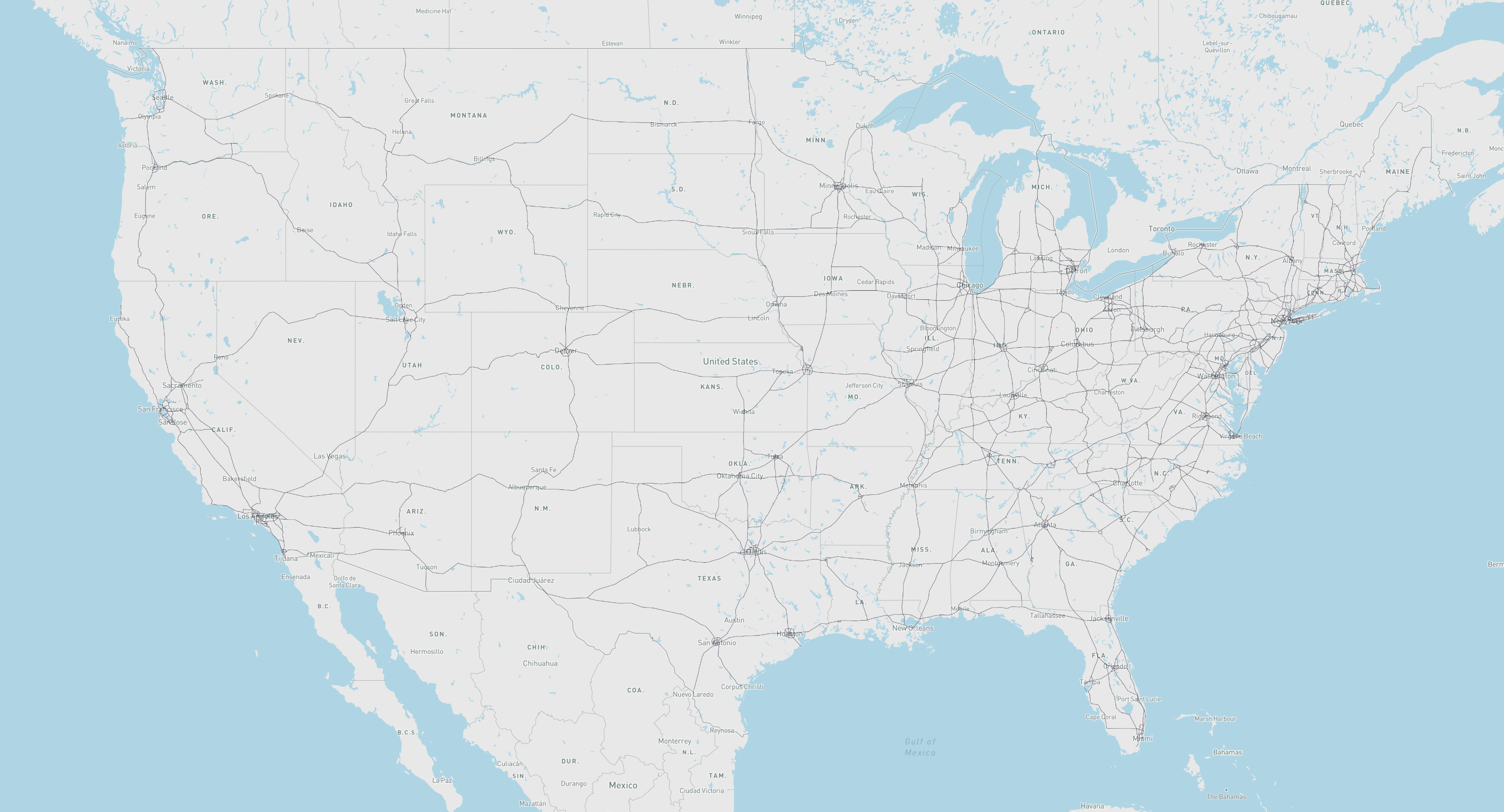
- us_freeway_geograph:
- What: Freeway network for the United States
- Use:
from scgraph.geographs.us_freeway import us_freeway_geograph - Attribution: U.S. Department of Transportation: ArcGIS Online
- Length Measurement: Kilometers
- US Freeway Picture
scgraph_datageographs:- What: Additional geographs are available in the
scgraph_datapackage- Note: These include larger geographs like the world highways geograph and world railways geograph.
- Installation:
pip install scgraph_data - Use:
from scgraph_data.world_highways import world_highways_geograph - See: scgraph_data for more information and all available geographs.
- What: Additional geographs are available in the
Advanced Usage
Using scgraph_data geographs:
- Note: Make sure to install the
scgraph_datapackage before using these geographs
from scgraph_data.world_railways import world_railways_geograph

# Get the shortest path between Kalamazoo Michigan and Detroit Michigan by Train
output = world_railways_geograph.get_shortest_path(
    origin_node={"latitude": 42.29,"longitude": -85.58},
    destination_node={"latitude": 42.33,"longitude": -83.05}
)
Get a geojson line path of an output for easy visualization:
- Note:
mapshaper.organdgeojson.ioare good tools for visualizing geojson files
from scgraph.geographs.marnet import marnet_geograph
from scgraph.utils import get_line_path

 # Get the shortest sea path between Sri Lanka and Somalia
output = marnet_geograph.get_shortest_path(
    origin_node={"latitude": 7.87,"longitude": 80.77},
    destination_node={"latitude": 5.15,"longitude": 46.20}
)
# Write the output to a geojson file
get_line_path(output, filename='output.geojson')
You can specify your own custom graphs for direct access to the solving algorithms. This requires the use of the low level Graph class
from scgraph import Graph

# Define a graph
# See the graph definitions here:
# https://connor-makowski.github.io/scgraph/scgraph/core.html
graph = [
    {1: 5, 2: 1},
    {0: 5, 2: 2, 3: 1},
    {0: 1, 1: 2, 3: 4, 4: 8},
    {1: 1, 2: 4, 4: 3, 5: 6},
    {2: 8, 3: 3},
    {3: 6}
]

# Optional: Validate your graph
Graph.validate_graph(graph=graph)

# Get the shortest path between idx 0 and idx 5
output = Graph.dijkstra_makowski(graph=graph, origin_id=0, destination_id=5)
#=> {'path': [0, 2, 1, 3, 5], 'length': 10}
You can also use a slightly higher level GeoGraph class to work with latitude / longitude pairs
from scgraph import GeoGraph

# Define nodes
# See the nodes definitions here:
# https://connor-makowski.github.io/scgraph/scgraph/core.html
nodes = [
    [0,0],
    [0,1],
    [1,0],
    [1,1],
    [1,2],
    [2,1]
]
# Define a graph
# See the graph definitions here:
# https://connor-makowski.github.io/scgraph/scgraph/core.html
graph = [
    {1: 5, 2: 1},
    {0: 5, 2: 2, 3: 1},
    {0: 1, 1: 2, 3: 4, 4: 8},
    {1: 1, 2: 4, 4: 3, 5: 6},
    {2: 8, 3: 3},
    {3: 6}
]

# Create a GeoGraph object
my_geograph = GeoGraph(nodes=nodes, graph=graph)

# Optional: Validate your graph
my_geograph.validate_graph()

# Optional: Validate your nodes
my_geograph.validate_nodes()

# Get the shortest path between two points
output = my_geograph.get_shortest_path(
    origin_node = {'latitude': 0, 'longitude': 0},
    destination_node = {'latitude': 2, 'longitude': 1}
)
#=>
# {
#     "coordinate_path": [
#         [0,0],
#         [0,0],
#         [1,0],
#         [0,1],
#         [1,1],
#         [2,1],
#         [2,1]
#     ],
#     "length": 10
# }
Attributions and Thanks
Originally inspired by searoute including the use of one of their datasets that has been modified to work properly with this package.
Release history Release notifications | RSS feed


Download files
Download the file for your platform. If you're not sure which to choose, learn more about installing packages.
Source Distribution
Built Distribution
Filter files by name, interpreter, ABI, and platform.
If you're not sure about the file name format, learn more about wheel file names.
Copy a direct link to the current filters
File details
Details for the file scgraph-2.1.1.tar.gz.
File metadata
- Download URL: scgraph-2.1.1.tar.gz
- Upload date:
- Size: 938.4 kB
- Tags: Source
- Uploaded using Trusted Publishing? No
- Uploaded via: twine/4.0.2 CPython/3.12.2
File hashes
| Algorithm | Hash digest | |
|---|---|---|
| SHA256 |
f574150e6461e3a982ffb97bbf8d1050dea36fcab4546a6a17f11794655cf248
|
|
| MD5 |
6d73b948c1f66714c655f29772fd412e
|
|
| BLAKE2b-256 |
f32a9f519d56126e7ffdf325009e835b577b4f9736e00bb9decb163ff63f202a
|
File details
Details for the file scgraph-2.1.1-py3-none-any.whl.
File metadata
- Download URL: scgraph-2.1.1-py3-none-any.whl
- Upload date:
- Size: 944.1 kB
- Tags: Python 3
- Uploaded using Trusted Publishing? No
- Uploaded via: twine/4.0.2 CPython/3.12.2
File hashes
| Algorithm | Hash digest | |
|---|---|---|
| SHA256 |
9ce559239dce66eb7a9c3fc794fdaeee3cd885c7ef6618396d9f840b71689ec3
|
|
| MD5 |
3ee48354f292eabbee9f1cf125553326
|
|
| BLAKE2b-256 |
8ba9247a74fc86712e20ddf7a2bcec26249196372a4b508bc9e9f9363f013439
|