
Record screen with python
Verified details
These details have been verified by PyPIProject links
GitHub Statistics
Maintainers

Project description
screenrecord




Record screen with python
The backstory for this tool is here
Installation
Install this tool using pip:
pip install screenrecord
Usage
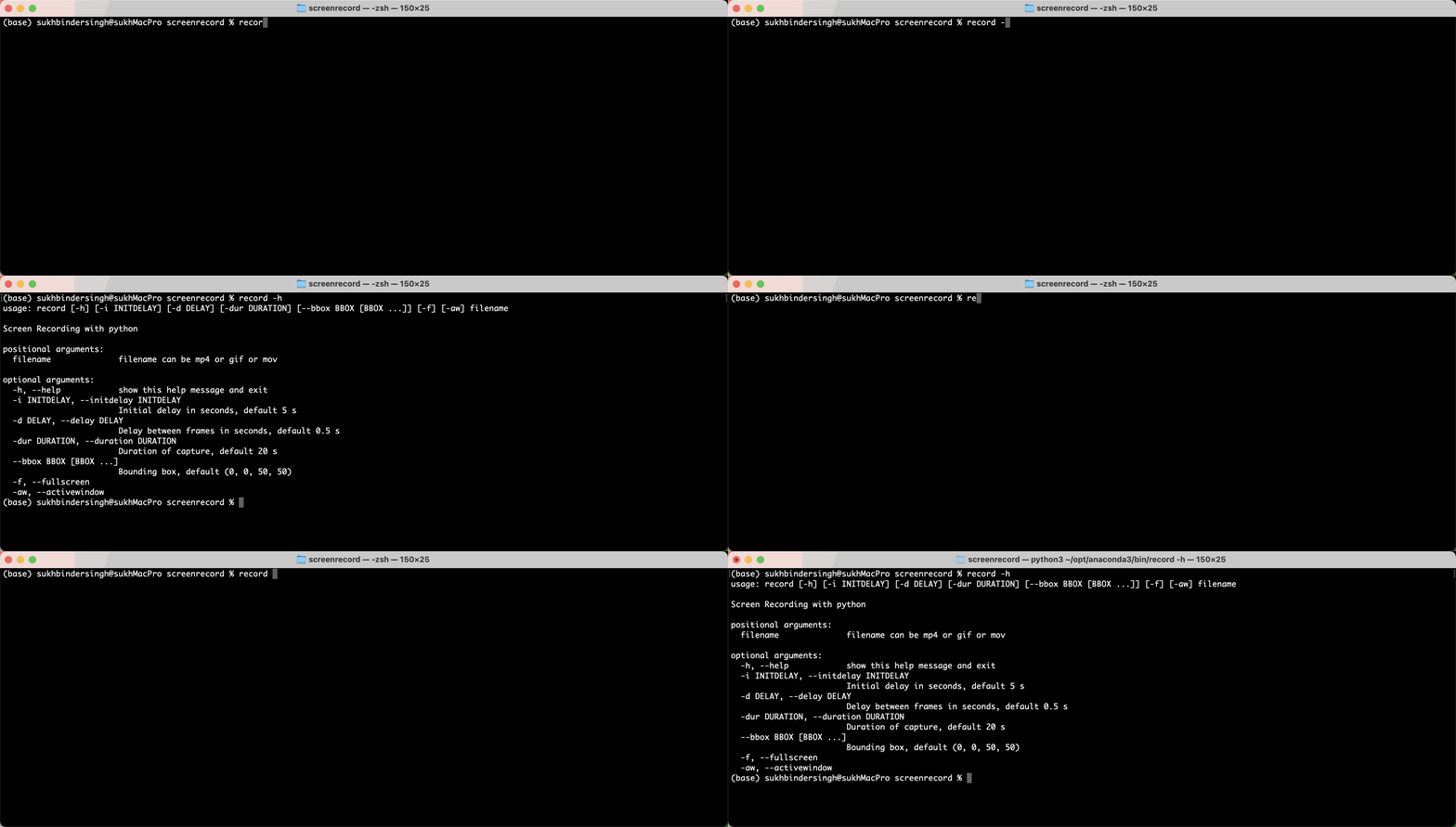
For help, run:
record --help
You can also use:
python -m record --help
Shows
usage: record [-h] [-i INITDELAY] [-l LOOP] [--fps FPS] [-d DELAY]
              [-dur DURATION] [--bbox BBOX [BBOX ...]] [-f] [-aw] [-s]
              filename

Screen Recording with python

positional arguments:
  filename              filename can be mp4 or gif or mov

optional arguments:
  -h, --help            show this help message and exit
  -i INITDELAY, --initdelay INITDELAY
                        Initial delay in seconds, default 5 s
  -l LOOP, --loop LOOP  No of loops for GIF, default 5 (0 = infinite loop)
  --fps FPS             FPS, default is 10
  -d DELAY, --delay DELAY
                        Delay between frames in seconds, default 0.1 s
  -dur DURATION, --duration DURATION
                        Duration of capture, default 20s
  --bbox BBOX [BBOX ...]
                        Bounding box, default (0, 0, 50, 50)
  -f, --fullscreen      Record fullscreen
  -aw, --activewindow   Allows user to select an active window to record.
  -s, --save            Save frames used for creating the gif/mp4
Development
To contribute to this tool, first checkout the code. Then create a new virtual environment:
cd screenrecord
python -m venv venv
source venv/bin/activate
Now install the dependencies and test dependencies:
pip install -e '.[test]'
To run the tests:
python -m pytest
Project details
Verified details
These details have been verified by PyPIProject links
GitHub Statistics
Maintainers


Download files
Download the file for your platform. If you're not sure which to choose, learn more about installing packages.
Source Distribution
Built Distribution
Filter files by name, interpreter, ABI, and platform.
If you're not sure about the file name format, learn more about wheel file names.
Copy a direct link to the current filters
File details
Details for the file screenrecord-1.2.0.tar.gz.
File metadata
- Download URL: screenrecord-1.2.0.tar.gz
- Upload date:
- Size: 10.5 kB
- Tags: Source
- Uploaded using Trusted Publishing? Yes
- Uploaded via: twine/6.1.0 CPython/3.13.12
File hashes
| Algorithm | Hash digest | |
|---|---|---|
| SHA256 |
d42d86ff3da0afe5a846e34a7d31df77da6513fd71eac71dc548a3ae0685a3e5
|
|
| MD5 |
fd0cb2c97007e412ef93aebf4e8f8c3b
|
|
| BLAKE2b-256 |
4d3299d0ebe9c6960f06864c452b69abc55b2b0d9a59bb62e1a7fa81c31b0f4b
|
Provenance
The following attestation bundles were made for screenrecord-1.2.0.tar.gz:
Publisher:
publish.yml on sukhbinder/screenrecord
-
Statement:
-
Statement type:
https://in-toto.io/Statement/v1 -
Predicate type:
https://docs.pypi.org/attestations/publish/v1 -
Subject name:
screenrecord-1.2.0.tar.gz -
Subject digest:
d42d86ff3da0afe5a846e34a7d31df77da6513fd71eac71dc548a3ae0685a3e5 - Sigstore transparency entry: 2059051021
- Sigstore integration time:
-
Permalink:
sukhbinder/screenrecord@e48f2fdd1d6e436d75aa9bd9e881724c5b4f72cc -
Branch / Tag:
refs/tags/1.2.0 - Owner: https://github.com/sukhbinder
-
Access:
public
-
Token Issuer:
https://token.actions.githubusercontent.com -
Runner Environment:
github-hosted -
Publication workflow:
publish.yml@e48f2fdd1d6e436d75aa9bd9e881724c5b4f72cc -
Trigger Event:
release
-
Statement type:
File details
Details for the file screenrecord-1.2.0-py3-none-any.whl.
File metadata
- Download URL: screenrecord-1.2.0-py3-none-any.whl
- Upload date:
- Size: 10.0 kB
- Tags: Python 3
- Uploaded using Trusted Publishing? Yes
- Uploaded via: twine/6.1.0 CPython/3.13.12
File hashes
| Algorithm | Hash digest | |
|---|---|---|
| SHA256 |
e8d5aa78ddcdddf45c5de4008ec09916a6e916ef8d8aa835a6ea9cc873bbce86
|
|
| MD5 |
f0c5c21b81ba68dd6314ee6aae532db6
|
|
| BLAKE2b-256 |
cd51769beb30bef0e731185856c8be495e1706cecc199a63bb621cde9eb9f2fd
|
Provenance
The following attestation bundles were made for screenrecord-1.2.0-py3-none-any.whl:
Publisher:
publish.yml on sukhbinder/screenrecord
-
Statement:
-
Statement type:
https://in-toto.io/Statement/v1 -
Predicate type:
https://docs.pypi.org/attestations/publish/v1 -
Subject name:
screenrecord-1.2.0-py3-none-any.whl -
Subject digest:
e8d5aa78ddcdddf45c5de4008ec09916a6e916ef8d8aa835a6ea9cc873bbce86 - Sigstore transparency entry: 2059051251
- Sigstore integration time:
-
Permalink:
sukhbinder/screenrecord@e48f2fdd1d6e436d75aa9bd9e881724c5b4f72cc -
Branch / Tag:
refs/tags/1.2.0 - Owner: https://github.com/sukhbinder
-
Access:
public
-
Token Issuer:
https://token.actions.githubusercontent.com -
Runner Environment:
github-hosted -
Publication workflow:
publish.yml@e48f2fdd1d6e436d75aa9bd9e881724c5b4f72cc -
Trigger Event:
release
-
Statement type:






