
Cross platform screenshot to text CLI

Project description
Screenshot to Text (S2T)
A crossplatform CLI utility to extract text from a screenshot.
Run it, select an area on your screen and the text will be copied to your clipboard.
It relies on readily existing external tools for screenshotting, OCR, and clipboard management.
Built as a good enough solution until someone builds a cross platform super fast native rust application that does the same thing better :sweat_smile:
Status


Testing Details
| Platform | Tested On | Status |
|---|---|---|
| Linux (X11) | Native Ubuntu 24.04 (X11) |  |
| Linux (Wayland) | Quickemu Ubuntu 25.04 (Wayland) | |
| macOS | Quickemu macOS Sequoia | |
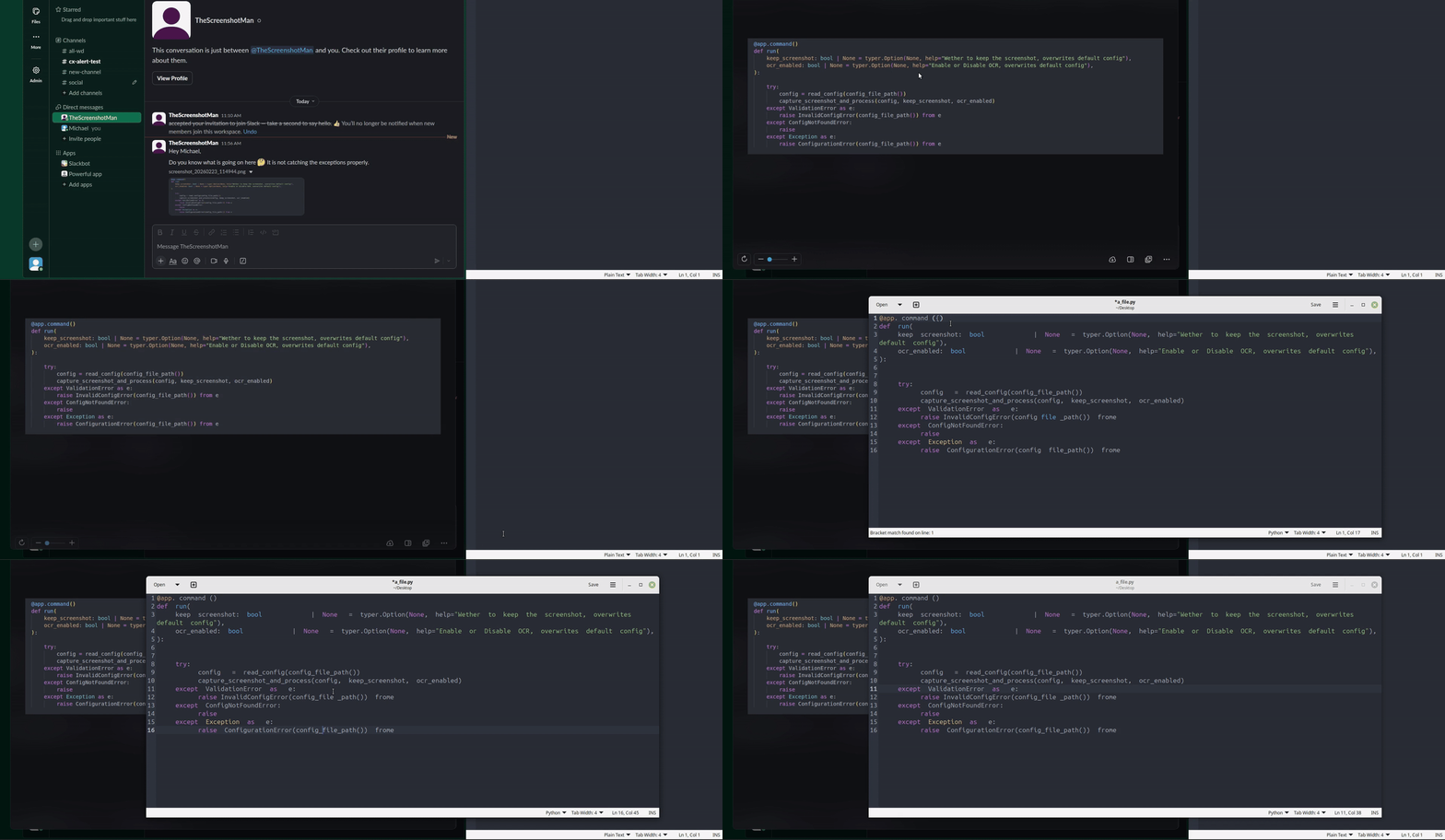
Watch it in Action
Dependencies
You will need to have one of the supported tools for each category installed on your system.
Supported Platforms & Tools
| Platform | Screenshot Tools | OCR | Clipboard Tools |
|---|---|---|---|
| Linux (X11) | flameshot, gnome-screenshot |
tesseract |
xclip |
| Linux (Wayland) | flameshot |
tesseract |
wl-copy |
| macOS | flameshot, screencapture |
tesseract |
pbcopy |
Recommended Tool Installation
Linux (X11)
sudo apt-get install gnome-screenshot tesseract-ocr xclip
Linux (Wayland)
sudo apt-get install flameshot tesseract-ocr wl-clipboard
macOS
brew install tesseract
Installation and Configuration (First Use)
We recommend installing with pipx or uv
pipx install screenshot-to-text
or
uv tool install screenshot-to-text
Configuration
Before the first run, you need to configure the tool:
s2t config
This command will prompt you to select the tools you want to use for screenshotting, OCR, and clipboard operations from the available tools on your system. If your system is missing the necessary tools it will ask you to install them.
It will create a config.toml file in your user configuration directory.
Usage
To take a screenshot and extract text to clipboard, run:
s2t run
It is recommended to attach s2t run to a hotkey for maximum convenience.
You can also use the alias screenshot-to-text.
The run command accepts the following options:
--keep-screenshot: Overwrites the default config to keep the screenshot.--no-keep-screenshot: Overwrites the default config to not keep the screenshot.--ocr-enabled: Overwrites the default config to enable OCR.--no-ocr-enabled: Overwrites the default config to disable OCR.
Supported Python Versions
Python versions >=3.11 are supported.
To-Do and Contribution Points
Contributions are welcome! Here are some areas where you can help:
- Add Windows Support: The current implementation is focused on Linux and macOS. Adding support for Windows would be a great contribution. This would involve finding and integrating with Windows-native command-line tools for screenshots and clipboard management.
- Support More OS-Native Tools: If you use a screenshot or clipboard tool that is not currently supported, feel free to open a pull request to add it.
- Add Support for AI OCR Libraries: Currently, only Tesseract is supported for OCR. It would be great to add support for modern AI-based OCR libraries and services (e.g., Google's OCR, or local AI models).
- Improve Image Preprocessing: The current image preprocessing is basic. You can contribute by improving the existing preprocessing steps or adding new ones to improve OCR accuracy. The preprocessing parameters could also be made configurable.
- Tweak Tesseract Parameters: The parameters for Tesseract could be exposed in the configuration file to allow users to fine-tune them for their specific needs.
- Better CLI Flags and Flexibility: Current CLI flags are not exactly useful implementations, these can be improved.
Please open an issue or a pull request to discuss your ideas.
Release history Release notifications | RSS feed


Download files
Download the file for your platform. If you're not sure which to choose, learn more about installing packages.
Source Distribution
Built Distribution
Filter files by name, interpreter, ABI, and platform.
If you're not sure about the file name format, learn more about wheel file names.
Copy a direct link to the current filters
File details
Details for the file screenshot_to_text-0.1.1.tar.gz.
File metadata
- Download URL: screenshot_to_text-0.1.1.tar.gz
- Upload date:
- Size: 13.6 kB
- Tags: Source
- Uploaded using Trusted Publishing? No
- Uploaded via: uv/0.10.6 {"installer":{"name":"uv","version":"0.10.6","subcommand":["publish"]},"python":null,"implementation":{"name":null,"version":null},"distro":{"name":"Ubuntu","version":"24.04","id":"noble","libc":null},"system":{"name":null,"release":null},"cpu":null,"openssl_version":null,"setuptools_version":null,"rustc_version":null,"ci":true}
File hashes
| Algorithm | Hash digest | |
|---|---|---|
| SHA256 |
5e765fcbd9058466f0ab187a9bc77219273e049da1c7b2f4d70deaec658b9b29
|
|
| MD5 |
4414d90ea25fbd320acae6b103555d39
|
|
| BLAKE2b-256 |
b28c230bb346f5e76e60589baced841c3a18e795d3fd5bb1a3bac5df30b16d0f
|
File details
Details for the file screenshot_to_text-0.1.1-py3-none-any.whl.
File metadata
- Download URL: screenshot_to_text-0.1.1-py3-none-any.whl
- Upload date:
- Size: 14.0 kB
- Tags: Python 3
- Uploaded using Trusted Publishing? No
- Uploaded via: uv/0.10.6 {"installer":{"name":"uv","version":"0.10.6","subcommand":["publish"]},"python":null,"implementation":{"name":null,"version":null},"distro":{"name":"Ubuntu","version":"24.04","id":"noble","libc":null},"system":{"name":null,"release":null},"cpu":null,"openssl_version":null,"setuptools_version":null,"rustc_version":null,"ci":true}
File hashes
| Algorithm | Hash digest | |
|---|---|---|
| SHA256 |
28fbf40fc6572069d49ee4050cd4ab30670a18b19603219c06d0cff680952afc
|
|
| MD5 |
83b5ce9e097fb6df3bc7c8955b805a9a
|
|
| BLAKE2b-256 |
c68a316f7f9d99d2f69f4082d429495707b42a9820853d2927c10cfe577e94ea
|






